Could I add a self hosted homey on my server to work together with my homey pro ?
Setup of the self hosted homey will not be an easy, but in what way could they work together ? Could I move the WiFi enabled devices to the self hosted homey for example ?
it’s available in the App Store for Homey SHS, however I doubt it’s really providing you with a benefit to run both an Homey Pro and a self hosted Homey. Unless you’re running out of memory on your current Homey Pro for instance.
Yes you can regain memory by moving all network apps & devices to SHS.
With the aforementioned HomeyLink app (on both Homeys), you can ‘import’ those devices back to the Pro.
You’ll need to fix the related flows to replace the ‘old’ network apps devices with the ‘new’ ones.
.
Depends on what your server runs.
I installed Docker on Debian 13, and all it took was this
1. Create a Docker Compose file
Create a file homey-shs.yml on your computer’s home directory with the following contents.
Some kind of autocorrect must have happened… looks like I wrote that installing the self hosted version might be difficult… I did not mean to write that, it’s super easy and took my 1 minute….
It’s running allready and my WiFi devices are allready in, as are my apps.
If this thing is stable (which. I expect it to be), I really have no need for the physical homey anymore, the added value is in the software.
I am on my 3rd homey, replacement has been because the hardware broke (free exchange by argon) or just because the device was “fulll”, both will not happen on my home server (unraid).
So I just bought a homey bridge to make sure I can continue to use the few zwave/zigbee devices that I have not phased out yet (running WiFi via homewizard and Shelly primarily).
I’ll test it out for a few months with the 5 euro per month plan and if it works I will splash out for the lifetime. Combined with the bridge that will be cheaper then buying the new homey pro (my memory is currently full to the brim so I have to do something).
I linked min but I was planing to make the SHS the main and the pro the secondary as I like other am out of memory and I found one issue I have the Tesla app it requires Bluetooth so I connected the Tesla app to pro and then install the Tesla app on SHS when to add the widget on the SHS and it can’t find the car pulled from the pro.
There is an app that links the pro’s together, so they start working in a bridge mode
It’s called HomeyLink and is an official Athom app
HomeyLink enables seamless device sharing between your Homey Pro systems by connecting a secondary Homey Pro to your primary one. When connected, all devices from your secondary Homey Pro appear and can be controlled directly from your primary system.
Oh no, that’s what we’d like it to be, James. However, it ‘only’ makes it possible to link devices (not always with all their capabilities) and start flows on the remote Homey. Cross connections are possible as well (two Homey Pro / SHS can link eachother’s devices and start eachother’s flows), and one can link devices + start flows from multiple other Pros / SHSs.
Ive done this. Shifted most over now from HP2023 to the SHS and ive found that automation’s are faster
My Hp2023 was out of memory and not even 12 months old.
Using both is good but there is no true link even with the link app. I seem to have been ignored so far on other posts but this is pretty shoddy stuff- surely i cant be the only one to think this isnt the best - Why do we need a bloody link app?
Why isnt it just one “home” all aps all devices on one screen but managed in 2 hubs. Aqara manage, SmartThings manage.
The link iapp is good isnt the answer and not all things can be pulled over or straight forward. Eg duplicate matter devices. As Peter said this is what we would like it to be. Or ever better
Im holding out that someone in Homey also thinks this is poor and the link app is updated or even binned all together and we can have many hubs in one home without the need for an app.
In the short term ive found that most works and its very responsive now ive split the load between the HP2023 and SHS
Yes the SHS works so much better now then my HP was due to memory issues I have about of apps and devices I guess. But I think there headed towards a better experience now that they get a lot more feedback on the link as I sure lots of SHS users will have HP. I picked up the bridge and just got it in today so my home has
main - SHS (ProxMox)
Homey Pro 2023
And now Homey Bridge
my goal is to move off HP and only on SHS and Bridge and give my dad the HP


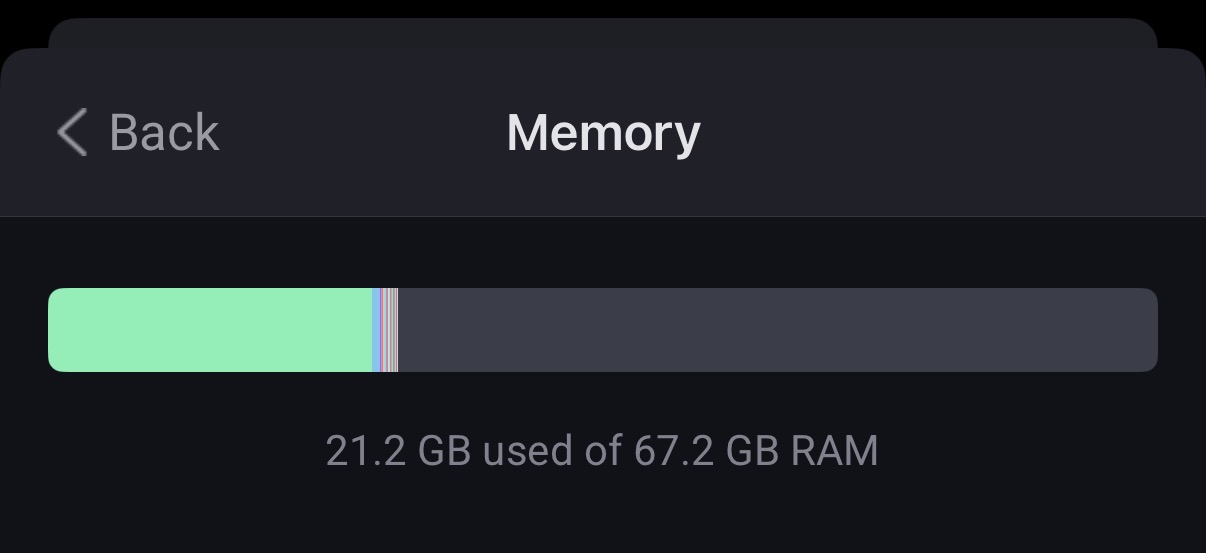



 Man, I remember upgrading my first PC from 4 to 8MB. That would make it future proof
