That is indeed a cleaner solution. Thanks!

You can check the device capabilities in developer tools.
It seems your device is using meter_gas capability.




- please write english
- ask the app developer

You can delete the values of a specific day for a specific Energy/Usage group (like water, gas, etc,) via the Manage Data option. You can access it via the customize/change button at the bottom of the Energy tab and then tap Manage Data.

No values at Stroomnet and Huis?

Yesterday (15-1-2025), my Homey Pro 2023 was updated to version 12.3.0, making the Energy tab available in the Homey app. At that time, there were values at Stroomnet and Huis. I then excluded various Power by the Hour devices from the energy measurements. I deleted all existing data to start the measurements from 0 and avoid data contamination (noise) from PbtH devices. Since then, I have not had any values in the marked places. So, I wonder if it has to do with deleting the data. The energy function is now in use for more than 24 hours, but there still are no values, not in the daily view nor the weekly or monthly view.
No weekly view electricity?
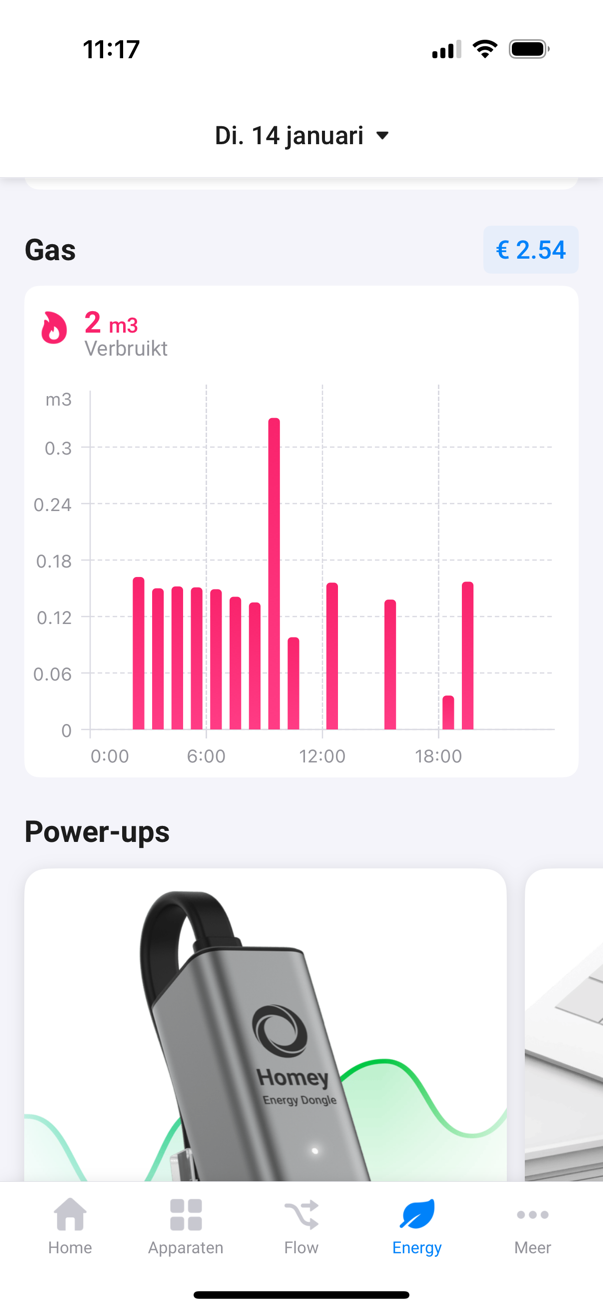
Furthermore, in the weekly view, no graph is shown for the total electricity consumption, while there are graphs for solar energy and gas.

Should I be more patient, or is there a solution for these missing values?
Homey version 12.3.0
App-version 9.1.0.1649 on iPhone iOS 18.1.1
P1-meter: Smart Gateways (connectix_smartmeter_gateway_v1.0)
Ha, thx!
In the meantime, I asked the app developer how this occurred.
Being able to set tarrifs from flow would be great.
Super valuable tab! I have most of it working well by now. Only thing I can’t figure out yet is that my aeotec heavy duty switches report the same unrealistic consumption every day (while the consumption is at most a few watts). Anyone have any idea what to do about this? I would like to keep them in the tab, though. The data sent out from the device itself is very accurate, according to the insights. Thanks!


Looking good… i have my two sessy batteries standing ready to test as soon as this functionality is added !
2.6.0
10 dec 2024
Homey class migration to Battery/HomeBattery.
Should work
What do you mean ?
Are you saying that if I change a setting it will work ? And which setting is that ?
Ah ok. So just wait for the app update then !
Met vriendelijke groet,
Marc Jurriens
A developer can easily change a device class (device.setClass() ).
This can be done once as migration on app start / device init.
I checked: the 2.6.0 version of the sessy app )in the beta channel) has changed the device class.
I installed it but I do not yet see a difference, if this does not seem to do anything I will reinstall the sessy devices in the appz
Met vriendelijke groet,
Marc Jurriens
Hi Ronny,
Do you mean, no device remove / re-add action is needed to change its class?
I removed my previous post which held incorrect info.
Yes. But this lust be implemented in the app.
Same as changing the class on the fly in device settings for HA app 
