Ohhhhh - thank you. I still find the graphics a bit confusing.
Any idea to see this? I have huawei battery but I can’t see it in my dashboard…
Home battery was announces for 2025 in one of the next beta updates.
Hi
I got a Easee Equalizer that reads my power usage, and Deye Inverter for the solar panels.
In one of the pictures, you can see the current power usage, but the totalt does not match as well as there is no data for “grid”.
The total in the house does match the top users, but I still would like to see the totalt consumption of the house, not just some devices.
I also got issues with the solar panels. I can see in the Deye app in Homey that it gets data from the inverter/logger under “power from solar cells” but this is not showing under Energy
Anyone else with the same issue?


I think that are issues with the apps.
A smart meter must provide current power usage (for the in/out chart) and two meters for imported and exported energy that are defined in device settings as imported/exported.
If your smartmeter does not appear with kWh value, this energy setting is missing in the app
For the solar panels it’s the same. The chart shows the current production. The sum (kWh at the top) is read from the meter_power capability. So this is perhaps missing. And the device must be device class “solarpanel”.
The “house usage” is not available for all inverters. And it’s also not supported yet by Homey. The energy board uses the smart meter and that only knows the grid usage, not the house usage.
I added the internal usage as top consumer device (hiding all others). The device must have a meter_power capability. Measure_power is not enough. If you only have current power available, you could create virtual meter device with PowerByTheHour app.
And it’s still in beta to adapt all apps, so it’s good that you are testing and reporting issues. So please also forward it to the app developers of your apps/devices.
Thanks for your reply.
I’ll check up with the different developers, so they can put it in their roadmaps 
I will also try the tip with PowerByTheHour app
Is there maybe another app i can use in the mean time to record data from the solar panels, an show it in the Energy tab?
Experimental updates might be unstable, and after enabling them, you can’t revert to a stable firmware release without doing a factory reset.
https://support.homey.app/hc/en-us/articles/12199889665308-Enabling-experimental-updates-on-Homey-Pro-2023
Can imagine that many customers do want to contribute to Homey in allowing the team to collect test metrics, but not want to take the risk of losing data by having to do a factory reset.
In order to find some middle ground; are there plans to leverage the actual “experiments” section (and rename the developer experiments to “nightlies” or comparable)? Great way to also allow testing the “up” and “down” migrations.

I added the needed settings to the HomeAsisstant app. It’s not a general workaround.
The ADV app (advanced virtual device) has not all needed settngs yet for import/export settings. PBTH should work for consumers.
So it’s better to improve the device apps and wait for updates.

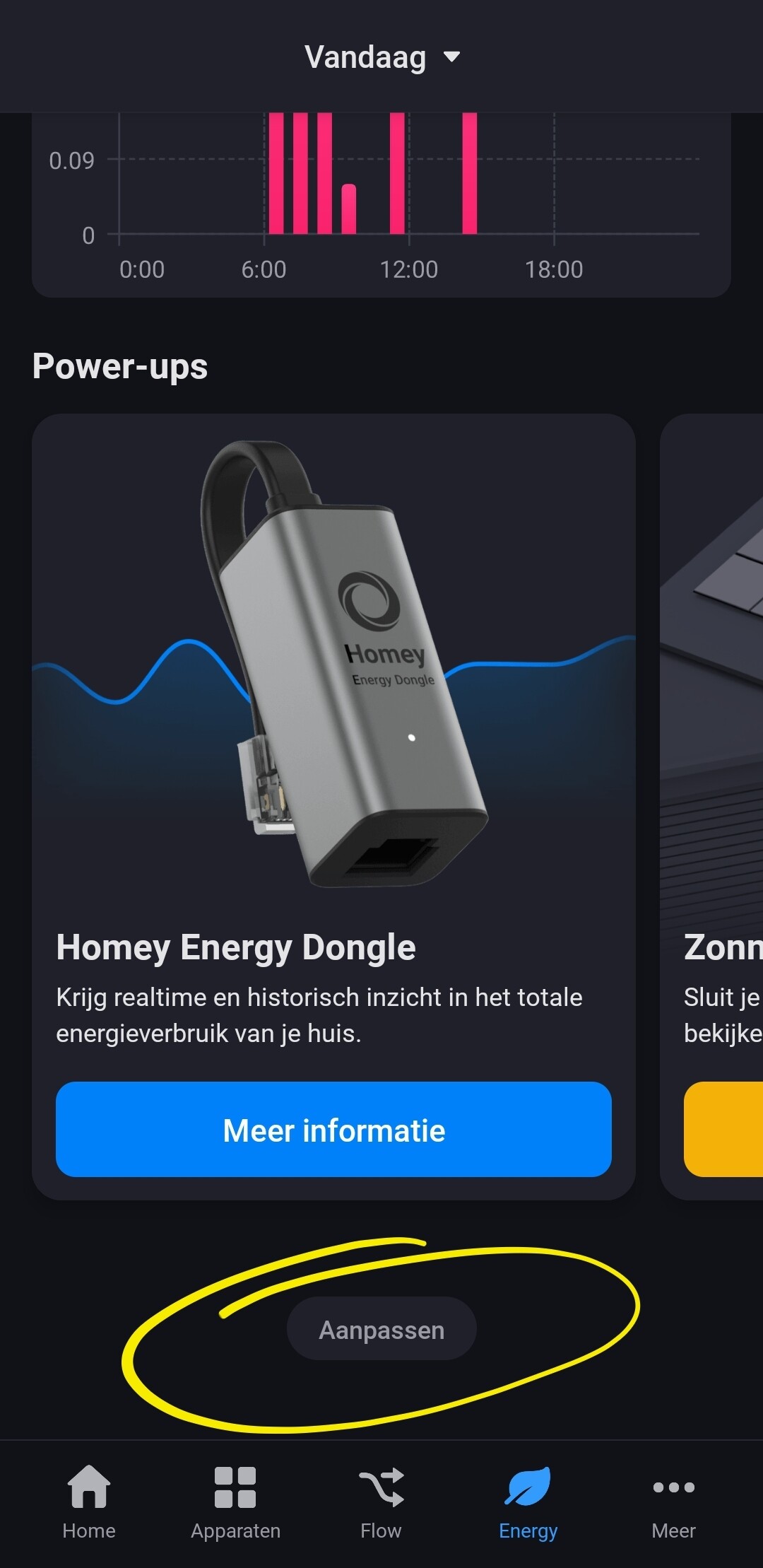
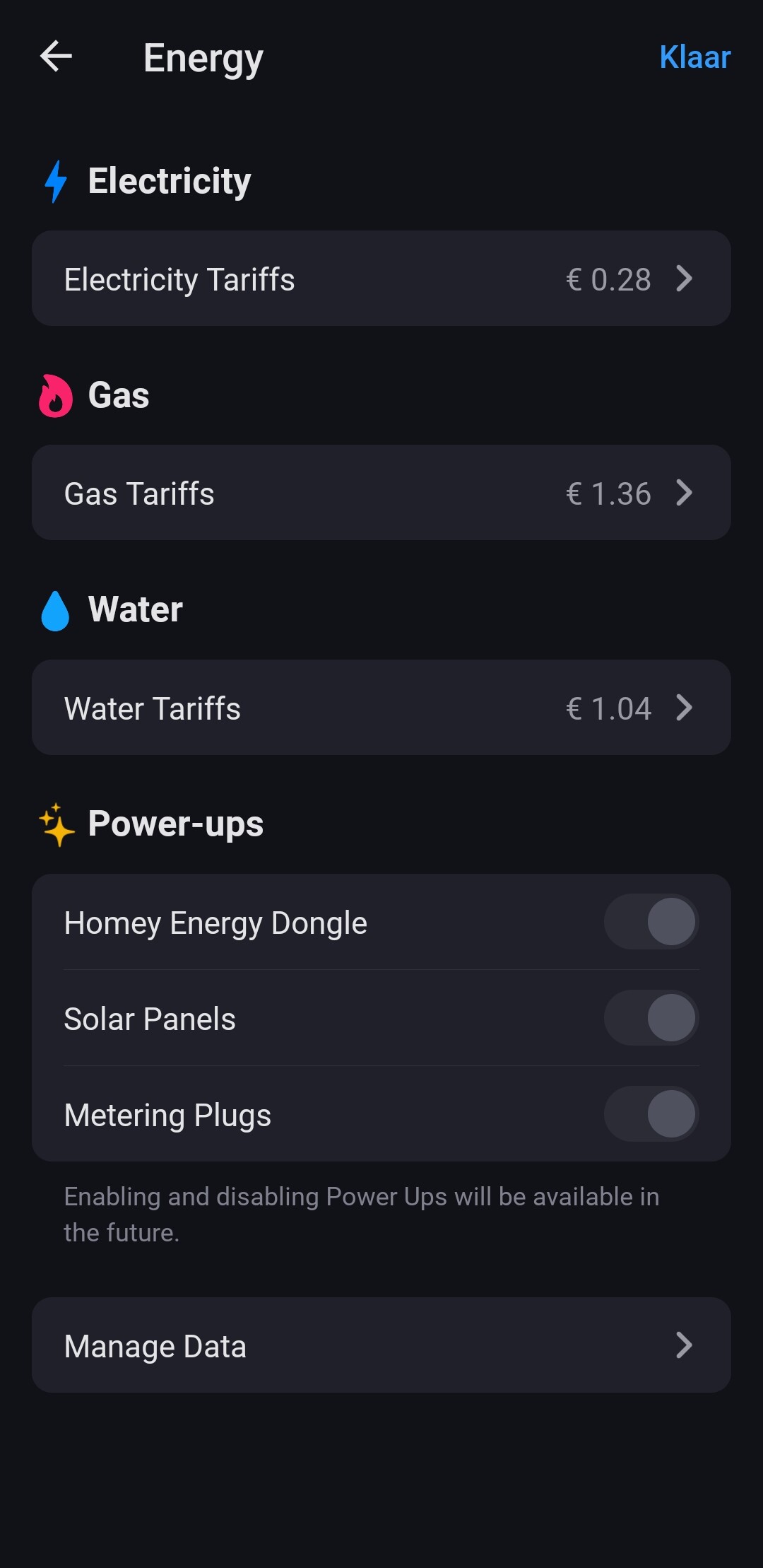
Thank you, Thank you, Thank you
But I see that it is not possible for dynamic prices. I have to wait for is 
I still confused.
With your app Tesla (old charger) - will my car be shown like yours?
Battery: The graphics shows a home battery and not the battery of the car I suppose.
Do you know what “triggers” (as in what settings my battery-app could be missing) the home-battery to be show on the “wall” - if you know 
The car in energy dashboard is not the car itself. It’s the EV charger defined as device class ‘ev-charger’.
I use a HA integration for Fronius Wattpilot and import it via HA app. There I can change the device class in device settings.
A standard app for chargers should set the device class in driver json.
The battery is defined by setting the energy object in your driver definition.
There is a Home Battery section.
In HA app I set it dynamically via device settings.
Hi everyone,
Has anyone else noticed devices suddenly disappearing from the energy list with prices?
For the first few days, I had a smart plug with metering that showed up in the list, but now it’s suddenly gone. 
I’ve tried disabling and re-enabling the devices for energy monitoring, but unfortunately, it didn’t work. The metering data is still being recorded, and the device itself is working fine.
Does anyone have suggestions for me to try?
Hello everyone!
Happy new year!
I’m not sure if it’s been asked before already, I was looking through the forum topic but couldn’t really find anything about it but has anyone figured out (or is anyone aware) if there will be actual support for multiple tariffs? In Belgium we have the possibility to choose 2 methods of invoicing our electricity. Either fixed price with 1 tariff, or peak and low tariffs. Obviously during the low periods we pay less than during the peak periods.
Is there a way to get actual accurate costs in the energy tab? Or maybe as a solution towards the further development of the Energy tab it would be nice if we could use a variable for the price. In that way it’s just a matter of setting up a flow to switch the price towards the “low” tariff and the “peak” tariff at certain times. I’m obviously not a programmer, so I’m not even sure if that’s a possibility. Just an idea
Have a great evening all.
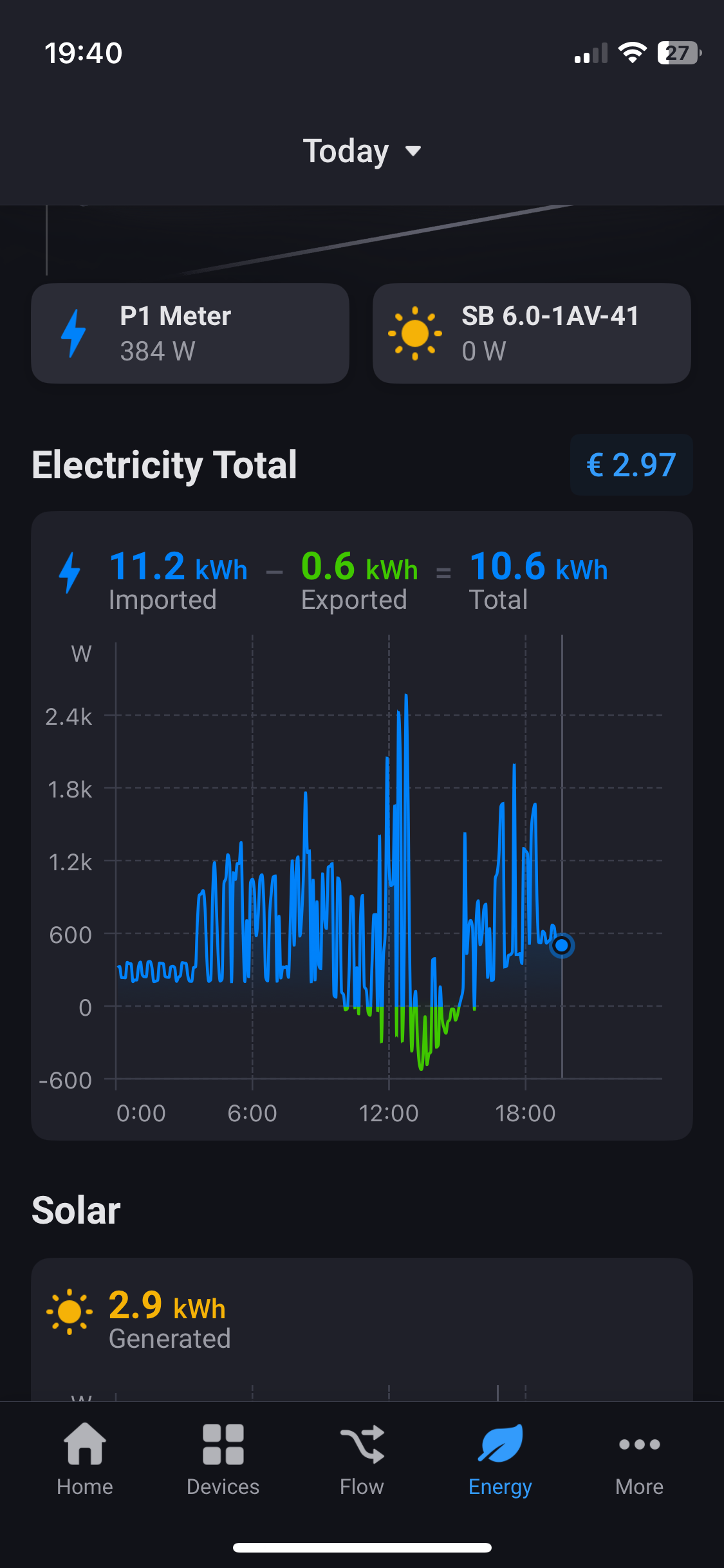
I have a question.
The total in euros is the total of the kWh taken from the grid minus the kWh I have sent back to the grid? Because if that is the case the value in euros is incorrect. I have Vattenfall, and they don’t extract the kWh from my consumption, the money I get back is far less. Can someone explain the graph? Cheers
Energy+ tab recognizes my Sungrow solar panels, but not my Sungrow home battery. What info would the dev team need to enable support in a future version?
The energy tab missing something, not every household has a gas connection. We use district/city heating (stadswarmte). It would be great if this could also be taken into account.
I’m using this app, Smart Gateways App for Homey | Homey
