It was just a tip, from my site.
Show the kwh from a year, the you will see it.

It’s something else in your case, because the 30 kWh seems to be right.
In my case the kWh values where n.o.k.
Are there strange values in the house kWh?
@Waldo I managed to open the garage door by setting the wall plug between my e-bike charger to the “ev-charger” type.
@Doekse can you make an option so we can choose the “ev” type ourselves? e.g. bicycle, scooter motorcycle or car (so the image changes). An EV vehicle is not by definition a “car” 
Thanks.
I’ve seen the same on iOS, it somehow seems to be cached, pressing the symbol next to it (e.g. flows) and come back to “Energy” sets it automatically on “Today”. Also, I’ve mentioned that earlier, the graphical animation on the house (flows) stop after a while. Doing the same as described above restarts the graphical flows.
I don’t think it’s intended to be this way.
Maybe it’s a problem because they are generic Zigbee devices. But generally they should show the right amount of consumption, because power measurement capabilities for unknown/generic Zigbee devices are added with Homey Firmware v10.1.0.
Or does power measurement capabilities only means measure_power (W) and not meter_power (kWh)? Does anyone know that?
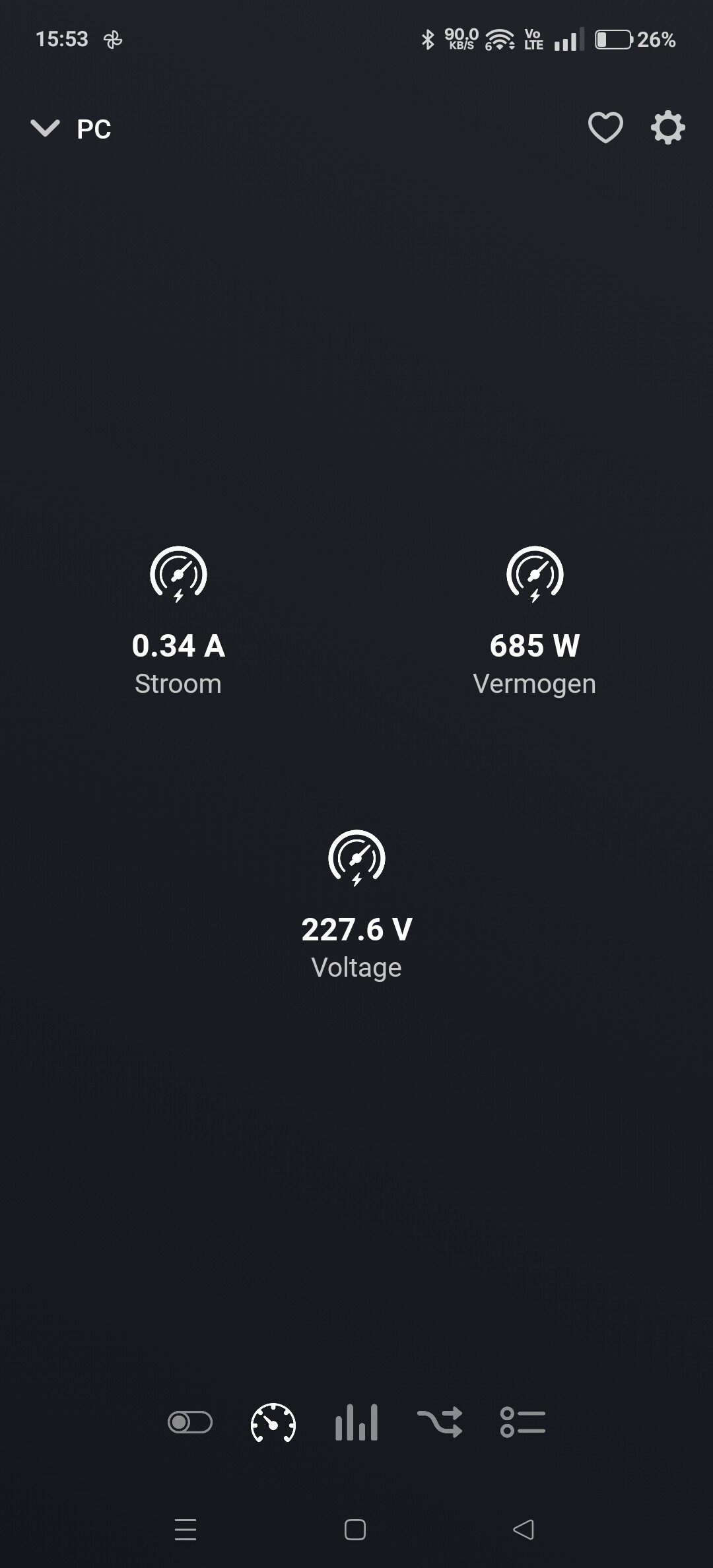

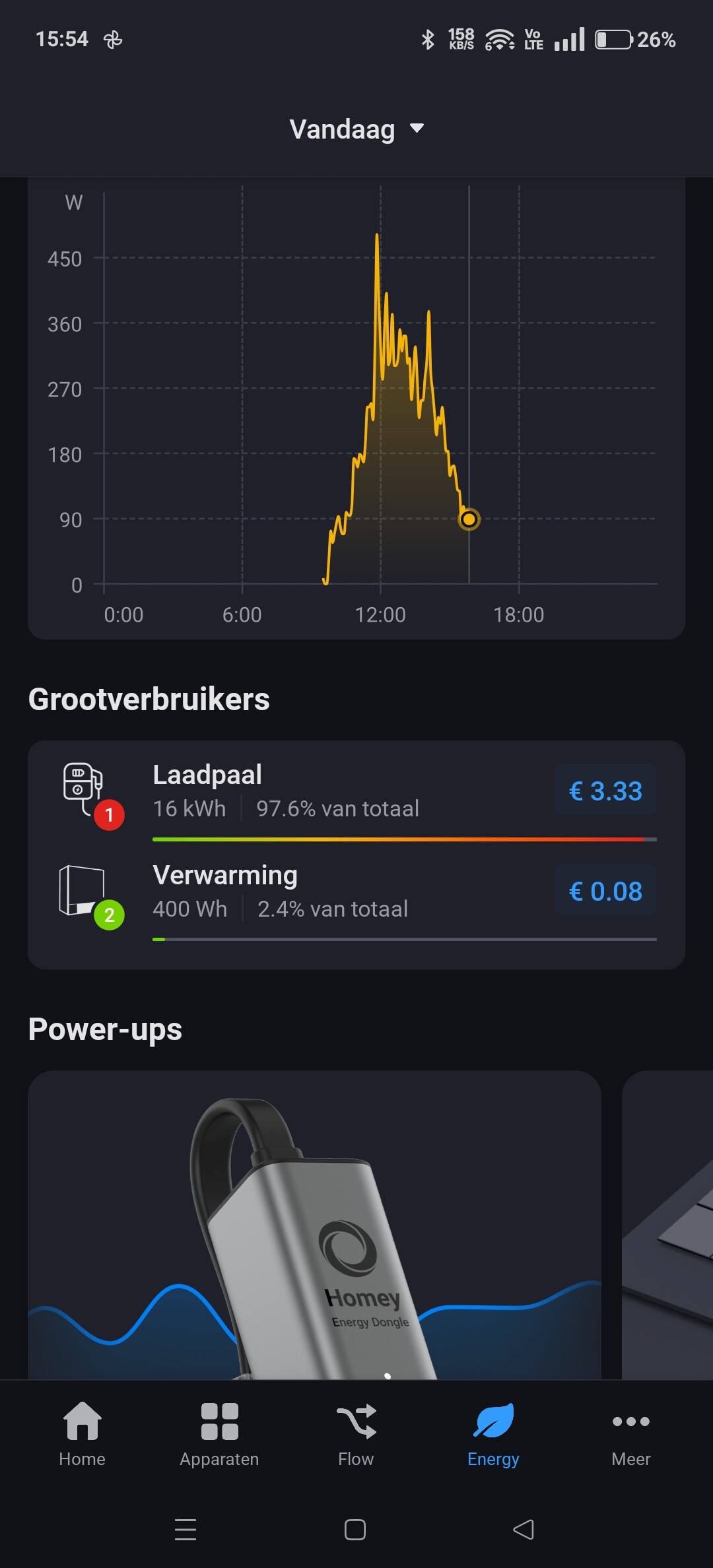


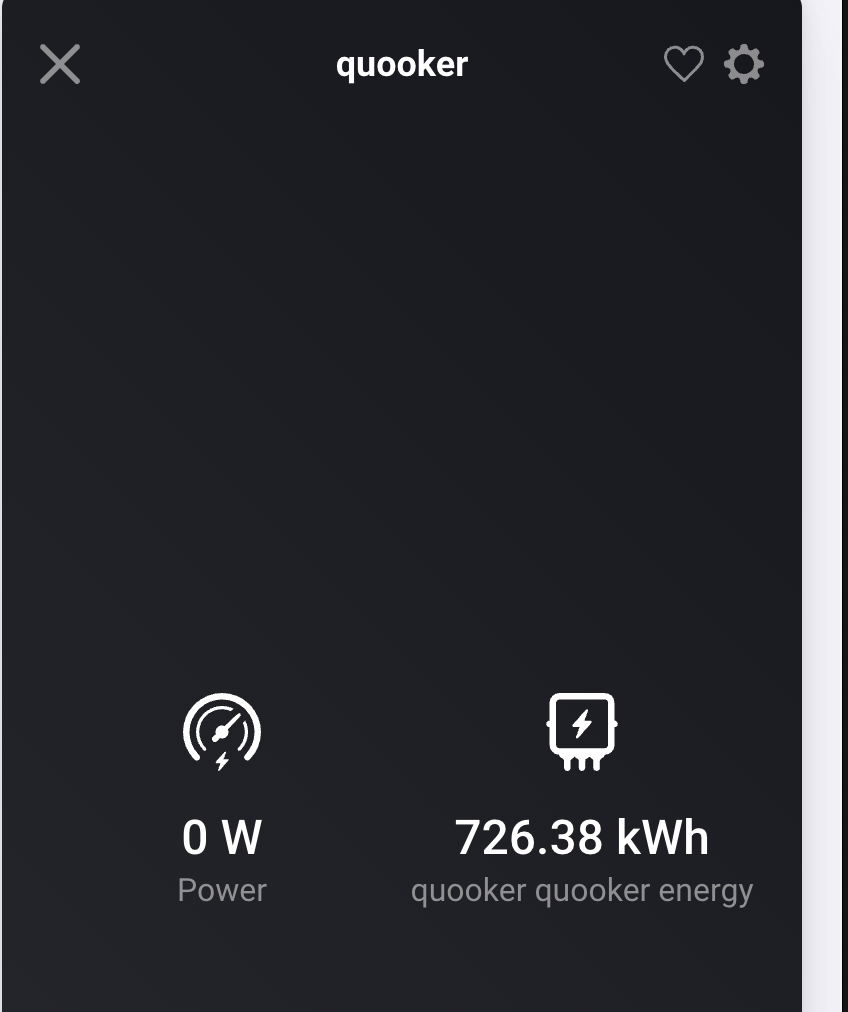
measure_power = power measurement in Watts
meter_power = energy measurement in kiloWatt hours
(meter_power isn’t anything, it should be meter_energy.
Obviously there’s was/is no elektrician hired @ Athom’s)
As far as I know a device must have the meter_power (kWh) capability to be able to set the “cumulative energy measuring” toggle.
Okay, so these generic Zigbee SmartPlugs must also be able to measure the consumption (kWh), otherwise they wouldn’t be listed in the energy dashboard, right?
But why do these generic Zigbee SmartPlugs show incorrect consumption values (kWh)?
Is it a bug in Homeys Firmware?
The old Homey energy view was showing only current power.
A device with measure_power was shown. But you couldn’t see the daily usage (no meter available).
So it’s Watt based only.
The new energy dashboard is using the power meter to show daily consumption. It’s kWh based.
You need a dehice with meter_power.
You device has only measure_power and won’t show up in energy dashboard.
For generic ZigBee devices it depends on the device itself which capabilities are supported.
I have some Innr plugs that have meter_power, but also some Osram without.
Aha that explains.
How does that work with gas? I don’t see any thing related to gas, I don’t have a smart meter, but I Do have one device which has meter_gas defined. Should that show up?
The device must be set as “cumulative” energy device.
If it’s a virtual device, the app must support this.
For HomeAssistant app I added the device setting to change the energy settings.
If you are using the AVD app, then it’s currently not possible
[APP][Pro] Advanced Virtual Device (Device Capabilities App) with Unique Text Status Indicator - #668 by RonnyW
All my energy measuring enabled devices (Tuya zigbee, Shelly) happen to have a meter_power capability next to measure_power.
But as I understand now, devices seem to exist without meter_power measurements ?
Or is it just not (yet) added to the app by the dev?
yes , meter_power capability next to measure_power.
my tuya of different brands all have meter_power. so I guess it is there on the device but homey (generic) zigbee device does not show/expose them.
don’t know if this is a generic homey zigbee issue or an app issue. I switched to HA for zigbee.
As I said, I have devices with and without meter_power. Both added as generic ZigBee device. That’s why I think not all devices are providing meter data via ZigBee.
Hi, what changes did you apply? I have an app with battery as well, would love to do the same…

Yes
That appears with car in garage with open garage doors
