Edit: the (euro) amounts shown for electricity and gas seems to be the values for today.
I’m also now noticing the Aqara smart plug is no longer showing up under ‘grootverbruikers’, while it did the previous days. The plug is measuring load, and it’s not excluded from energy (did try toggling it back and forth)
Edit: never mind, the device showed up after an hour.
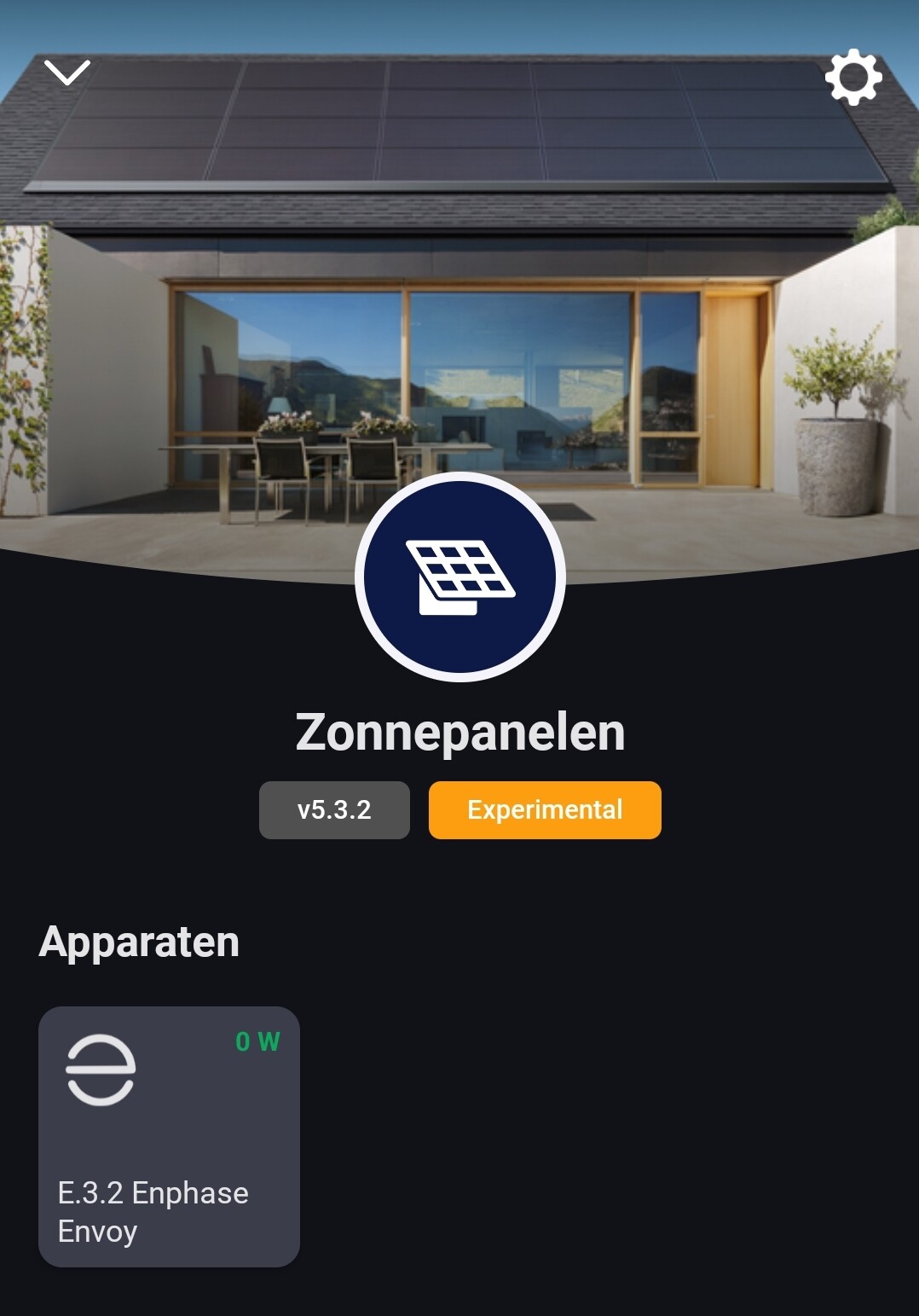
How do you get this Enphase data in Homey? The Solar Panels app won’t connect anymore with Enphase (no devices found, even after app/Homey restart and app reinstall). Only the Envoy device is visible.
@Doekse Any idea what is happening here? Solar production is shown in the Solar chart, but the amount of Energy (Wh) stays at 0. Underneath the house image I have 2 Solar production instances, when I click on them they are the same device. Above the house image the amount of energy is wrong (=Grid minus Solar twice), but on top of Electricity Total you can see that amount of solar is deducted from the imported energy although it shouldn’t say exported since I am consuming all the Solar Energy ATM. The graph on the house shows the correct direction of energy, including orange for Solar.
I use a Shelly EM for Solar measurement and HomeWizard on P1. Something with the EM not being supported (yet)? I have it set on “Solar Panel” with “Tracks total home energy consumption” on “Yes” + “Exclude from Energy” on “No”.
I have the energy dashboard and connected my Homewizard P1 meter. The total energy usage of my home is seen as a device, like my fridge and tv. My total home consumption is now 66% of the energy consumption…but that includes my fridge and tv…well according to Homey.
My gas is not seen at all, trust me that I’m using gas today.
Hi Ronny, thanks for your answer. You are right, it’s considered a socket but virtually a solar panel. Probably this is not enough and I guess I should import this one from my Home Assistant instance. There it is easier to change and force the Device Class.
But why does it show up twice, is this because of being a socket class and virtually a solar panel?
So both devices in the screenshot are one Homey-Device (the socket)?
Then I guess based on the virtual class ‘solarpanel’ it’s shown as solar production and on the other side it’s shown as usage because the device has not set the cumulative option.
@Doekse Just a small remark, maybe it is intentional, after a while the energy stream animation on the house stops. Closing and reopening the app solves this…for a while (iOS).
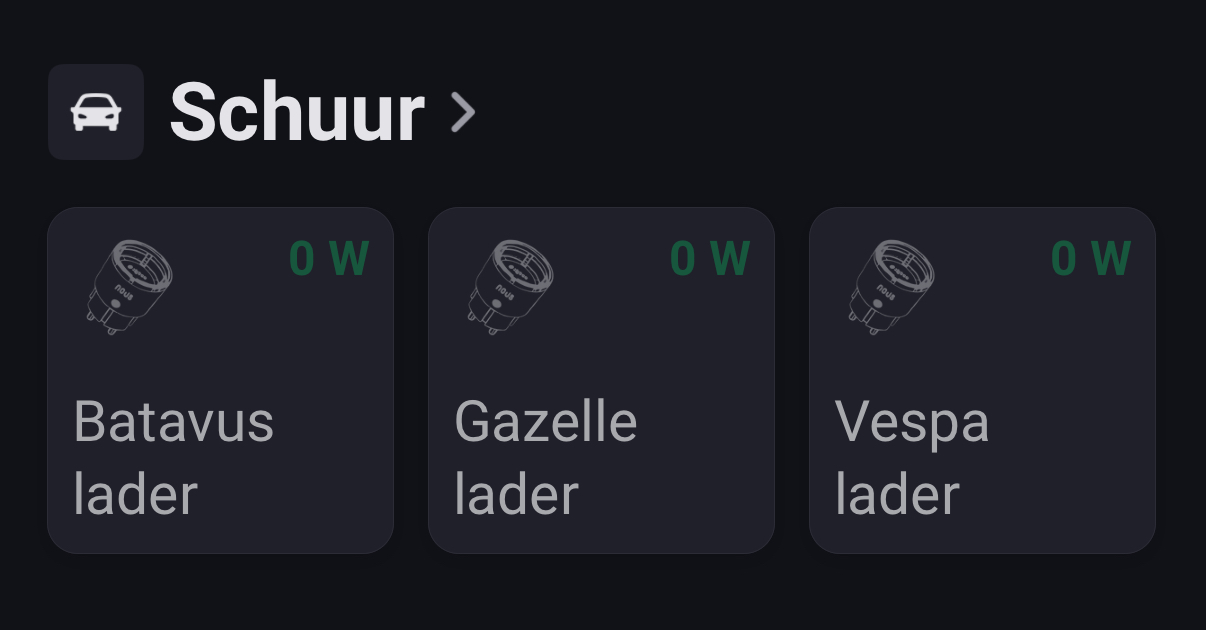
My wife and I don’t own a car and probably never will, we do everything with the (e)bike.
So this is probably not gonna happen, since they don’t need that much juice