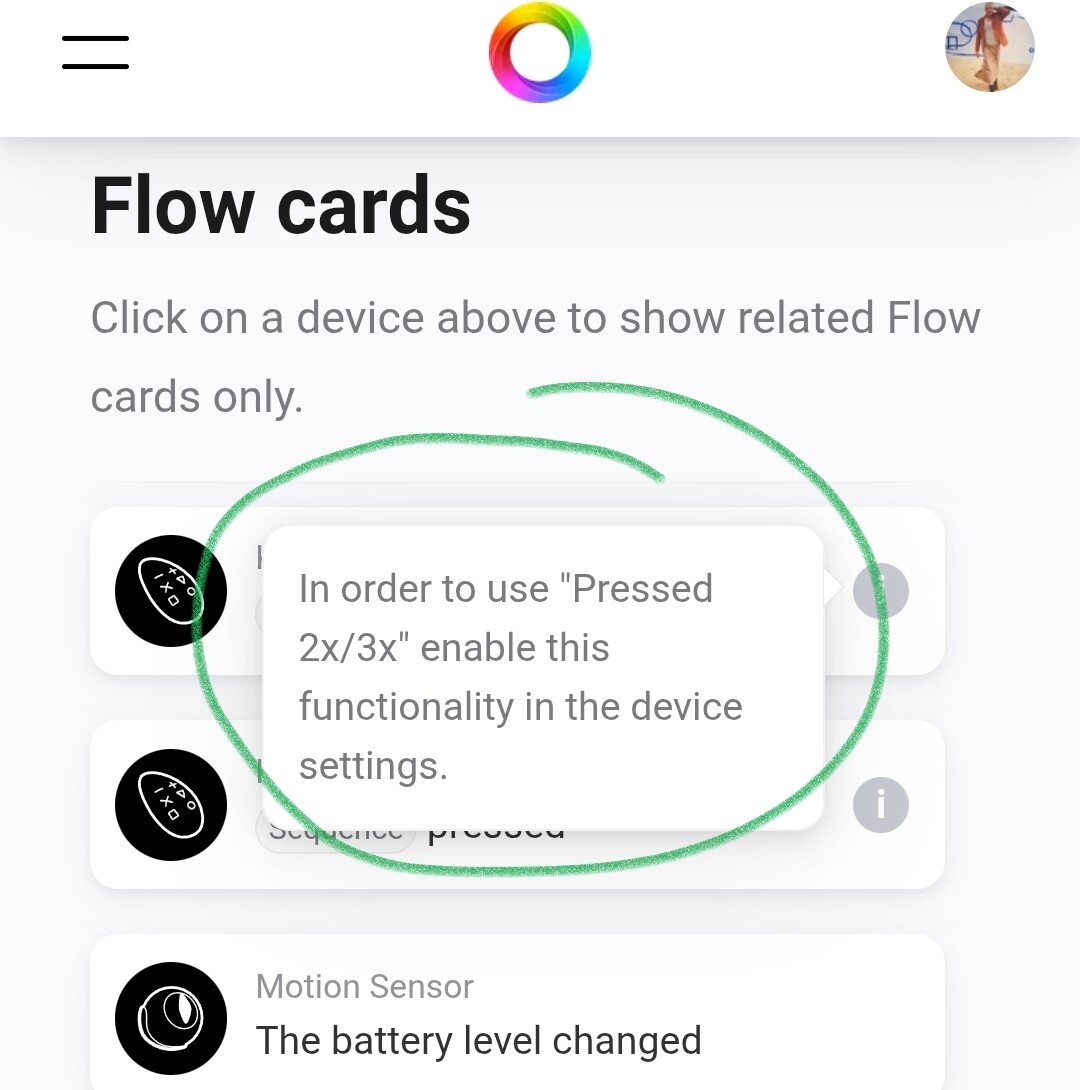
I just recieved my Keyfob and am setting it up. The 1x press and long-press work fine but the 2x/3x presses don’t seem to be registering. I’ve enabled the 2x/3x keypress in the Fibaro settings, so it should work. Even after restarting the Fibaro app in Homey, the issue remains. Also, the Homey app is unable to show the Keyfob’s history. I don’t know if this is related but it seems worth mentioning.
Is anyone familiar with this problem and/or have a solution?
did you wake up the keyfob just before you pressed the save button?
the keyfob will never wake up on its own, and the sending signal it is not wake enough to receive any parameters
How do you check the 1x/2x/3x press? In a flow? Did you choose the correct trigger?
Often you have to choose “a scene has been triggered” and then choose the number of times instead of “a button has been pressed” for that purpose.
Hello everyone,
I’m trying to configure my Fibaro keyfob, but there are things that don’t work well.
No problem configuring the buttons with 1X and long press released.
But when I choose 2X it doesn’t work.
I have configured the remote control with 1x, 2x and 3x
Anyone to help me?
My post here provides a technique for simulating multi-press operations. I describe the technique for Flic buttons but it would work for any type of button press. Not as good as handling double press and triple press properly, but it might be the next best thing.
It seems, using the search, it’s been a problem for a couple of years. Also on Home Assistant and Hubitat (which I don’t use).
Last comment on the HA thread: "Watching the z-wave protocol log, I could see, that the keyfob though operated as expected. I started a new interview with the keyfob several times. This brought the resolution: the second keyfob is now available for the blueprint, and all entities are available. Long story short: the keyfob obviously needs some additional “kicks in the ass” to become operational."
Ha! Brilliant, I had forgotten about the Homey developer site
I got the double press working now! This is what I did:
I went to Homey Developer Tools and “Keyfob Fibaro” showed up in the list as NodeID 4.
In its menu I clicked on ‘Heal’ (because why not) and I got an error “request_timeout”. I clicked ‘Test’ and got the error “Node 4 is unreachable”.
So I pressed a couple of random buttons on the Keyfob to wake the device up and kept pressing a (unassigned) button every second or so (to keep the thing alive I guess), and clicked ‘Test’ again. Then I got “Node 4 is reachable” and I clicked ‘Heal’. This resulted in “REQUEST_NEIGHBOR_UPDATE_DONE” and a working Keyfob it seems
Only 1x press and long press seem to work. No luck with the developer tool to get it working. Now I use a flow with a 2 second timer to enable button combinations. Trigger in flows is to check if variable KeyfobCode changed, combined with "and value = ". Single key press in 2 seconds will result in value 10, 20 … 60. Two key’s pressed within 2 seconds will result in value 11, 12, … 66.

 on the flowcard example says this: