Ok, anyone fancy going banana’s with húge screens ?

And seeing the product images on Aliexpress you can even use it to display Windows 8!
What an Amazing Discovery!
I can hear Mike say that!

it should be very nice to have a big screen but as long al homey wil not allow more then 4 collum i prefer to have 2 ore 3 screens in a cluster on the wall.
ore is it posible to make a split screen and open 2 ore 4 different dashboards even if you have a split screen is it posible to run the same app 2 ore 4 time’s on the same device?
Homey doesn’t, I’m running a 5 column dashboard in the Homey app (unde Bluestack in Windows, but that doesn’t really matter)…
You need an tablet or display you can put in the righ resolution and mode :
My Bluestack runs on 3840*2160@300DPI
Under Android you’ll need to fiddle with screen→ Displaysize and with fontsize
I think it would be the best to rewrite the dashboards so they use an XY grid that’s free of restrictions and allows widgets to be freely moved and resizable(!), similar to Android. The current column based layout, with the spaces in between columns, is too restrictive and pointless from the user experience perspective.
Hi everyone, After these wonderful examples, I also plan to hang a Homey Dashboard on the wall. I would like a layout with 3 columns next to each other, but the smallest possible tablet on the wall. I’m going to hang them with the Displine stuff.
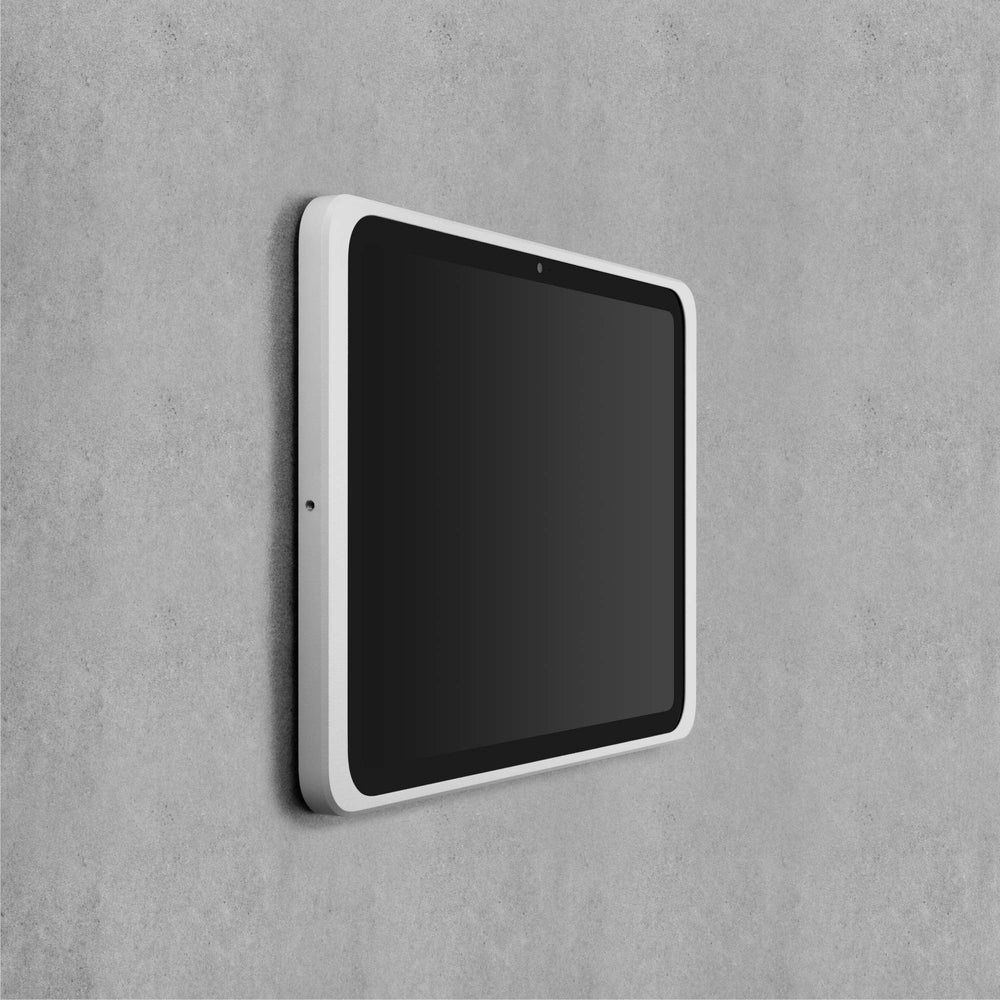
Partly because of that, this is my shortlist:
iPad (air mini pro)
Galaxy Tab A9 or A11 (11” or 8.7”)
Who helps me? Or … Will there ever be the possibility to set what the display size so that 3 columns will be “enforced ” by the Homey App? @Emile 
I like to hear from people who use the tab or the iPad with three columns! Thanks
Hi !
I just started to create some dashboards on my Homey, and cannot move forward because it seems to be a limit to used widgets.
One page end at 50 widgets and over all dashboards I cannot add more then 79 widgets.
Can anybody confirm this?
Thank you
Peter
I can’t help you with the 3 column question as I use the 10.9 inch iPads with 3 columns. But I do have the Displine wall mounts, you won’t regret it, absolutely amazing quality.
I think Athom created a limit for the amount of widgets on the dashboard to avoid regular crashes. I already notice a lot of slowness on my Dashboard already. Only have like 5 dashboard and in total maybe 35 widgets.
They should really go back to the drawing board and re-work the whole “dashboard” thing. Limits and no XY grid that’s free of restrictions to allow widgets to be freely moved and resizable(!) is bad. Android’s been doing it since 2011 and even Apple (who likes to stall and delay things until to the point where everyone laughs at them) has that functionality now. I absolutely hate that I’m stuck in columns and can’t resize anything in Homey dashboards.
Did you reach out to Athom with your observations and suggestions? If not, you can contact them via:
This is just a user forum that is not actively monitored by Athom.
This is still happening 1+ year later.
2 years since the publications of DashBoards, and still no Web Dasboards.
So I bought a 430 euro expensive device that doesn’t work properly.
I do not have an table or ipad, i have a web interface, and that is nothing more then a dumb interface.
That also doesn’t work properly on a Firefox Browser.
Not Happy!
As an alternative, you might want to check out this recently introduced dashboard app: Dashboard Studio | Homey.
There is also a dedcated forum topic for this app: [APP][Pro] NEW: Dashboard Studio - A completely free-form dashboard designer.
You can use an Android Emulator from Android Studio on a PC to create an Android Emulator to run the mobile app (if your CPU supports virtualization). You can also check out alternatives like HomeyBoard, Homeydash (though that one will be shutting down in May 2026) or HDashboards (paid)
No, that doesn’t work according to your expectations…
But I fully agree, a dashboard should be available as web app.
For that reason (and more) I use Home Assistant dashboards, because until recently Homey didn’t have any dashboards at all.
Useless to say on a user forum, I don’t care.
It’s best to send your mood, expectations and improvement propositions to Athom: https://homey.app/support
Hi - I’m working with a homey dash solution and need some help in testing. It’s not ready for public yet, but I’m at the stage where I need some more input. Any volunteers in here that might be interested?
Auth is pure Homey SDK, all devices listed, fully custom dashboards. But still in early development and some bugs might pop up 

Im interested
Some screenshots from light mode


Interested too
