I second Steven’s comment. Kiosk mode on the devices of household members is not a viable solution.
Short of creating a more sophisticated user permission model, a workaround would be to add two attributes to every user: a boolean that locks the user in kiosk mode, and a default (startup) dashboard to open when the app is opened on their devices. This way, we could configure user-specific (or user type specific) dashboards, and thanks to the new dashboard navigation widget, these users would not even be limited to a single dashboard.
And most importantly, this would be a very easy implementation for Athom.
Tried it a while ago but it asks to put a code on the tablet. I use Fully kiosk and each time I’m in font of my tablet it turns the screen on and shows my Homey app. If I want to use this feature I need to enter a code each time I want to look at my dashboard. So at this time I’m not really using it.
I think I will just add a shortcut to my Home Screen on the Homey app to my first Dashboard in case the Homey app does a restart or I need to restart my tablet because it only shows my Fully kiosk browser.
@Doekse@Emile
I also suggest to offer the possibility to add a simple PIN to activate kiosk mode. It should not always depend on the device unlock.
I have a tablet without screen lock and can’t activate kiosk mode due to missing screen lock. But I would like to use kiosk mode to force the app to open with the defined dashboard (especially after an app update/app restart).
Will Homey Dashboards be coming to the Homey Web App?
At this time we’d rather spend our time on building new features, than doing the same work again for web. Homey Dashboards is more performant on mobile devices, and we did expect some people to grab an old tablet from a drawer and expect it to work. If we made Homey Dashboards for web first, it simply wouldn’t have been as performant as it is now.
For a start let me say that I really like new Homey dashboards as they are, and I can see a huge potential.
However, you mention the old tablet in a drawer - I have an old iPad Air on iOS 12.5.7 which cannot be updated to anything higher than this.
I wanted to use it for exactly the reason you stated above, but unfortunately - I cannot.
The testflight beta app requires a minimum iOS 14.
Any chance I can get it to work?
Edit:
Sorry, it’s actually iOS 14 that’s required as a minimum (5 years old), but still, I don’t think for many people it’s that old to justify hanging it to the wall - I think it’s still perfectly usable for everyday tasks.
I would like to ask for more detailed settings for kiosk mode. Like the option to turn automatic locking of the screen and set a time for this.
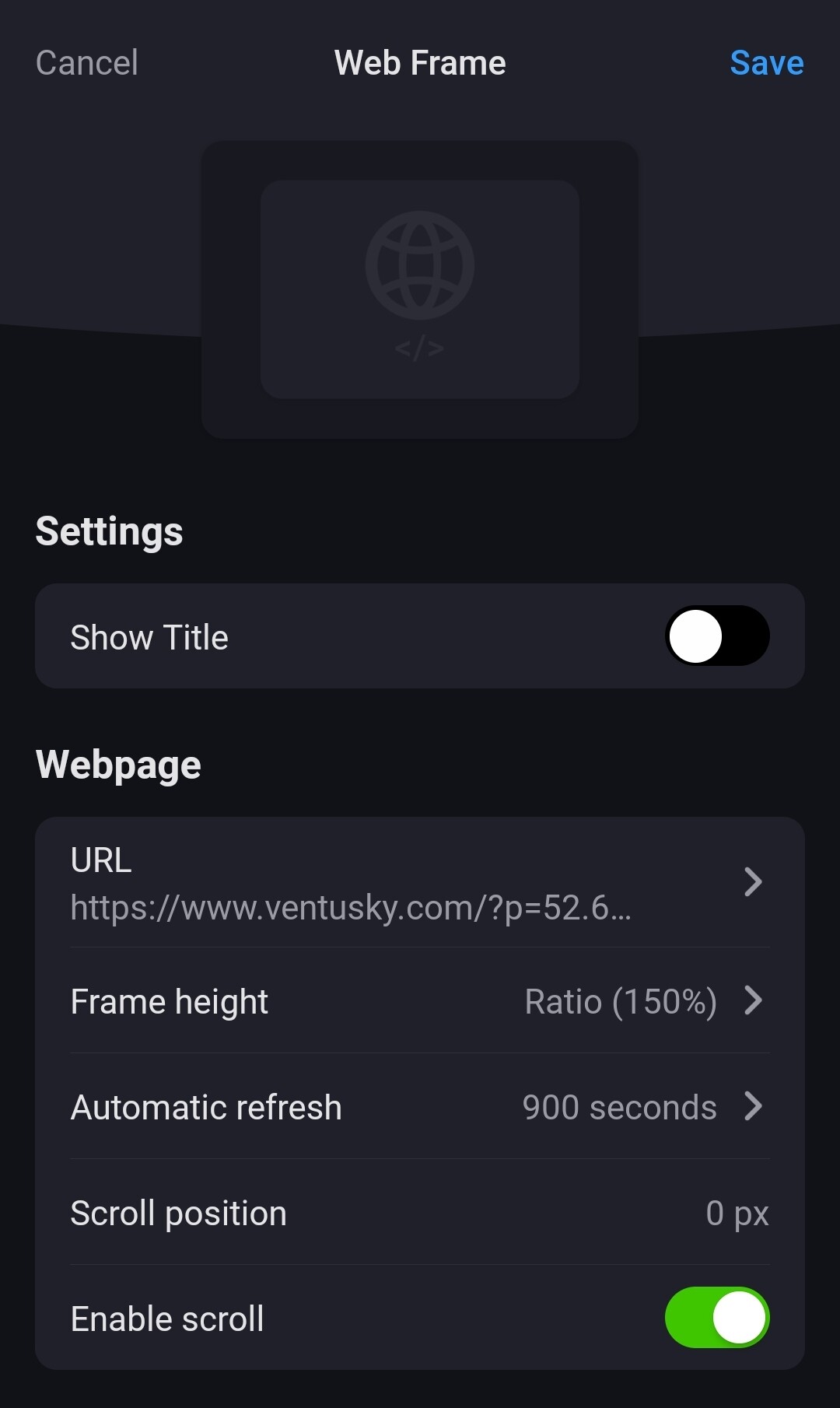
Also I would like to ask for local calls of the Web-Widget. They seem not to be executed locally, as I can’t reach IPs of my VPN. It would be great, if the neccessary curls would require no cloud service whatsoever, but instead would be executed on the device directly.


 to start these screenvideos