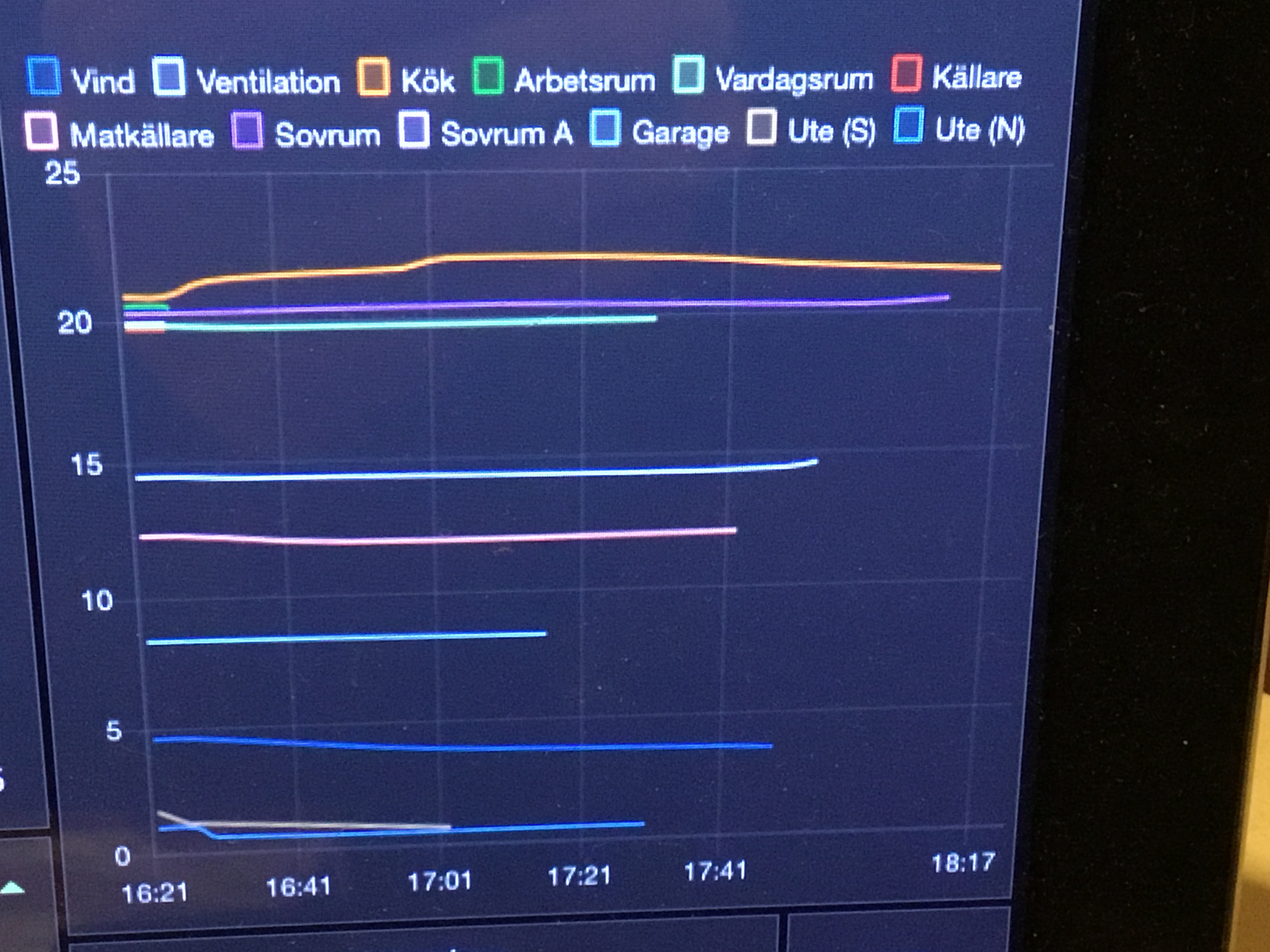
@Emile @Harwin is it a known issue when a dashboard is a long time open That at some point it becomes slower to operate devices?
iPad user here
Great! Nice that you found out how to create the toggle
Thanks @Erikvl87
When playing with Dashboards I found that it is really useful to have state widgets with the “property wish list”:
I have a widget in development for that but not sure yet if / when I’ll release that in my app:
I use the Onvif app, if that would be able to be shown on the dashboard that would be great 
Regarding Google calender:
I dont seem to be able to put in my credentials on my Galaxy tab A9 eventhough I put in https://myaccount.google.com in the end of the url. On my iPhone its no problem. Do you know why this is? Thank you!
Here’s a howto
I just tried to follow your guide once again, but the calender keeps coming up with the yellow bar saying that I don’t have permission to see some calenders. Just like i’m not logged in to my google account.
When I open the same Dashboard via my iPhone I’m logged in and have full access to the calender I just added from the tablet. Does it make any sense?
You mean the generated calendar URL works on an iphone, but doesn’t work at your (android?) tablet?
I made the guide with an Android phone and tablet, so there must be a permission issue of some kind, idk. 
I translated your calendar screenshot;
I think the difference is:
I use a personal calendar,
And you seem to use a family calendar.
I can imagine you’re not allowed to view events of other members here
That’s exactly what it says
Please share English screenshots in English topics. Easily translatable with Google Lens f.i.
When you add a company owned calander you are mostly not allowed since it’s the default setting in Google Workspace (the business variant). This can only be changed by the company administrator.
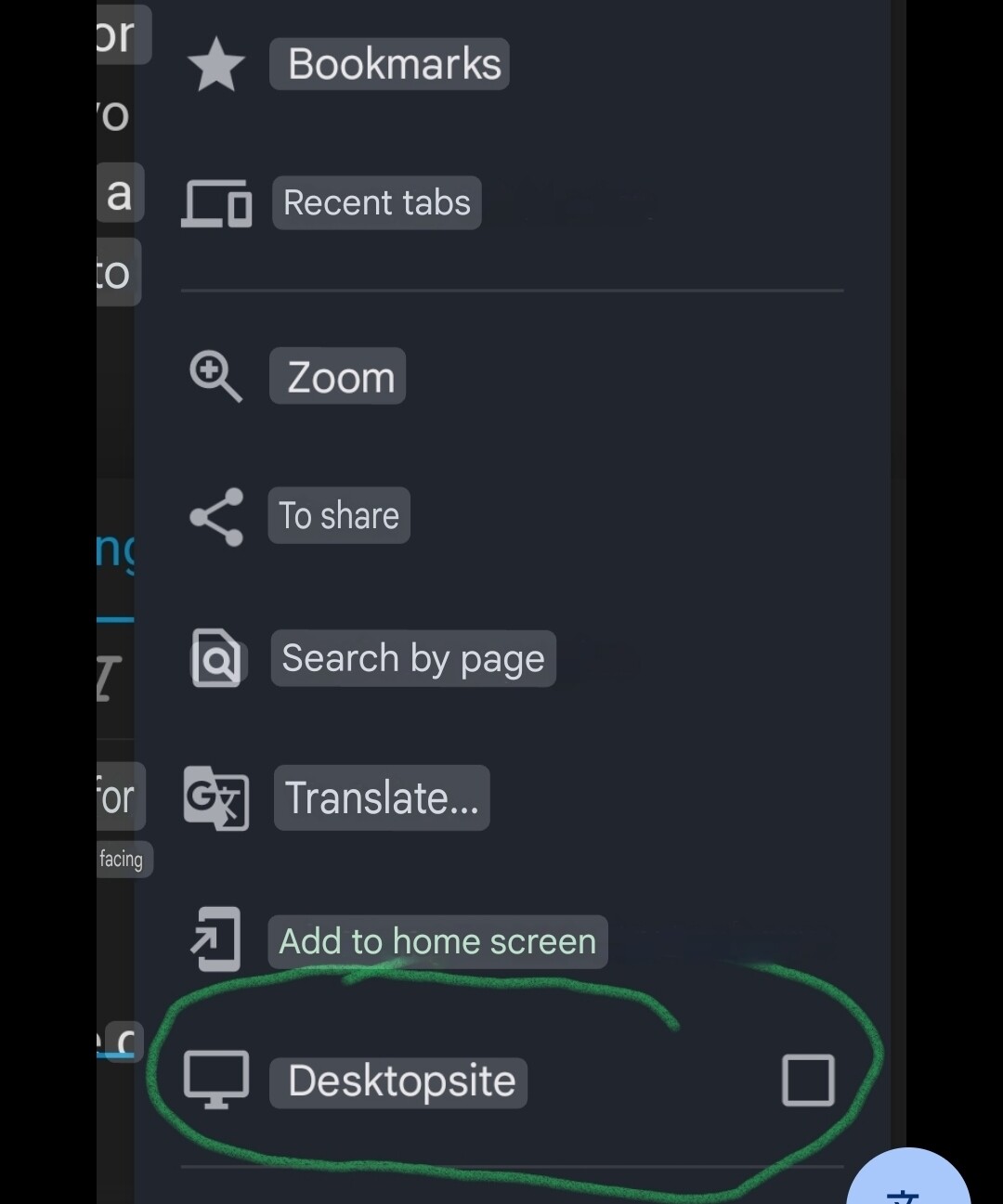
If it’s a personal Gmail then it should work. Make sure you do it on browser on desktop. That shows all the settings there is. Mobile and tablet show limited options!
Since a few days my homey app crashes when the dashboard is open for a long time
Using an iPad Pro 11
Anyone else the same
Ein Homey Display mit Wandhalterung und Bewegungssensor wird benötigt.
ANALOG zu Tuya 10,1-Zoll Smart Control Panel Max !
Is it somehow possible to modify html pages included in a dashboard with CSS?
I have pages that don’t support dark mode.
So it would be nice if I could add additional CSS in widget settings 
Hi, please i have a question regarding Plex in dashboard.
The widget doesn’t show any pictures only 3 blank squares.
Homey works for me with Plex because i have a flow that works - if new media added send me a WhatsApp message with title of the added media and this work, but in the widget the three positions are blank.
Any idea?
Thank you
I have added the widget, and it shows albums.
But it doesn’t do annything!
What is the purpose of this widget?