What are the conditions for a device to be available for the thermostat widget? I have a device with class heatpump and capabilities target_temperature.heating, target_temperature.heating_eco, target_temperature.hot_water and measure_temperature.hot_water and it does not show up for that but my AC does.
Currently we don’t support airco’s and heatpumps yet. We will have a look if we can integrate them 
That would be really nice
Can you please report this in HA community app thread or in Github? Add a screenshot of your media entity with all attributes from HA developer tools. Or copy the device details (Json) in device repair view.
I think in your case the integration removes attributes or marks them as unavailable.
Thanks.
Please add Heat Pump temperature  . I have a Eurotherm system in my home, but is not integrated in homey with an app.
What does it take to get the correct color changes on the thermostats? All my thermostats get the red heating color, but none of them get the blue cooling colors. For heating only devices I get it, but my heat pumps don’t get the blue color even when switched to cooling mode.
@RonnyW
Hello
For sure I have some feedback on différent intégrations i’m testing.
Lg devises (Washing machine #time remaining always null)
HA stuff
Etc.
It’s on my todo for this week end.
So heatpumps are not supported yet, that being said it seems you were able to use the widget for it.
I am curious if you can provide more information about your heatpump.
- What Brand and App do you use?
- What device class does it have?
- What capabilities does it have?
This information can be found in the developer tools.
Feedback for HA community app is welcome. Issues about HA itself and HA integrations you should better share with their developers.


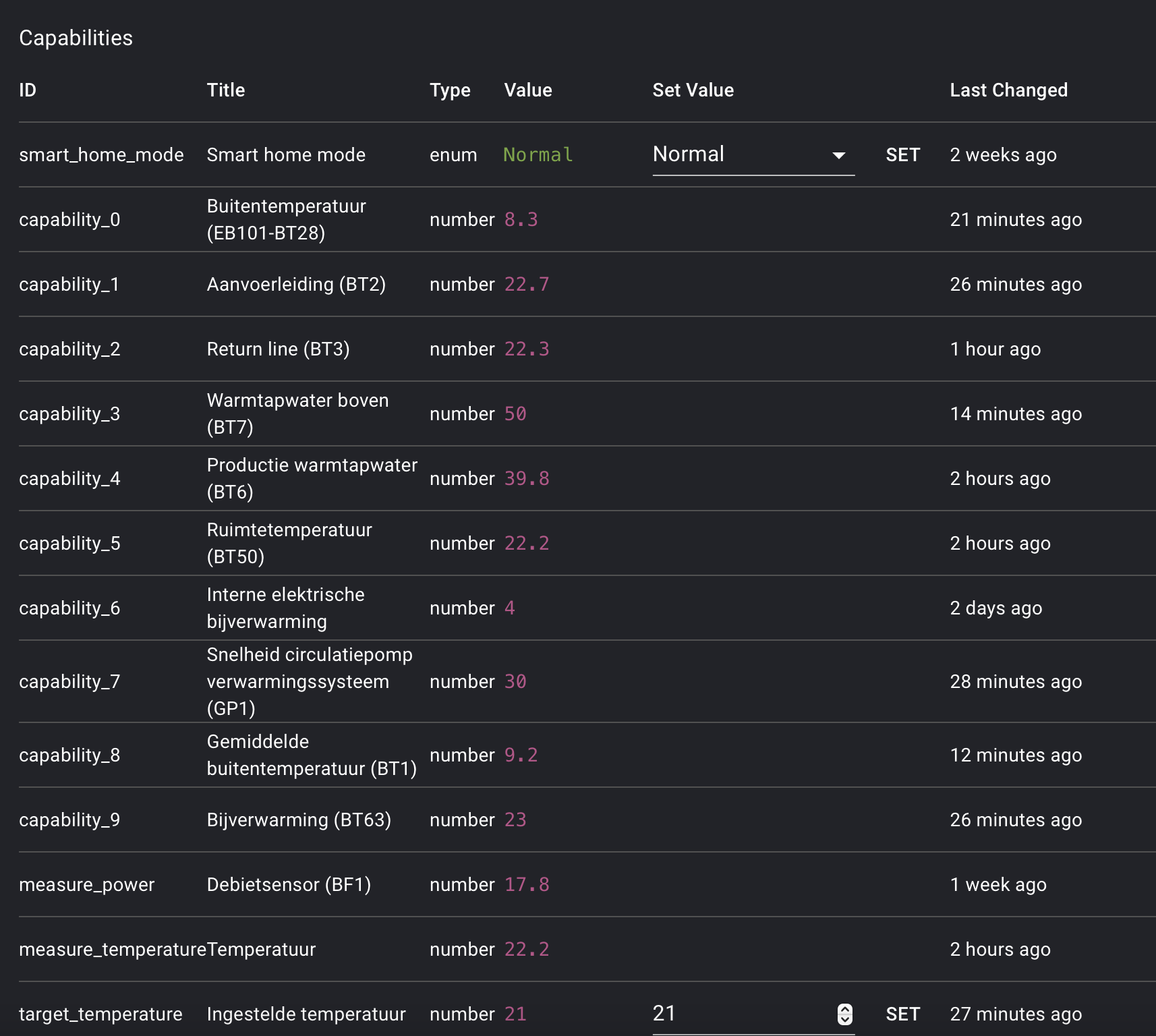
I also got it to work with the widget. I have a nibe vvm 225 heat pump and use the Nibe MyUplink app with it
Device class is thermostat


I would like to have a graf that updates itself like an insight for the power price. That is always visible
The graphs will update automatically. Every day at about 1pm you will get the prices for next day.
Perfect, thank you!


Status color on divices. Show the icon red for a locked door and green for unlocked etc
Is it possible to get live camera streams from eufy and ring cameras etc as a widget
When you search this topic with the search tool, Frank, you’ll find several posts saying “we’re working on it” 
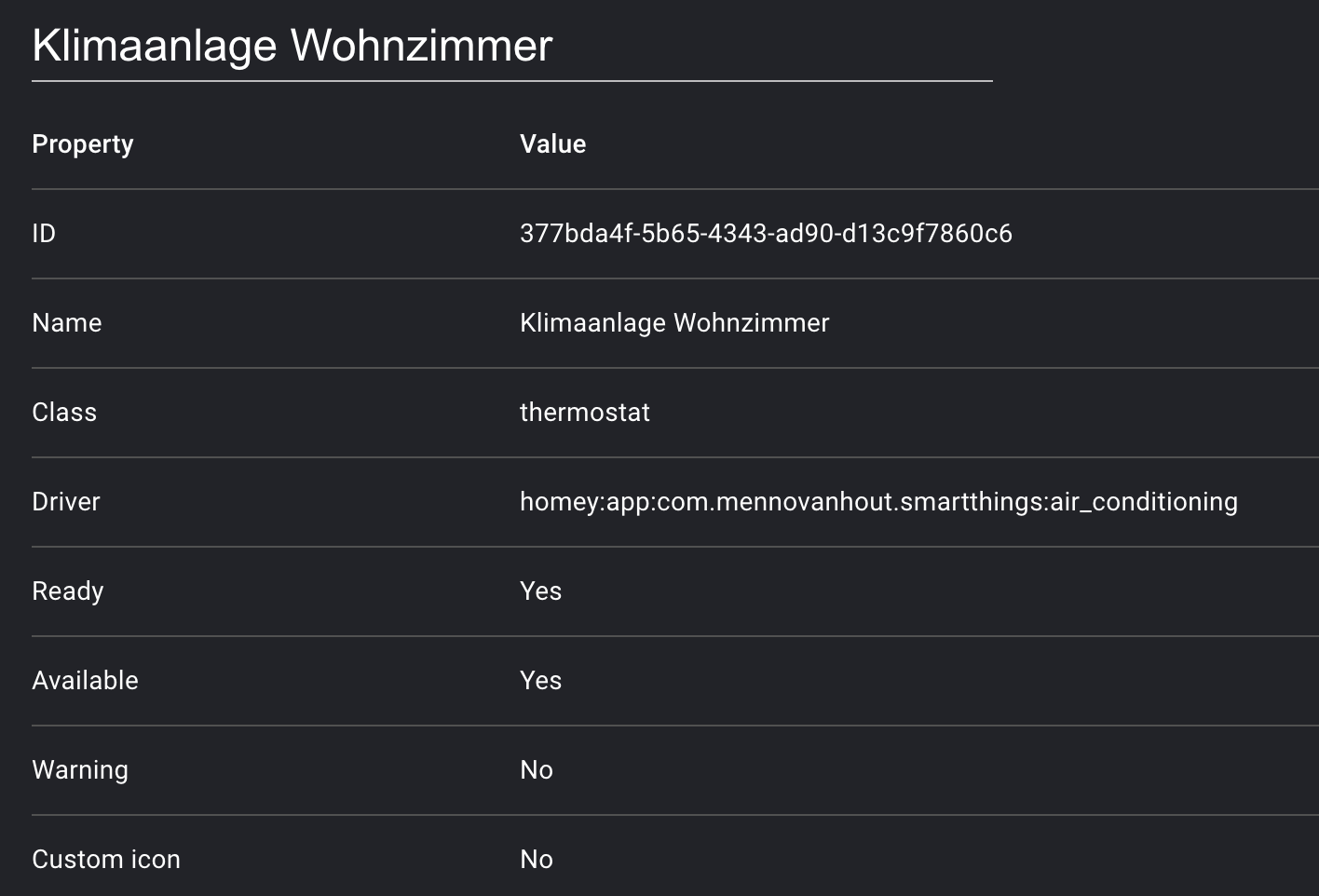
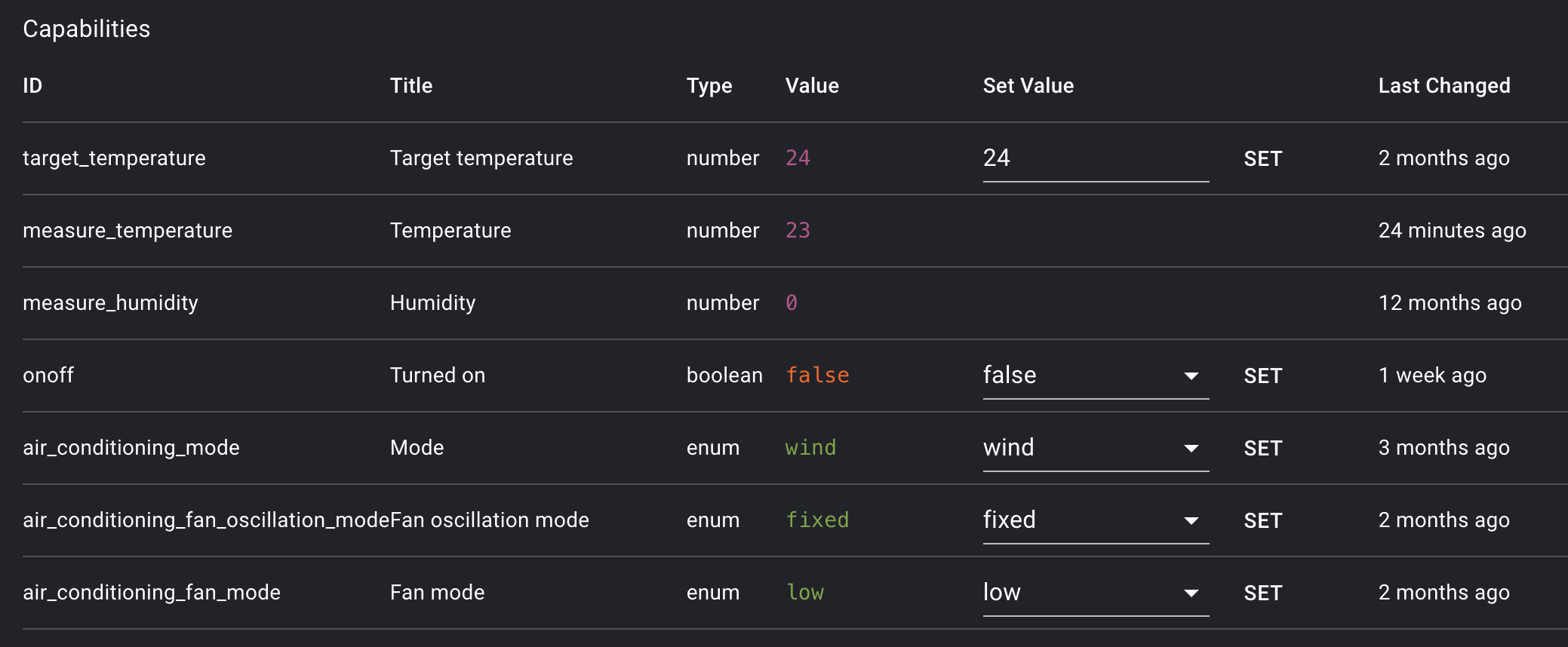
I assume the same way my AC works, because until now everything just used the class thermostat since it was the closest approximation 
Samsung AC (which works, but not if I try to use the correct class):
Tado Heatpump Optimizer (which does not work, and does not have a measure_temperature for indoor sadly):


