Even after restart dashboard, Homey Android app and WidgetBoard app: no hands on 2 Android 14 devices (phone and tablet) visible. After definition of a new dashboard no hands.
Can you try and see if the clocks in the Clocks app work?
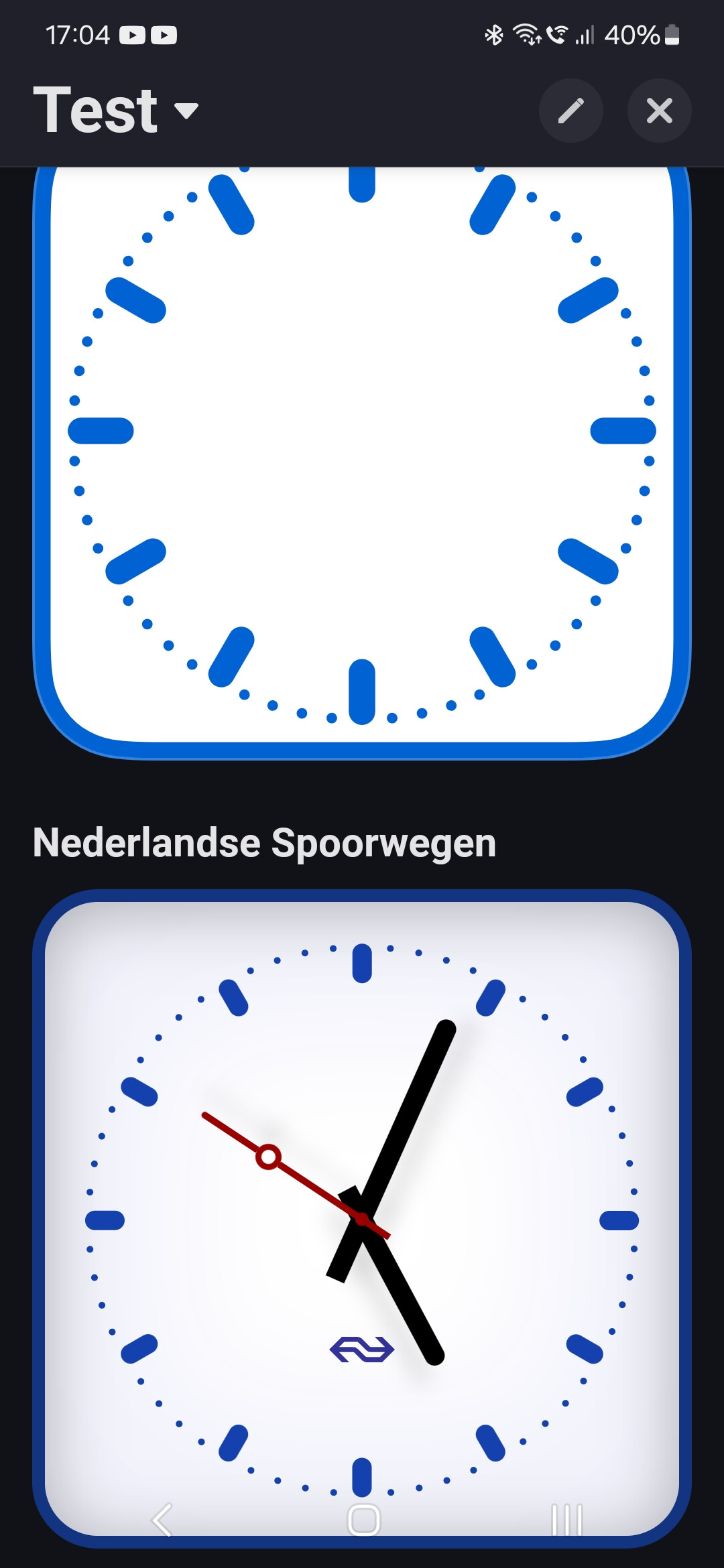
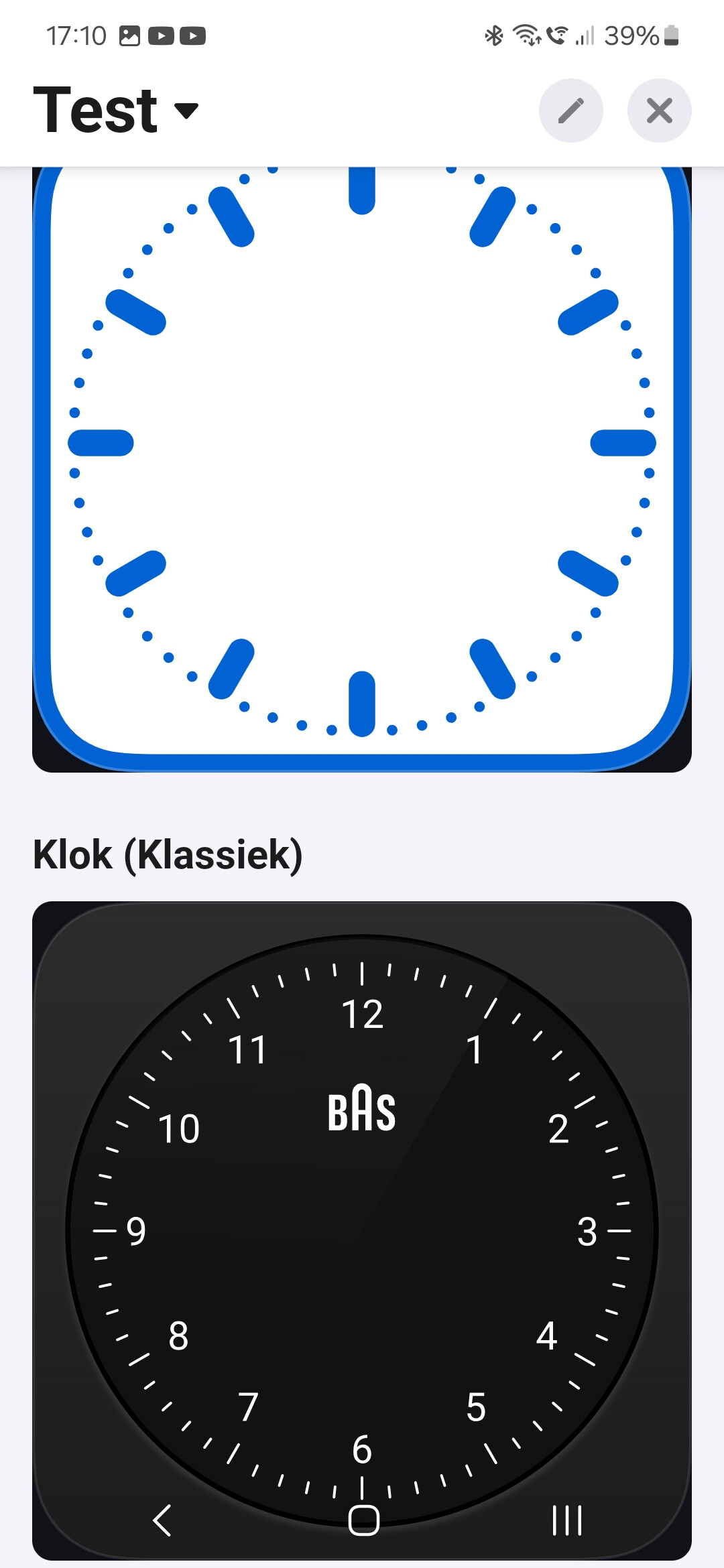
I’m sorry, I had to be a bit more precise:
Can you check the Square Analog Clock in the Clocks app?
Additionally can you open this page in the browser of your device and see if the hands show up?

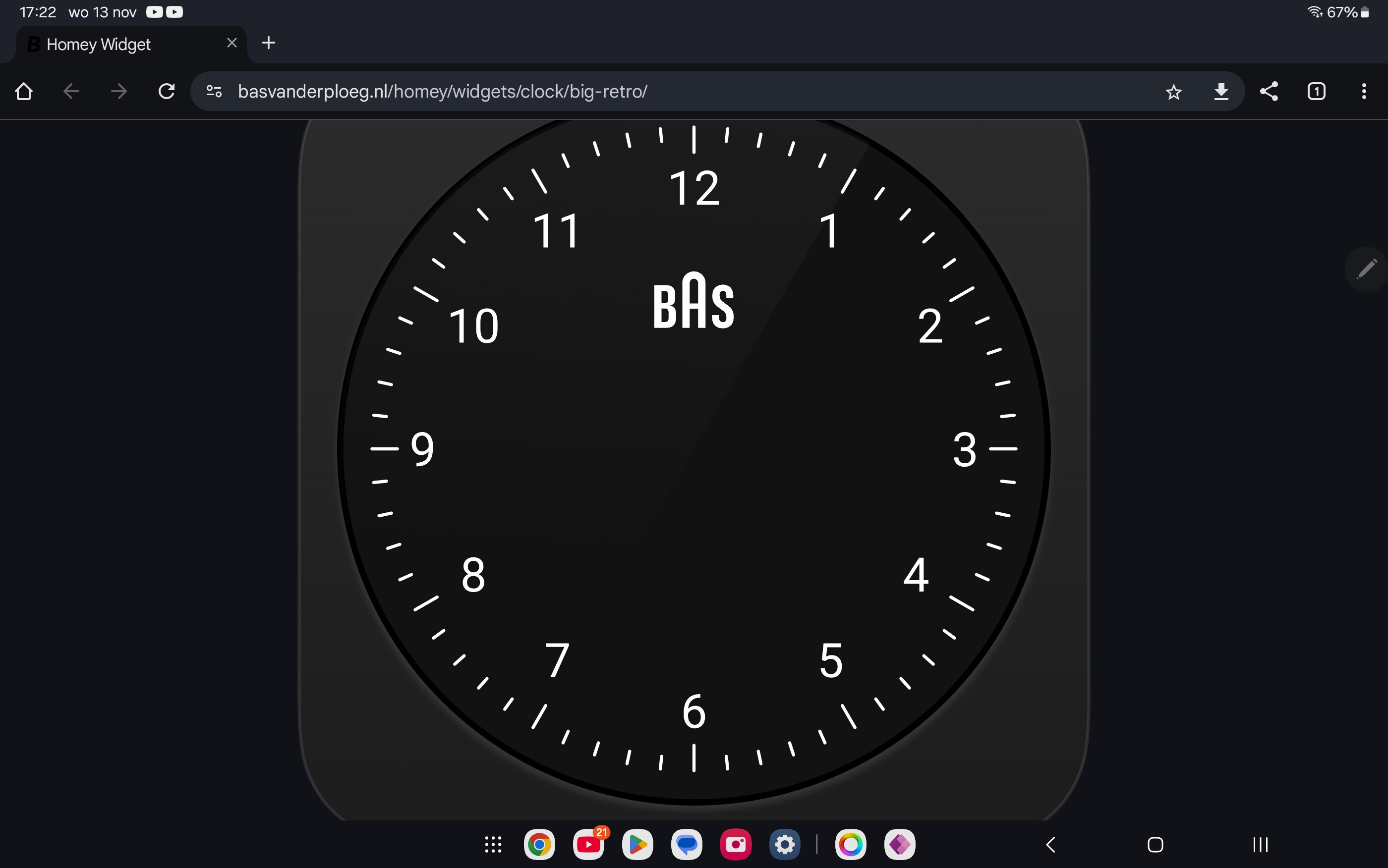
@Amersfoort I think that I fixed it!
Can you check in the browser one more time?
https://basvanderploeg.nl/homey/widgets/clock/big-retro/
No difference, even after refresh and restart Chrome browser.
Do you have an Android device? If yes, which Android version?

I think it’s showing a cached version.
I’ve pushed a fix to the test version of the app:
Can you try to install it?

Is there a good way to see the power price like a graf for the coming day
It depends… on your location and provider.
For Tibber I added a widget, but the PR not merged to the app yet.

Great job and thanks for sharing.
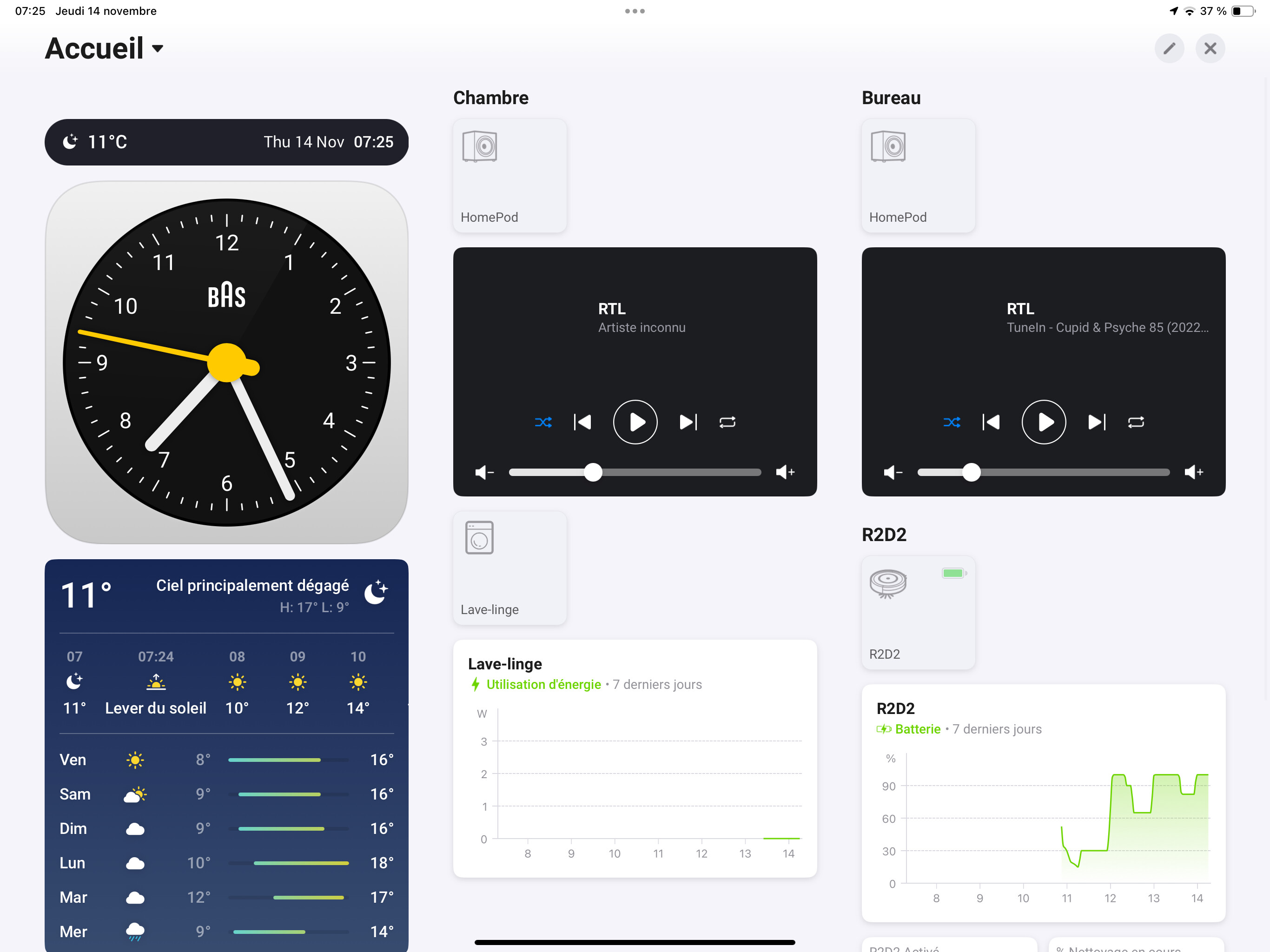
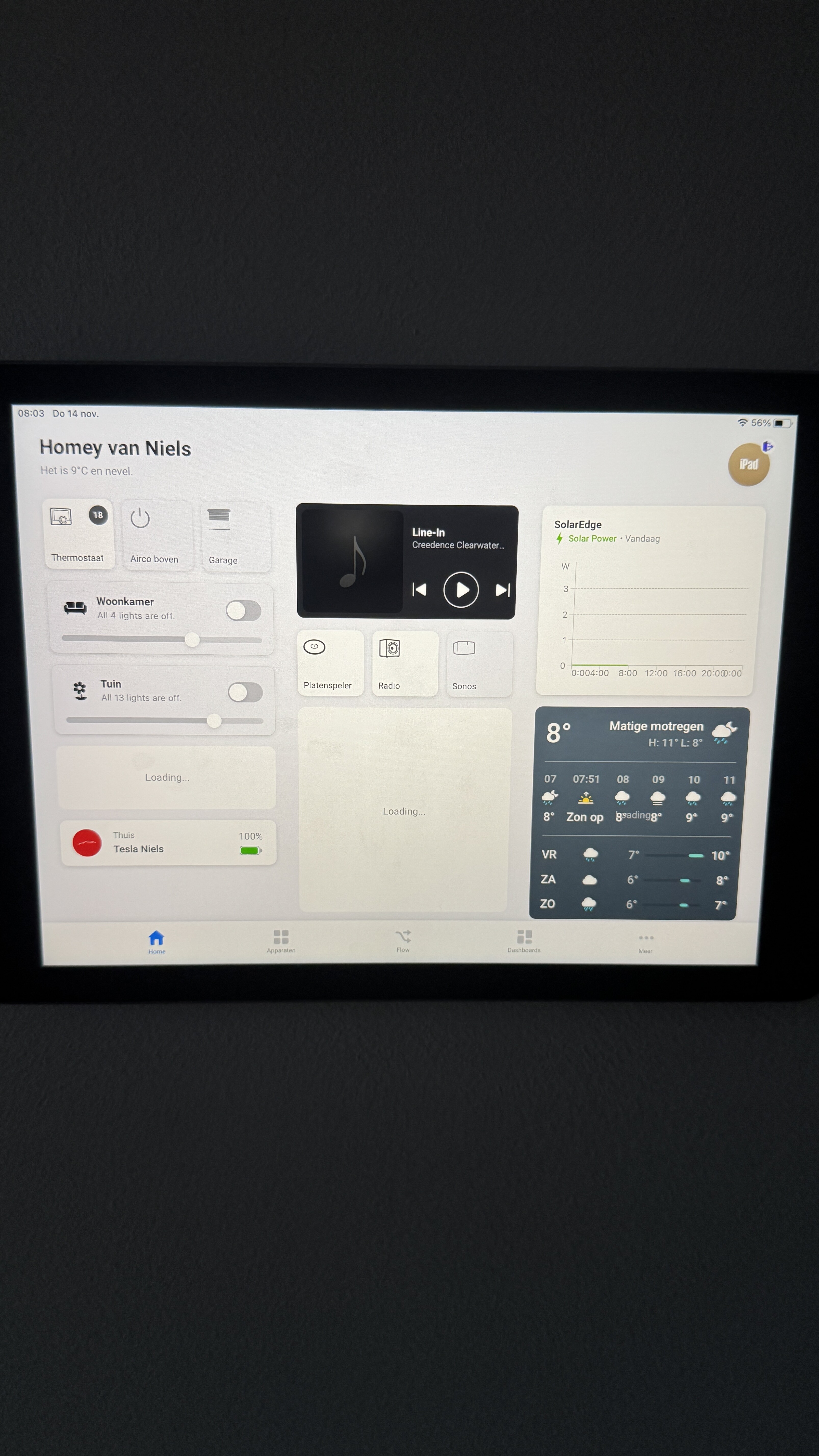
One tiny Little thing. When I reduce the font size to minimum it seems that the weather widget doesn’t follow. First screen average font, widget ok. Second smallest font, widget not ok

Goodmorning,
I’m testing the beta version now for 2 weeks and everything is working fine.
Only one thing is comming back every time.
On my homepage I have some widgets.
These widgets are working great when I have added thes aa new widgets. But a couple of hours/ days later some widgets wont load anymore. The only option is to restart the tablet or reinstalling the Homey app.
This happens on my iPad and also on my iPhone.
Does anyone know what is causing this issue?
Hey,
How did you add your HomePods into homey?
That looks nice, what control function did you add to get the graph to show? When I try with Enhanced Device Widget i only get the list view of the power price device.
@Owen_Selles
hello
I also have Home Assistant (the green box)
I get my apple devices automatically integrated with HA
and I use the HomeAssistant app in Homey to import my devices…
song’s artist & name are ok - except when I change to radio, radio name is ok but homey keeps previous artist/album name
butons play pause work
volume is ok too
I just regret I can’t import covers
in this screen RTL is a radio stream from Apple Music on my iPhone
EW&F are streamed with Apple Music from my computer to differents HomePods

is there a topic how to create these widgets?
New Widgets released in build 1601:
- The Weather Forecast Widget
- The Thermostat Widget
As you can see, the weather is not too good in the Netherlands. But who needs good weather anyways 

The update will become available to everyone within 1-2 days.
Enjoy! 

