Installed Homey SHS. But even though I think I have installed Homey Link and can see my Homey Bridge it still says needs a Bridge to connect Zigbee devices.
I am really struggling to get this off the ground. Apps are always failing and basically at the moment I have a Homey Pro, Homey Bridge and Homey Self Hosted Server all running and not able to add a si glue device by Tuya or even Zigbee
I looked online and seems the educational stuff stopped years ago
If you want the Non technical community to embrace the platform, think it is time to up your game
HomeyLink and the Bridge “Satellite mode” are completely different things
HomeyLink: a Homey app that allows you to connect one Homey Pro/SHS to another Homey Pro/SHS. It makes the devices added in the one Homey available on the other Homey
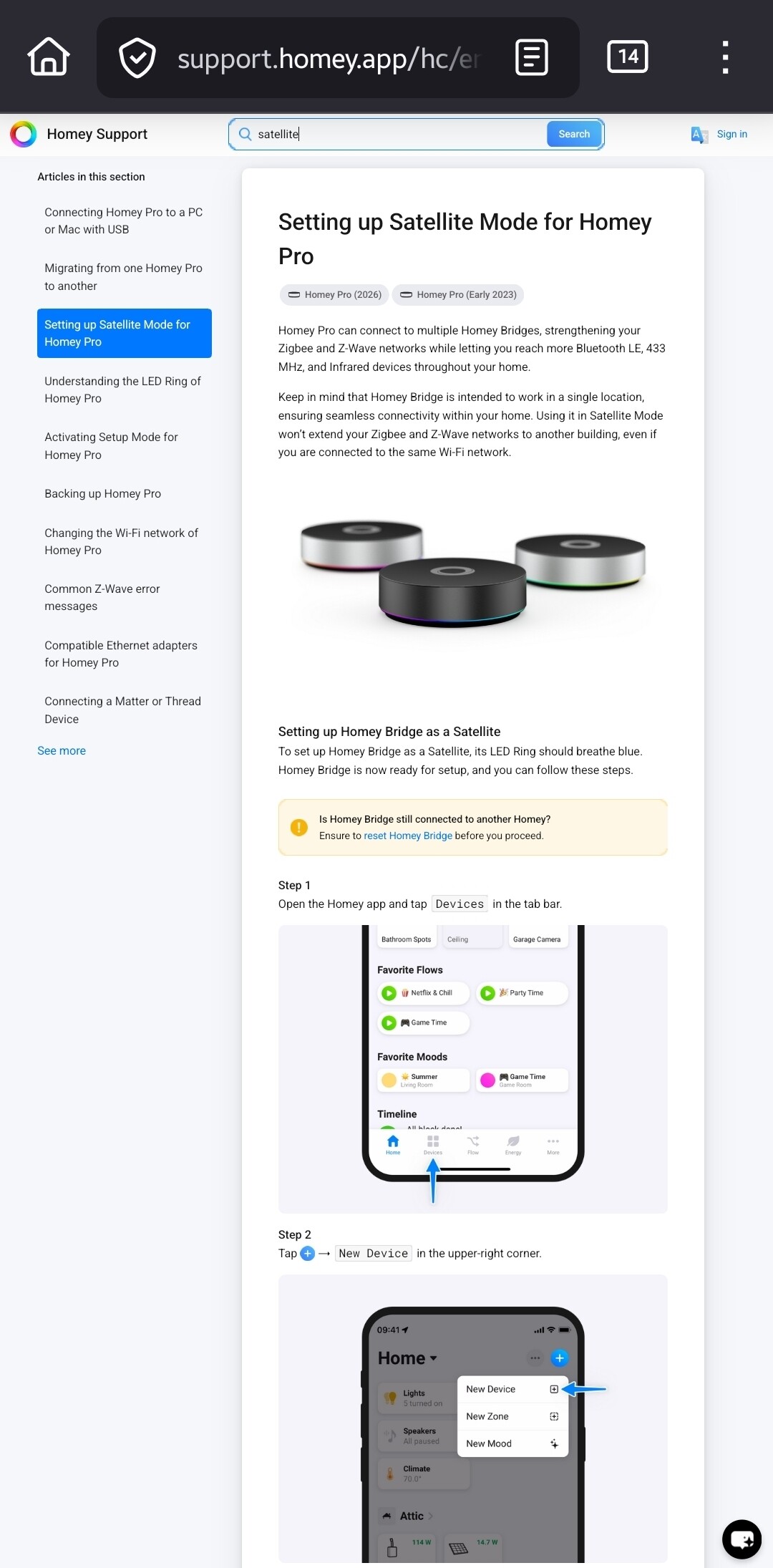
Satellite mode: a feature that allows adding a Homey Bridge to a Homey Pro/SHS that adds additional communication protocols to Homey.
If you added HomeyLink, it can only import the devices from another Homey. You need to add the Bridge separately
It’s adressed to ‘nerds’ for a reason I guess.
With all due respect, SHS is not as ‘easy’ compared with a Pro in a box.
But I’ll try to explain stuff.
You don’t need HomeyLink for a SHS + Bridge setup.
As I’m not a clairvoyant  , what does “I can see my Homey bridge” mean exactly?
Please be specific;
Is it present/visible in the Homey app as device?
If true:
Is it present at the zigbee/z-wave overview.
If not:
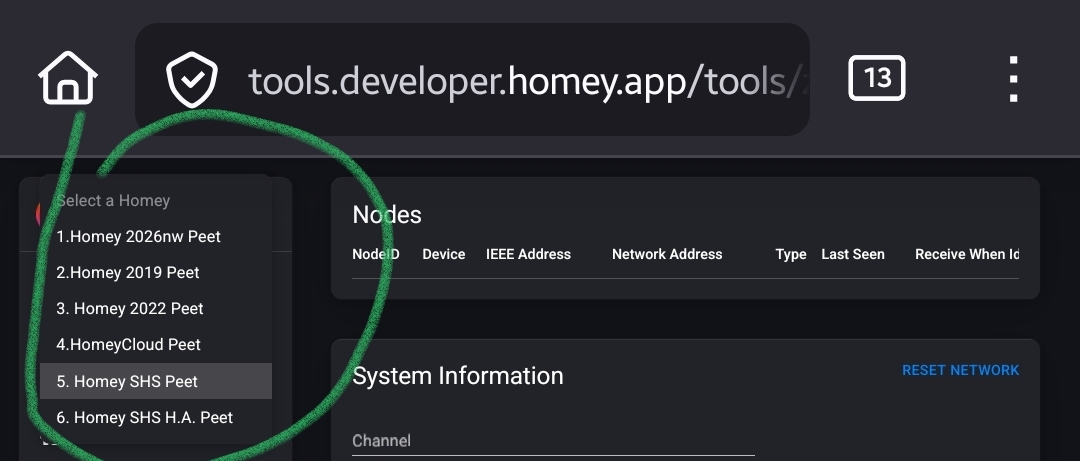
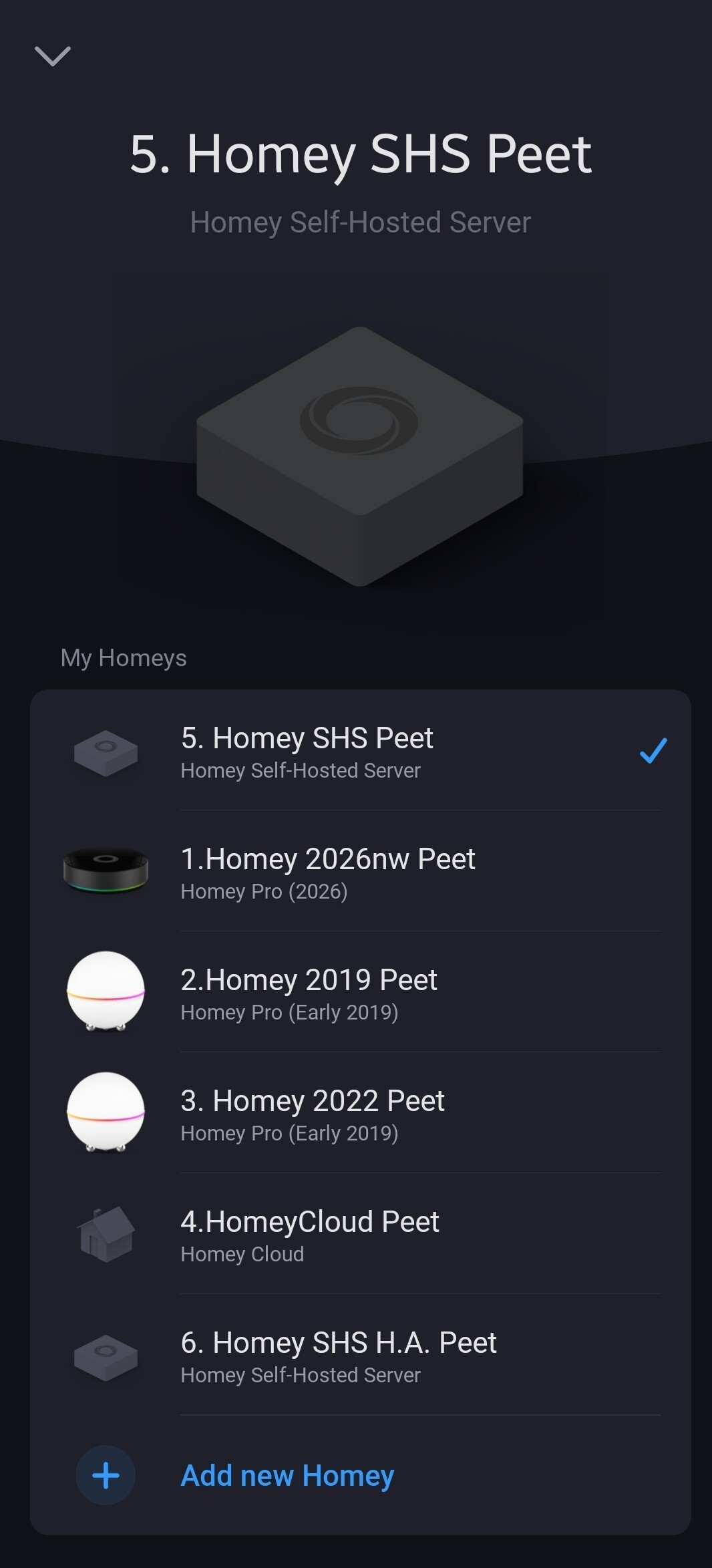
When you logged in, can you select multiple Homeys?
If true, you probably fired up a Homey Cloud instance, and added the bridge to that one →
you’re not the first one selecting / setting up the “wrong” Homey.
That’s the main reason the SHS Homey says:
The differences are visible by the icons, and the name you gave Homey SHS, and the description.
Example:
But it’s guessing from here.
Please tell us where you searched for info. The SHS knowledge base articles are just published:
si glue = single I presume.
Again you don’t specify the error(s) returned by the system. When you’re actually try to install apps on Homey Cloud, many will fail because only a small number of apps is allowed to run @ Homey Cloud. But maybe it’s a NAT issue on your side, hard to tell.
“Even zigbee” … well that’s just because the bridge ain’t connected yet 
So when i try to configure SHS using the app and add a Zigbee devide even though i haver the Homey Bridge is says it needs to be added
But when i try to configure through the local webpage it works fine.
So not sure what is going on there
What, only now you say it works fine using the webpage? What is this crap…
What a waste of my time. Shame on you, and merry Xmas.