I see. You’re probably right. My heater is in a small technical room within my wash room, so it gets quite hot in there 
This new error is caused by some recent changes in myUplink.
Previously they was just rounding the numbers themselves, but now the temperature setting must be set precisely, otherwise a “bad request” is returned from myUplink.
There are two ways to solve this:
- Round the values yourself before sending it to the app.
- Send me a private request to participate in the beta-testing of the new myUplink app.
As this app will be replaced by the myUplink app when published I see no reason to make any further updates to this app.
EDIT: As the myUplink app is a little bit delayed I decided to fix this anyway. The fix is on the test release for now, it will be pushed to stable shortly if nothing odd happens.
Hey @frodeheg do you have more info on the official MyUplink app? Any ballpark timeline or contact info to devs you can share?
It’s difficult to say when it will be public but this is what I know:
- The app works on both Homey Bridge and Homey Pro
- The app includes a Høiax driver which is 100% complete (Includes Connected 200, Connected 300, Connected Retrofit Kit, and Connected 200 Express)
- The app should include a driver for Nibe devices, but this is not complete.
- The app includes a universal driver that can be used on any device. This is 100% complete, but it will require you to link attributes to capabilities yourself, so a bit more tedious to use, though it’s only intended for temporary use while waiting for direct driver support.
I believe the app will be public when the Nibe driver is complete, though I cannot say for sure if more brands will be ready when it goes public or exactly when it will go public.
It’s open for testing though, so if you want to get early access it’s possible to try already.
The contact address they left for the app is: help@myuplink.com
That’s awesome, can’t wait to finally get this! 
I apologize if this is already addressed. I have two 300l. One at home and one at my cabin. They are added as two separate devices. When a flow increases the temp one device, it also increases the temp on the other device. This is a problem because I want to keep the cabin heater in “vacation mode” when we are not there. Any experience or ideas on this? Thanks!
This was unknown to me, I will send you a link to the test version of the new app so you can see if it works there. That one should be more robust with several devices in mind.
@frodeheg I have been testing the new myuplink app on my Høiax Connected. After a while it stops reporting. No error messages, I just see that its not updating any more. Restaring the app solves the issue
Hmm… Odd. I’ll take a look and see if I can locate the problem. Can you confirm which Høiax Connected device you had? Also, is that the only myUplink device you are trying to control with the app, or do you have other myUplink devices that are being controlled simultaneously?
I have 200 connected, and that’s the only myuplink device I have.
It keeps happening. Anything I can do to figure this out before I restart the app?
Sorry about the delay, I was planning on looking at this today but my Homey Pro Died so I am a bit limited.
I have access to a Homey Bridge though, which has had a Connected 200, Connected 300, and Connected Retrofit Kit attached for months without problems, so I can’t reproduce the problem.
Can I ask what happens if you try changing the temperature when the device stops reporting? Does that activate the reporting again? Does it change the temperature of the tank? Or does nothing happen at all?
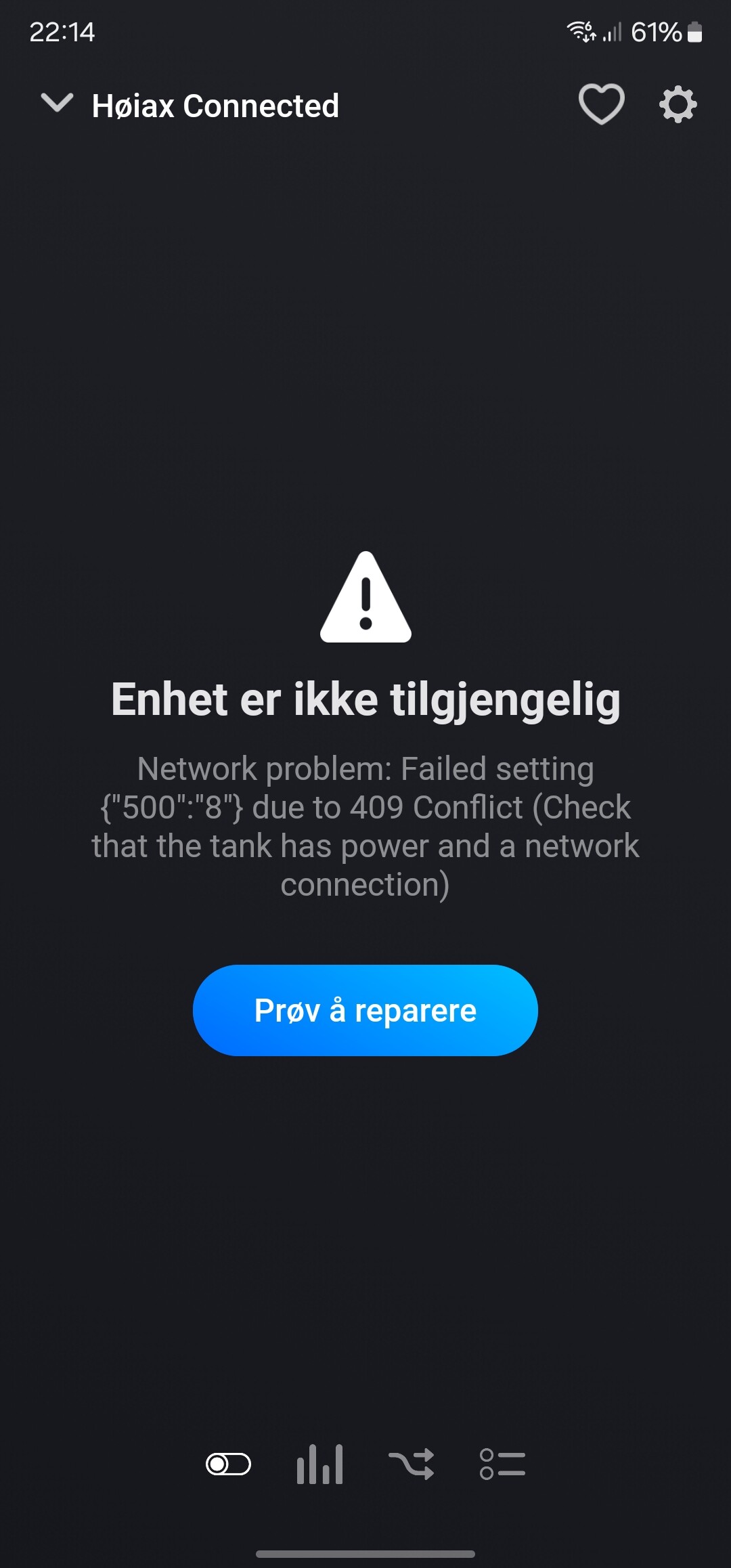
Hmm… peculiar.
Could it be that you have access to more than one device in the myUplink account? Because this app list everything as Høiax Connected even if it is not… Then it’s easy to select the wrong one.
If not, then what model do you have, is it Connected 200?
I have just one device connected in the myUplink account, and I have the Connected 200.
I think I found the solutions yesterday. During the setup of the Homey Pro I had a hard time connecting it to the wifi. I then had to split the wifi signal into one for 2,4Ghz and one for 5Ghz. The 2,4Ghz i named something different than the 5Ghz, since I want that one to be for only smart home devices thats not supporting the 5Ghz. I think it was this step that made the HøiaxConnected too lose connection to the internet (since it also was offline in the myUplink app), and then making the error in Homey. I noticed also that all of my other devices in the house that are connected via wifi also lost connection (Mill, Toshiba heat pump and so on).
So I reseted the Høiax Connected to factory settings, and connected it to the “new” 2,4Ghz wifi. After that it worked with no problems in the Homey app.
So it stopped reporting again. If I change the set temperature it works and it gets updated in the myuplink app as well. But the the other parameters does not update in the Homey app. However I noticed now that some do update when I change the temperature, but most of them don’t. See picture. The current temperature is also stuck on an old value. And if I change the set temperature from the myuplink app, I does not update in Homey.
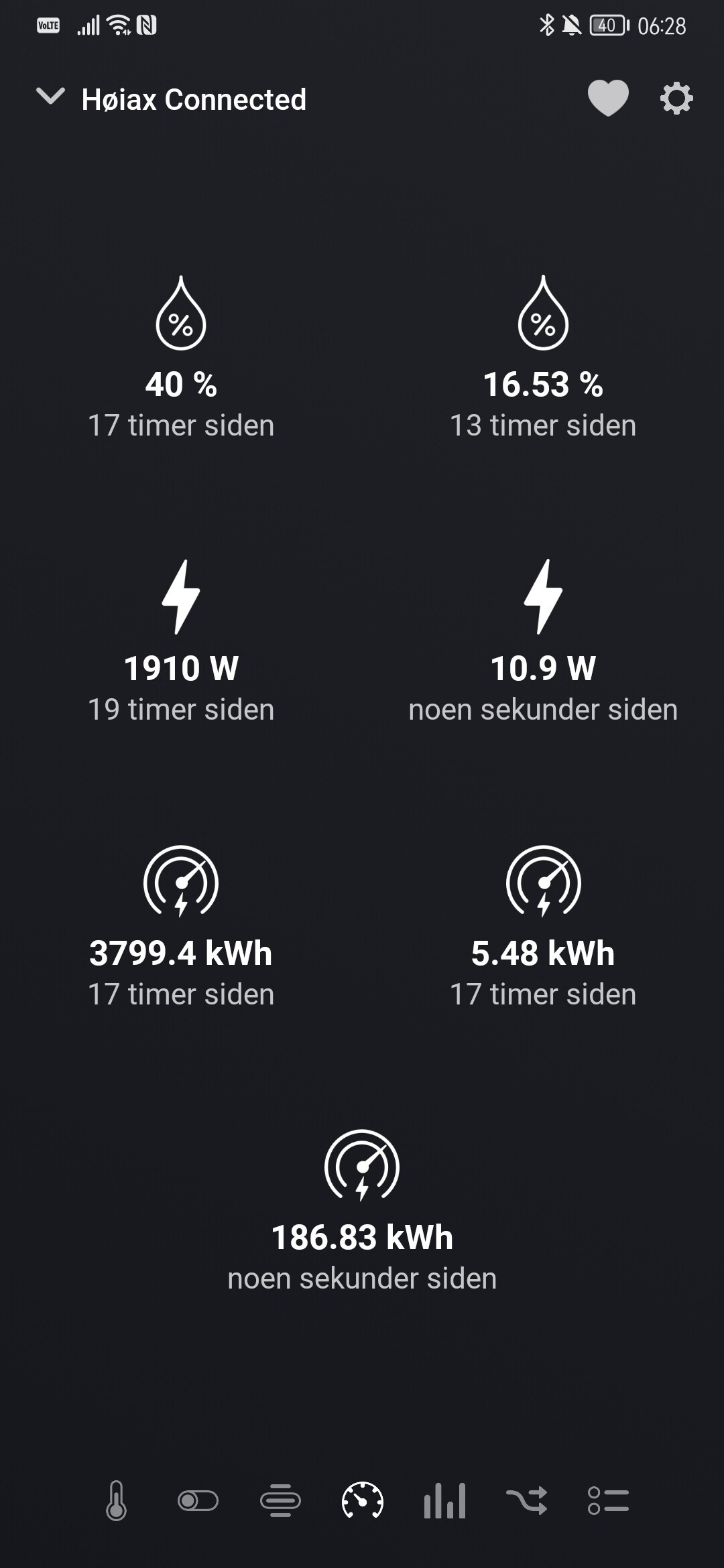
I just made a fix for version 1.2.4, hope it helps.
So far so good. It has been stable since the update

OAuth2Error means it is an authorization issue, you have to reconnect (repair the device)
