Google text to speech (tts)

I seem to have some issues.
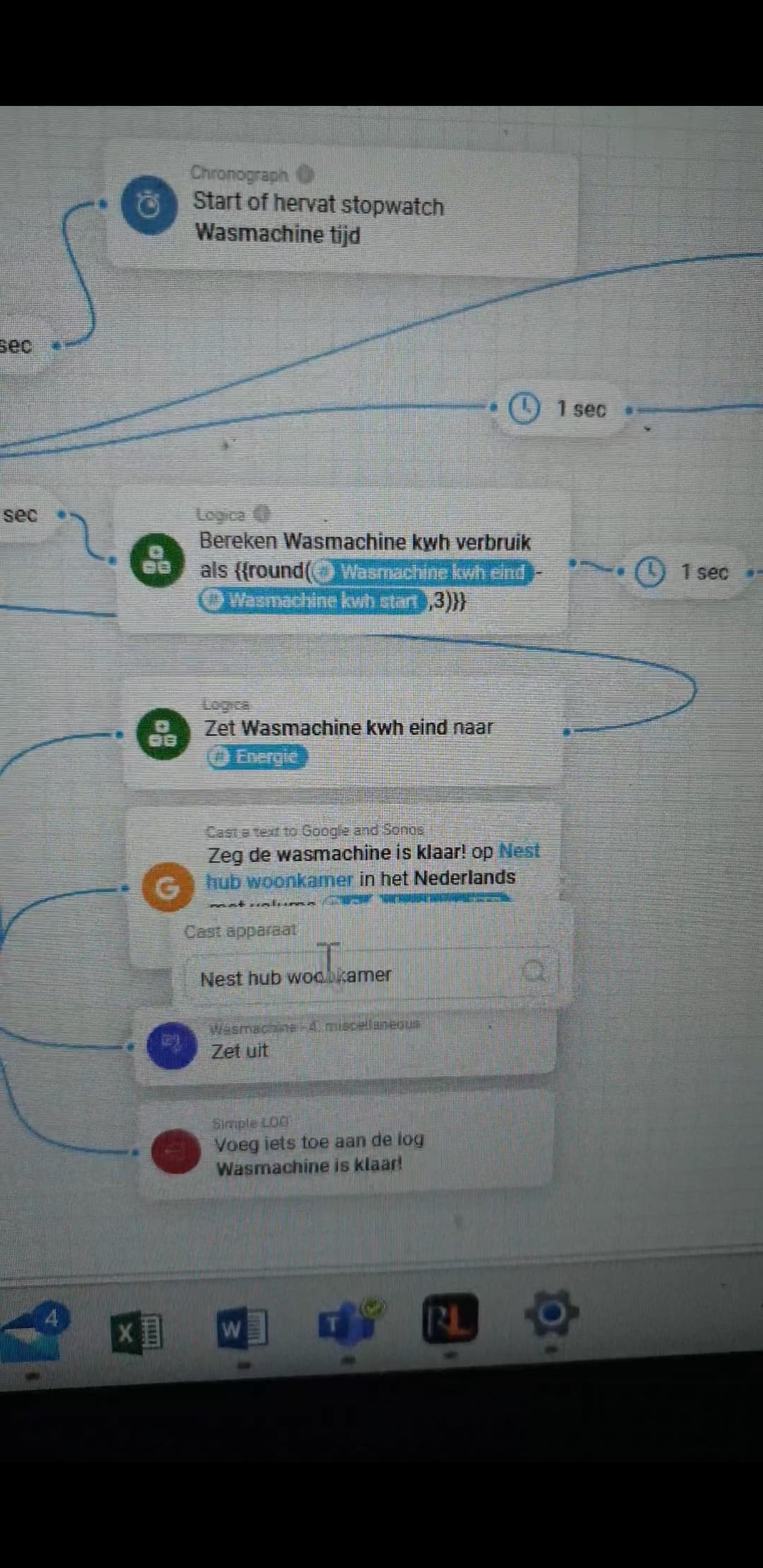
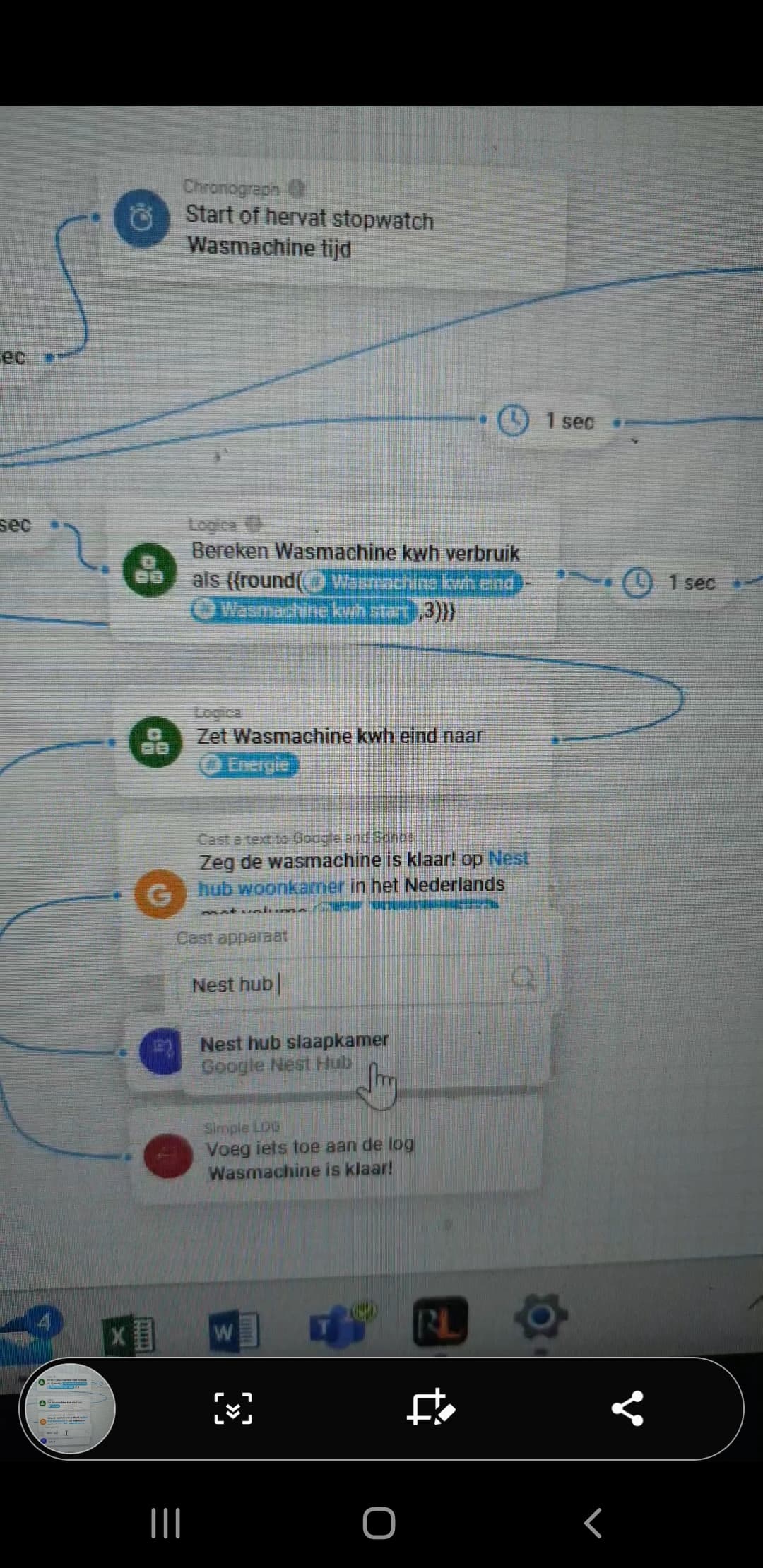
It can’t find my Google nest hub ‘woonkamer’ but I can find my Google nest hub ‘slaapkamer’. Any idea how that happened? All the cards still have ‘woonkamer’ in it, but once I remove the text and try to select it again, it’s gone.


EDIT: it’s back again and it works again.
Downloaded the app from the store again. Maybe that fixed it.

I am sending the type, but it might be the issue. The file service changed it to audio/mpeg not Audio/ mp3… Looking into that

Sometimes discovery takes a while for some devices, if the situation was shortly after app start, that might be the situation.

What version are you currently running, as there was an error in earlier code that indeed did not play at times.

Installed the app today. After a while it also found the Sonos devices. Works well!

Only I notice that the playback speed of the text is slower than the ‘real’ Google Assistant. I don’t have the playback speed set to ‘slow’.

Is this correct?

i updated just before i posted. Forgot to check the version. It seems to work perfectly now, thanks!

Real Google Assistent is using a different set of API’s, which are not free to use…

1 Like

@Martin_Verbeek , do I read this right that you have ~350 installations from HCS ?
If so, congrats, I hope some of those users appreciated your work by donation !

1 Like

You can use the Google Service App for those voices, settings and modern api. (Stil free, but you need to configure some stuff)

1 Like

I don’t think so, must be a wrong number on HCS…

Martin Verbeek

Which app do you mean? Can’t find anything with that name :slightly_smiling_face:

Do you have homey cloud?

Hehe… found the app… looked on Google, but couldn’t find anything. I will look into the app to figure it out :slightly_smiling_face:

Thanks!

I have installed the app (3.1.1) however I can not see any configuration options in the app settings. Is there a manual or such?

There is no settings - simply add first Chromecast devices (via Chromecast app) and then check THEN actions for Cast Google TTS, which allows you to initiate speach on those Smart Speakers.

Playnotification API call indeed only works for S2 compatible devices.

Edit: The S2 dependency is for PlayNotificationAudioClip (a small distinction).

So still need to investigate on the why. Dev of the library has same issue.

1 Like

Thanks for the response and sorry for responding after 2 weeks.
I successfully added the Nest Mini as a chromecast device. However I cannot select it in the THEN action card f the Cast a text to Google and Sonos 3.1.1 app.
But now I see I can add it to the official Google TTS app. However since that one is not supported on homey pro 2023, that app is useless to me. (the reason I purchased a nest mini is because the new homey pro does not have a speaker installed… :face_with_spiral_eyes: )

It is supported, that’s why Martin Verbeek updated it to SDK3. Or did I misunderstood?

That is correct, but this version does not show my nest mini in the drop down list.

And you have it added as Chromecast device? Also do you have latest version installed? Cast a text to Google App for Homey | Homey

Ah I see… I installed the version from the community store and it seems that one has a bug. I wasnt aware that this app was also available on the official appstore.
Yes, now I got it working, thanks!