Does Homey Pro support this thermostat? What does the interface look like when it’s set up? This is what Vera looks like.

You can find out in the app store:https://homey.app/en-nl/apps/homey-pro/
Homey thermostats look the same regardless, only on the Dashboard there’s probably some variation possible.

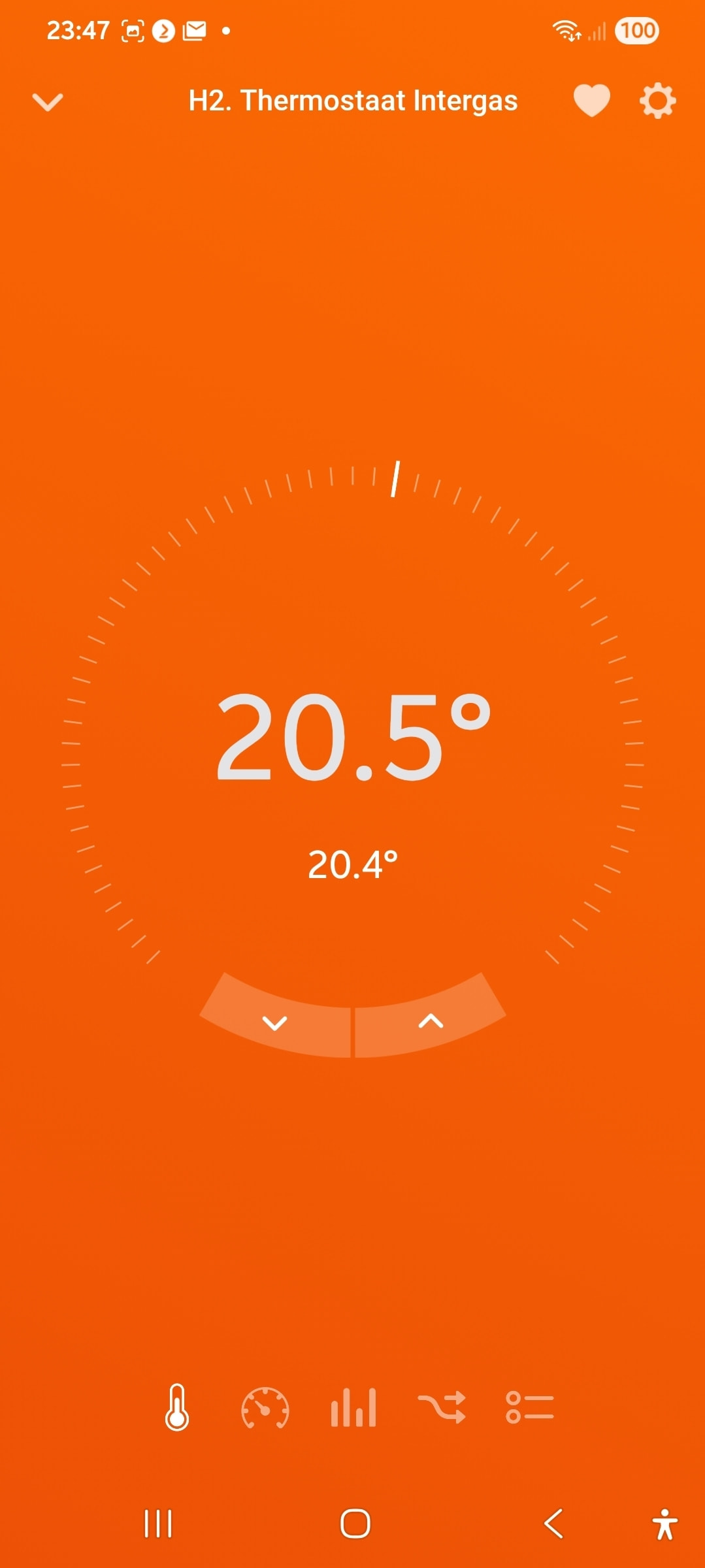
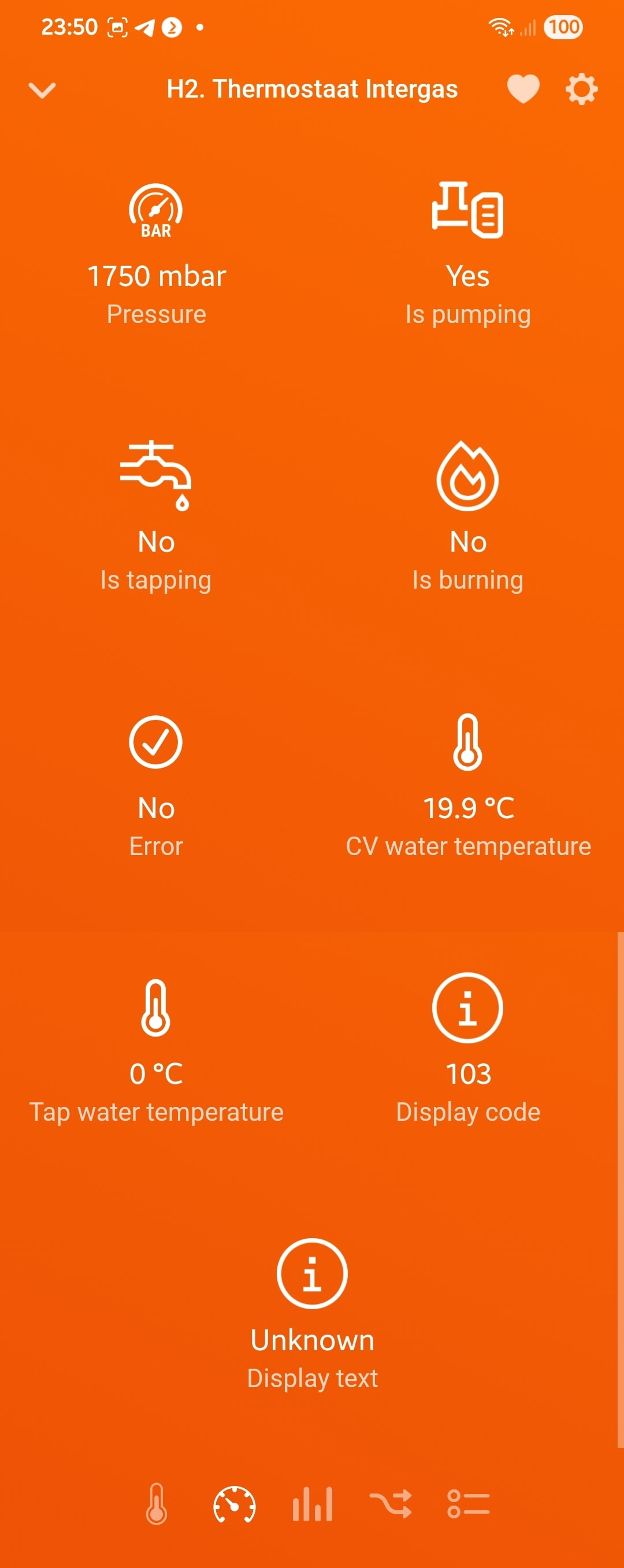
orange=heating
black=idle
blue=cooling
What am I supposed to look for on that link? It’s a Zwave device. I would hope that Homey would support a bunch of standard zwave thermostats without it having to have a custom app.
I am in the United States and use Fahrenheit. Vera gave me that interface as a generic zwave device.
Does Homey have a generic Zwave device that controls heating and cooling in Fahrenheit like my picture?
Thanks in advance.
Well, Paddy, I tried to explain you can find that info yourself in the homey.app store:
you can enter the brand or the model in the search bar, and then you’ll see if it’s supported or not.
Z-wave thermostats need an app to function.
The only Homey generic z-wave devices will be basic lights and simple switches.
In the US temperature values are shown in °F @ Homey.
Hi everyone,
Has anyone successfully added the GoControl GC-TBZ48 / TBZ48A battery-powered Z-Wave thermostat to Homey Pro?
I would really appreciate hearing your experience:
-
Did you add it using a specific Homey app? If yes, which one?
-
Or did you include it as a generic Z-Wave device?
-
If generic, were you able to control mode, setpoint, and fan properly?
I’m currently developing a custom Homey driver for this thermostat, but I want to check whether anyone has already managed to integrate it successfully.
Thanks in advance!
Manufacturer ID: 16
Product Type ID: 21570
Product ID: 21554
Tested on Homey Pro 2023
Z-Wave security: x
