Note that it is also supported that icons are referenced from the /userdata folder. This is the only exception to the rule that all icons are relative to: /drivers/<driver_id>/assets/ e.g. /userdata/my_icon.svg . This allows apps to upload icons to the userdata folder and reference them later during pairing. This feature is supported since Homey v12.3.0
But if I read this correctly it still needs to be supported by the developer to upload custom icons.
If you could please keep the conversation in English as much as possible, then more people will be able to participate and help you. If you would rather not or can’t communicate in English then please check out Non-English boards/categories:
Hi there! Just installed new Aqara Valve Controller T1, it’s a driver for water valve and it’s not supported by app for aqara, so i installed as standard zegbee device. My first problem was to search icon, but there is no any with valve, water or simillar. The second problem is that status of device (on/off) is available only if I choose light for the device, but I have scenario/flow when all lights go down. The 3rd problem, is that there is no any sign of valves in Homey as a class of devices!!! Can you manage with this?
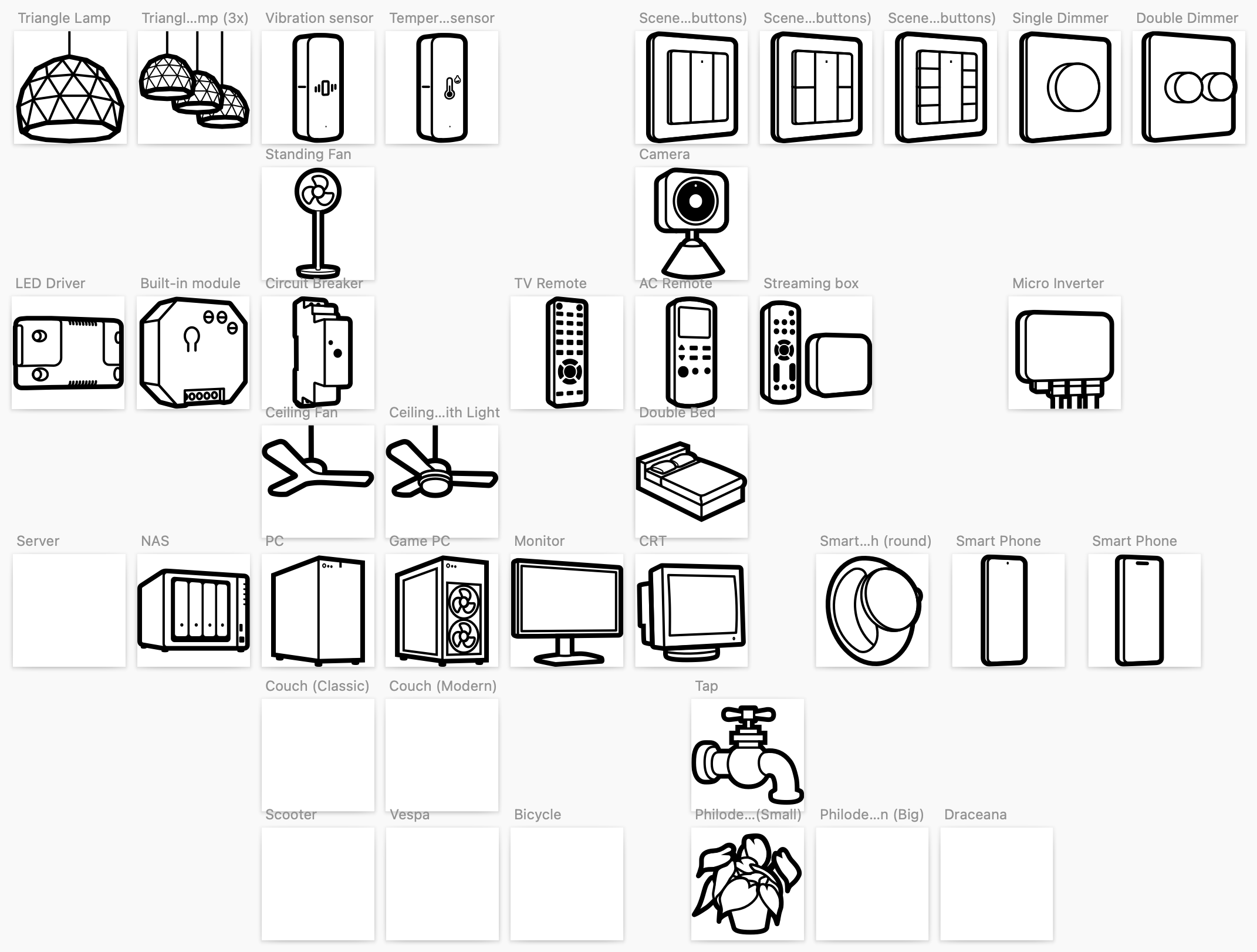
I’m especially missing icons for smartphones and tablets.
Not really an icon, but also, I am missing the ability to have more than just a color or just a text as a status indicator. Now I have to create a virtual device to show the color that gives an indication for a value (which I also want to see). So it would be nice to be able to put both text and a color as a status indicator. There is plenty of space for it.
Please keep it civil, we’re here just to try to help eachother if possible.
Cool, I didn’t know a water valve can be controlled as generic zigbee device.
You’re lucky, as it’s not supported by the Aqara app. (Did you already request for support in the Aqara app topic?)
To have it not present itself as light,
maybe you can change [light] into [other] or [kettle] at “what’s plugged in”. Just try stuff out.
Hi Peter. Thank you for your attention to my request. As I mentioned before - I did a change from [light] into [other] or [kettle] at “what’s plugged in”. But the status dissappear (the small yellow round on icon of device).
Ah, that round icon is only visible for lights. It also displays the current color of the light
But in general on/off is shown as kind of foreground/background or active/inactive view
I see, I didn’t read too well
Appearantly there’s some catching up to do by the app developers , or it’s only possible to add a water valve as device class water valve idk.
As a user coming over from Home Assistant, icons are one of the weakest areas of Homey. I am used to the MDI icon library that has basically every type of device that you could imagine. While I understand that Homey wants to have their own style, the utter lack of icon types (example, all of the different types of lights that exist) make one really rely on the label rather than just seeing at a glance which light is controlled based upon the icon.
It would be great if Homey could allow people to use the MDI icon library as a supplement to the Homey icons.