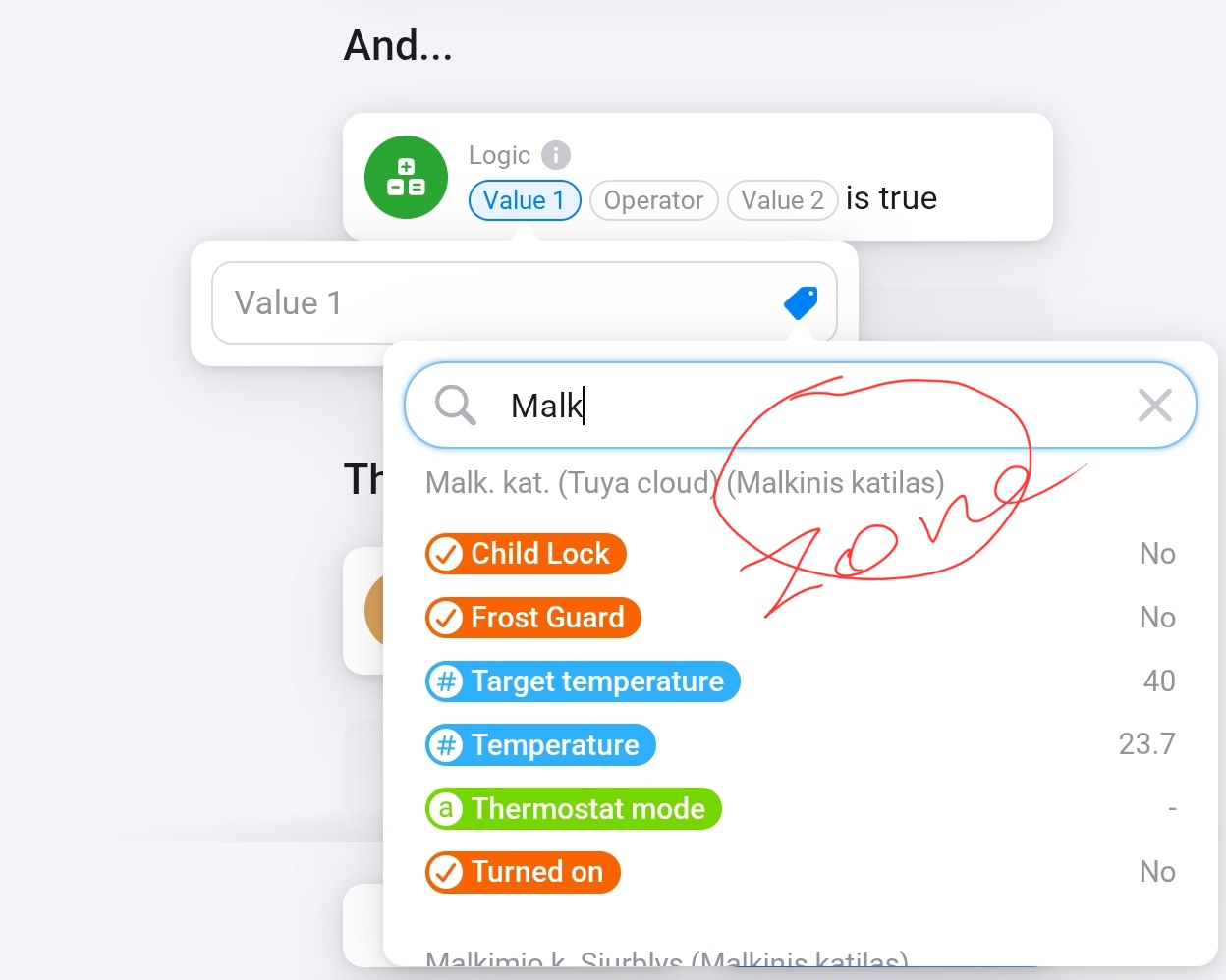
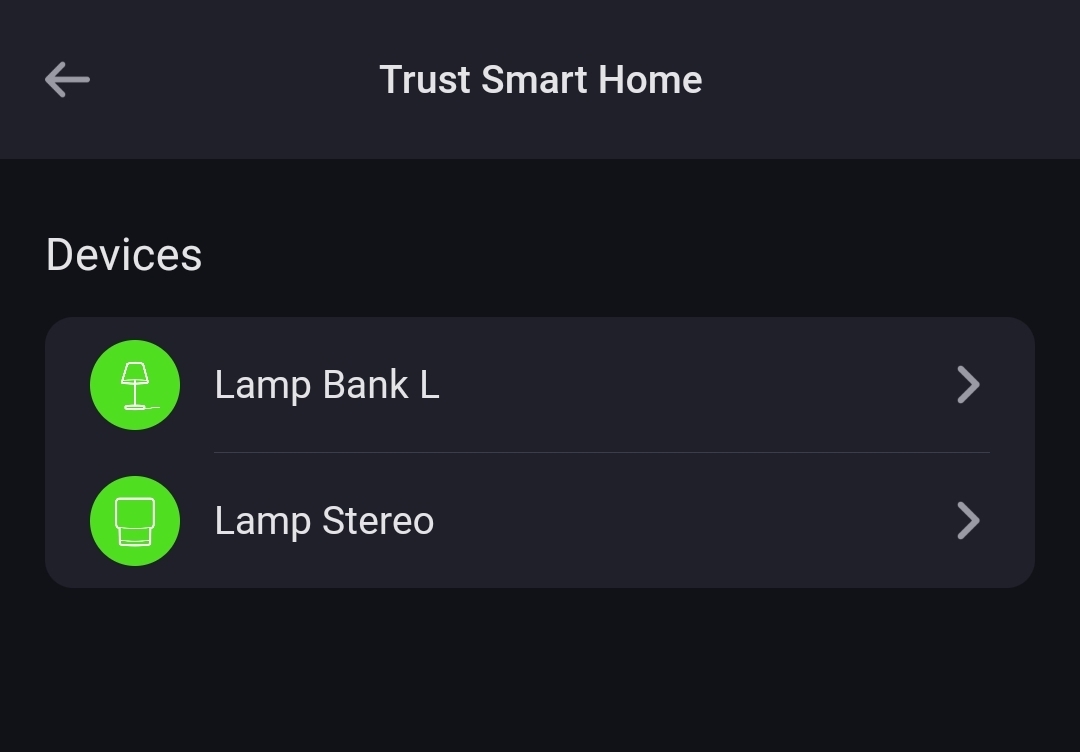
I have smart thermostats in every room, they are all named just that. But when the devices are listed, I don’t know which is which.
I’d love an option to always show what room a device is in, so instead of just showing:
[device name]
it’s
[room]: [device name]
For a use case, when I want to configure a flow for a thermostat I want to be able to go to Apps → Device. Now it’s just a list of six devices all named “Thermostat”.
I can go the home route, but then I’d have to go:
Home → Ground Floor → Room → Device
Until now, I have always added two letters after the name of devices which are installed in several rooms. Example:
– Thermostat LR = Living Room
– Thermostat BR = Bath Room
But it would definitely be much more user-friendly and also look much better if there were no need to add letters or something else.
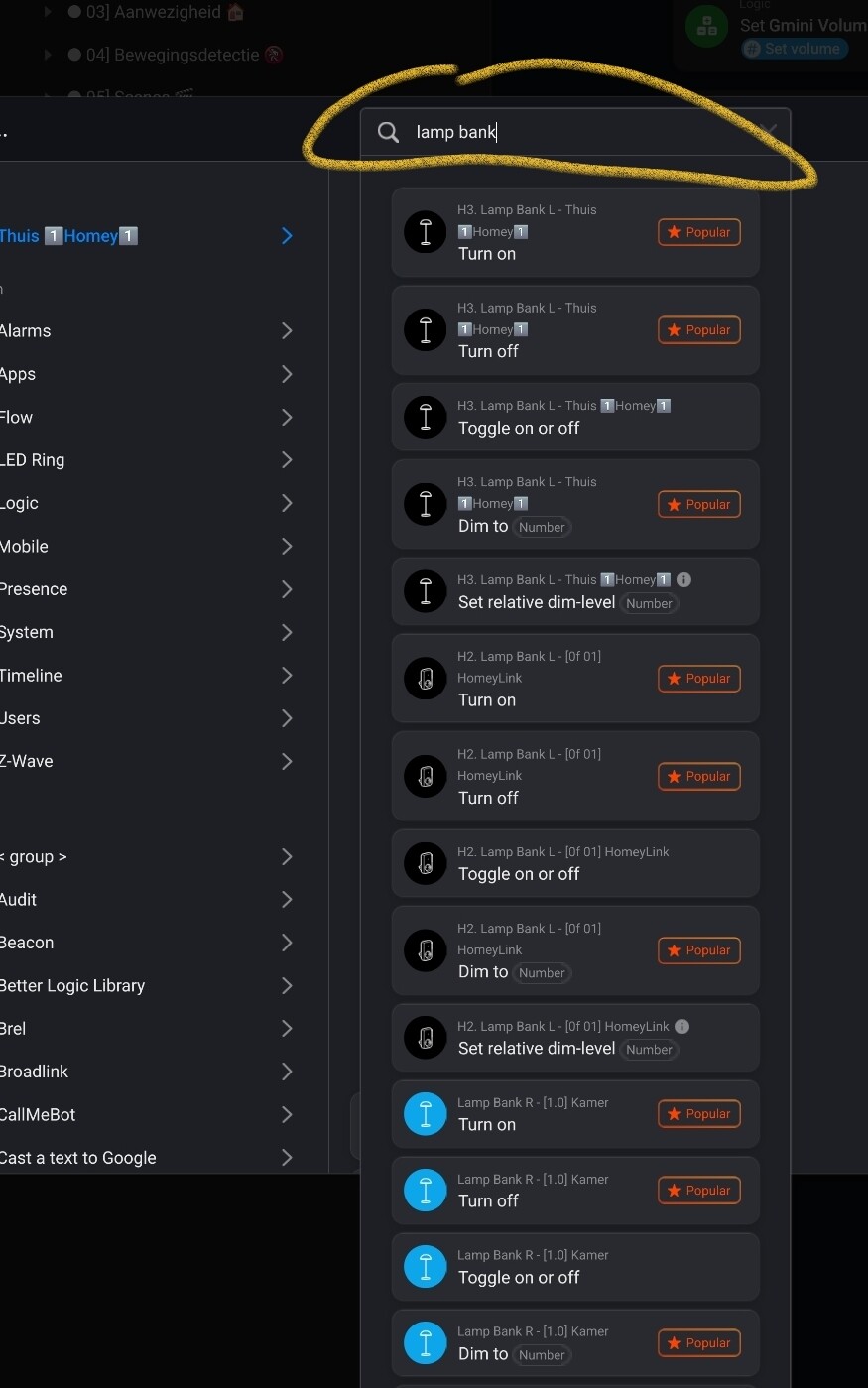
In the Flows, the zone should already be shown (in the web app at least). If you want to select a device to use in a Flow, you can use the zones (by clicking your main/root zone) instead of the apps.
@Fill
Yeah, that’s most probably exactly how Athom designed it - there’s two ways of selecting a device’s flow cards, and you just happen to use the ‘wrong’ way:
When you need just a device of a certain app: navigate to the Apps section
When you need a device with a generic name from a specific zone, navigate to the Zones section, and next, to it’s zone!
In the web app flow editor it’s a bit more user friendly: just enter a (part of) a device name in the search bar on top, and pick the one you need, the zone name is present as well