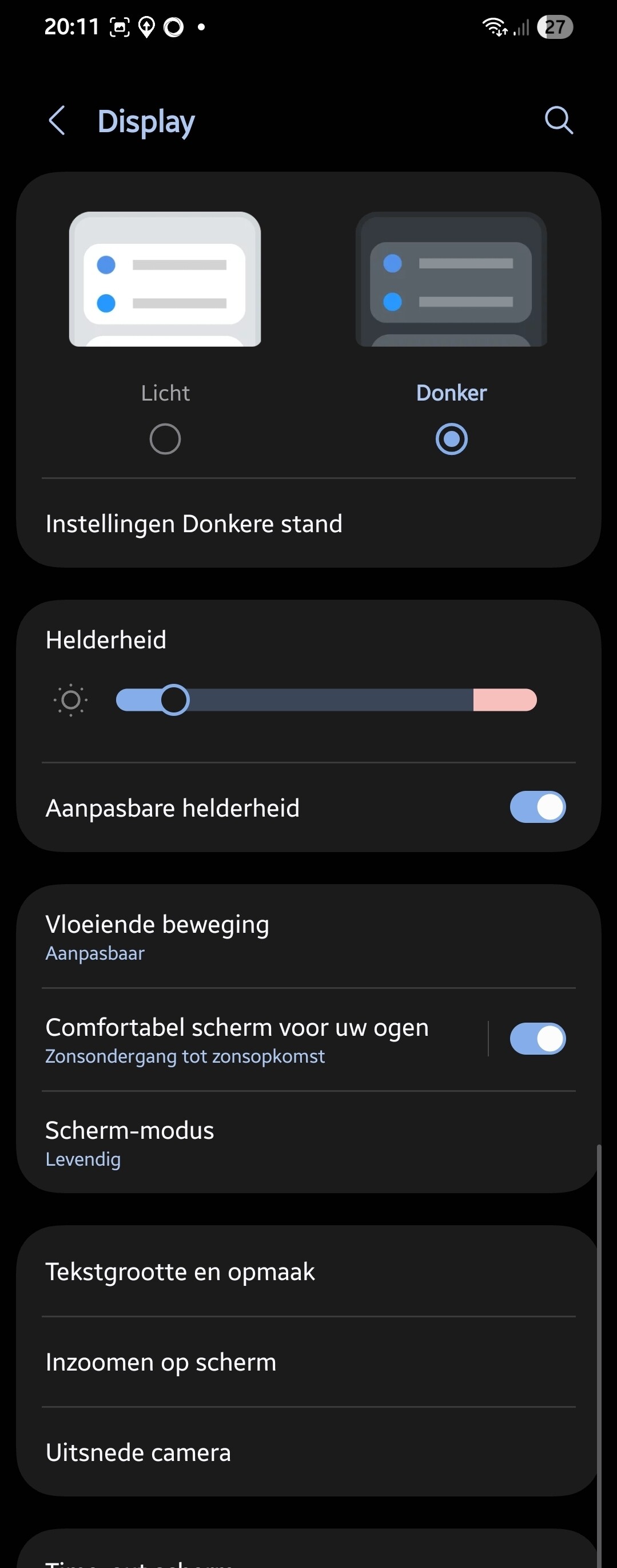
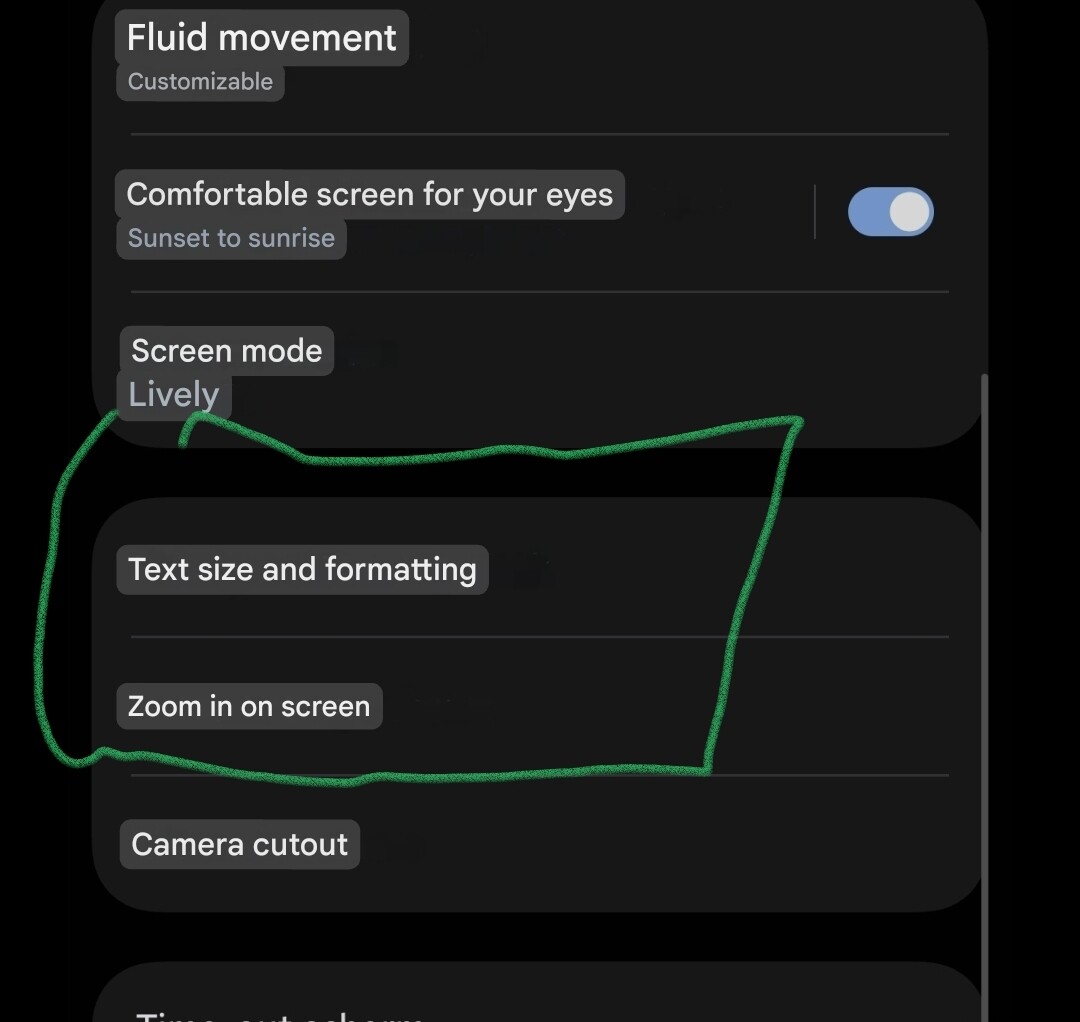
Is there any way to adjust the text size of widgets in dashboards ? This is a test dashboard on Android - the sensors widget cuts off the data, and the Enhanced Device Widget is way too big. I can adjust the overall phone text size, but that does everything on the phone 

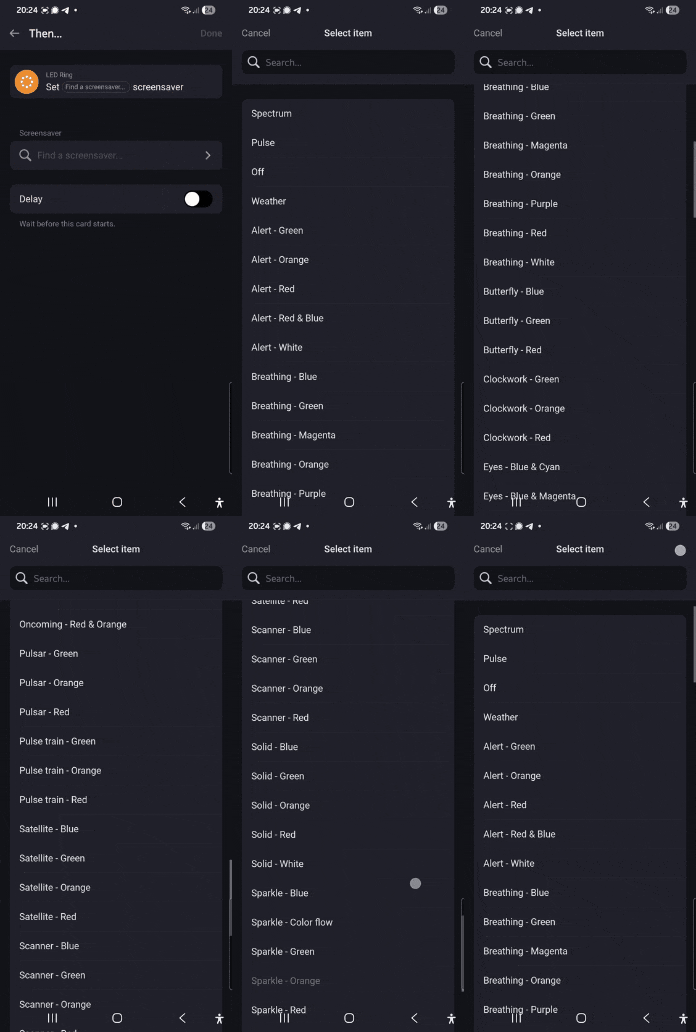
Somewhat related … This is with the Inovelli fan control switch - a Then card to select the LED strip effect. It’s not scrollable - there are several more effects below the bottom “Rising …” ones. They’re fully visible in the webapp for flows

I don’t know if this is an issue with Homey itself, or the Inovelli app but I lean towards Homey, since that should just be presenting the list provided by Inovelli.
Are you using a Pro 2023?
You found a bug imho; Homey handles to-scroll-or-not-to-scroll dropdowns as far as I know.
You’d report to homey.app/support
Thx.
It’s working on a Pro 2019 though:
Yup, a 2023 - just bought it a couple of weeks ago.
Pity about the text size, it seems like there’s a pretty big variation in sizes. Even though I’ve only been playing with Homey for a short while, I can definitely see where I would want some things smaller and others larger, especially in a dashboard.
Perhaps mandating that apps or widgets include a textsize option would be good ?
