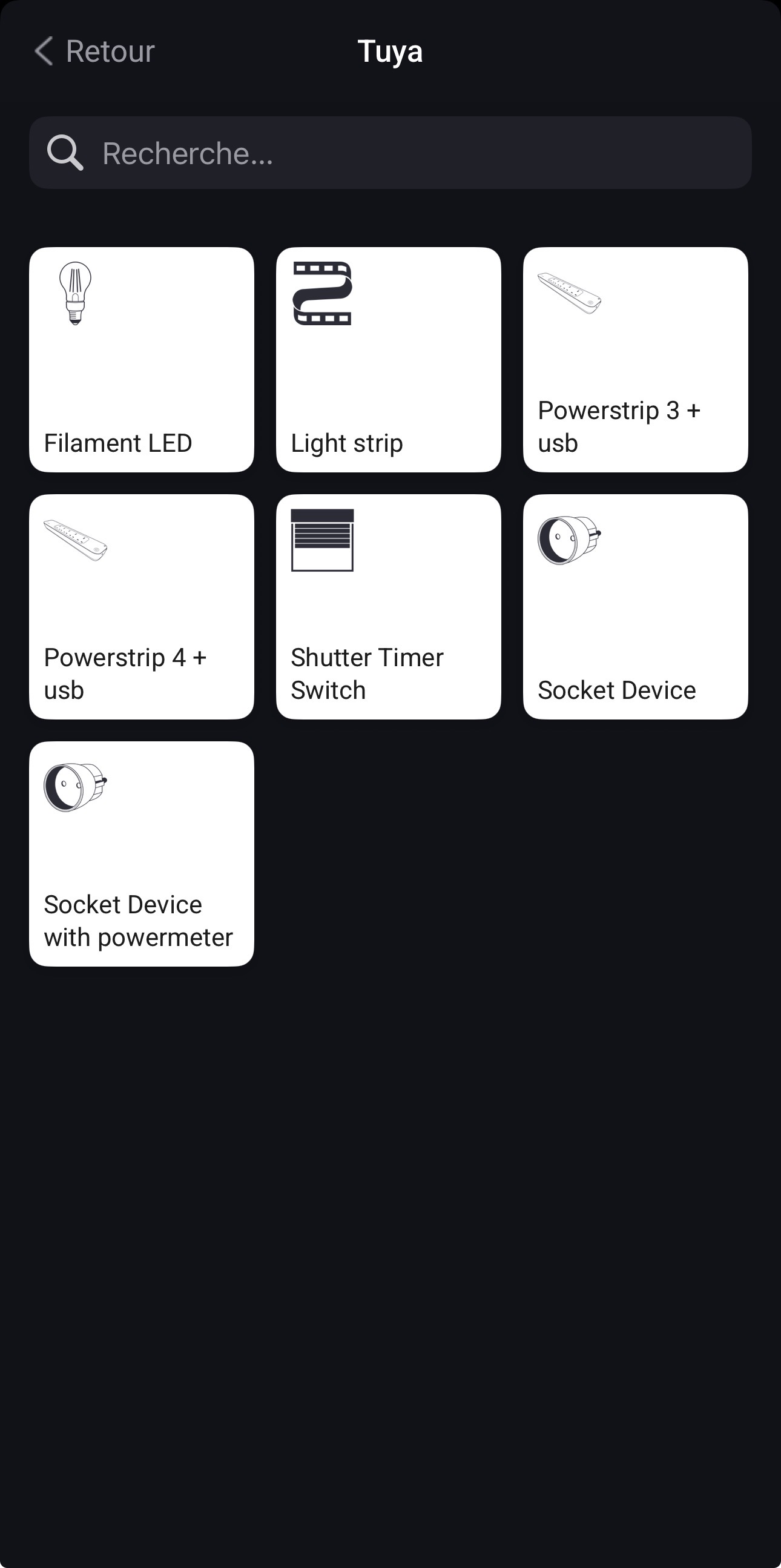
Hello everyone, I’ve just purchased two WindCalm fans from the brand Create. They are Wi-Fi devices compatible with TUYA and SmartLife. With the Tuya app for example, everything works perfectly. However, it’s impossible to add these fans in the Tuya app on Homey, because the “fan” device type doesn’t appear in any of the Tuya apps (neither Tuya nor Tuya Cloud).
I managed to integrate them into HomeKit using a Raspberry Pi with Homebridge through Tuya IoT, but I would really like to have my fans directly in Homey.
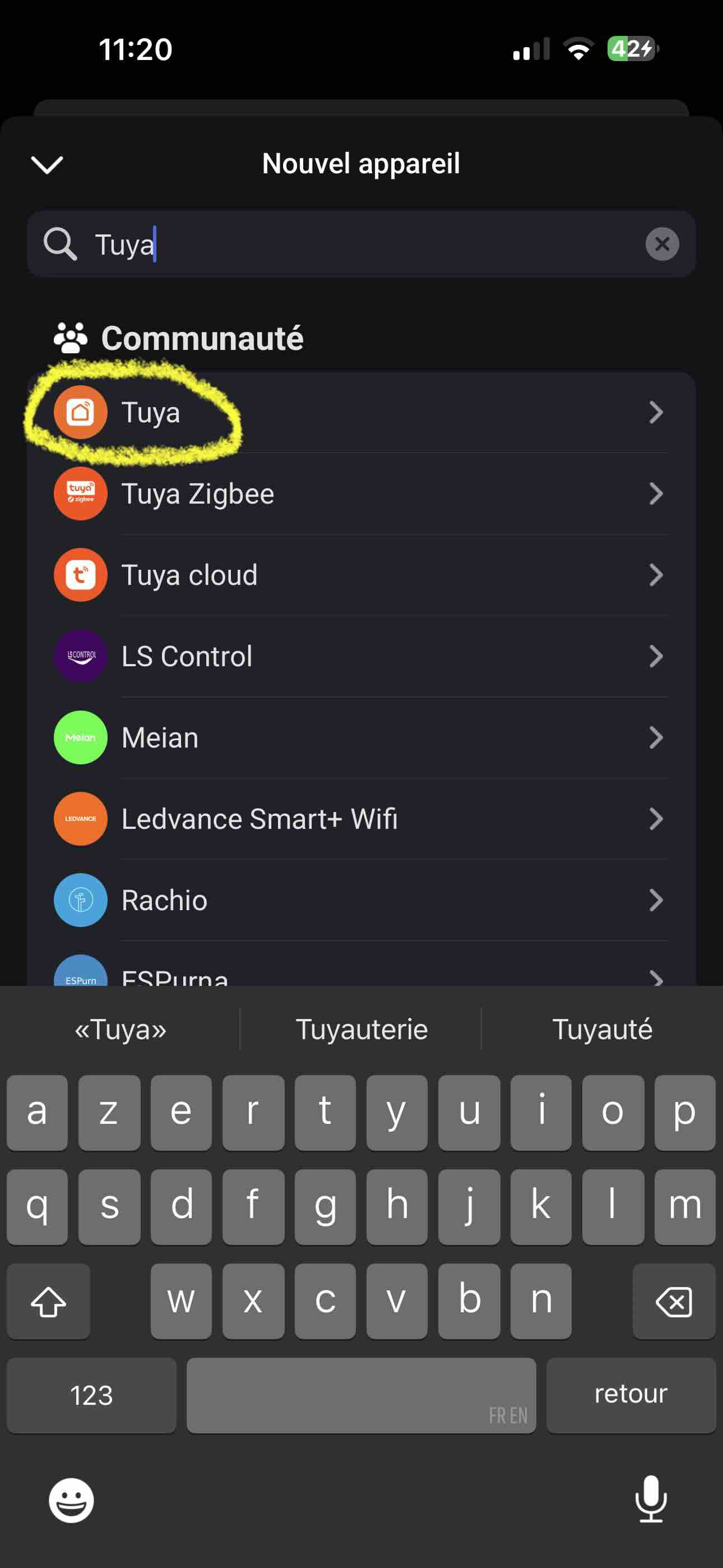
However, when I add a new device and scroll down through the brands, I see three options again (Tuya, another Tuya, and Tuya Cloud).
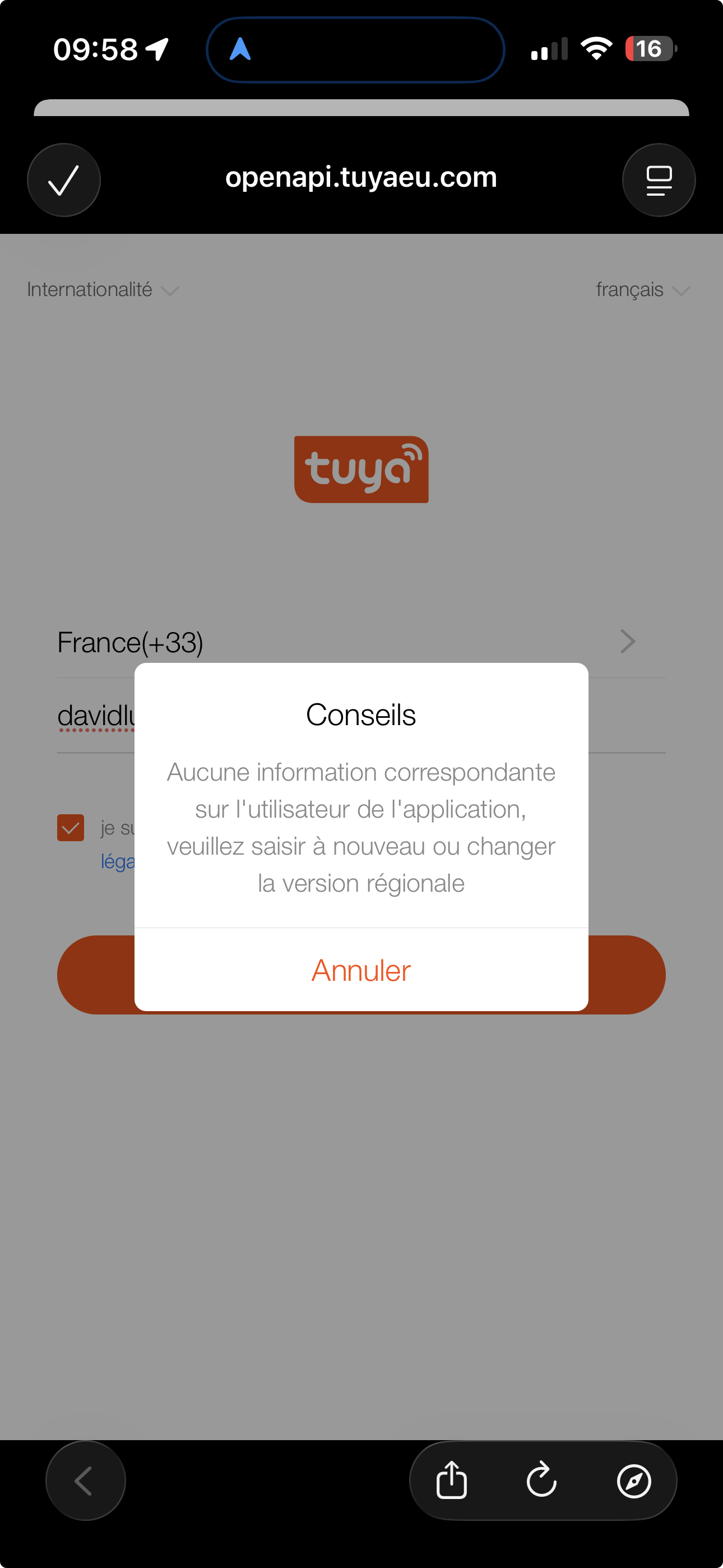
When I choose the first one, the ceiling fan does appear in the list, but I’m unable to sign in to my Tuya account using this app, and I don’t understand why.
Ah, didn’t know you are doing this directly in MobileApp.
I suggest to use the app store first. Search for a brand, then you will get one ore more apps showing up.
Select an app an check the supported devices. Tuya is Wifi based, so the MobileApp can’t search a device like it’s possible for Zigbee.
The official app is currently broken, but with some luck, Athom will add a new login. You can subsribe the tipic above to get updates. That’s the easiest way.
When using the community app, it’s much more work… You need a Tuya developer account and if the dehice is not direct supported, you have to work with flows. Most is described in firt post of the app thread.
That’s why I would wait some time if the official app comes back.
I’ll stick with my Raspberry Pi and Homebridge for now just to use my fans in HomeKit, and wait until a working version of Tuya for Homey becomes available to integrate my fans into Homey.
Setting the Fan speed is not working. Also the setting for color off the lighting is not working. Both are using “number” but does not seem to match with the tuya app. What number is corresponding with which color?
I used Homey developers tools to see the changes regarding values, but nothing changes.
EDIT:
The device speed in Homey is based on percentages and not numbers. Can you change it to numbers, because the device’s speed is expecting values 1 to 6.
Below is the percentage bar displayed.
I also have a WindCalm fan from Create, integrated into Homey via the official Tuya app.
The fan is recognized and appears correctly in Homey (type: fan, with onoff and fan_speed capabilities). It even beeps when a command is sent from Homey, confirming it receives the signal. However, the fan speed never actually changes — it seems the wrong values are being sent.
I also noticed that the Device Specification in the advanced settings is empty ({ “device”: { } }), which suggests Homey is unable to retrieve the correct specs from Tuya for this device.
Is there any update planned to fix this? Or is there a workaround to manually configure the fan speed values?
Have you already sent an email to the developer as @Peter_Kawa suggested? And have you received a response yet?
I’m experiencing the same issue. I’ve managed to get the fan mostly working in the app, but the fan speed simply cannot be controlled.
EDIT: I 'm sure that the problem is related to the app’s slider command structure like @Munnikie earlier said.
When I use the Homey Developer Tools page and send a command like the one below, the fan turns on and I can adjust the speed by sending a number between 1 and 6.
@Munnikie changing the light color in the Homey app works fine for me.
The color does change, but not to the selected color I want. It changes in a sequence.
So if I want warm white I have to change it 2 times, before it changes to that color. I cannot switch directly to warm white.
I also installed the same fan last weekend in my office, I used the SmartLife app. Afterwards I can easily add it to Homey using the Tuya Homey app but I cannot do anything with the fan, getting the message the device works fine but it cannot be controlled by Homey. Looks like you moved further up the road so would you like to share what you did to get there?
Sorry for my late reply. Apparently, I’m not receiving notifications when new messages are posted on the forum.
I experienced exactly the same issue you’re having now. I solved it by selecting a different fan type during the fan setup in the Homey app.
If I remember correctly (it’s been a while), I initially selected “Fan”, but that didn’t work. I then chose “Unknown” under the “Other” category, and that solved the problem.
Just a small update regarding the whole fan issue.
I’ve been in contact with the developer several times and have provided enough information from my own setup for him to investigate why it’s currently not possible to adjust the fan speed using the slider in the app.
His final response was:
“Unfortunately, fans are a bit of a special case within Tuya because they all behave slightly differently.
We are aware of the issue, but at the moment we don’t have an estimated timeline for when it will be fixed.
We apologize that we can’t offer a solution right now, but this will be improved in the future.”
So, the conclusion is that we’ll simply have to be patient for now.
In the meantime, I’m going to see if I can come up with a temporary workaround. It is possible to change the fan speed by sending a value from 1 to 6 through the Homey Developer Tools, so there may be a way to make use of that.
Another idea I’ve been considering is completely redesigning the way the fan is controlled, but that would be a long-term project.