Is there a way to enable “came home/left” timeline notifications for all users so that everyone can see each other’s activity?
At the moment, I only see my own arrivals and departures on my timeline, and my wife only sees hers also sees only me on her timeline. I know it’s possible to use flows to post a “user arrived home” event to the timeline so it’s visible to both of us, but that results in duplicate entries for the person who triggered it, one from Homey by default and another from the flow. Flows wouldn’t work as her presence (arrival/departure) is not detected at all.
One important correction: my wife also only sees me coming and leaving, not herself as I previously stated. So both her timeline and mine show only my activity.
The “family” setting (labeled as “Users” in English, but the icon next to it is the same) is turned ON. On my wife’s account, “Home and Away Detection” is ON, and all required Android system permissions are granted. Her account is set up as a “Resident”, while mine is the “Owner”.
Is there any other setting I’m missing as I cannot figure out what might be causing the issue?
My problem is that I can’t see her arriving/leaving in my timeline (owner account). On the other hand, she can see me arriving/leaving in her account timeline, but also doesn’t see herself in her own timeline (which contradicts that a resident can only see his/her own presence).
@Alex_R / @smarthomesven : Sorry, my bad. I thought that setting also affected related notifications.
Since no one is receiving her notification: is the presence functionality enabled on her phone? In the Homey app go to the More tab (three dots) and then to Permissions. There is a location setting.
What also sometimes helps if you tap your profile icon in the Homey app and then go to My Homeys and next re-select your Homey. This reapplies/triggers the notification/presence settings.
Does your wife have multiple phones/mobile devices linked to her Google account that is used for the said Android phone? If so, is the correct phone selected that is used for the location services?
It’s not in Homey, but in the location settings in the Google account (used on the Android device). I don’t have personal experience with Android devices, but I came across this element when searching for possible solutions.
Your Google account location is doesn’t matter. The Homey Android app uses a Google Play Services API to get the location, but that has nothing to do with your Google account (it’s just a method of obtaining the location while staying battery efficient)
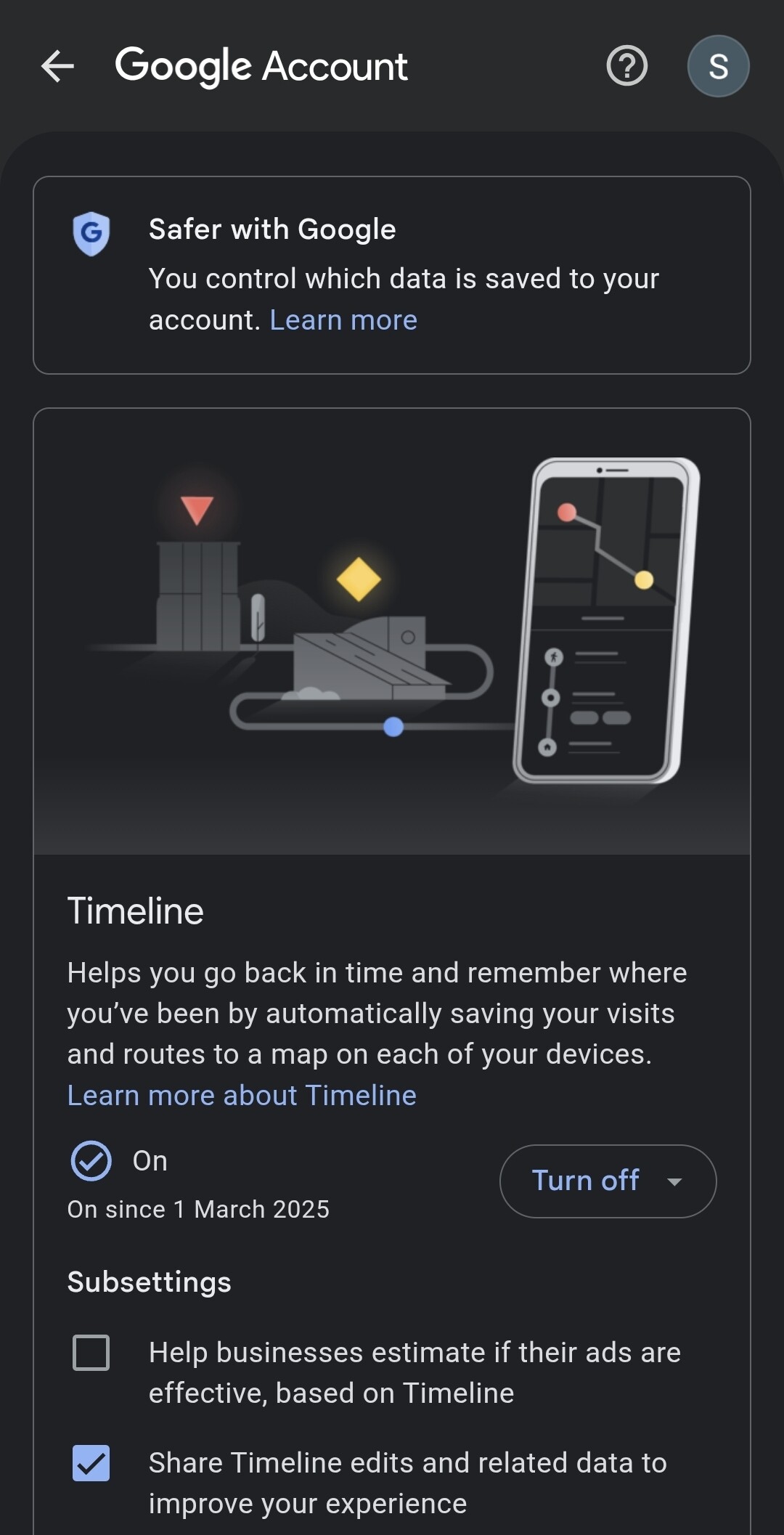
By the way, this was the setting I was referring to: Google account → Data & Privacy tab → Things you’ve done and places you’ve been → Location History → Devices on this account. In which, as I understand, you would only select the device that should provide the location info, in case of multiple devices.