Thanks for the explanation. Then it’s no problem. I use it in the morning report, but I tested it in the evening and it doesn’t work, but it will in the morning. Thanks a lot.
---------- Původní e-mail ----------
Od: Adrian Rockall via Homey Community Forum notifications@athom.discoursemail.com
Komu: zdenda.skal@seznam.cz
Předmět: [Homey Community Forum] [Apps] [App][Pro]Weather Underground PWS app
(Release 3.0.13, Test 4.0.0)
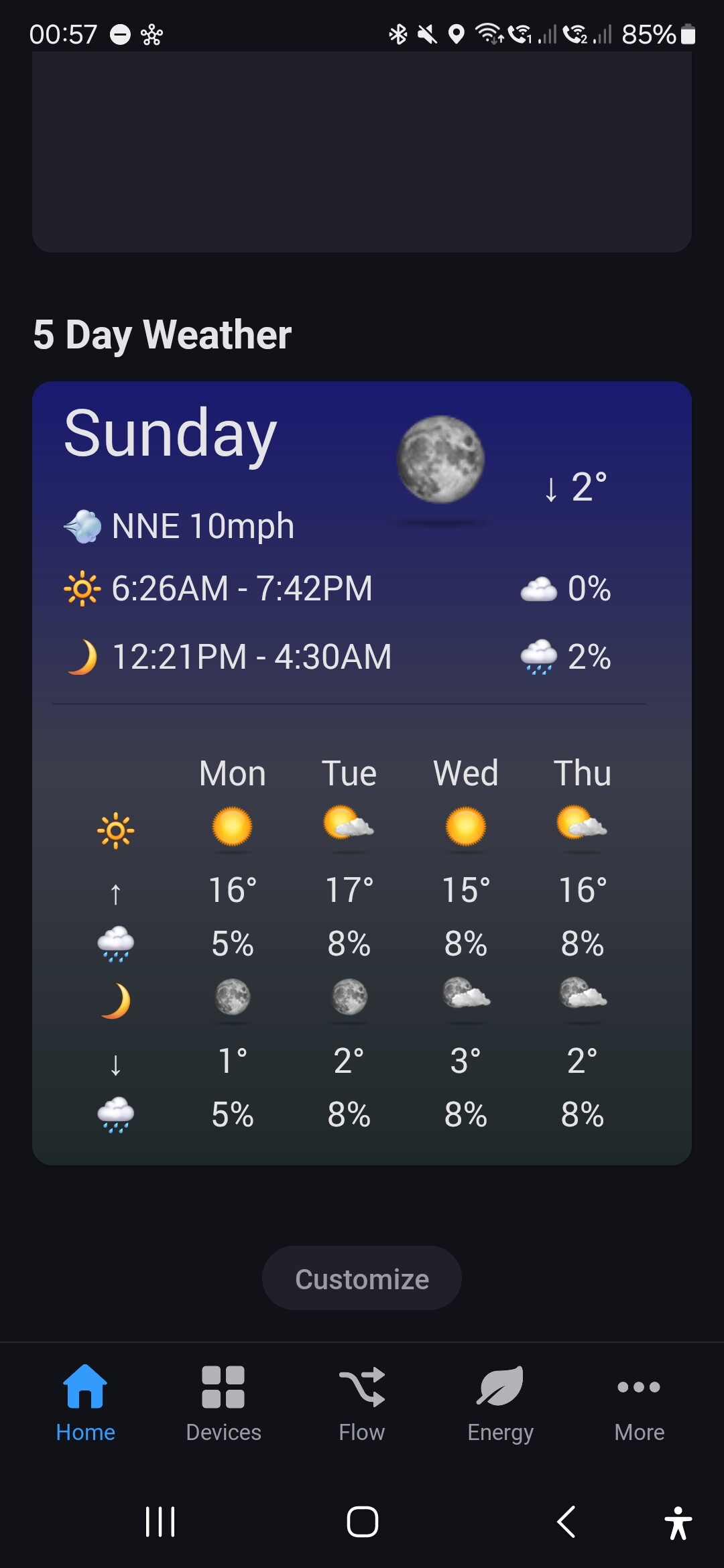
I have published a new test version with a new 5 day forecast widget.
Any feedback welcome.
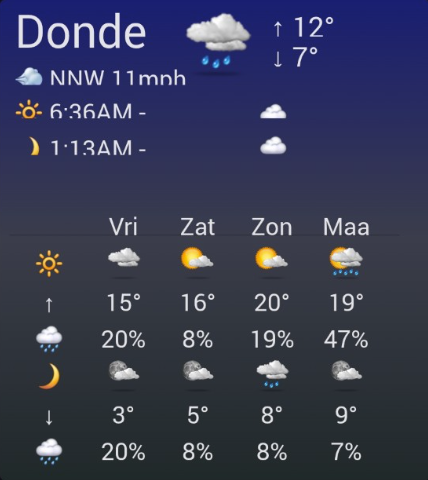
Nice that you are making another wizard for Weather Underground!
On my Samsung Android Tablet landscape with 3 columns, the widget looks like this. There is no improvement after increasing the height.
Possible improvents:
- unusual abbreviation of day name on top (even with smaller font size)
- mph and 12 hour clock; with NL settings (“km/H” in WU Homey app setup) I would expect km/u and 24 hour clock
- time partly visible (tablet font size 4 out of 8; looking good with font size 3 out of 8)
- instead of up and down arrow I would use a filled and empty thermometer; I associate arrow with wind
I will check out your comments.
For the arrows, I used fairly common symbols and I feel they are obvious. Also I wonder if using the thermometers idea on such a small scale will be clear. Plus I am using standard UTF characters, so I am not sure if the thermometers are available. However, I will investigate.
I have published a new test version, can you let me know if it scales better.
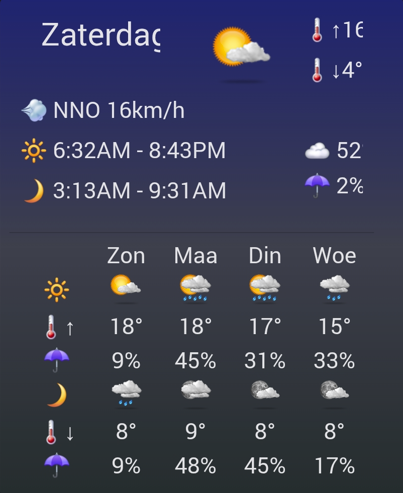
Some improvements with Android tablet (3 columns landscape) font size 4 out of 8:
- nice solution with thermometer and arrow
- times are visible, but still 12 hour clock; could this 12 or 24 hour clock be an app/wizard setting?
- the max temperature on top is cut off
- day of the week on top is cut of, and “Zaterdag” is not the longest day of the week name (“Donderdag” (Thursday) is)
Thank you for the feedback, I will do a bit more tweaking.
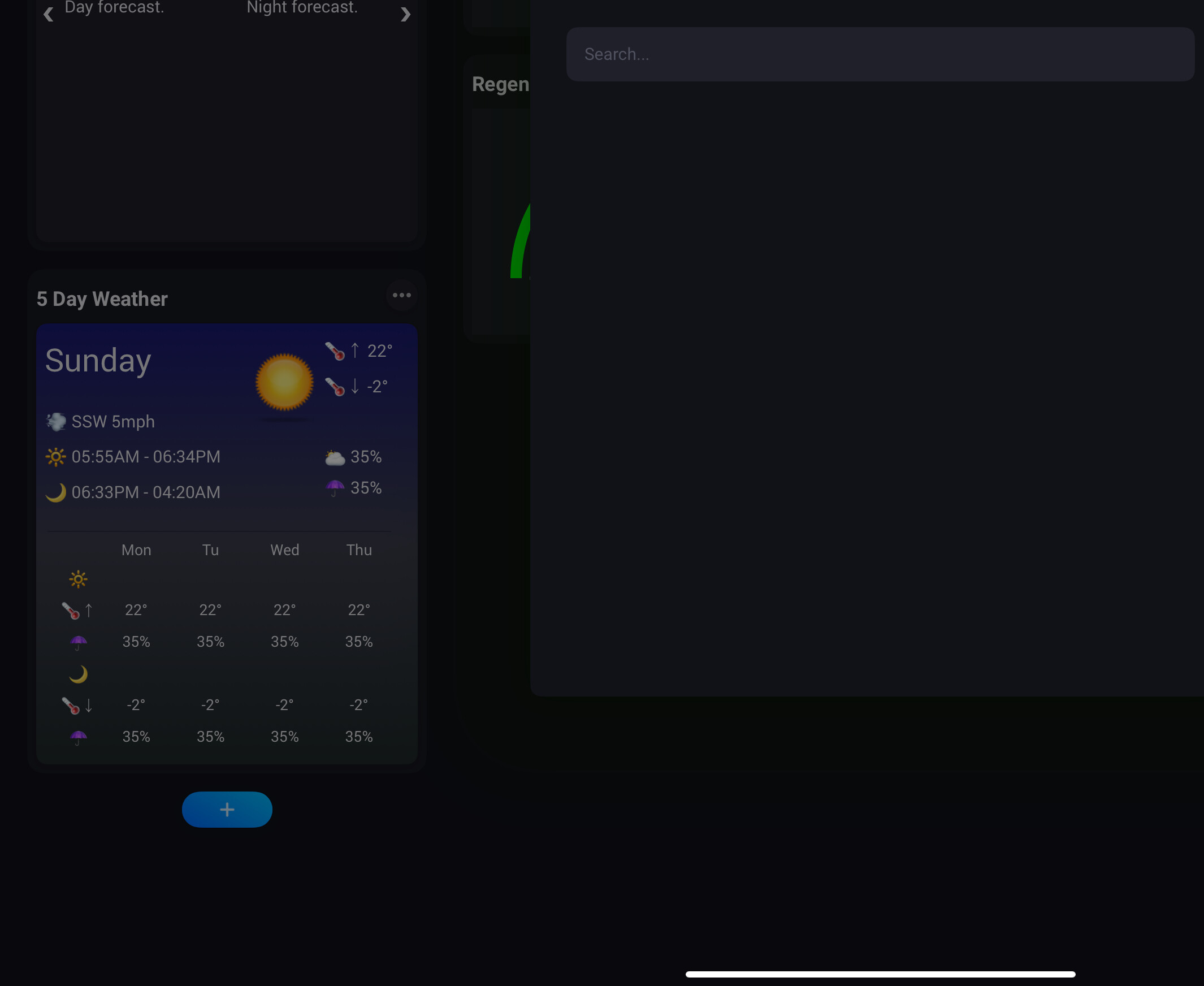
I have published a new test version that optimises the space and dynamically adjust the font sizes to fit the space.
Also has a setting to switch 12/24 hour time format.
@Adrian_Rockall when I install WU and select the widget I can’t select my weather station ?
Have you added the weather forecast device to Homey as that’s what the widget is looking for.
Ah, no added my weather station Ecowitt
Going to try it
Another question
What is the different with this app and the misplaced Ecowitt ?
With you Ecowitt app I added my weather station now
The Ecowitt app is totally local and gets updates around every 15 seconds.
The Weather Underground app gets the data from the Weather Underground server, so requires an Internet connection and a Weather Underground account. However, Weather Underground does provide weather forecasts, which the Ecowitt app can’t.
Okay what is the update time from WU then?
I knew you would ask, but couldn’t remember, so had to look it up. The API is rate limited, so the capabilities are refreshed every 60 seconds x number of stations. Therefore, if you have one station, it’s once per minute, two stations, once every 2 minutes, etc.
The forecast is updated once per hour.
Have one weather station so 60 seconds then.
The Ecowitt app 15 seconds right
Thank you For the sake of clarity but can you not add some kind of forecast in the Ecowitt app too?
Saves me another app 
Unfortunately, there’s no source for the weather forecast data as it’s totally local and just gets the sensor data.
Is there a nice way to make graphics on the dasboard from te last 24 hrs like it has on the wsview app?
I specialy like the graph of the rain and wind.
Specialy because the both show 2 kinds of data. The one shows Rainfal and how much rain. And the other wind speed and the wind gust speed.
If i could develop it myself i would make a graph with time on te x-as and on te left side of de graph on te y-as the mm of rain(like wsview) and combine the graph wit a second reading on the ride side of de y-a with te humidity from 0 to 100%
The nearest to that is to add one of the insights