Je i already have that one, but i tought maybe you know a beter way.
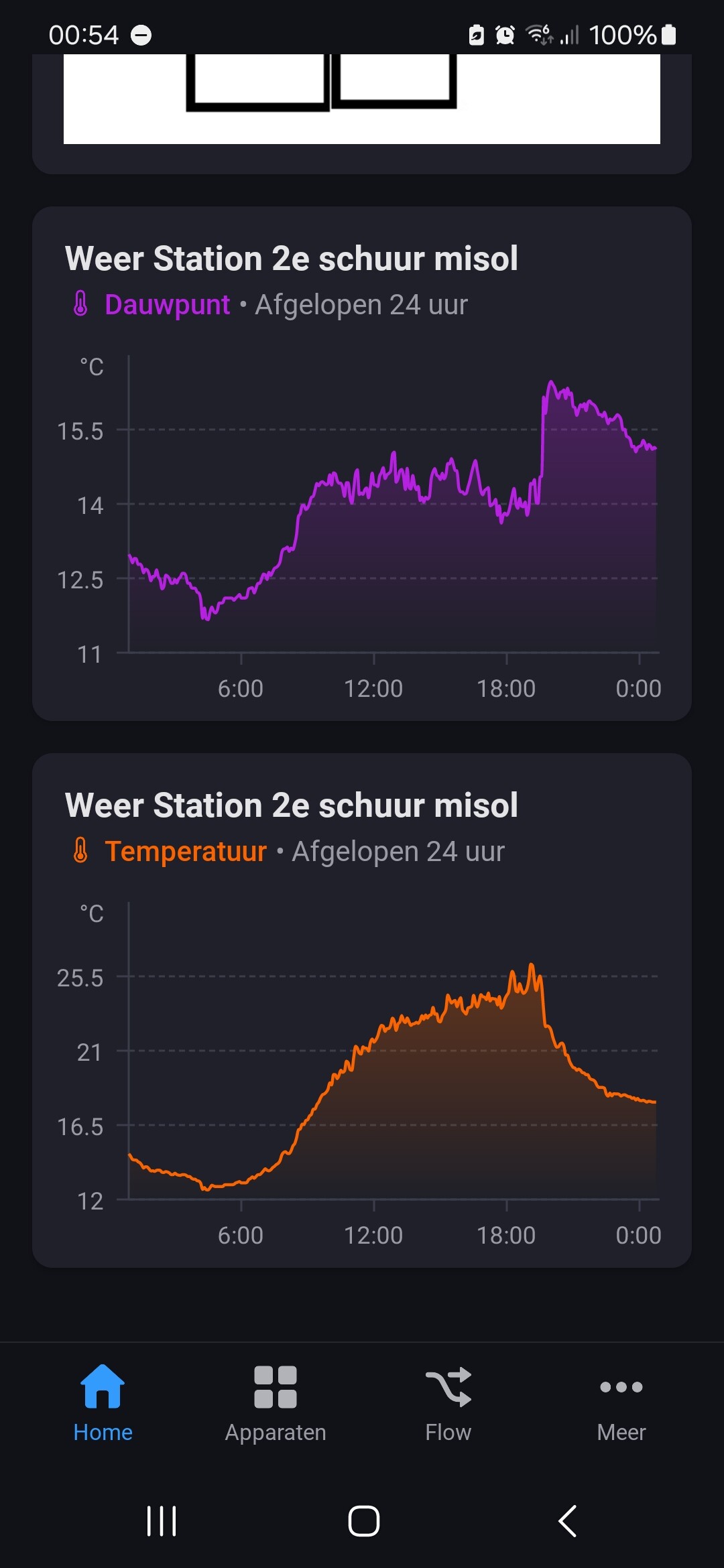
Now there are 2 graphic with differend scaling on the y-as what makes is hard to read.
I gues you know what i mean and how it looks in the wsview app. But as i understand it right there is now easy solution yet to merge the 2 graps on homey dashboard.
I realy like to use one app now i switch between app’s for the forcast and the mesurements from my homebase.
But what is not posible is not posible so is life
I have read some information about the wu forecast widget. Is it correct that I can’t use the widget without a device that used the wu data?
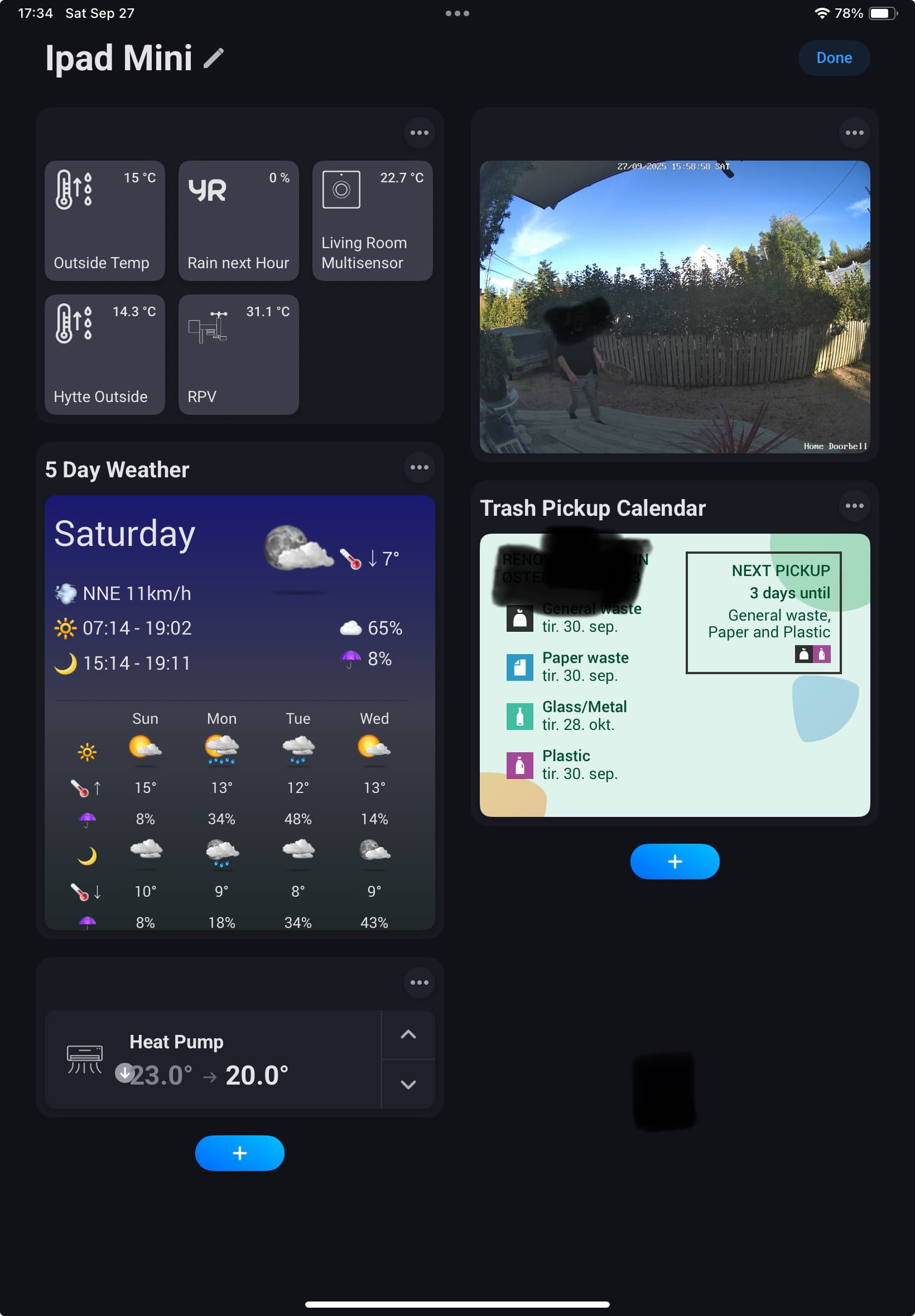
I would like to use the wu widget for a dashboard just for local 5 days prediction off the weather based on my own location. Is that possible? I could only change a station value in the settings of the app.
I have managed to connect the weatherstation into Homey through WU and it’s collecting all data.
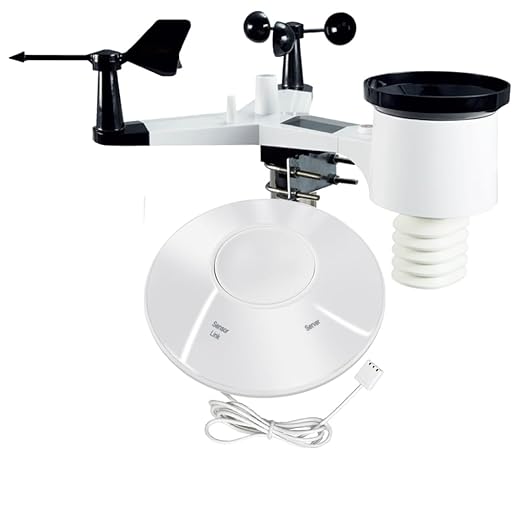
But I want to connect the Hub inside Homey because I also have some soil sensors that connect directley through the Hub.
With Misoll and Ecowitt a can not succeed to add the Hub.
Does anybody have this same Hub and know how to connect it in Homey?
Thanks, I will try to find that
I have managed to connect the Hub, after that the Weatherstation and after that the moister sensors
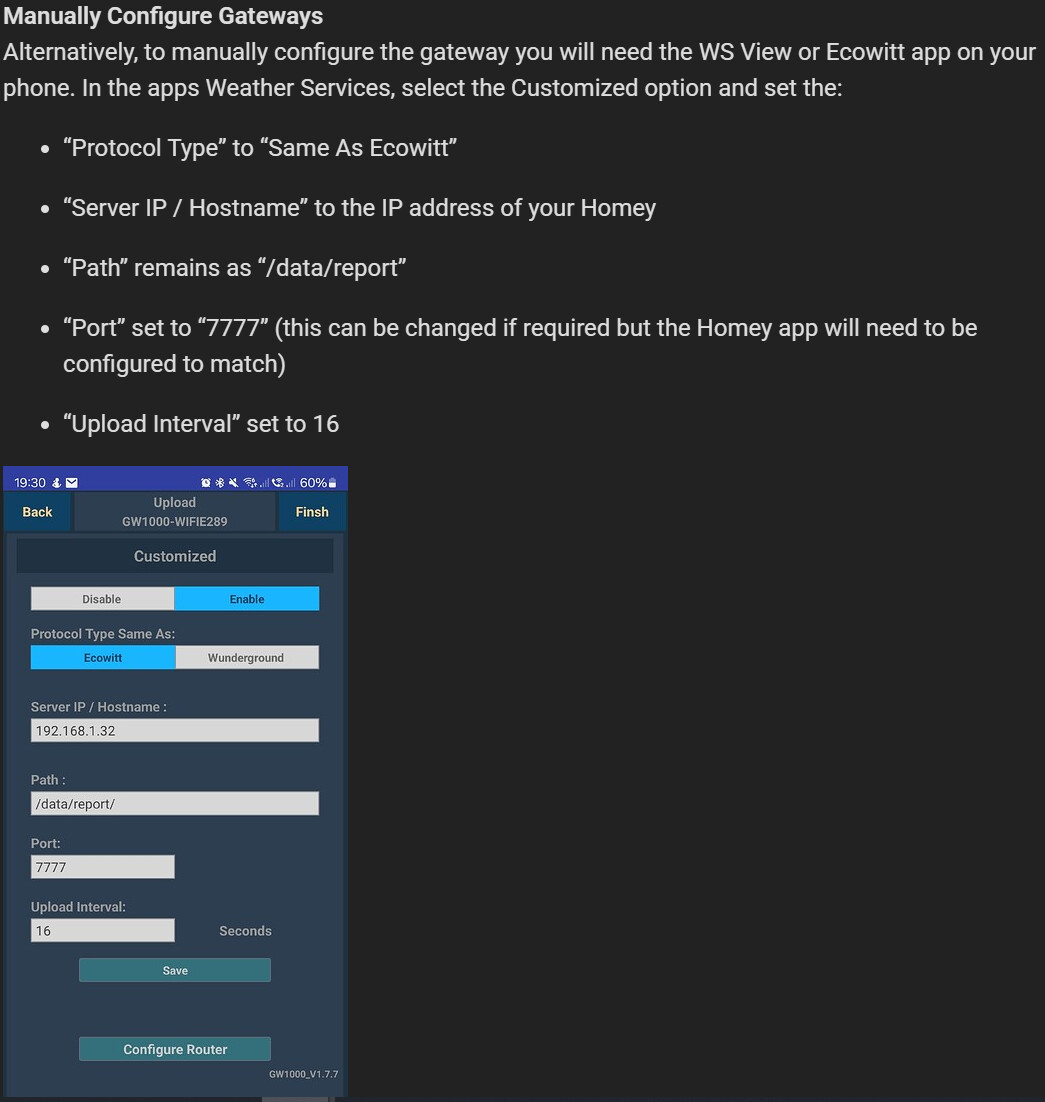
I have done this whit your nice instructions to put the Hub in like this:
Hmm, that one is a bit awkward as it is constantly changing. Basically, every time any value changes, the capability is updated with either 0 or the new time since it was last set to zero.
I almost understood that there could be something tricky with this, since the function is available on almost all other values…
I would like to use it to turn a rain pump on and off. Today I have a flow that uses, among other things, information from when it starts to rain and an estimate of the availability of rainwater, some calculations and when it is then time to turn it off. The flow works helpfully today, but things can always be made better… - I think! So the wish is absolutely not essential.
I think we wait until more people possibly want the same thing.
Hi
Do anyone else having issues adding a Forcast device? Station device work just fine and I get data but when I try with forecast I get an error that the ID or API key is wrong. In the app log it says Error HTTPS request.
But the last time the flow reacted is around 20.40 last night according to the graph in Insights and then the value of ‘Feels like’ (the variabel TomorrowFeelsLike) changed from 0 to -1.
I have been following this for a few weeks now and it doesn’t match. The above is just an example.
I don’t even know where to start troubleshooting - or am I thinking wrong somewhere? I would appreciate some help! Thnx!