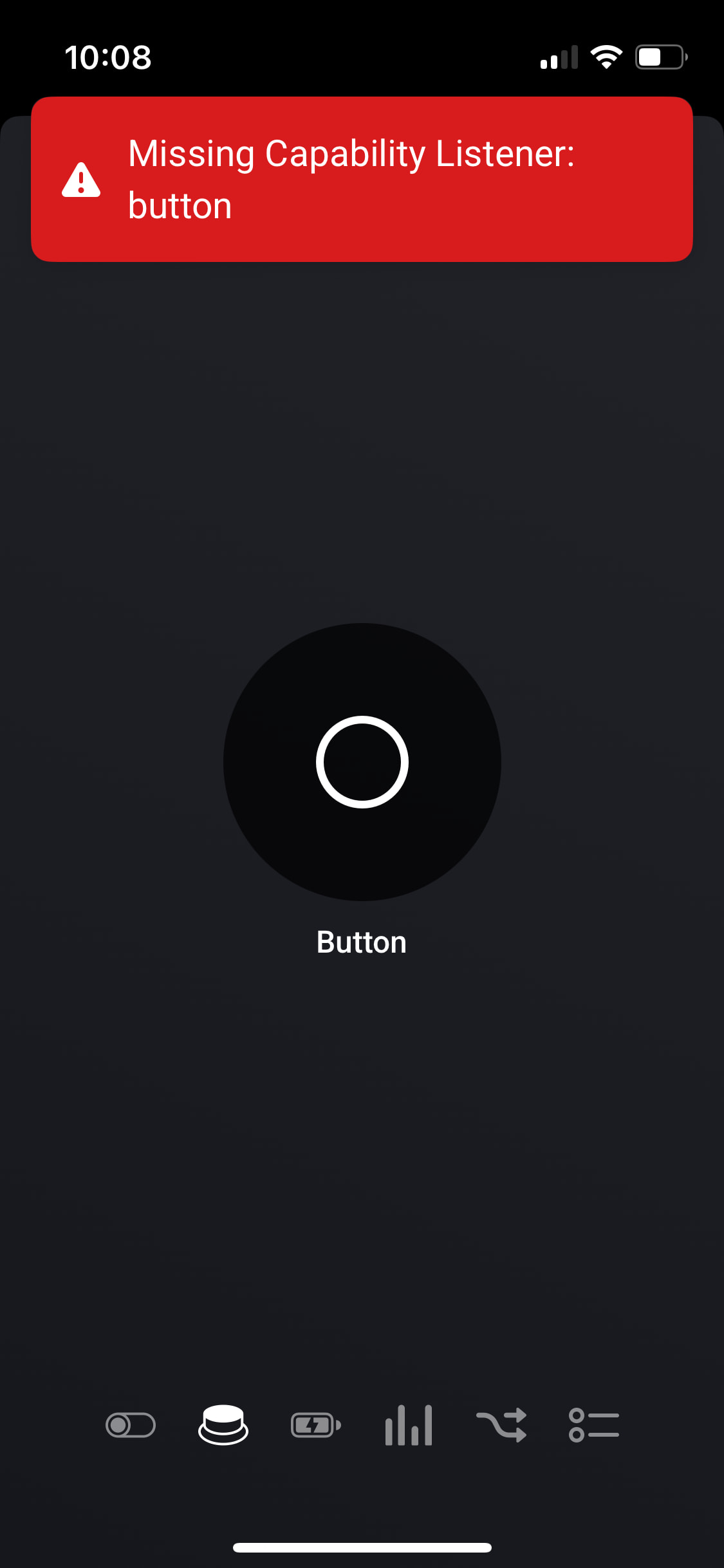
I added my smart button again and it’s showing up properly now. Battery levels seem to be reporting correctly (ie not 100% or unknown) but still no activity through test flows. I get the following error when I use the GUI button for the device:
As for my motion sensors, I’m getting humidity, contact sensor and temperature labels for it when they’re not applicable but it’s not exactly harming anything. The sensors seem to be working regardless, with the exception of the battery readouts. They still say 100%.
Hi Dylan Good morning the Multisensor is working well now
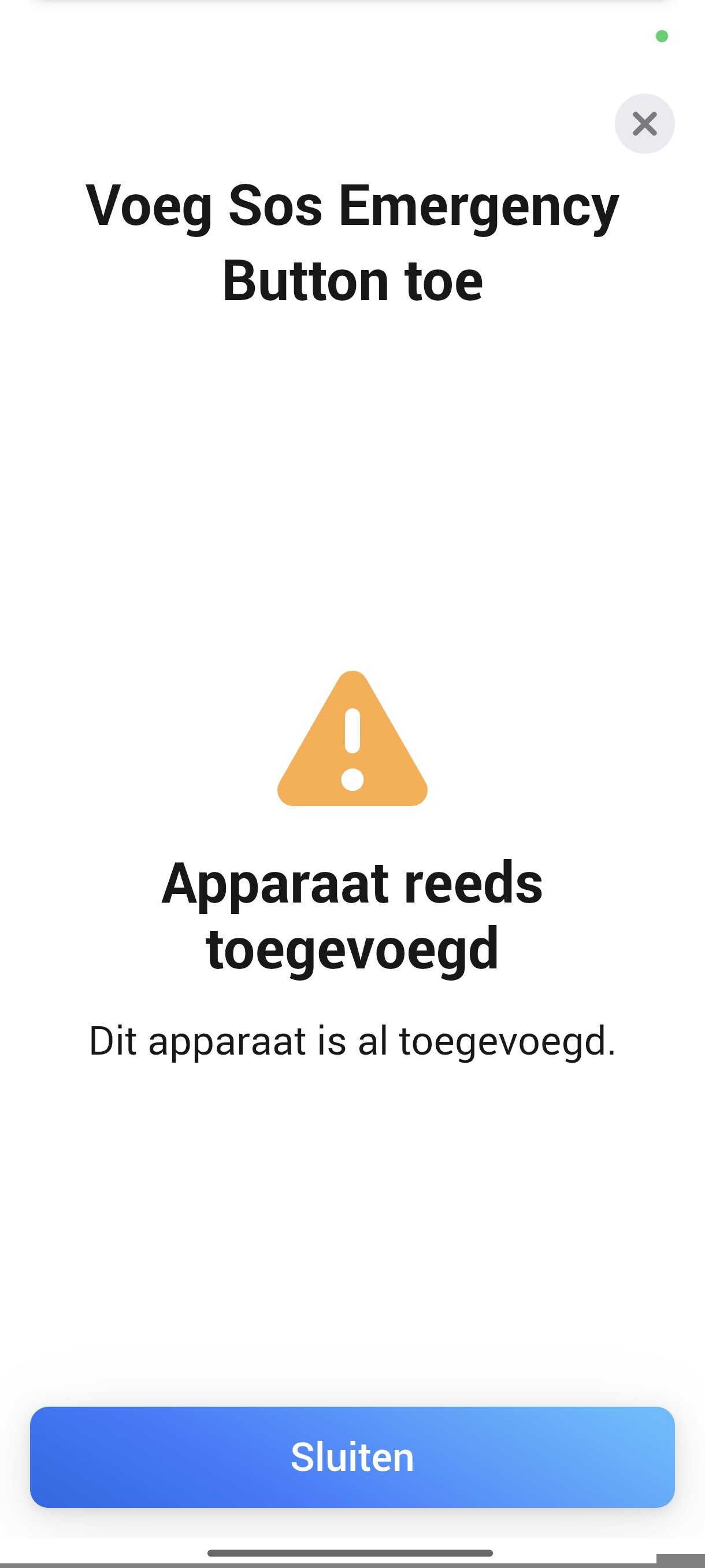
But having difficulty’s to add SOS button now,
Installed app version 5.5.125, at first I tried to repair the device but it says can’t find device, then I deleted the device and tried to re-add it again but says device already added. Then I restarted the Homey and resetting the SOS button and after I tried it again but still no luck see screenshots.
Hi Dylan, I posted the interview already here on 21st of October do you still want a new one, because I can’t add the SOS button at the moment so I can’t interview it now.
And I saw in your Screenshot from December 08 that you’ve got the same device, is that one working flawless in your setup.
ZG-204ZM is spamming battery reports. Its changes between 2% and 100% everytime when the sensor sends data. For now I have to delete it as I get multiple notofications every minute.
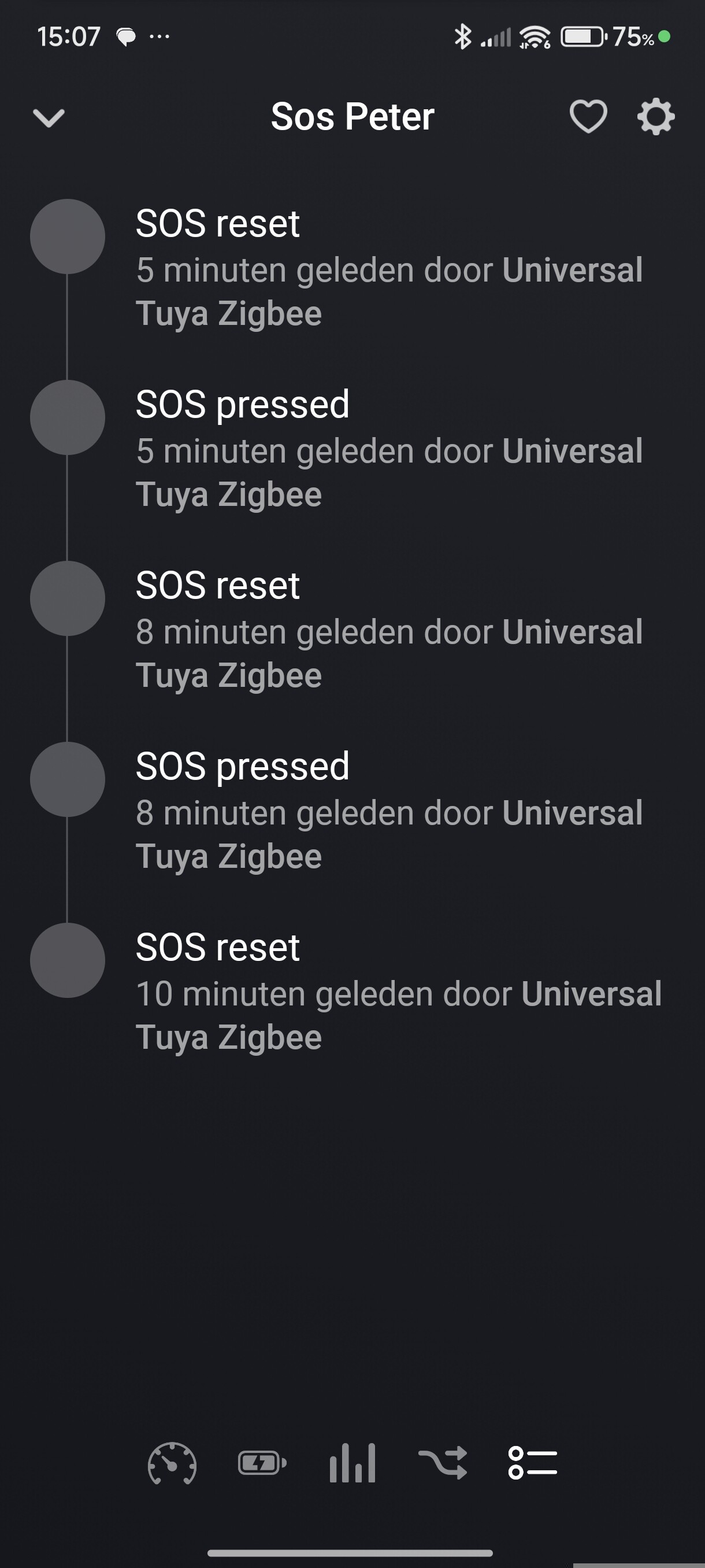
Hi Dylan, I noticed that one of my SOS buttons in this case SOS Peter was triggering the flow by itself.
In the Flow action menu IF there are 2 almost the same choices “SOS knop ingedrukt” the top one is with an exclamation mark what I used in SOS Peter and at Fariba I used the second one without the exclamation mark which doesn’t give a false trigger.
I changed mine now also to the second option and no false triggers anymore.
So i think you have to remove the top one with the exclamation mark from the menu.
I also don’t understand the options in the Menu “Het contactalarm gaat aan” and “Het contactalarm gaat uit” because that don’t make any sense.
Hi Peter, v5.5.164 removes the duplicate SOS triggers. Now there’s only one clear trigger per action. The alarm_contact capability triggers are from Homey’s built-in system - you should use the custom “SOS button pressed” trigger instead.
Hi Dylan thanks, that will solve the problem and i noticed that the Multisensor Motion Luminance Temperature and Humidity gave also wrong movement and I checked the List in the flow that there are also a lot of doubles like Motion detection with and without exclamation mark and De bewegingsmelder is aan is also same as Motion Detection but than in Dutch to choose from, see screenshot
I removed the duplicate motion triggers (motion_detected , motion_cleared ). The issue was that Homey automatically generates flow cards for the alarm_motion capability (“De bewegingsmelder is aan/uit”), and we had additional custom triggers doing the same thing.
Now you should only see the standard Homey motion triggers, plus the extra illuminance triggers specific to this app.
Please update and let me know if it’s cleaner now!



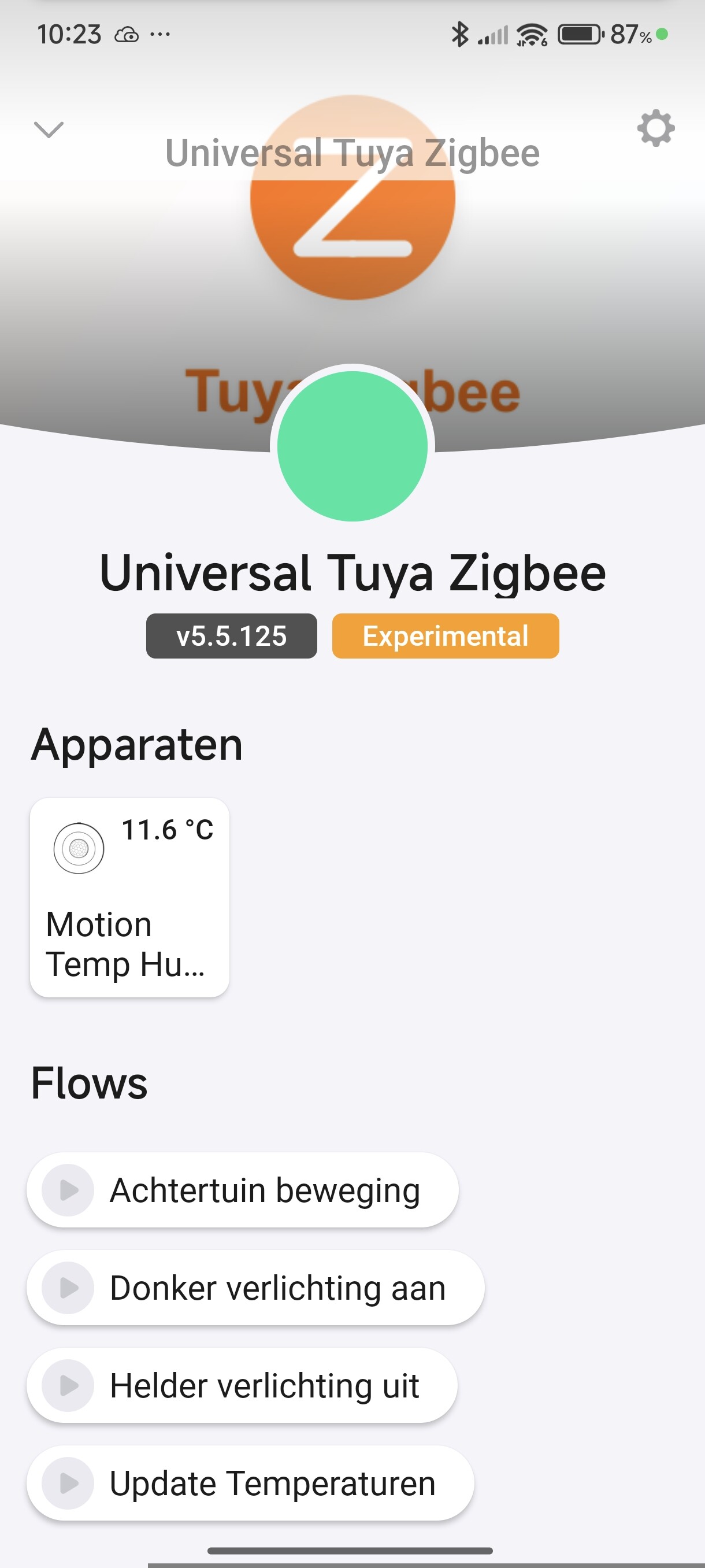
 the Multisensor is working well now


 you fixed it the SOS Buttons
  are finally working they are triggering the flow’s and there is a Battery indicator what’s working.