re-linking the account is only for the problem for users which receive the 2406 error when they press SAVE in the settings part of the homey tuya app.
When you do not get an 2406 error then the fix (relink proces) is not the cause/solution for you…
re-linking the account is only for the problem for users which receive the 2406 error when they press SAVE in the settings part of the homey tuya app.
When you do not get an 2406 error then the fix (relink proces) is not the cause/solution for you…
huh…i think you don’t understand my message?!
I was not complaining, it always worked perfectly for me (so kudos for you), and suddenly it stopped working for me.
Tried everything the past 2 days but had no succes, then i watched here again and saw a solution and that worked for me, so i was very happy and wanted to let him know that if you don’t mind?
I know that tuya is messing things up, and you keep trying to help us and updating the app, thanks for that.
@Wondah, sorry that I misunderstood you. It sounded to me that you were not happy and that it was not working.
I am happy to hear that it is working again for you. Tuya made things sometimes indeed more complicated then necessary.
Thanks, B3rt! It’s working again 
When i do that i get the message to reboot the tuya app, after i reboot the app i try to turn on or off one of the lights with no action.
In the log of the light it says it turned on or off, but nothing has happend.
Also rebooted my Homey but still nothing.
In the Tuya cloud all the devices are online and the status of the cloud services are good and linked to my project.
I’m thinking about making a new link/project as well, but read some comments here that that didn’t help either.
Hi there, just read someone with a similar problem as I have, which was solved by creating a whole new account (which would be kind of a hassle for me to setup everything again from scratch).
Since the expiring of the one month trial, no Tuya device has been working anymore, so I applied for the 6 month extension, which was granted. However, Homey still shows me “Missing Capability Listener: onoff” when triggering any device from the app. I wanted to know if this can be solved or not. Already tried logging in again, restarting Homey and restarting the app.
Any help would be massively appreciated! Thanks!
You also not recieving any errors as i do? Its strange tried also different things.
the main question is do you get an error 2406 when you pres SAVE in the Homey APP at the tuya cloud settings page?
If not, then the solution presented is not for your problem…
How do you get those nice tiles with all the information?
You can see it in the WebApp.
As in the my.homey.app site? I don’t see it.
Click here 

@Jurgen_Heine
I have problems with reporting device status Tuya=>Homey via MQTT.
Updating Homey=>Tuya is working.
I tried to debug. The mqtt connect seems to be ok. No error message in client.on(‘error’, this._onError);
But Tuya does send nothing to Homey.
I re-added the app in iot.tuya.com
I re-added the device to Homey.
No chance to get updates from Tuya. Only the first update after app restart is done.
Update1:
MQTT seems to work. But I get this error. The device was added just before and is controllable from Homey.
[log] 2022-10-14 17:47:49 [TuyaCloudApp] TuyaOpenMQ onMessage: topic = cloud/token/in/62e4a2fadce696bb4ef34608c88fc8f1, message = {“data”:{“dataId”:“c70be84…”,“devId”:“bf3267…”,“productKey”:“ea1…”,“status”:[{“2”:19,“code”:“temp_set”,“t”:“1665769666”,“value”:19}]},“protocol”:4,“pv”:“2.0”,“sign”:“cb06…”,“t”:1665769666}
[log] 2022-10-14 17:47:49 [TuyaCloudApp] Get device for: bf32…
[log] 2022-10-14 17:47:49 [TuyaCloudApp] device bf32… not added to Homey
But that device is added to Homey with the matching ID:
This call doesn’t find a device.

The reason (I think) is:
The API defined the parameter as the complete data dictionary:
But I added a second field to the device data for the heater and thermostat (scale).
Thiw could be the reason, that this call doesn’t work anymore.
I think it hast to be adaptet to a search only ba device ID, not by the complete data dictionary.
I think I shouldn’t add the scale parameter on pairing to data{}, but to store{} instead.
I’ll check this and make a PR when I found a solution.
Hi…
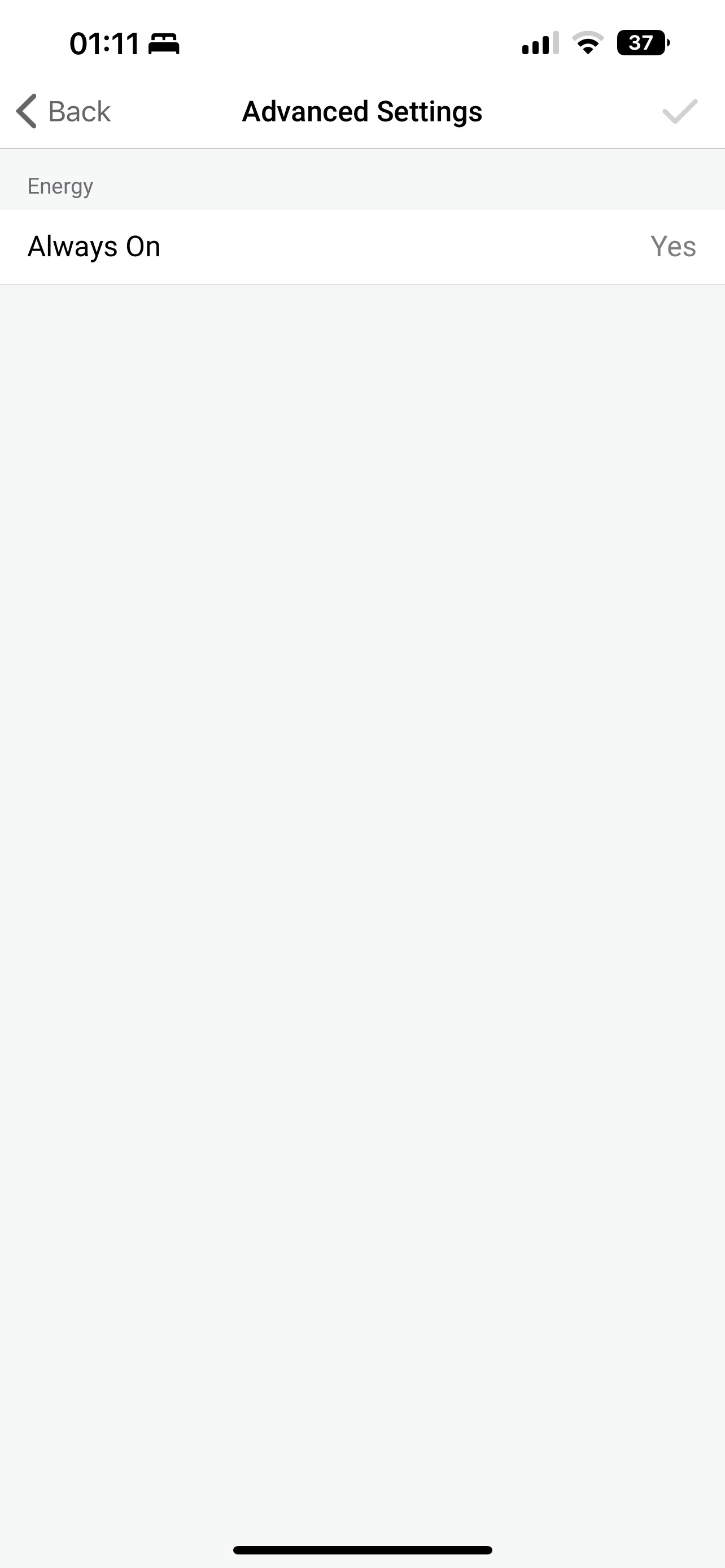
Would it be possible to add an ‘Always On’ switch under Advanced Settings on the DELTACO SH-P02E Socket?
This is an option on the DELTACO SH-OP01 socket.
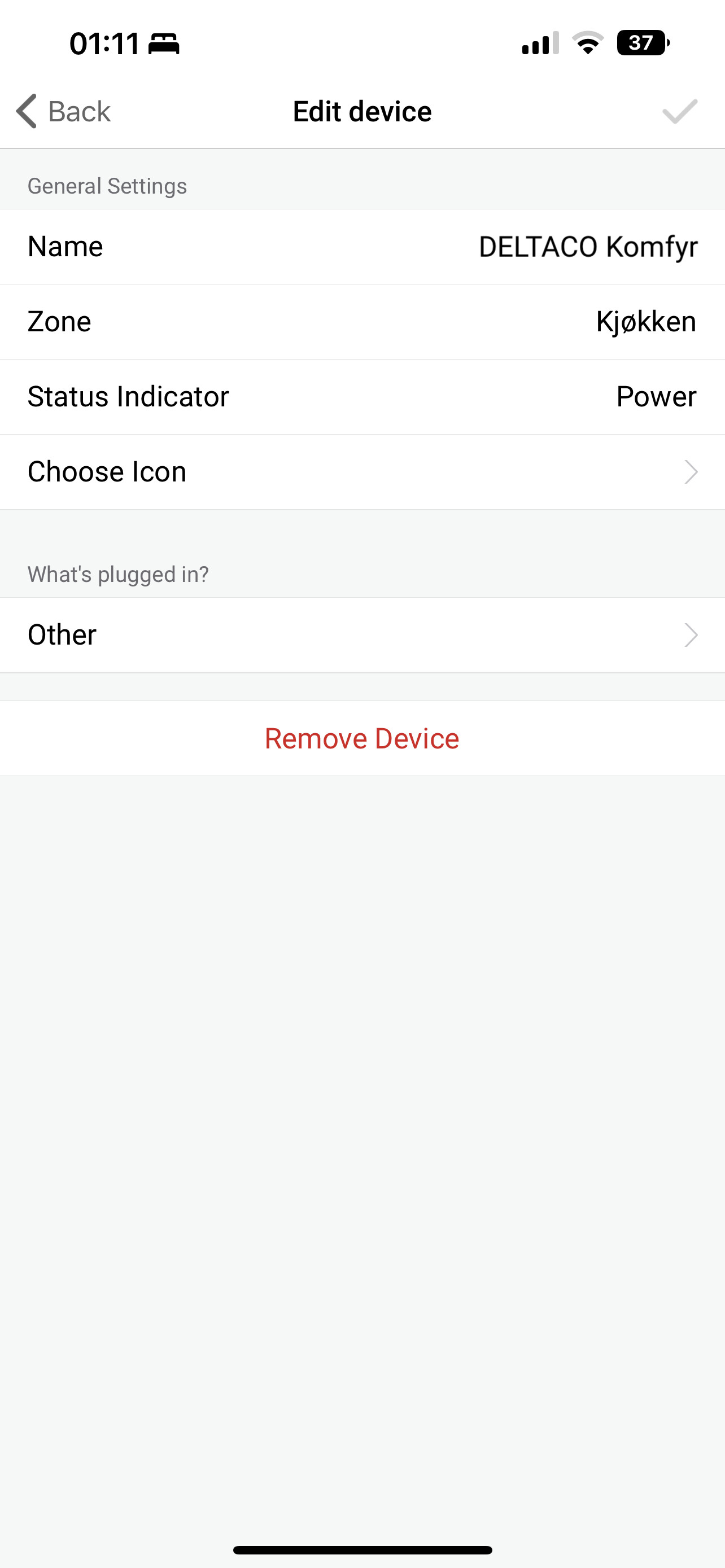
The DELTACO SH-P02E does not have an Advanced Settings option in Homey
DELTACO SH-P02E Product Category: pc
DELTACO SH-OP01 Product Category: cz
@Jurgen_Heine
I made another PR. The last changes (adding scale parameter to device) caused the not-updating error.
@all using heater/thermostat device:
After Jurgen has uploaded a new test version:
Please delete and re-add the device to fix the device ID and scale factor.
Sorry for the issue - still Beta 
I will try to complete the PR later this day or tomorrow.
Hi @anon61197305,
with a hint from Jurgen I found a way to set the heating mode for the heater. It’s shown as mode in Tuya app, but in real it’s a Tuya scene.
Perhaos the thermostat mode is a scene, too.
You can set the scene with the appsbflow action (app, not device!). There you can delect a scene. I would assume you will see the thermostat mode in the scene list.
I think that are device dependent scenes and not valid for all thermostats. So it would not make sense to add it to the device in general. But you can set it via flows.
If supported, you can do that quite easy with the Tuya smart phone app
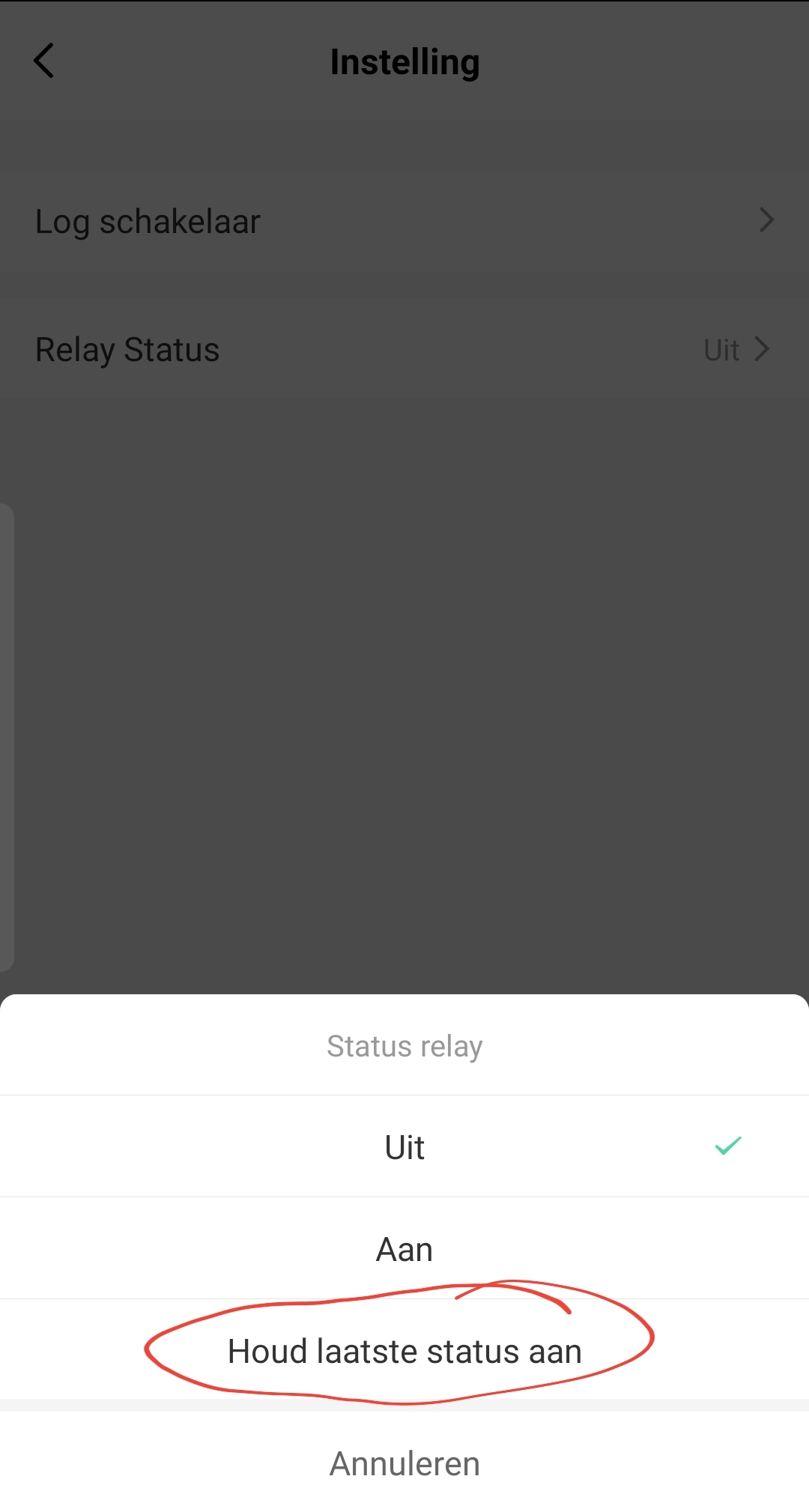
After power outage:
Uit = Off
Aan = On
Houd laatste status aan = revert to last state
New version is on test with fix from @RonnyW for thermostat  Delete the thermostat first and add it again.
I don’t mean ‘power on after power loss’
I mean lock the device button from beeing able to turn the socket off.
The sockets are used to measure energy and connected to different hardware like my freezers, servers, computers and more. If I accidentrly touch the device icon in Homey my servers will loose power. This is what I want to prevent.
The SH-OP01 socket has this settings under Advanced Settings in the Device in Homey.
The SH-P02E socket does NOT have the Advanced menu.
SH-OP01:
Advanced Menu:
SH-P02E: