Thanks!
Please follow @Rocodamelshekima advice and I’m sure you’ll know why. On beforehand, apology accepted, no hard feelings.
Fixed it 
Thanks again to @bookmarc
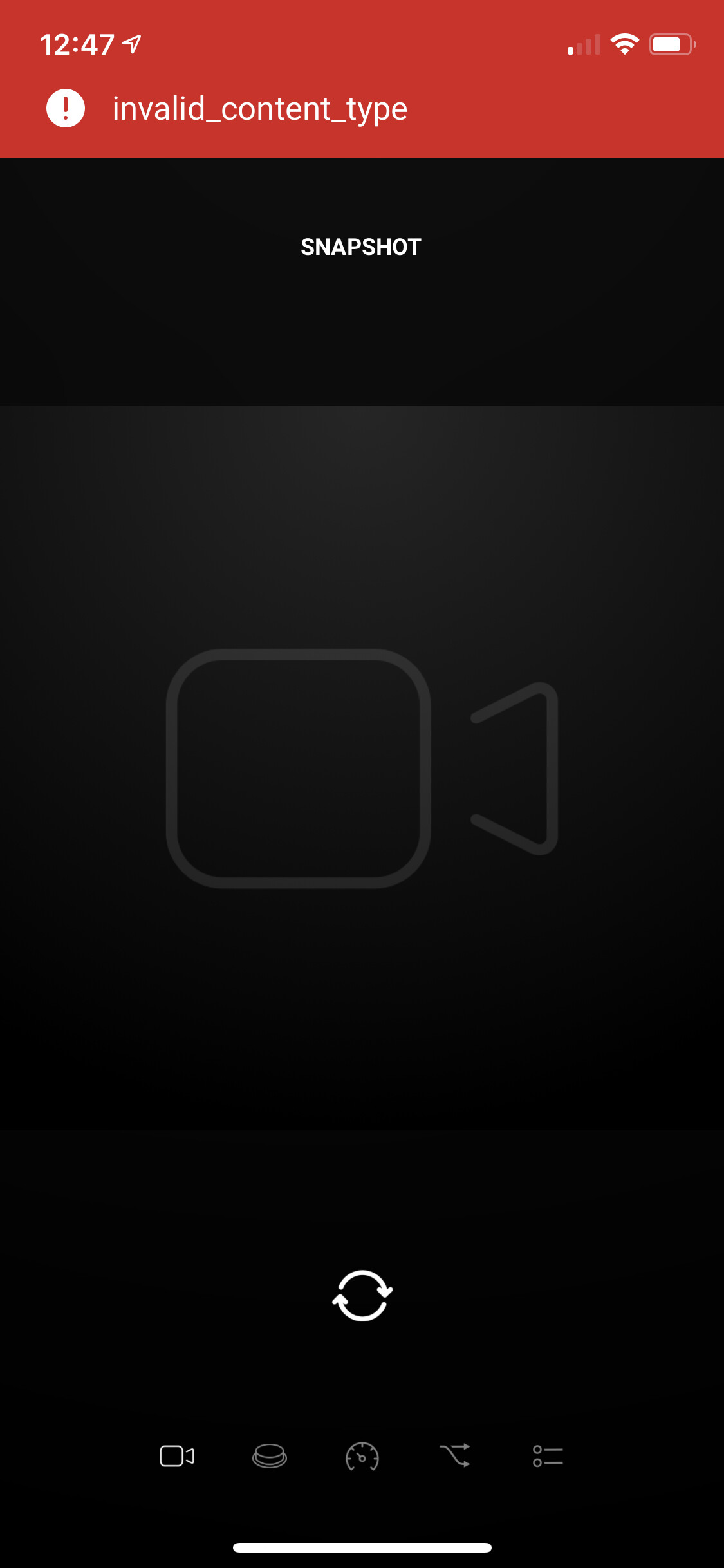
I’m not able to login to Surveillance Station / the NAS anymore, could this be because it updated to DSM 7? Not sure…?
I have updated to DSM 7, but found no problems connecting. Do you see any errors?
Weird, several reboots later it somehow works again. Oh well… will monitor the coming days
There is a new test version available where you can create a snapshot with a flow action. It saves the snapshot on the surveillance station (nas). Same way DS Cam app works with snapshots.
Is it possible to get the online/offline status of cameras ?
You mean if there is a connection or not with the camera? Or if the camera is enabled/disabled?
Connection or not.
Ok. I will look into that. Should be possible.
Thank you, for now i use the net app to check the ip adress but if it can be integrate in SS, it will be much better.
It’s weird, sometime the motion detection stop working on Homey : i need to restart the app to get notifications again. It’s not a SS problem because the record on motion keep working on my NVR…
Does your Homey has a static IP address?
Yes all my devices are on static address.
Strange thing… Could you please check in your Surveillance Station how much
Action rules (actieregels in dutch) this app installed on your Synology?
List | Surveillance Station - Synology Knowledge Center .
On every restart of the app the rules are checked en added when necessary. This could explain why the notifications work after a restart.

Thanks for the screenshot. Do you see any double “motion detection” rules for the same camera?
No i don’t.
I restart the app every hour with a flow for now…
