Here is a screen recording of my issue : https://www.youtube.com/shorts/R6J7kRgoHvc
@Patrick_Spadrille click on the surveillance station. And repair that device:

Ok. i was missing that. Finally i didn’t had to enter the credentials again because after reverting to the version 4.1 and installing the 4.2 again, all the red triangles disappeared. But i still have an error message appearing after around 30 seconds when i try to look at a camera live. And if i try the snapshot view, it just don’t work with no error messages.
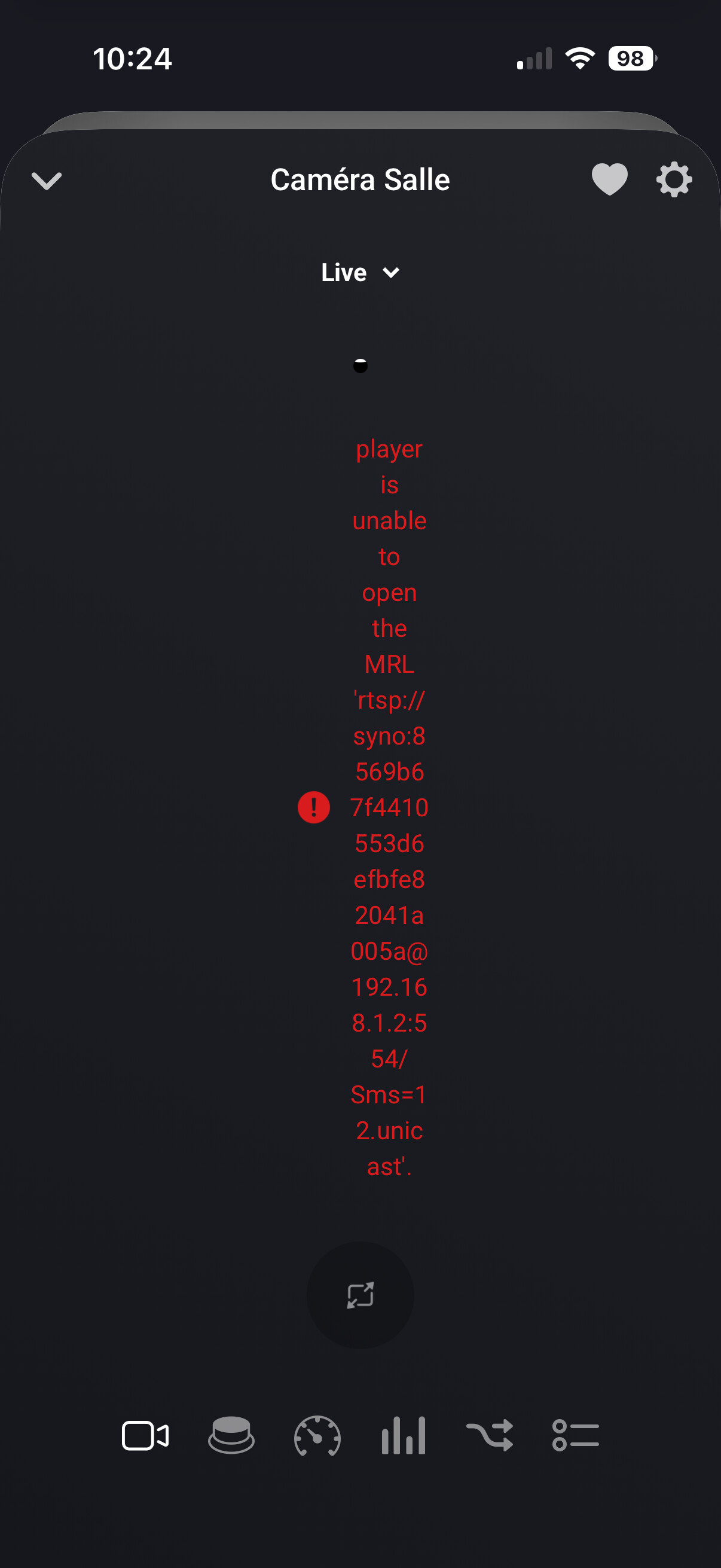
I’ve got exact the same problem.
Snapshot works but live stream only works when I am at home and my iPhone is connected to our own WiFi. When I’m outside and my iPhone is connected to another network I get the same error.
Even snapshot don’t work for me. I only tried remotely on another network.
@Patrick_Spadrille for snapshot please send a diagnostic report.
@Patrick_Spadrille @Joey_Reynecke about the live stream viewing via 5G, I asked Athom how that’s supposed to work
@Patrick_Spadrille @Joey_Reynecke just go a reply.
The Homey app (phone/tablet) should be on the same network as your camera, otherwise you can’t view it.
That drastically reduces the appeal of live streaming. Did they specify whether this is a temporary limitation or if it is permanent?
@Patrick_Spadrille they did not. Only thing i can think of is exposing it to a public IP/domain. Like you would do with a synology.me, however that might be a security issue.
Just an idea:
You can enable VPN on (certain?) Synology DiskStations (NAS), or routers.
With your phone connected to the VPN per 5G (or when on other wifi), you should be able to view your cam feeds without using Homey at all.
But whilst Homey over VPN is considered local as well, I presume you should be able to watch the stream @ Homey app per VPN.
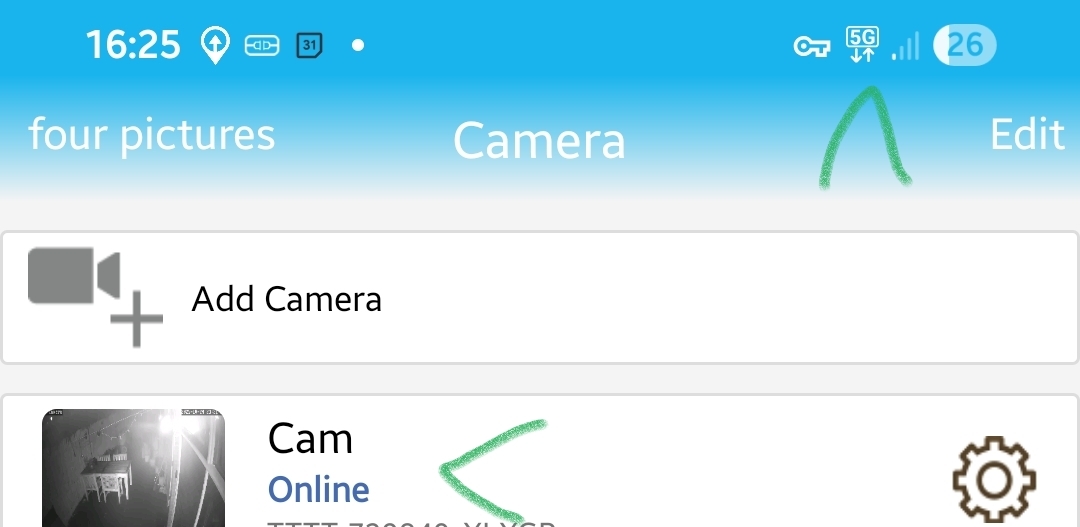
Here’s one of my local only cams connected to 5G using OpenVPN
I’ve created a patrol in Synology Surveillance Station but unfortunately it doesn’t show up in the flowcard. Also not when I’m using search. Tried restarting App and Synology Surveillance station but that doesn’t help. Something I missed?
@Marcus_Bitterling to be honest no idea
I didn’t built this app and not using it myself
Can you share a diagnostic report
Thanks!
dc880fc3-c5e0-4261-901a-75d82841842c
@Marcus_Bitterling report looks normal
Can you try a repair of the device and see of that resolves it?
Already tried that.
Strangely enough the presets for the camera are visible in the ‘ga naar vooraf ingestelde…’ so I’ll just use those and make a patrol with several cards.
@Marcus_Bitterling to be really honest I don’t know if patrol works in this app. 
Hi All, I’m yanking my hair out over, how to get a camera screenshot in Homey and send it to a Telegram group.
I have a synology drive with surveillance station setup, I can see my two camera’s , and they are being recorded 24x7. I installed the surveillance station app and it seems to be running normal. I can see the feed from my frontdoor camera :

Sometimes I have to restart the app, when it seems to loose the feed. Both cams are EzViz C3W. Is it possible to get a screenshot from these cams and use them in Homey?
Thanks for the app!!
Hi guys,
apologies if this is somewhere already answered. I newly installed this app and all in all it works. What I would like to achieve is to cast some of the cameras I have over this app to a chromecast. Anyone tried or managed to do it?
@JerryZ use the take snapshot flowcard and use the image token in a flow
Also in your screenshot you see there’s a dropdown next to live, when you click that you’ll see the snapshot
