Could you send me the information log from the app settings page.
done, send in full information log.
Hmm, just says connection failed. Is the username provided allowed to use ONVIF on the NVR?
yes, i’ve made a specific user for onvif, even with admin rights.
Could you try the test version.
How should I do that?
Find the app in the store and then add test to the end of the URL.
Or find the change log and click where it says test on the latest version.
Thanks, I ran the test version. I’ve the same error again. I’ve submitted the log for you.
Can you make sure the log level is set to Full Information and try again.
The log doesn’t seem to contain the usual information.
I presume you are thinking of sending a prerecorded message from a file as Homey has no way to pick-up talking?
Sorry, it wasn’t set to full. I’ve done it again with the log settings to full now.
That looks better, but confusing. I’m only able to view it on my phone at the moment so it’s difficult to analyse properly, but everything looks OK until out of the blue it fails to connect at the end.
I have played around with my Reolink NVR and I get the same log states as you if I put in the wrong user name or password. When the credentials are correct it then shows the cameras connected to the NVR. So I don’t know what else to suggest apart from check the credentials you are using are valid for ONVIF on the NVR.
I have a feeling that might take a while as it’s lots of new things for me to learn. I will add it to my list of things to do but I don’t know when it will be done.
1 Like
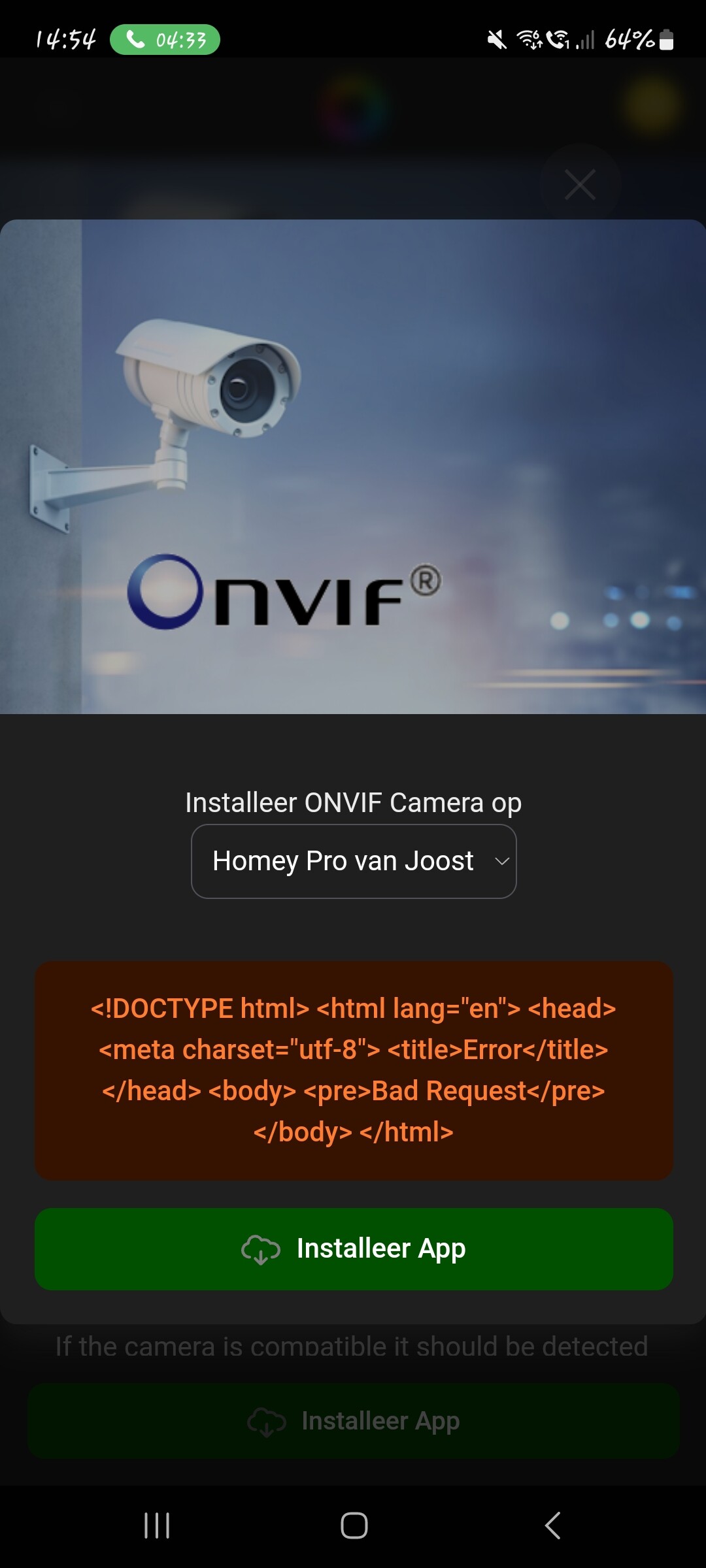
No idea if this is the best way to ask a question.
I’m trying to install this app because I want to incorporate my dahua/alhua cameras and NVR into my homey environment. But when trying to download the app I keep getting this notification.
Can someone tell me what the heck does this mean?
Thank you for your help
It means Athom are probably having some server issues. All I can suggest is try again later or contact Athom.
1 Like
Hello
I have Reolink RLN8-410 NVR and 2 Reolink Doorbells with ethernet cabel.
They are both working fine, i have added them both to Homey and i can get snapshot if i trigger it manually with a “start card” or something, and some of the motion alarm card are working to.
But i cannot for the love of god find a “when card” that works for when someone presses the doorbell button, so homey can send a pushnotification with an snapshot to my phone.
Is this something that should work or is there no support for this yet?
This is the “when cards” i have for the doorbell

(new user så can only have 1 picture…)
the rest of the cards are:
“Motion snapshot ready”
“Motion disabled”
“Motion enabled”
“Snapshot Ready”
Have tried them all but without any luck.
Thanks in advance
Per Martin
I think it’s the “Visitor is detected” card that gets triggered when someone presses the button.
Unfortunately I don’t have a doorbell to test that theory, but maybe something will show in the log, so if that doesn’t work, could you set the Diagnostics log to Basic Information, then press the button to see if it is recorded in the panel. If not then try again with Detailed Information. If you see something appear then send the log and I will check.
Tried now with Visitor detected card again and no respons, and i sent you a basic information log.
Thanks in advance
Per Martin
