Did you follow these steps to get the keys?
I’m not the owner of the app anylonger, so cannot check it further.
Please check for hidden spaces or hidden characters after each key. You also need to restart the app after updating these values.
Did you follow these steps to get the keys?
I’m not the owner of the app anylonger, so cannot check it further.
Please check for hidden spaces or hidden characters after each key. You also need to restart the app after updating these values.
yes i followed all the steps. I do not have any extra empty spaces.
I am able to request data via the API and i get a JSON file. The problem is on the app. I asked also on the developer ( someone from Netherland )
I hope he will answer.
Thank you very much for your help.
I used also the APi tester: https://soliscloudapitester.netlify.app/
In this way i was able to see that my API works. The problems in on my app.
I also restarted the homey, restarted the app and no luck
Thank you again
It’s not the app. v1.2.1 works for me
Homey v12.9.0
soliscloud.com IP address at port 13333 from Homey? → This to make sure the Homey Solis cloud app can reach that URL (IP 47.245.156.227).Settings:
@Doekse Can you give an update on the new official version? Is this one coming? And can we finally limit the power of the inverter? (Power limit)
I have version 1.2 .1
The net port device is working. Online - Ip reachable
Maybe i should update my Homey ? I never updated until now.
when i use the Ip adress device i have : Ip unreachable when i am using : 47.245.156.227
When i use the other device with the tcp port it works.
Indeed you’ll need the tcp port device to monitor a specific port.
So now we’re sure the Homey app can connect to that IP.
Which made me think: what if you use the IP instead of the URL in the Solis app config?
like https://47.245.156.227:13333
The latest firmware you mean? v12.9.x?
Can you try the Solis cloud test version app v1.3.0?
You can always return to the live version by just installing that version (without removing anything up front):
https://homey.app/a/com.soliscloud.inverter/test/
I also tested with https://47.245.156.227:13333.
I restarted the app and now I see: “Device unavailable”.
Yes, my Homey version is 12.9.0.
I also tested with the beta version of Solis, 1.3.0.
I tested directly with the IP as well, but it still doesn’t work.
I left the URL as https://www.soliscloud.com:13333 (both with and without the trailing slash /).
If you have another ideas i can test them out.
Thank you again for your answers and help
PM me your key’s - if you want to share. And I can check with the latest version available for me - in debug OR you can send diagnostics to the current developer.
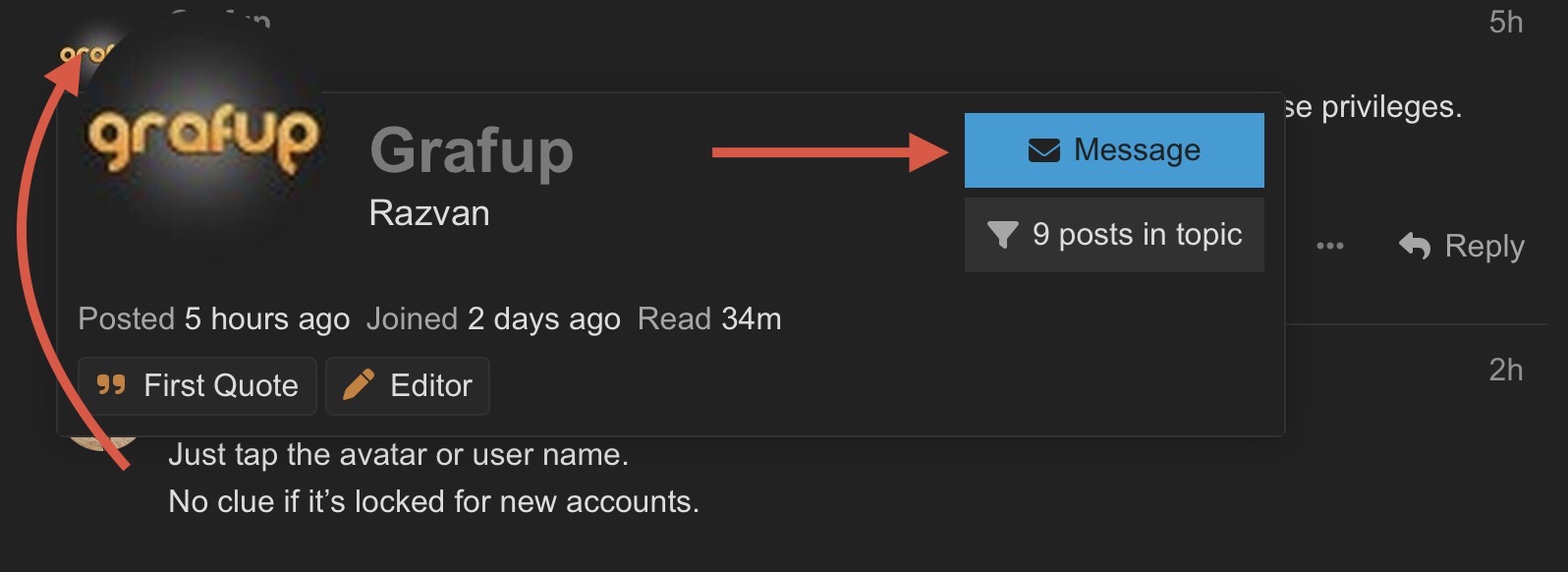
I really don’t know how to send you a PM. Maybe my account does not have these privileges.
Just tap the avatar or user name.
No clue if it’s locked for new accounts.
Hello.
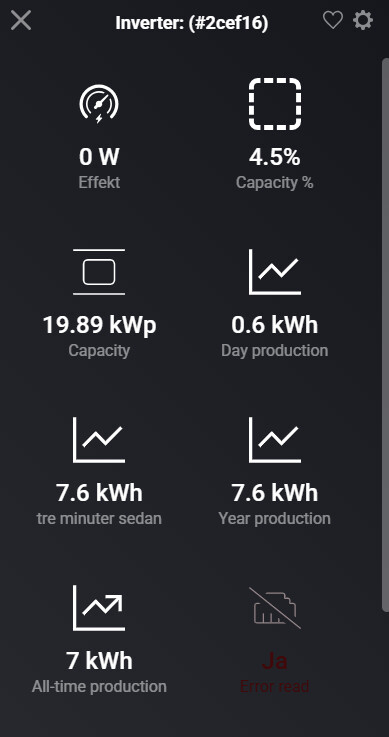
Just recently got the Solis inverter, but I have an alarm in the app (Inverter overview), something about connection.
See pic below. I have created a diagnostics report, 3883c0e9-5c9d-495b-a262-90c428218e14.
Invertermodel I have is: S6-EH3P20K-H
Any ideas what might be wrong? I have tried to reinstall everything, without a change.
Inverter connected by WIFI… not LAN. Might that be the issue?
Hi @Roy77
Would love to assist. But I have handed over the app to Homey/3.party - so I am not receiving your diagnostics reports.
I see some values are read - could be cached. OR lets say the app reads 12 values, and fails on value 10 - this could cause error.
Let me know if the owner of the app responds to the diagnostics or not.
Hello.
Ok, Ill check! Thanks for the respons.
// Roy
Den tis 30 dec. 2025 18:58Kim Kokholm via Homey Community Forum <notifications@athom.discoursemail.com> skrev:
I’ve recently got more interest in using homey energy tab, due to integration with other apps.
Since then, I noticed that the production data of solid app is projected on the graph, but the dayly production is not recorded.
I have a second inverter where this is recorded correctly. Does this has to do with the naming of the capabilities?
Hello. I’m having a problem with my Solis inverter. I lost data from the inverter. I got a data reading error. After uninstalling and reinstalling the app, I can’t add the inverter. When I try to add a device and select Solis Cloud, I see an inverter icon with a red exclamation point. Nothing works. When I search for “Solis” while adding a device, I can open the app. The same inverters logo appears, which I can select. The pairing window appears, but it doesn’t recognize the device. This option changes the app version to 1.2.1. What can I do?
UPDATE - Solved:
The API URL appears to have changed a bit; the new URL is:
https://v3.soliscloud.com:13333
(I discovered this in a H.A. SolisCloud integration update)
There’s a generic problem with the cloud API as it seems;
It appears to have started 11h ago:
When I follow the link, it should resolve, but it doesn’t: https://www.soliscloud.com:13333
The mobile app still gets it’s data though.