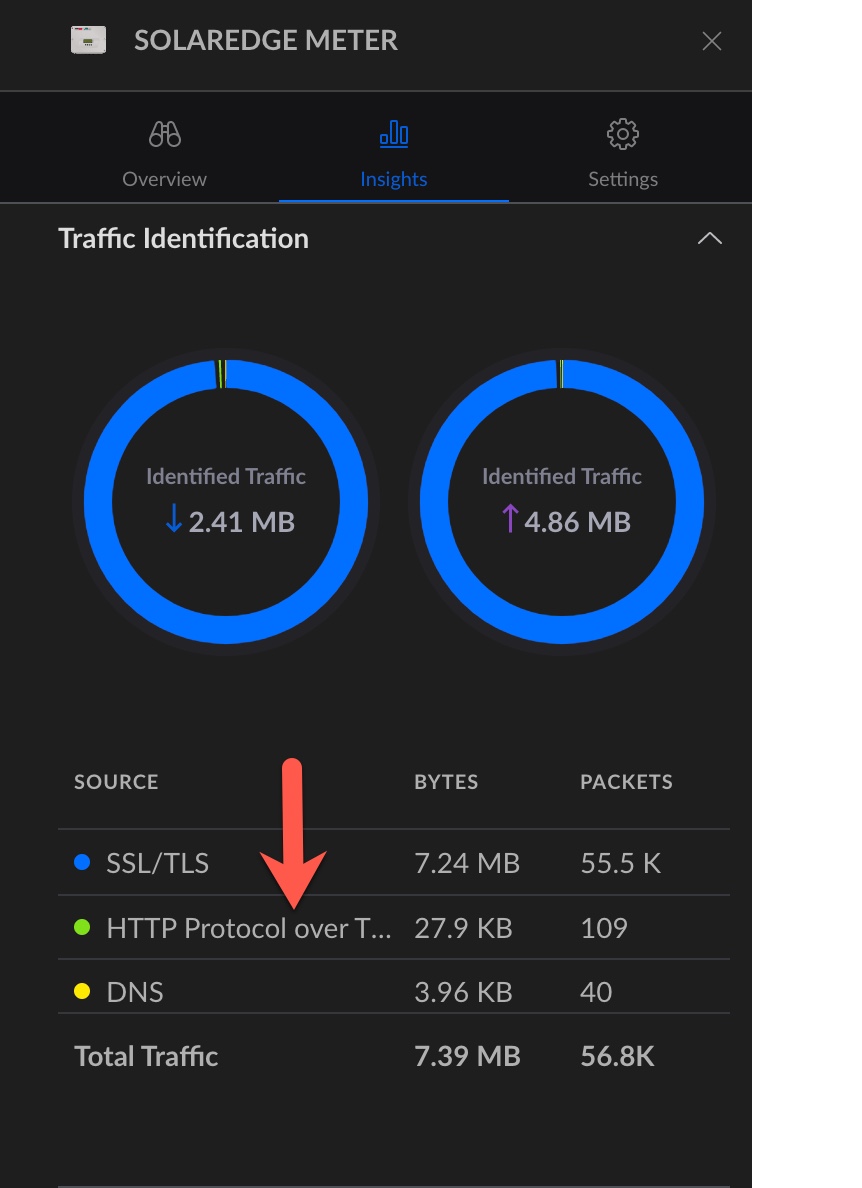
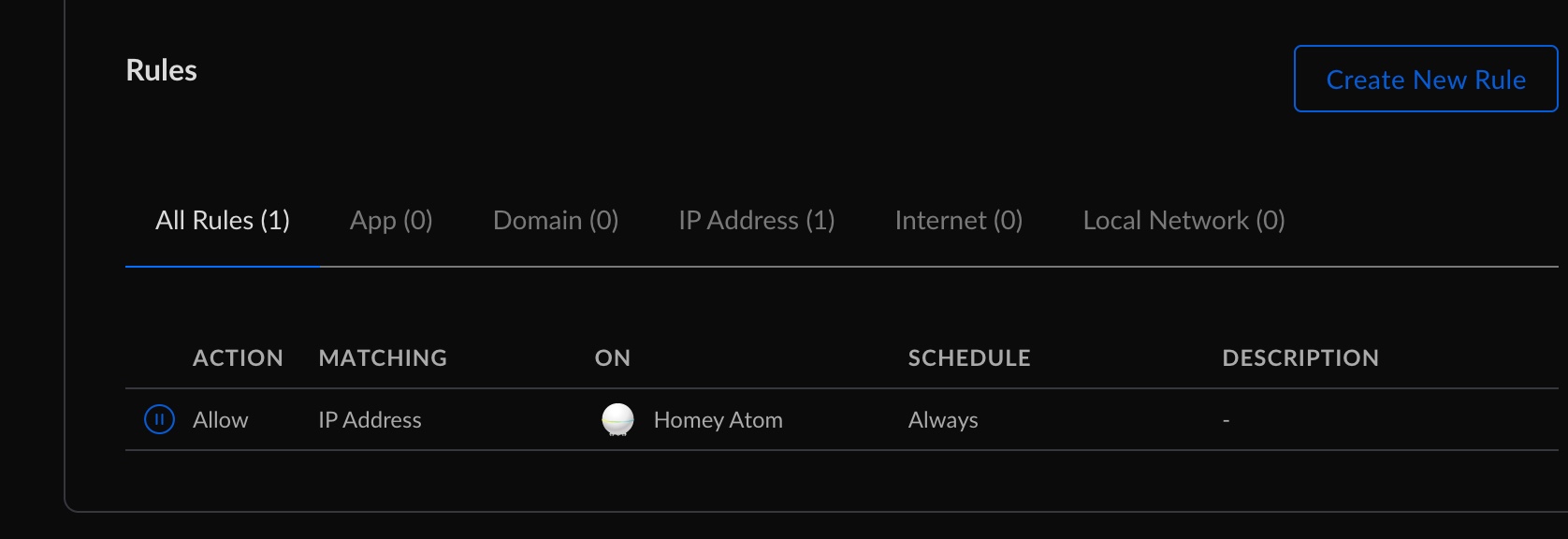
I was to early adding the second inverter was a no go when the second inverter (id5) is connected the storedge (id1) freezes watts an som other data. And the new inverter i showing data for the storedge inverter.
I have been trying but the Id doesn’t work I only get data from the inverter whit battery that is ID 1 can’t get from the second ID 5 even if I try to connect to ply this or both.
thanks, will check what I can do.
so do they have different ip addresses or same with different modbus ids?
Tell if you want a diagnostic rapport on somthing
can you try again, now I set the id on the modbus . SolarEdge + Growatt TCP modbus | Homey
I got som progress (got data from second inverter) but I am not sur if all is ok or if some data still freezes. I will be sure tomorrow when sun is producing
It seem like it is working I now get data from both inverters
nice , in a new test version, added some more improvements in closing connections and handle timouts.
Ok I will install it I will tell you if I find any bugs
Prior to the firmware upgrade everything worked
Hunt for error…
Current versions
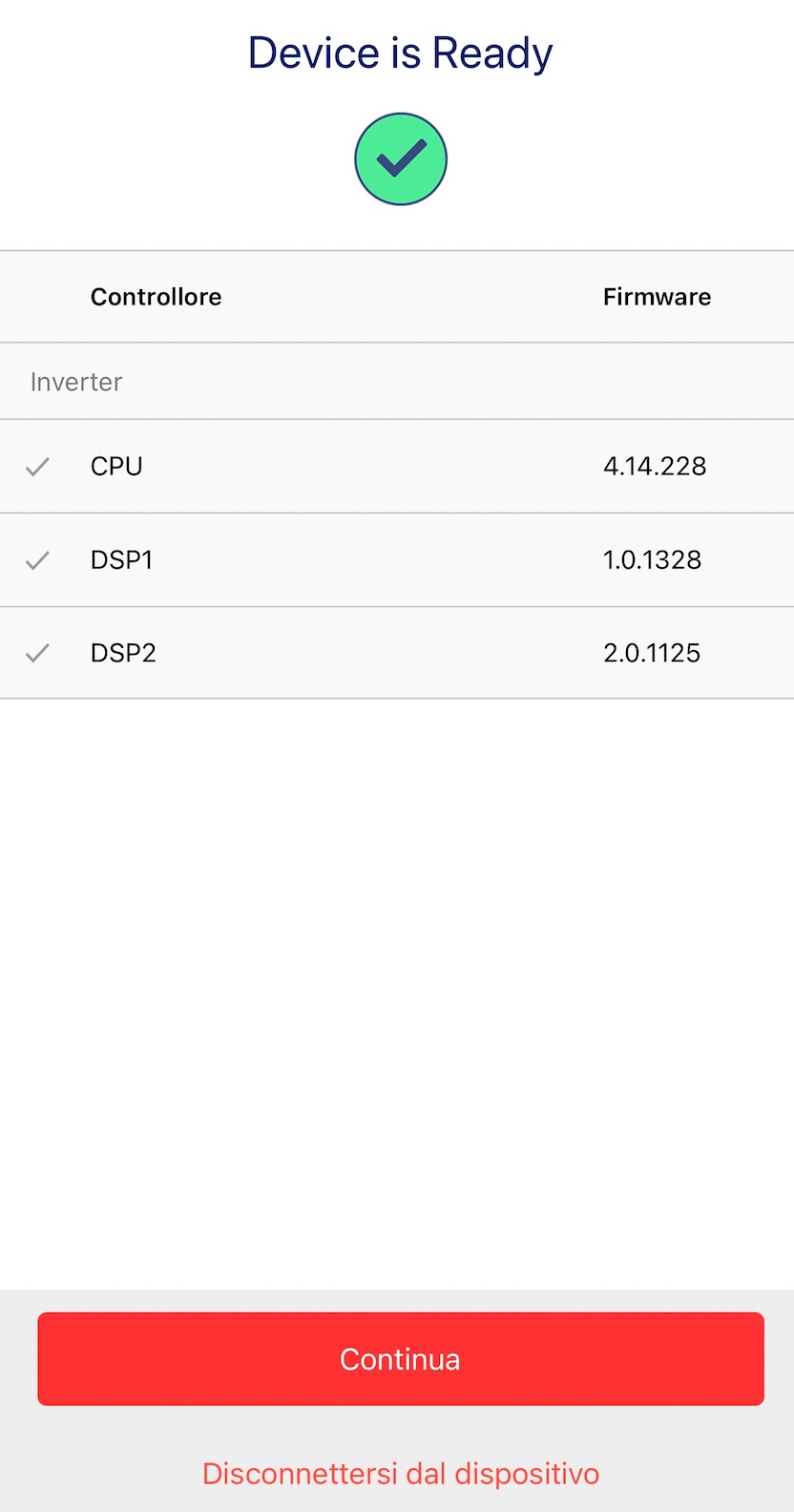
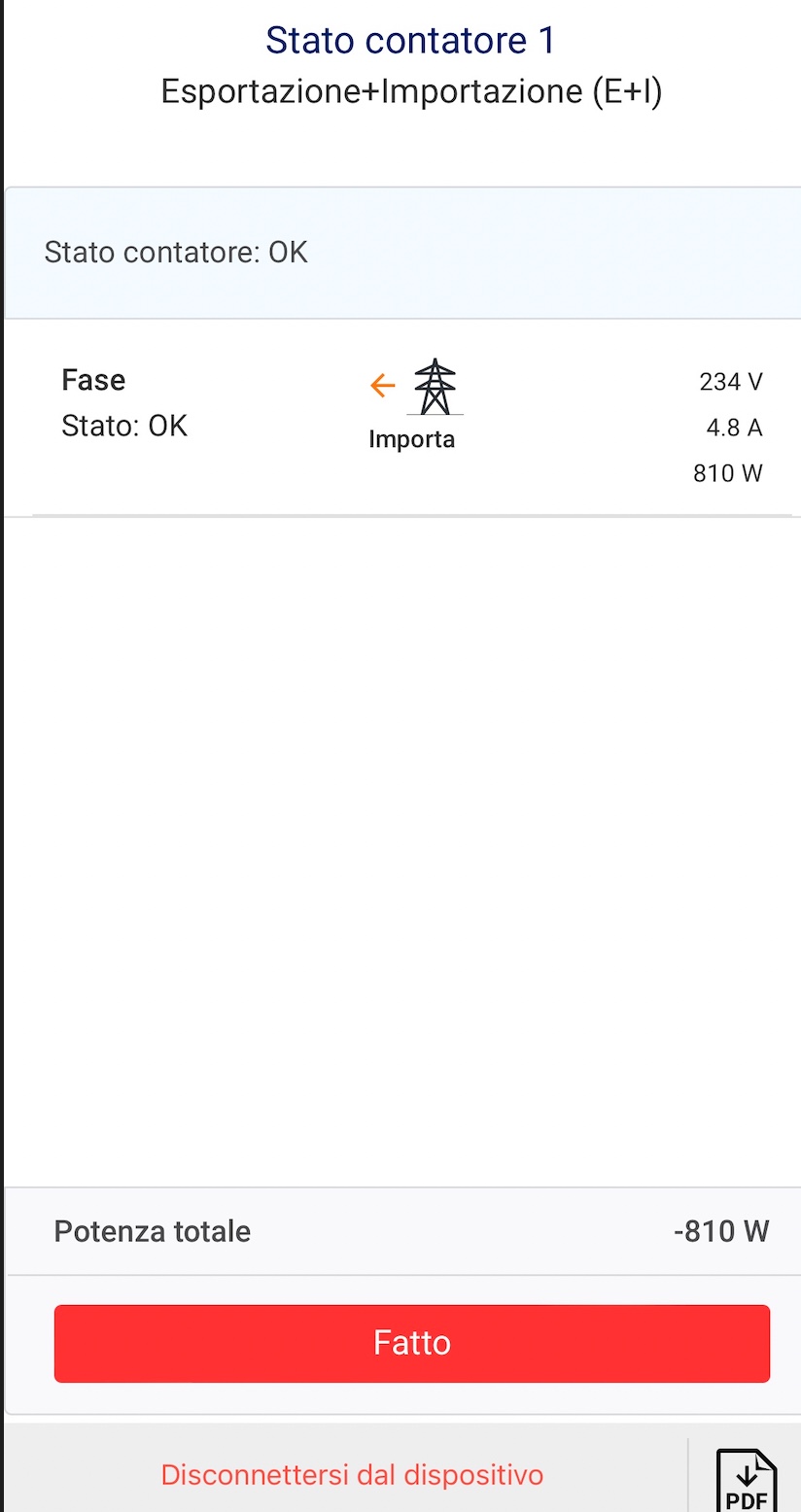
I have 1 Meter
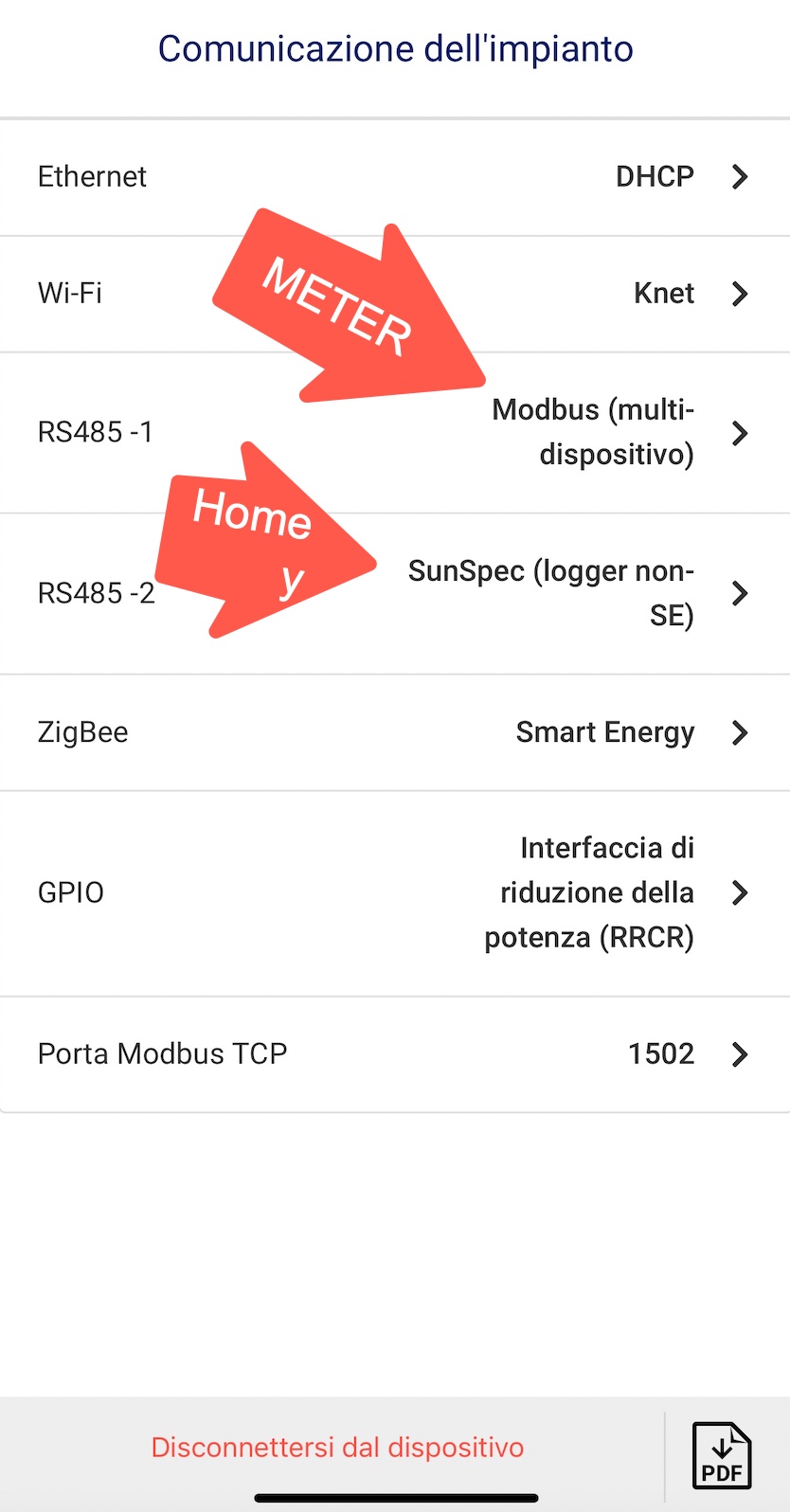
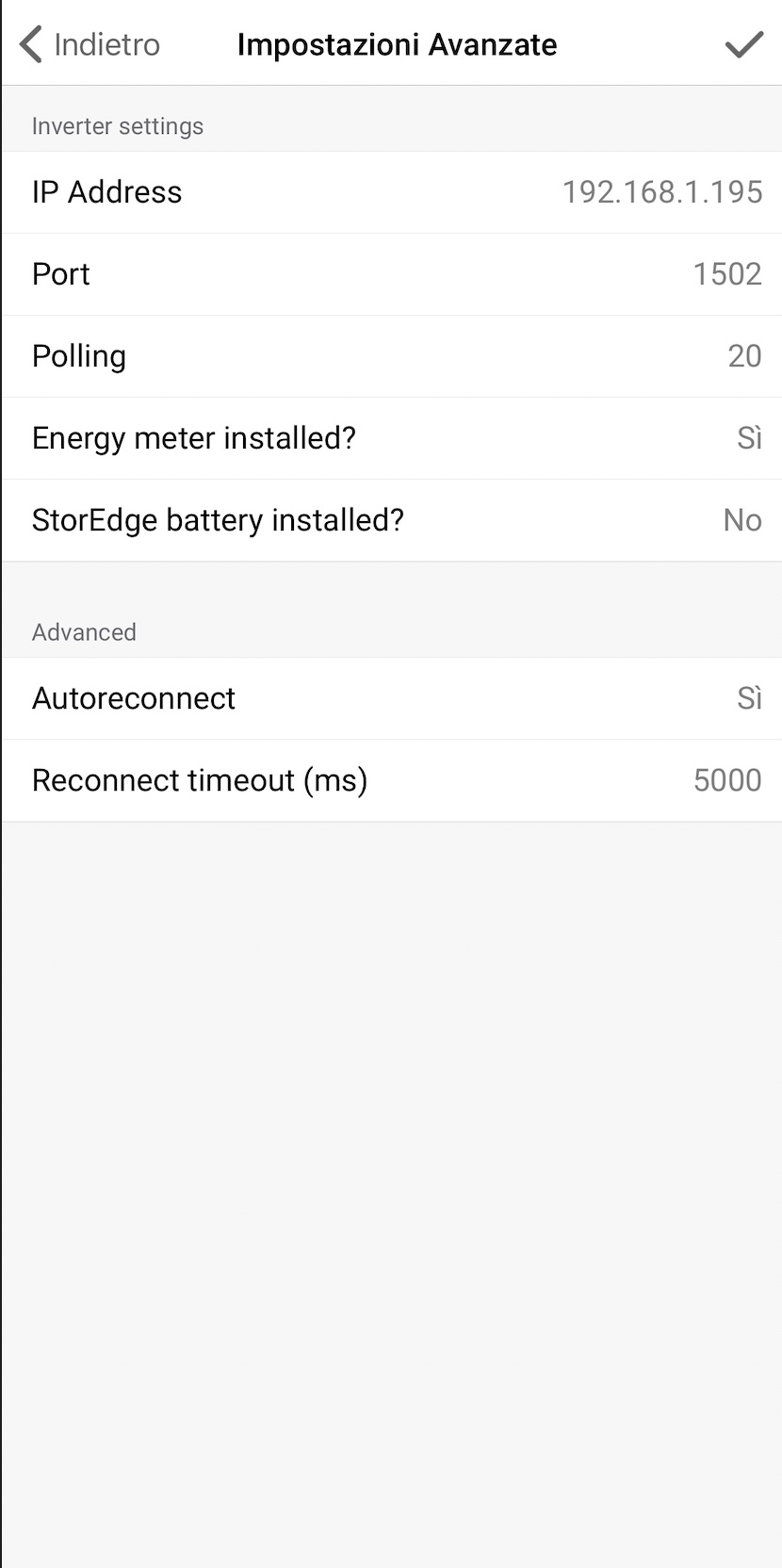
TCP port 1502

Meter import + export

Meter ID 2

Meter works
RS485 1 and 2

Static ip port 1502

Don’t work I have rebooted Homey and Inverter and reinstalled app on Homey

Meter activated
Do you have any ideas to suggest?
Thanks
Oh, this the old one , can remove the device and app. and install this one SolarEdge + Growatt TCP modbus | Homey
hope this helps


interesting so you don’t have some other app who is reading and blocking this port.
I think on mac or linux you can try netcat
 nc -z -v 192.168.107.25 1502
Connection to 192.168.107.25 port 1502 [tcp/shivadiscovery] succeeded!
or telnet I think on windows to see if it responds.
paolocoazzin@Mac-mini-di-Paolo ~ % nc -z -v 192.168.1.195 1502
nc: connectx to 192.168.1.195 port 1502 (tcp) failed: Connection refused
paolocoazzin@Mac-mini-di-Paolo ~ % nc -z -v 192.168.1.195 502
nc: connectx to 192.168.1.195 port 502 (tcp) failed: Connection refused
cool , it is a firewall or wrong ip or some other program has the connection. can you remove device and app to be sure it is not me.
Hi Edwin,
removed device
removed app
rebooted homey
nc: connectx to 192.168.1.195 port 502 (tcp) failed: Connection refused