Hi Richard,
I have the same problem on my stp 20 tl 30.
The only thing is I can,t find the setting modbus timeout.
Peter
Hi Richard,
I have the same problem on my stp 20 tl 30.
The only thing is I can,t find the setting modbus timeout.
Peter
Sorry, I realised only after posting that the version is still not live - the setting is in the test version for the time being.
Can I download this test version?
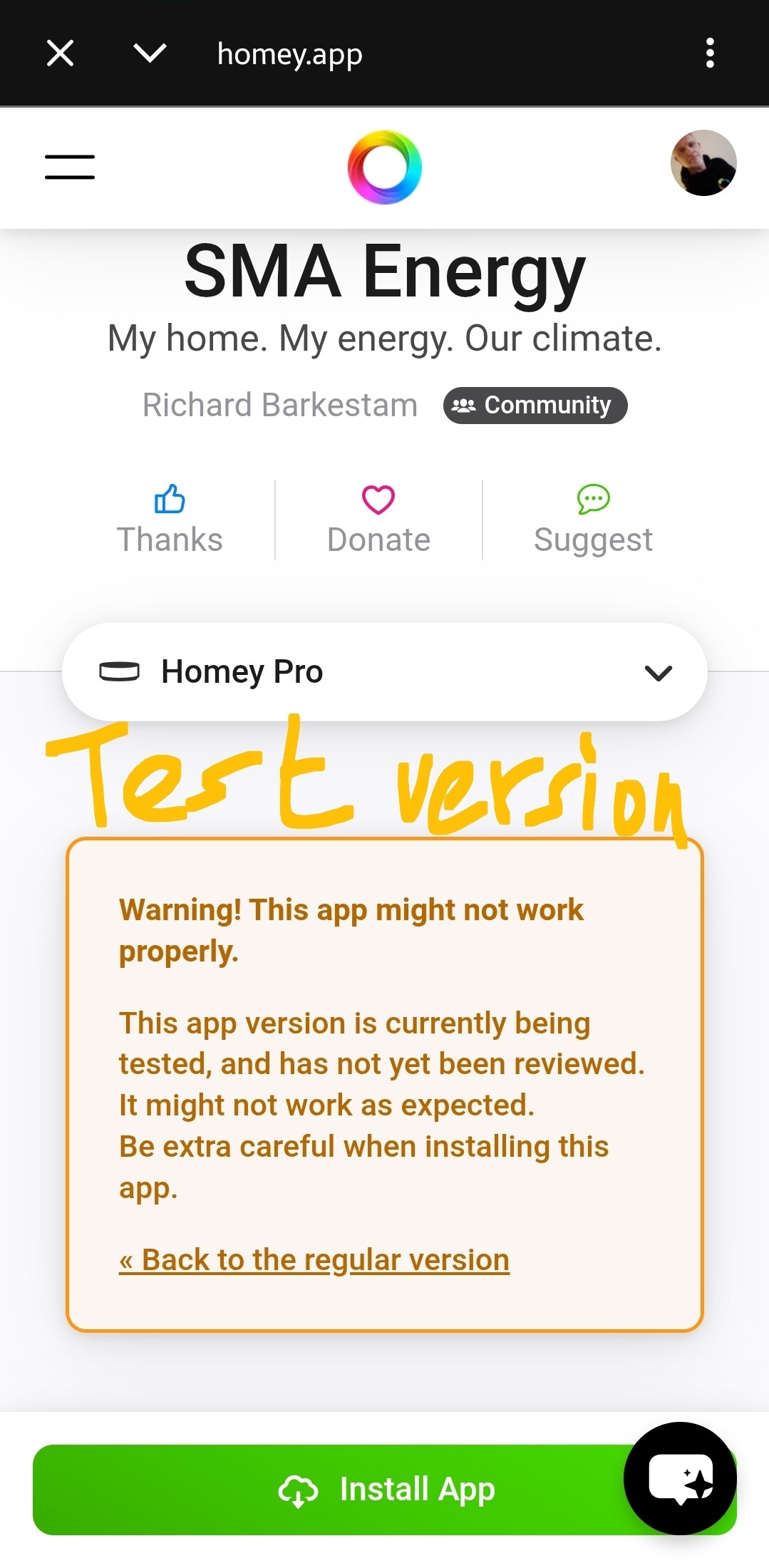
Just add /test to the app’s app store URL.
Or, follow the changelog link on that page > tap the orange “Test” tag > tap install
Thanks Peter.
Unfortunate no result, keep’s being offline.
Lets wait for Athom to fix it.
Edit: from 9:45hr it start working again.
Lets hope it keeps on doing, Thanks Richard for the temp fix.
Hi Richard,
I’m using the latest SMA Energy app with a Sunny Boy SB3.6-1AV-41.
The inverter is detected correctly as SB3.6-1AV-41.
Current Power:  works
works
Total Yield: works
Daily Yield:  always 0 kWh
SMA Energy (official SMA app): shows the correct daily yield
“Daily yield manually calculated” is false and read-only.
Could this inverter require manual daily yield calculation instead of reading the Modbus register
Hi Richard,
I noticed this seems very similar to the Smart Energy issue discussed in posts #406/#407, where manual daily yield calculation was enabled because the inverter only reported Lifetime Yield.
Could the SB3.6-1AV-41 require the same approach?
Firmware: 4.10.10.R App version: 2.9.11
Update:
The issue is now resolved. Daily Yield is working correctly and “Daily yield manually calculated” has automatically changed to true.
Thanks if this was fixed in the app!
Hi Peter, I just started with Homey and the SMA app last weekend. The app has automatic updates on, but it is still showing 2.9.11. I didn’t change anything and as far as I know the inverter stays on at night. Maybe it was just a start-up issue. How do I get the new version?
I see, wishing you lots of fun with Homey, Tamara.
To install the latest stable app update manually, just follow the link on the app info page
Either:
Never remove an app prior to updating to the stable or test version;
It will remove related devices and break related flows;
To either install the test app version, or return to the stable app version, just install one of these, it will simply overwrite the installed app, preserving all related devices & flows.
*) the exception to this rule: sometimes major changes to an app are announced as “Breaking change” and could involve removing related devices and app prior to updating
Please don’t tell apps are outdated if there’s a ‘new’ TEST-version.
Not everyone is into test versions, J
I meant “outdated stable version”
However, I was fooled by the changelog
The changelog is quite unclear, to me it looked like v2.9.11 was older than v2.9.12. However, v2.9.11 appears to be the most recent stable version.
v2.9.12 & v2.10.0 & v2.10.1 appear to be the 3 newer test versions
Hi Richard,
First of all, thanks for maintaining this excellent app.
I’m having an issue while pairing my SMA inverter.
System
Configuration
The inverter is reachable:
nc -zv 192.168.0.121 502
returns:
succeeded
I can also access the inverter web interface without any issues.
During pairing I select Inverter, enter the IP address, press Next, and the pairing screen remains on Connecting… indefinitely. It never times out and never displays an error.
From looking at the source code it appears the pairing process waits for either a properties or error event. It seems the TCP connection succeeds, but the initial Modbus read never completes (or never propagates an error back to the pairing UI), causing the spinner to continue forever.
I noticed issue #69 regarding Homey 13.3.x communication changes and wondered if this could be related.
Diagnostic report:
3A856292
Is there anything I can test for you, or a debug build that would provide more detailed logging?
Thanks!
Hello Michiel,
FYI this is an identifier for a Homey system diag report, which doesn’t reach app developers.
You’d generate an app diag report, per SMA app settings. Usually only on request by the developer (they can get buried in unclear reports in unknown languages).
Thanks.
Is there a specific reason to use ID 3?
Usually it’s ID 0 for the only or the first inverter you’d like to connect.
Did you test with ID 0 already?
There is a new test version just issued, which should solve that problem
I’m on 2.10.2 SMA Energy and Homey 13.4.0 Since some days My SMA Sunny Boy 5000TL-21 is not working with Homey anymore. The SMA Energy pictogram in Homey says ‘not available’, but the Sunny Boy is still reporting to Sunny Portal. Rebooting the app doesn’t solve anything. What can I do? Why did it broke?
Sometimes my Modbus connection drops. No one knows why.
I can solve it by disabling Modbus per local Sunny portal (https://ip.address.of.inverter/)
and enable it again after a minute
Thank you for sharing. I was having the same issue and your post fixed the issue.