If the log is small, then you can manually download it via de pop-up window.
If you want automated downloads, that is possible, but you need to be able to store the log, like on a NAS (see my earlier post), which is not an option if I understand.
Perhaps you can also send it to you via mail (instead of storing it on a drive/NAS), but I have no experience with that.
I am also using that card to obtain the log to store on my NAS.
The card results in a tag (named ‘Log’) that represents/contains the log. You then need a subsequent card to handle that tag. In my case, storing it on a NAS; in your case something else. I assume you could have the log send to you via mail or message, but you’ll need to check the respective messaging apps, whether they allow you to use the said tag.
Working flow:
(the “Clear log data” card is only needed when the log is too big >> don’t ask me to define “too big”)
To regularly upload the export to a (local or internet based) FTP server:
(Just add a suitable trigger)
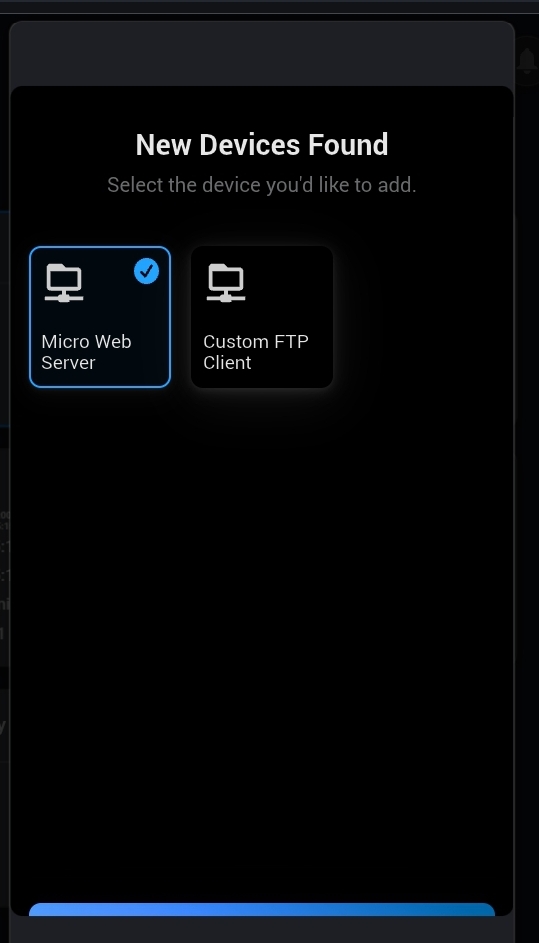
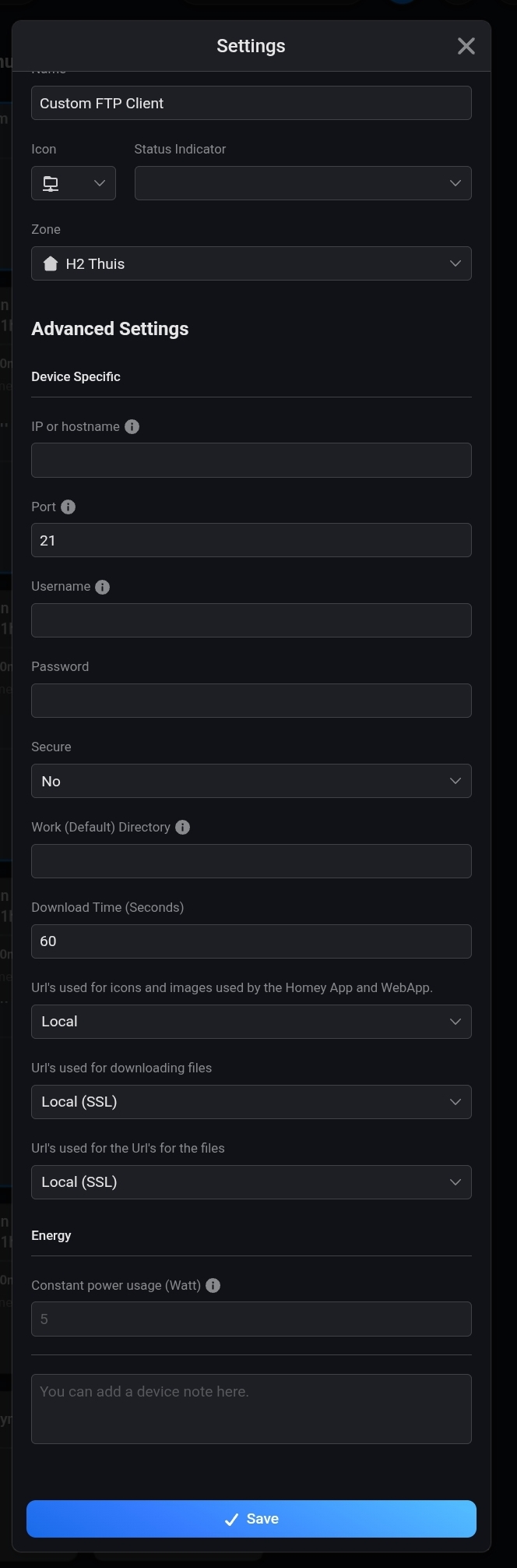
When you want to export to an online (internet) FTP server, add a “custom ftp client” as device, and when it’s added:
then from device settings, enter that FTP servers’ data
Ok, will try and figure something out… FTP to a server (or Google Drive ? ) to be able to access it sound good also.
In the meantime, the flow I intended to use it for spits out 50 entries a minute because I logged True and False outcome at first, so I had to cut down and only log the ‘True’ and ‘Action’ outcome…
Yes. My current log contains approx. 37k records and saves every day to the FTP server on my NAS (via the FTP Client app you linked a few posts earlier).
I hardly ever purge the log. It seems to be working just fine. A flow makes the extract during the night, so I don’t mind if it takes some time to export.
Well, when the FTP client was just released, uploading the unpurged log (to a local NAS) failed all the time.
Until Arie suggested to purge it, keeping x days. That worked.
Maybe things have changed, or I had a really huge number of entries.
Just spits out the file, it’s up to me to ‘catch’ it and write it to a file ?
Still not sure how to do it.
ChatGPT thinks it’s a download link, so he/she is of no help…
I have a HTTP/FTP server running on Homey, but that doesn’t help, I still can’t access it (neitehr away or at home since my Homey is in another network)