I was thinking along the same line. However, when I test this and disable Simple Log entries on the timeline, I don’t get an error in the log. It only records one item, which is the log part. The timeline part does not result in a logged error.
Check check! Same here. Now only Arie possibly might have a clue I think.
Thank you again for the feedback and suggestions Peter. Best regards, Jan
I have a very special Homey Pro 
Does anyone know how to export data? When I select ‘Export to CSV’ or ‘Export to Excel’ from the menu, nothing happens. It doesn’t work in either the app or the web version.


I’ve tried several browsers, but unfortunately it still doesn’t work, no matter how long I wait.
If anyone has a suggestion, I’d be happy to hear it.
I use a flow to export the log and store it on my NAS every day. Simple (Sys) Log provides a dedicated card to obtain the full log. I use the FTP Client app to store the log on my NAS via an FTP connection (in a specific folder, using a specific naming scheme).

If I try to manually download the log directly via the Simple (Sys) Log app, the app crashes (both via the mobile app on iOS/iPadOS and Chrome). I am on a Homey Pro 2023.
I assume my log is too large for such a direct export.
Yeah the file might be too big. How many days / how many records does it have?
When copying to a FTP server is not what you like: there are flowcards to limit the size of the log.
You could use this card to delete the oldest records:

You could try removing logs older than 20 days
Try export;
If no result, try removing logs older than 19 days
Try export;
And so on…
Ok, I really need to log some flows now that they get overly complicated.
Did a testrun with the 'add logging script’on a simple flow but;

This is sheer horror to me. I like my flows neat and readable. Ok, this one I could adjust.
But I fear whats it’s gonna do to this flow :

Is there a way to add the logging more neatly (without doing it ‘by hand’ ? )
[Edit] : Don’t bother, found the lines in the script to adjust positioning 

As a local html file:
As a dashboard widget:
Sorry, doesn’t cut it… 
I’m usually not at home when i want/need to work on my Homey… Also, my Homey is not on my LAN, I have a separate network for it..
can I do something with the syslog server/client maybe ?
And I have a 2019 w/o Dashboard..


Yup, that’s where it is.
Try the advice, to install Better Logic as well? (… “Nieuwe interface” …)
Nah, no one- click solution to get acces ?
Right, never did install BL, you think I should ?
I get a smoother interface then ? With sort and filter ?
Hmm, trough 2 x NAT and the corporate Firewall (Forti). Not likely…
Yes, in my case (with BLL installed) the interface looks like this. You can filter/search each column:
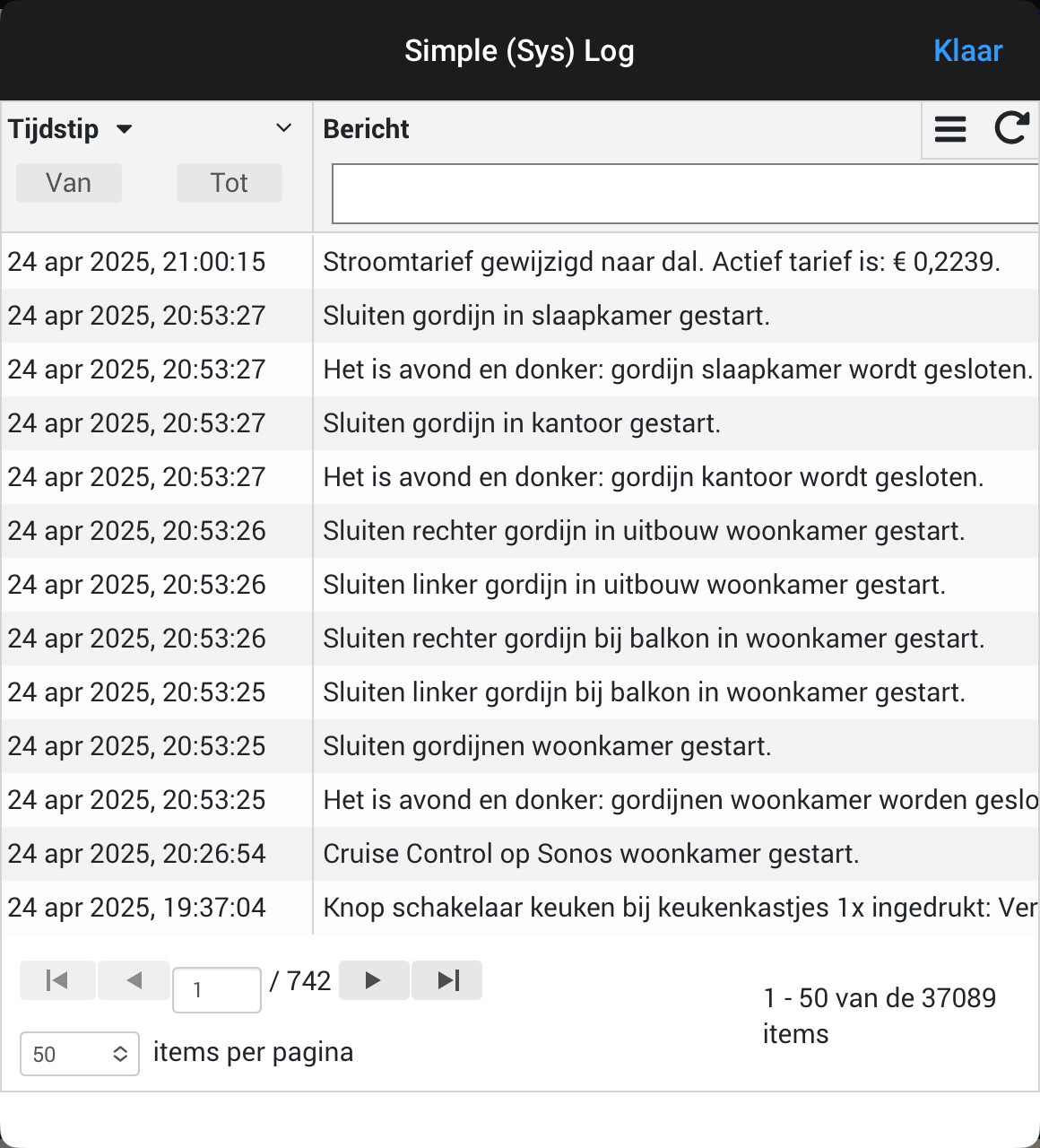
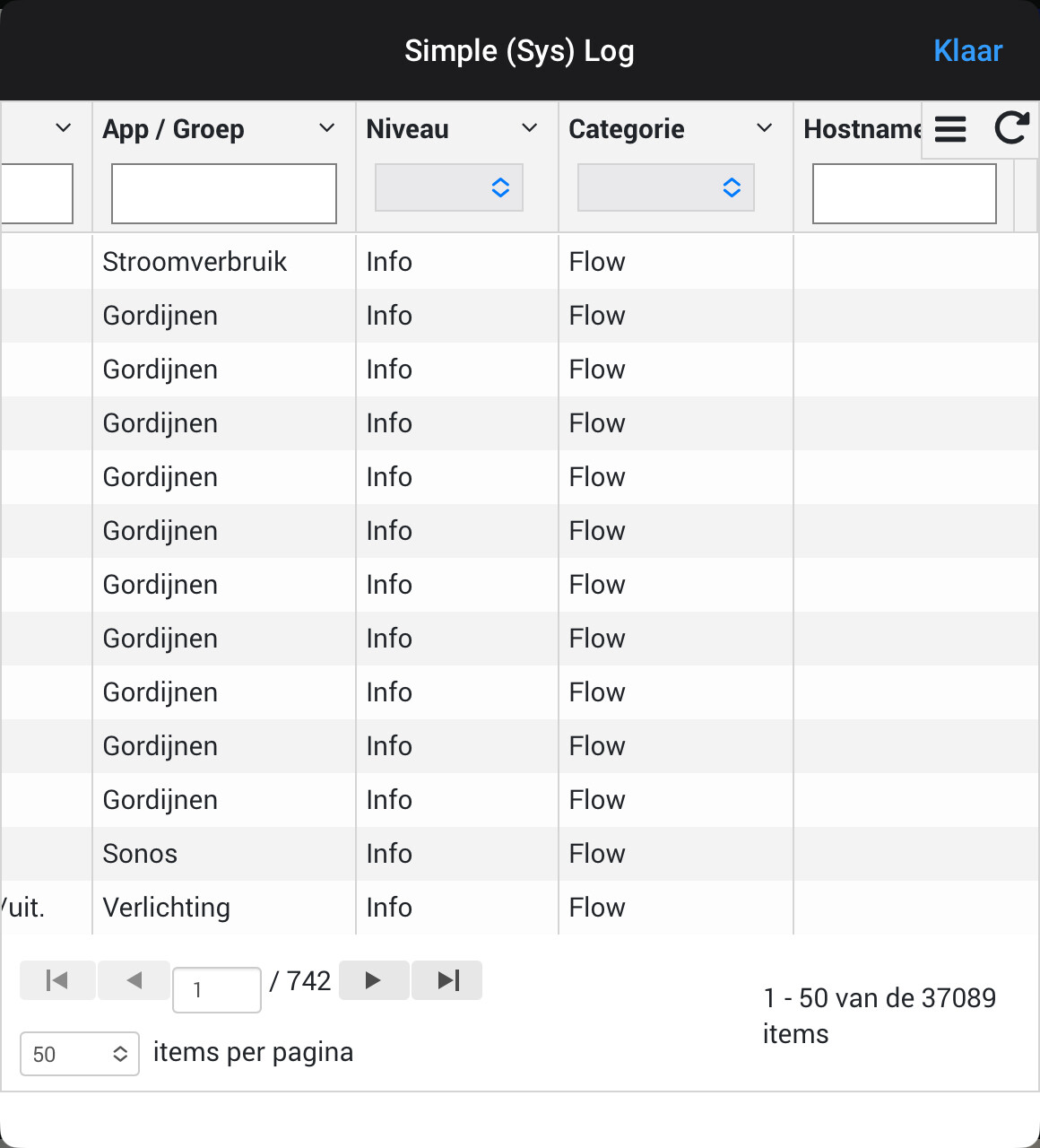
Only downside is that the pop-up window in which the log is displayed is relatively small, so you need to scroll a lot.
That’s why I make a daily download to be able to view the log in Excel. For ad hoc searches the pop-up window works just fine.
Can you automatically let the logs be downloaded ?
Erm, stupid question, I have no place to store it (No NAS on the Iot network)
The popup is small now too, so it’s ok. If I need to really bugfix a flow I would want the excelsheet anyhow…
