You could combine it with
Add a device, pick FTP server app, tap ‘ftp server’ and select your found local FTP server:
Working flow:
(the “Clear log data” card is only needed when the log is too big >> don’t ask me to define “too big”)
To regularly upload the export to a (local or internet based) FTP server:
(Just add a suitable trigger)

I used this ftp card:

Result, my logs as Excel file:

.
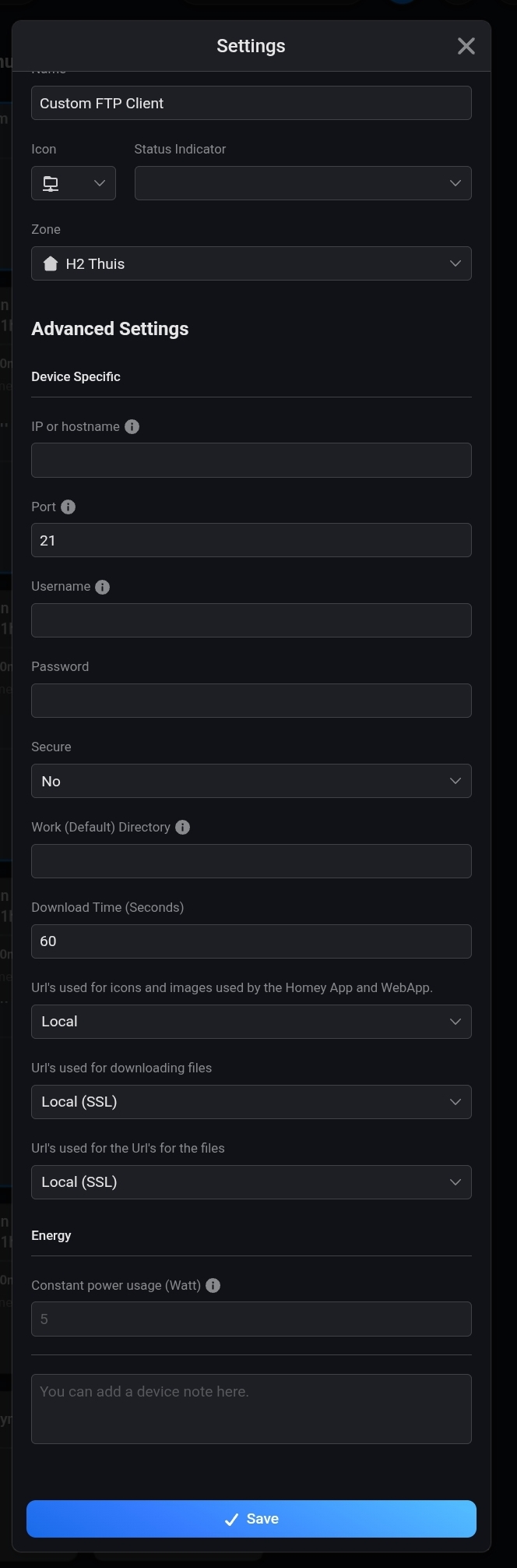
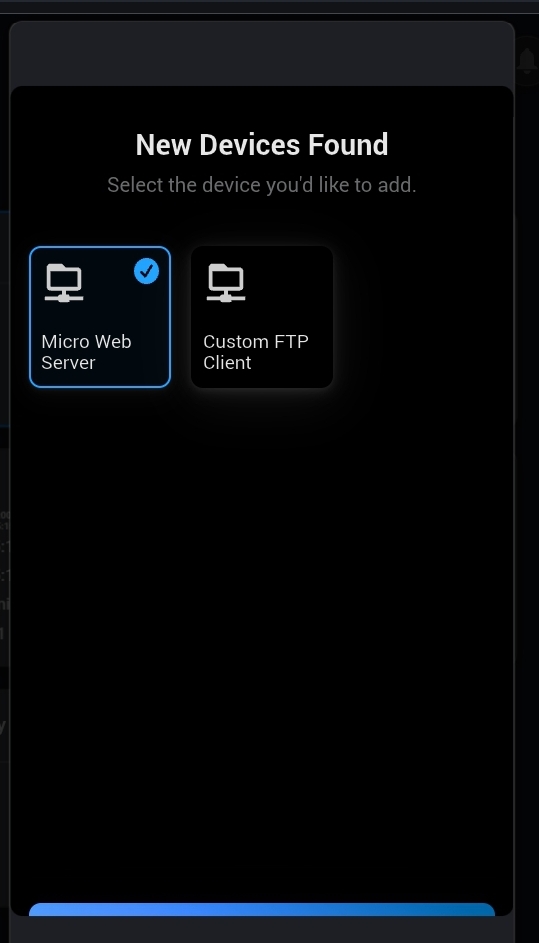
When you want to export to an online (internet) FTP server, add a “custom ftp client” as device, and when it’s added:
then from device settings, enter that FTP servers’ data