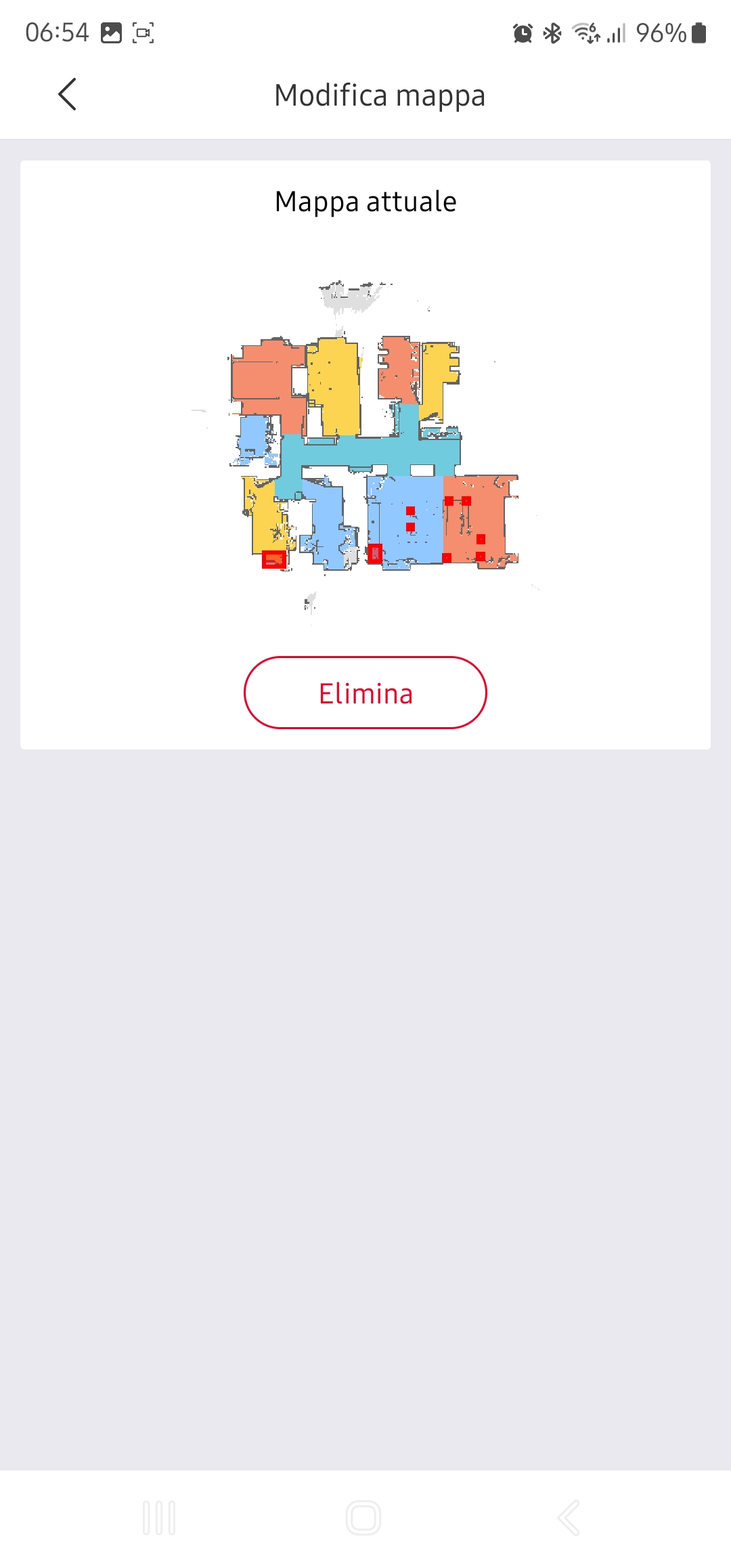
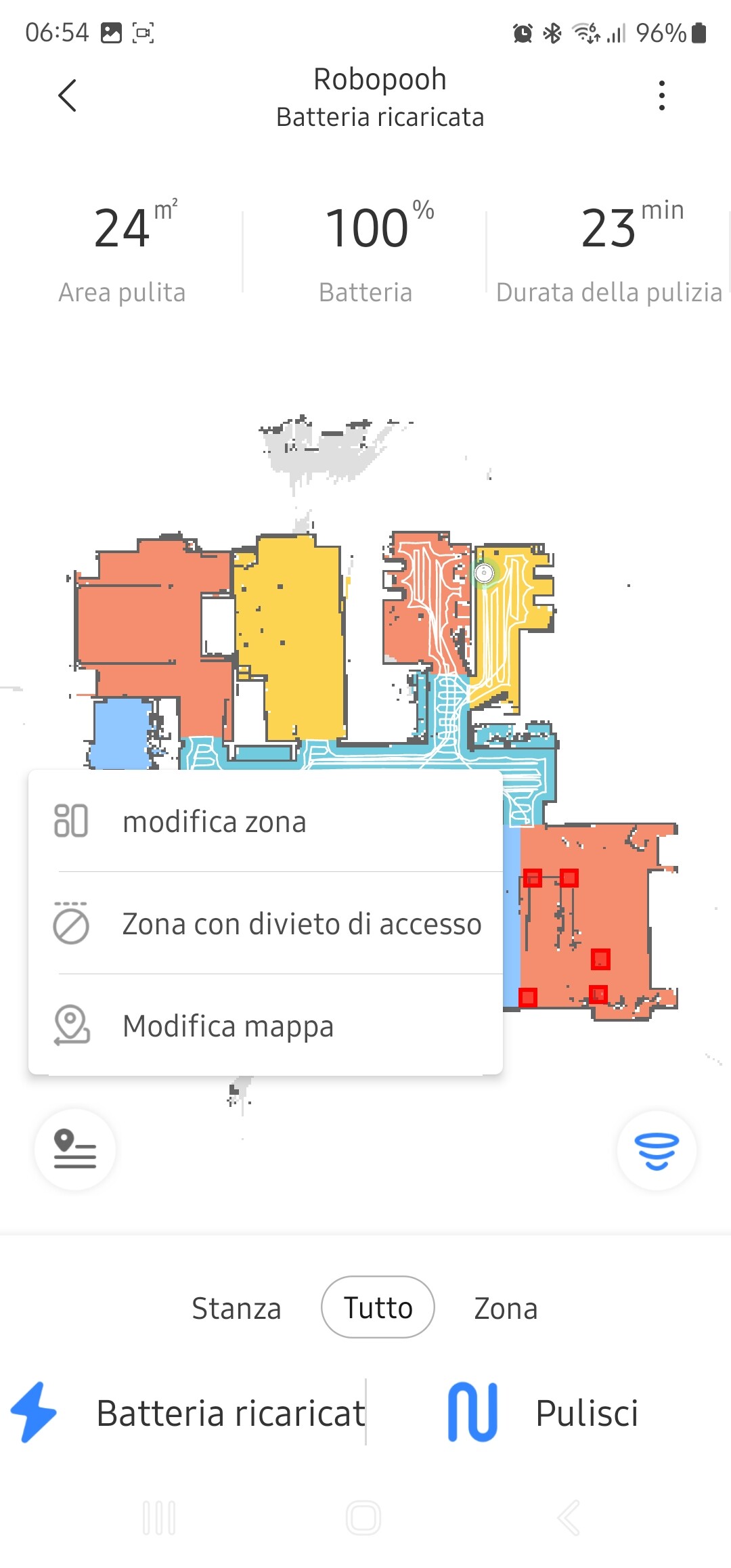
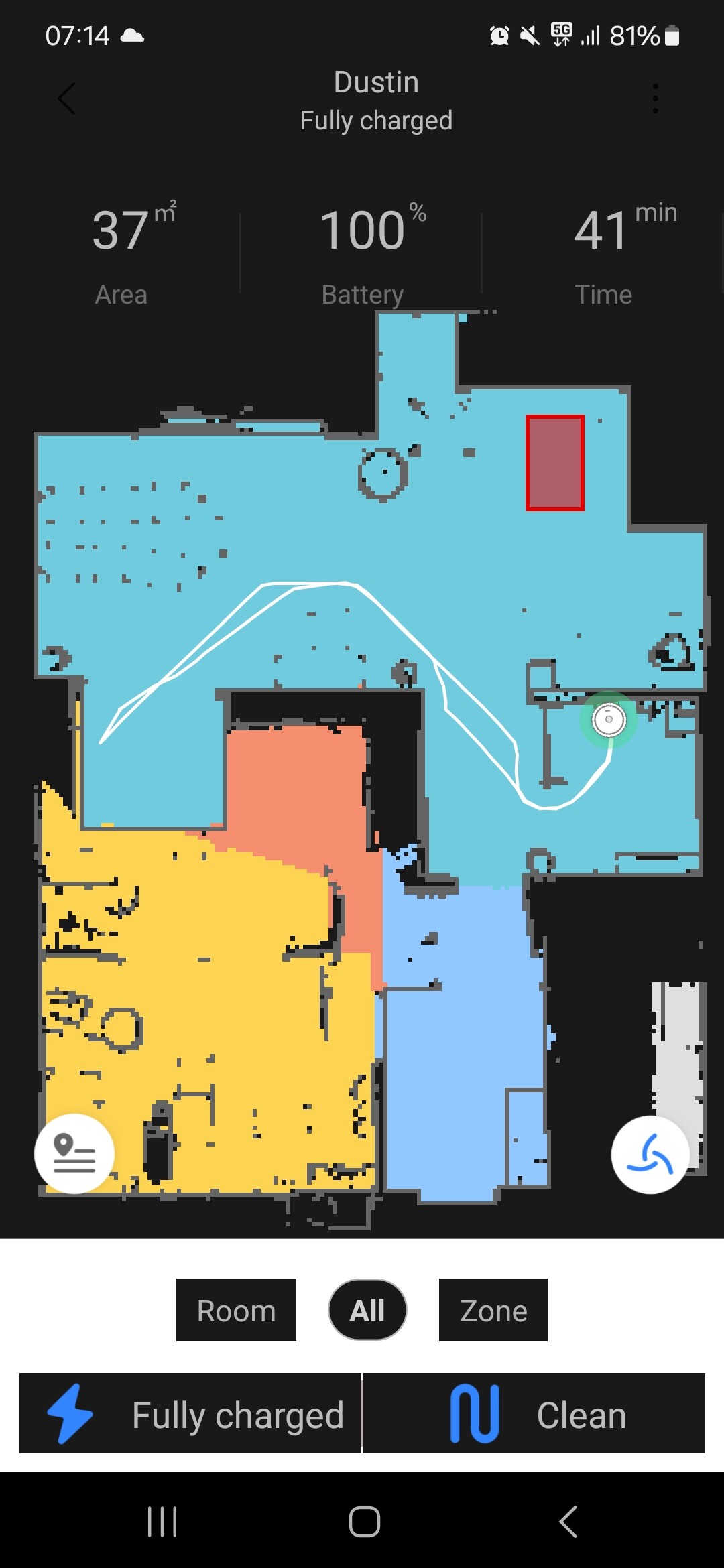
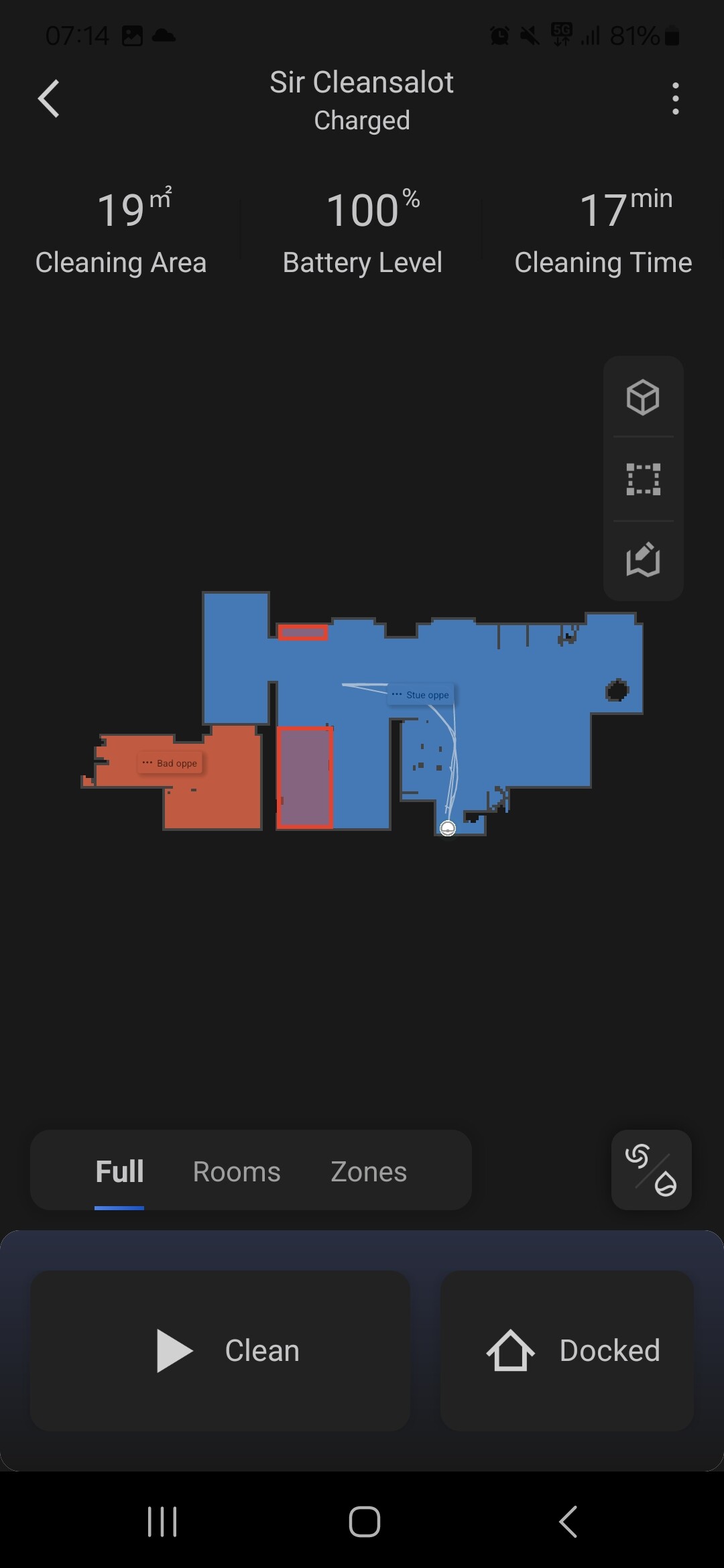
I don’t have manage map if I tap on the 3 dots.
The only “manage map” that I have is under the map… but I can only eliminate it, nothing else.
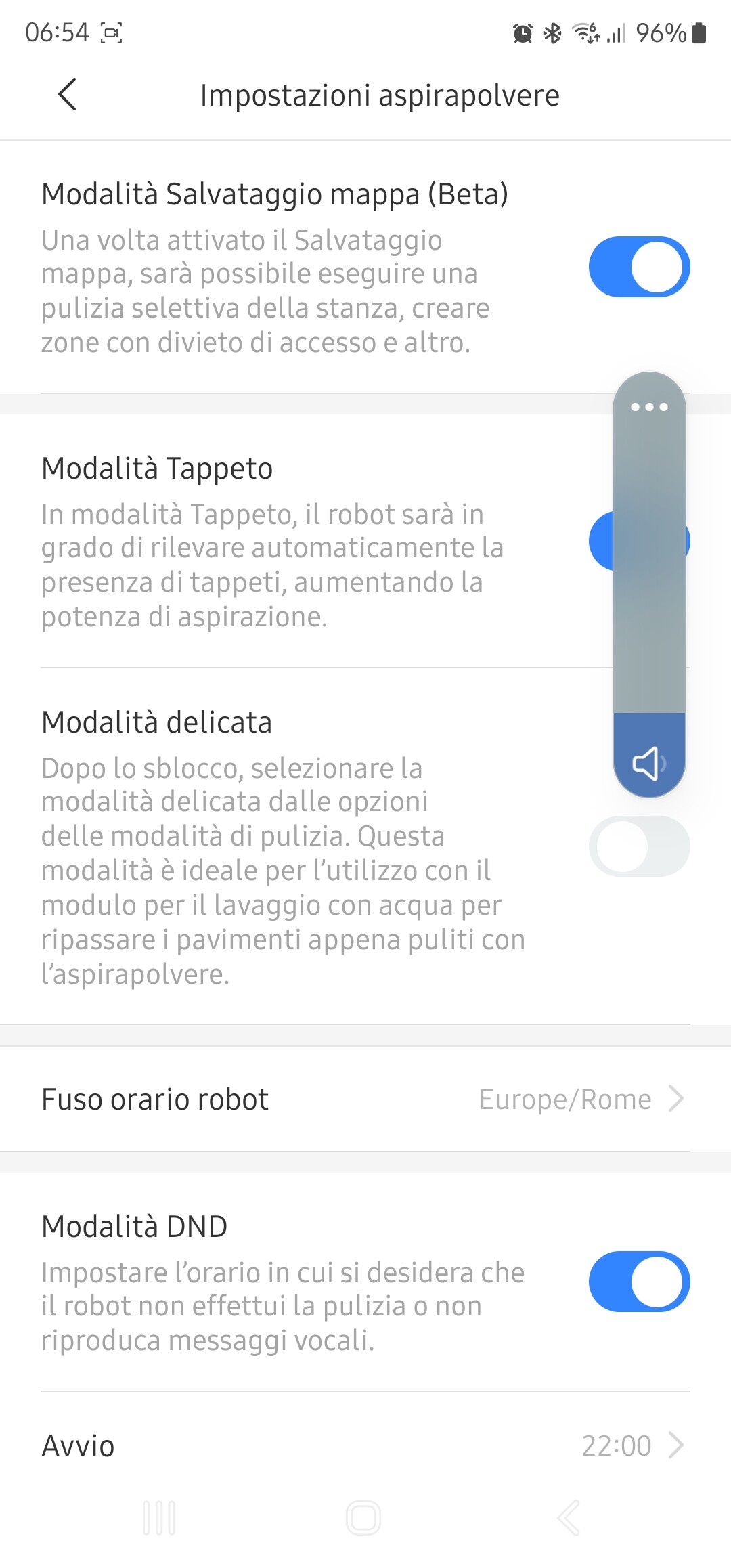
I have the “manage map beta acriveted” is it that the problem?
It seems the S5 does not support room names. I have both a S5 and Q7 Max and I can only give names to rooms on the map of the Q7.
This does not look like the Mii Home app? Is this the roborock app?
And because of the languahe I can’t really find out of it’s the same, sorry… 
Also Mii Home app? Just asking to be sure. Because if that’s the thing, I need to change it in the Homey app. Room cleanup won’t work then.
Using the Xiaomi Home app (Android)
And what device is this?
roborock.vacuum.s5
Well that’s a new one for me  Looks like the massive map-edit update the app has received a few years ago did not apply to the S5 models. I don’t own one, but never heard about it from a community member.
I’m sorry, but without map names you can not trigger room cleanup from Homey. Or, because it’s another map system, does it maybe work?!
Maybe test a flow trigger; when map changes, push message room numbers. Inside Miihome make a small changement and wait for polling interval (1-2 minutes). Don’t think it will work but it’s worth trying.
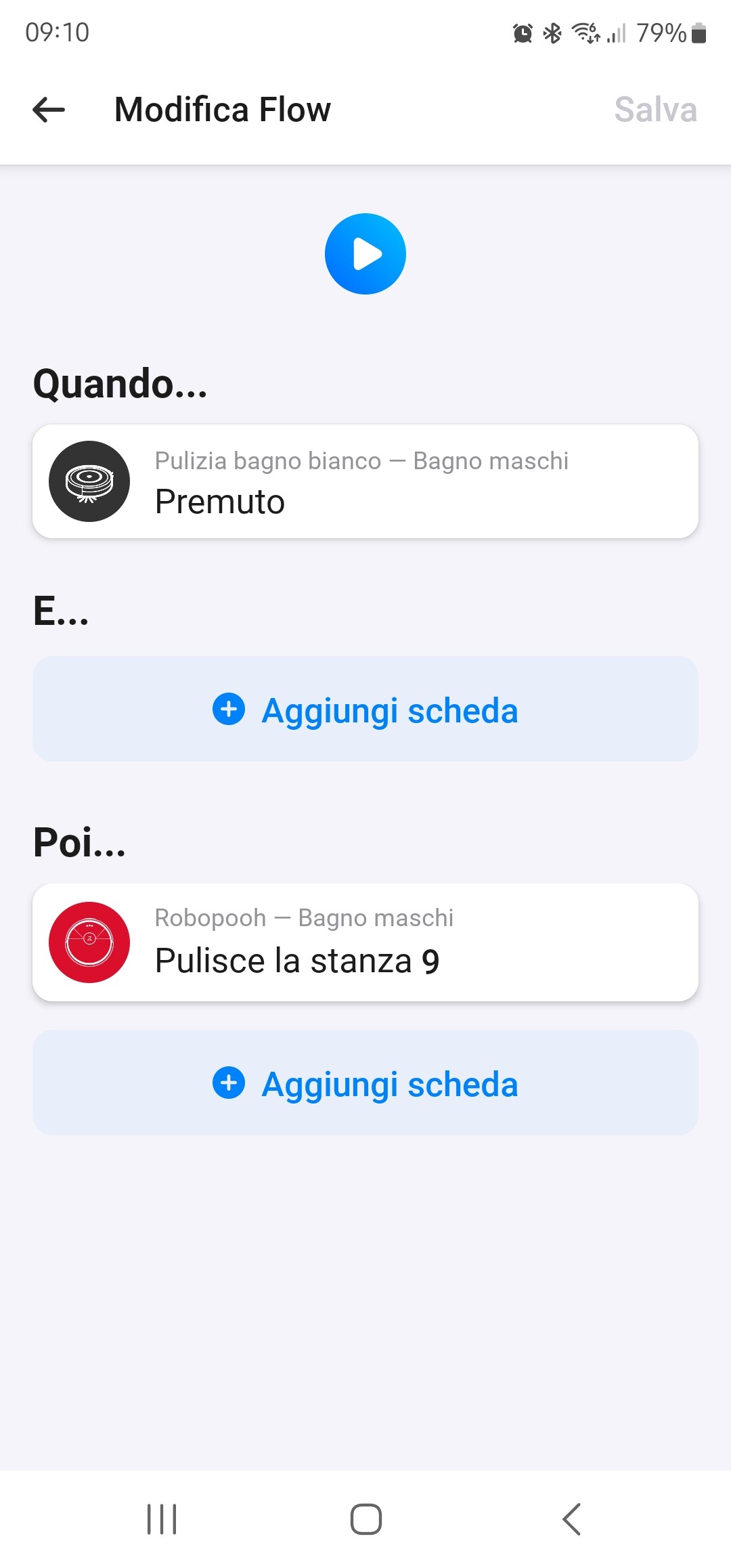
I just try macking a flow sending in room numer 1… and he went in a room to clean… now i only have to find all numers!
Edit: done!!! I found all rooms code. I hope they never change now!!!
Soo, just to make sure I understood correctly; without adding room names, you are able to get room numbers with the ‘rooms have changed’ trigger? On your S5 model?
Good to hear. Now I can keep room clean up for the S5 but i’ll make some changes in the manual.
Thank you for your effort.
Roadmap for what’s going on next …
I’m running the newest version of the app with only the S7 activated on my own Homey pro. The next week I will test this version and tackle any errors that popup.
After this I will ask a few of you to test your own device on a BETA version of the app. Feel free to respond to my message which device you have and that you wish to help out. Old Roborock or new one, I need them all in my test
While you guys are testing i’ll build a dedicated website with the manual. I recently bought the domain name homey-roborock.info which will hold the full documentation, including tools to find the token easily. This will help new Homey users a lot ( and prevent my inbox from spam  ).
).
I’m using Roborock app for my S7 MaxV due to that fact, there is an option like ‘Remote Viewing’ which doesn’t exist in the Xiaomi app, so if I switch to the Xiaomi app to get the token I lose access to this feature unfortunately.
There is a new test version released. This version inclused support for the S5 and S7 models. I would love to see some owners of these models test the new app rewrite. I’ll receive test reports automatically.
@JOHNNY_ASSANTE and @kjeet90, would you help out?
Other models will be released to test on short notice.

Are there any S5 Max, S6, S6 MaxV, S6 Pure or S7 owners reading along?
Hi @Justin!
S6 Pure user here, reading along indeed.
I’m honestly not sure which specific device I used to add my Roborock but it has worked flawlessly for what must be more than a year.
Now, not sure if it’s intentional, but the test version (2.1.1) completely broke my integration.
Got a red danger triangle on the device and al the flow cards went blank as if the device was removed.
Luckily reverting back to 2.0.0 fixed the issue, so now I can at least screenshot my current flows again (so I don’t have to guess all the commands and rooms when I upgrade, I have a lot of Roborock flows  ).
).
I’ve disabled updates for now, just to be safe.
When I find the time I’ll update the app, remove and re-add my device as an S6 Pure and remake all the flows.
I’ll let you know how it goes?
And if I can help in any other way let me know, I’ll gladly test for you.