Unfortunately, no. Otherwise, it would be fairly simple.
And with a working Roborock App (Mi Home), there is no reason for me to make a rewrite.
this homey app also required you to have the vacuum connected to the mi home system 
Why not ask roborock directly if the are willing to create a app for homey?
I am considering buying a roborock, but they are very expensive and it looks like the code for this app is not available, meaning it would require a full re-write.
Or use the Xiaomi App on your phone and Homey, works great for me, just certain Roborock models have options that are not supported in the Xiaomi phone app, like view camera, but most Roborocks work 100% with either app, Roborock or Xiaomi
Please add support for Homey Pro 2023! 
Still no-one willing and able to create a new roborock app actually connecting to the roborock servers instead of mi home servers (so that we still can use remote viewing capabilites) like this app created for home assistant: Roborock - Home Assistant (home-assistant.io)
core/homeassistant/components/roborock at dev · home-assistant/core (github.com)
What do you mean by this ? Seeing robot it’s location on the map ? I told you that on Roborock S8, I can easily control it with Xiaomi Mi Home App voor Homey | Homey and I can check the location in the officially Xiaomi Mi Home app. Or do I miss something ?
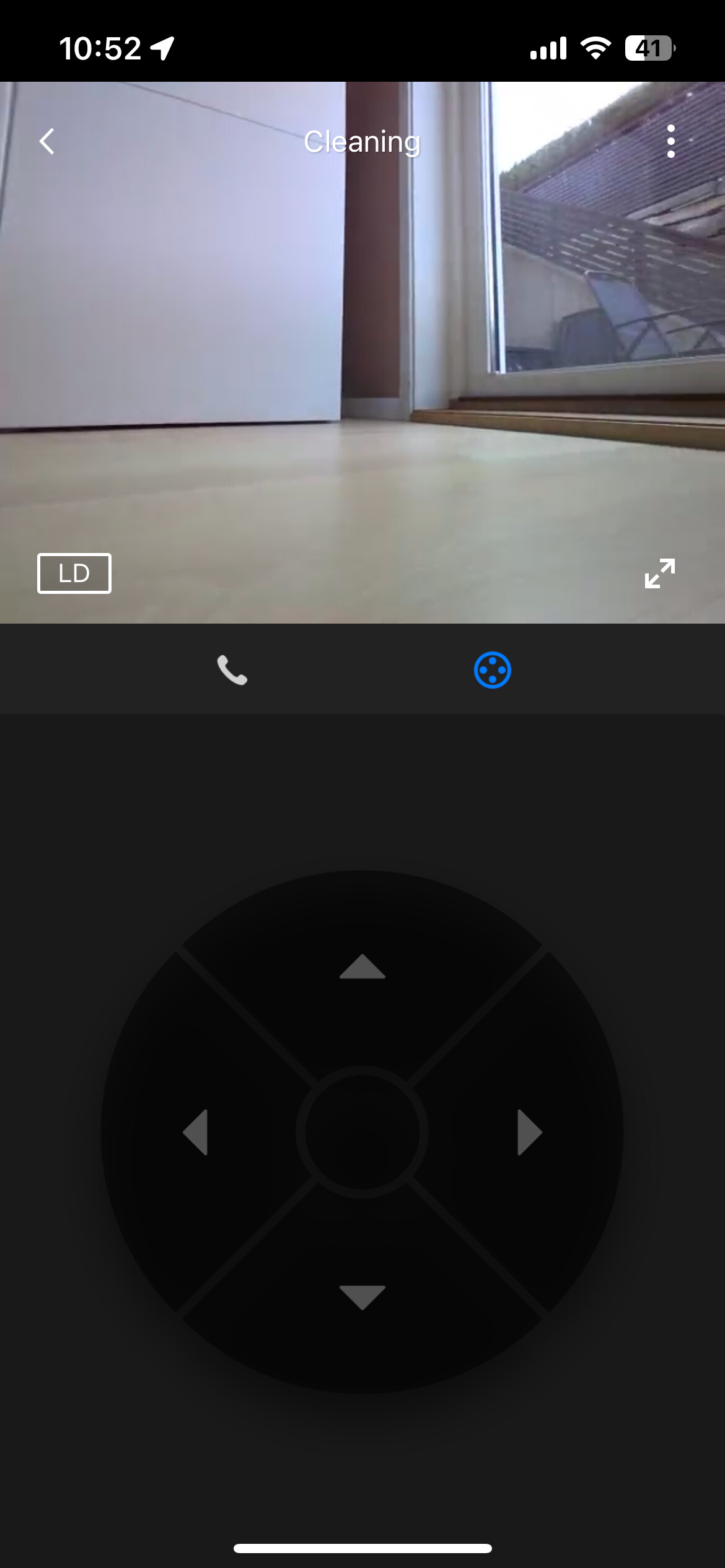
I’m talking about live viewing the camera on the robot
I don’t think this was ever supported
Its supported in the mobile app, that’s why I’m hoping someone can make a homey app to connect directly to the Roborock servers, since the mi home app on mobile don’t support it
Hello,
Is there any plan to make this app working for Homey Pro (2023) ?
I am sorry to say that this app is abandoned by the developer, who has also leaved the community. The developer has not been active in the forum since July 2021. The developer is not responding to direct messages or emails neither.
Despite its limitations the best alternative is the Xiaomi Home app. Personally I prioritize automation over the ability to use the camera remotely.
I so much wish I had the skills to take the local integration from Homekit and make it into a Homey App, but that is way over my script-kiddy coding level.
Maybe the community could gather some money and pay a Roborock to somehow who has the skills but not the cash for a vacuum? At least I would be willing to pay, help and test.
I have two main reason for not using the Xiaomi App solution:
- The Xiaomi App can not send Wifi credentials with special symbols in it successfully, so getting my Roborock connected to Xiaomi with my Wifi at Home is not an option. And no, I will not change my Wifi for that.
- The already mentioned camera feature. I have no other cameras in my home, so having that mobile camera when traveling to check on alerts is nice to have.
My temporary solution:
- I mainly want to stop the vacuum from starting based on shedules when I am Home, this is not possible with the built in shedules.
- I have added flows which do the scheduling and they control a virtual button, it gets turned on when the Roborock is supposed to start.
- In Google Home I have added my Roborock directly, then I created automations in Google Home which start it based on the virtual switch turning on. Works almost reliably.
The video control is not possible for several reasons.
- there is no ui widget for it
- honey doesn’t support video
- as far as I am aware the S8 doesn’t have a video either (that was only on the s7)
I am still hoping to buy an S8 ultra … but so far there has been no indication that it will become achievable for Black Friday - and the price is still very high.
If I get the s8 ultra and a new app is required I’ll happily build one … if another developer doesn’t get one first.
Sorry that’s thats best I can offer
Hi! Did you find a way to make this work? We are looking at he roborock S8 pro ultra at the moment but I want to make sure we can use it with Homey.
Hi,
I see more posts like this one:

I guess it is a bit outdated since now this card is called “Kamer segmenten is gewijzigd”, but my question is abut the “Then” part. When i choose a timeline or push notification, i cannot select “kamers”, it is just not there. Do i need to do something to get it?
We are not talking about having the camera functionality from the robot in homey. We are talking about having it in the mobile app. If i want the robot in homey i also have to use the xioami mi home app on my mobile phone. This mobile app does not support the s7 maxv camera function. For this to work i have to use the Roborock app/system on my phone, but then i can’t have it connected to homey
