@Mark520 when you configured your account in the official roborock app you were normally required to enter a region. Do you recall which one? You might check in the roborock app itself under your personal settings. With me it mentions the region as belgium.
@Vinni_Mata can you try with V3.3.1? That should already fix some issues like with @CtlAltDel
To prevent that I couldn’t sleep due to thinking about this, I’ve quickly drafted a new version which allows region selection, v3.3.2 available as test now via Roborock Cloud | Homey
If you use “auto-detect” in the dropdown, I would expect the same behaviour as you have now. I hope that when you select “United States” it will work better.
I also logged out of app and logged in again to insure credentials are correct.
I logged in with username and password not the authentication token in the app.
Just tried again on pc same result. Not sure that this makes any difference but the app says USA not united states. I have also logged into the website directly with my current credentials. https://us.roborock.com/ with no issue.
Hi @KennyMoens . I’m having issues similar to the ones mentioned above me using 3.3.3.
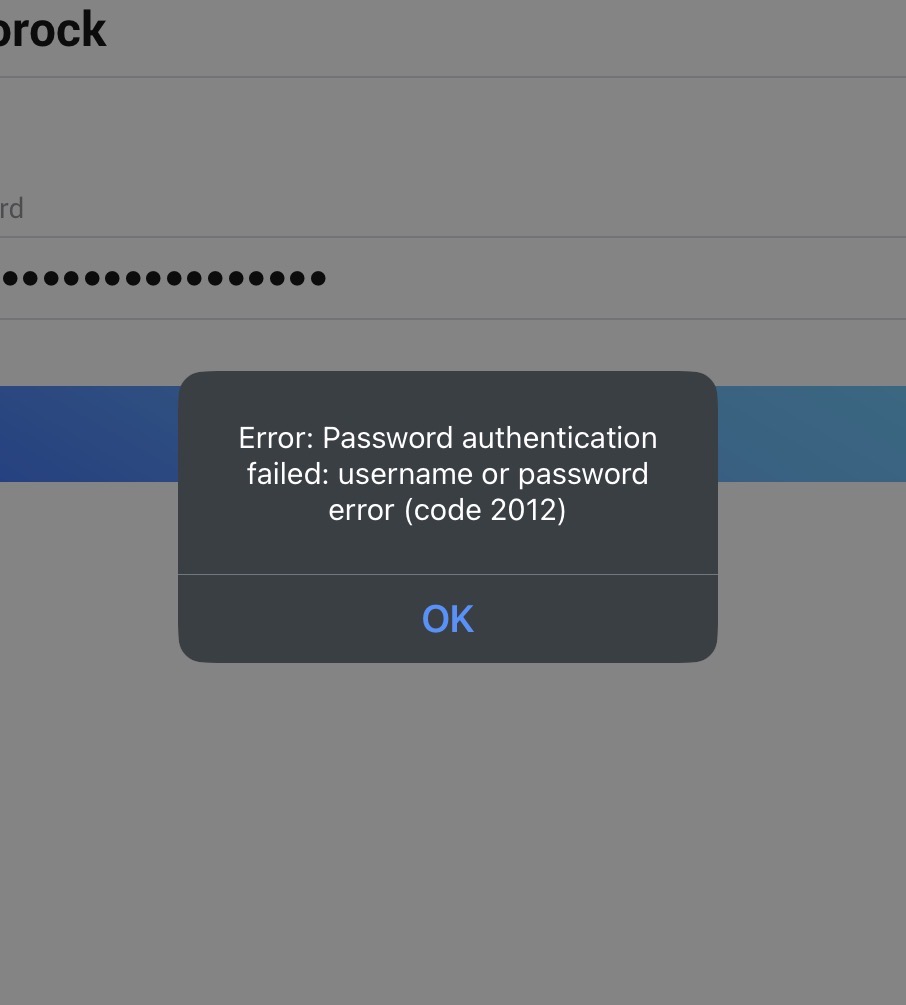
I’ve tried variations of token, password, auto-detect region and United States. Password & Token authentication brings error 2012 and Token Only claims to send an email (token) to my email address but never does (I’ve also checked my Spam folder).
Thanks for being so helpful. I am excited for when this gets fixed.
The pairing logic still had a bug related to the region selection, which led to that it was not picked up correctly. In the repairing logic it was picked up correctly.
I’ve pushed v3.3.4 now to test, this should allow the region override for the pairing logic too.
Alright here’s the new breakdown. Updated to 3.3.4 experimental. Picking “Robot Vacuum” (not Zeo Series).
Email address entered.
On Authenticate with Password and Token - Region: Auto Detect “Failed to retrieve the home details: invalid token (code: 2010). No email sent.
On same settings but region entered (United States) we get the same error. No email sent.
Strangely, I did this process earlier and I did receive some confirmation emails with tokens but those did not work. I can’t duplicate these options with token only since now it won’t even send me the confirmation email. I do have some photos though from when I tried earlier. See attached.
Keep up the great work. I never worked with helping a programmer before and I can tell this is frustrating work!
That’s a very good sign! The error you are getting is from later in the process, when I’m trying to retrieve the devices themself.
At that moment we are effectively using another instance of the API already, and I didn’t implement the region overriding there yet.
This should be fixed with v3.3.5 which is available for test now.
I’m quite confident that this will solve it!
PS: the auto-detect will probably never work for your accounts. For some reason the Roborock servers don’t answer the correct information for some accounts. Therefore that the region override should fix it.