Removal of the Password Login flow, which is no longer supported.
Update of the Email Login flow to the newer Roborock APIs.
Added room info support for Q7 series.
Added a new option to switch the cleaning modes (vaccum only / mop only / vacuum+mop), this is technically not required for most devices, but it seems the Q7 / Q10 series require this. However, you can perfectly use it for other devices too. Both available as flow and UI action.
I’ve been experimenting with Zeo support, and it looks good. This will be probably the next major upgrade!
Hi @KennyMoens , I have the feeling that now the selection of rooms in the flow is broken, even if I try to type the room name manually. Can you help ?
I downloaded the test app since the ordinary app didn’t work anymore. Do I need to do anything else? It’s in the middle of the night so I can’t try to start the robot.
The diagnostics report does not show me anything special. Could you restart the app and see if the problem persists? If it persists, please create a new diagnostics report after the restart, since there is only a limited timeframe that I can see back in the logging, it might be something went wrong on your side earlier on.
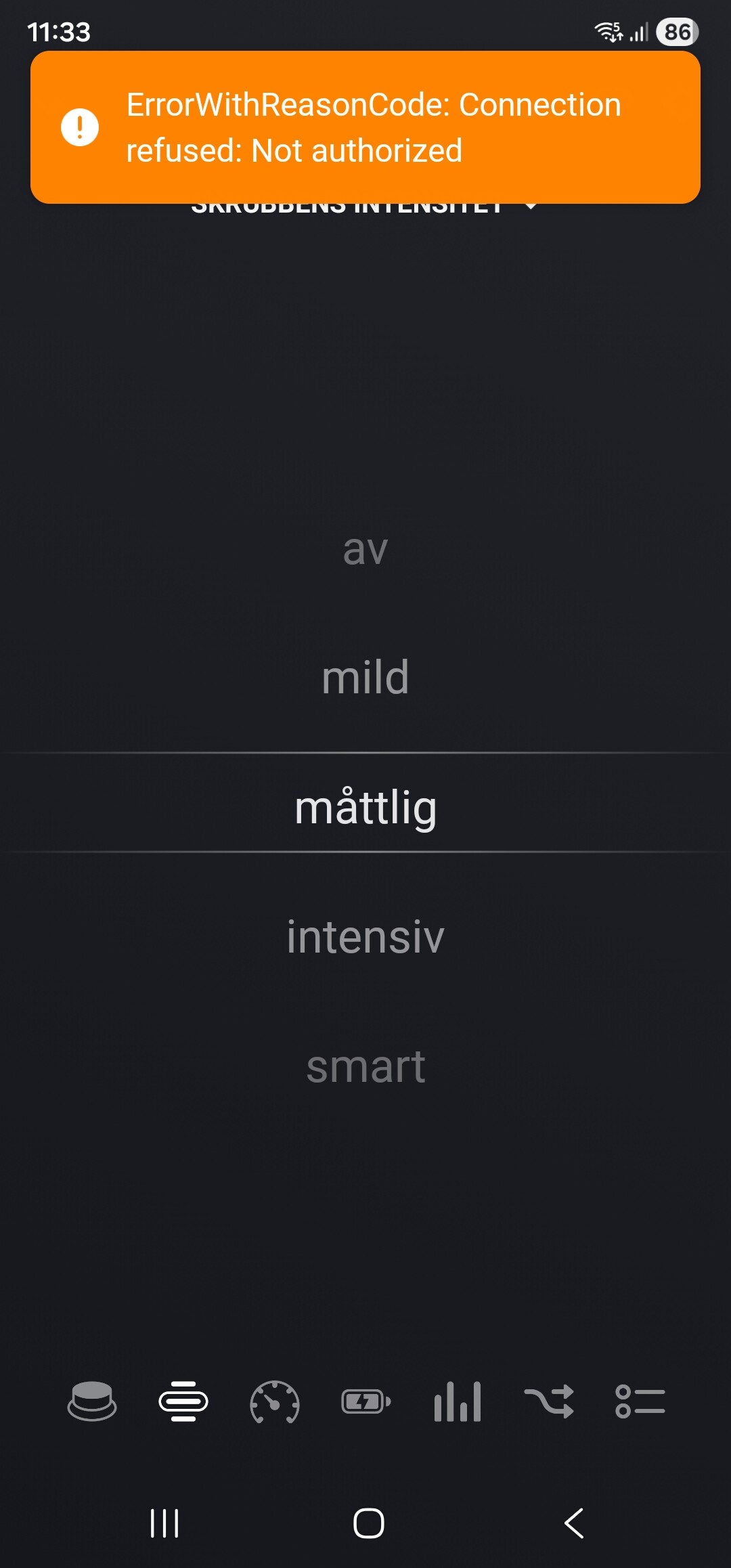
Could you describe me what the exact problem is you are facing? I know that is some cases accounts get temporary locked out, in these cases you might see an orange banner in the web ui when you click the device with the message “Not Authorised”.
We’ve seen this with the Home Assistant, ioBroker and Homey integrations, we haven’t figured out yet what triggers it exactly. The thing that we can do in those cases is - for Homey users - is to repair the device. This resets the user data and typically resets the rate limit. Sometimes this does not help and requires you to wait for 24 hours for the rate limit to reset.
The newest test version (v2.19.2) will stop attempting to reconnect if it experieces this error, to avoid keeping blocked by the rate limiter.
Additionally, and I don’t know if this is with multiple people, but I had to sign in again into the official Roborock Android App for some reason, at the same time the Roborock integration in Homey stopped working for me too. I had to repair the device in Homey to get it working again.
First when I used the test version it would just stay on the token verification page after I entered the token code. Later it would go to a new page that was totaly white.
I installed the normal app version and then I didn’t even need to out in a new token. Looks like the issue is solved. Not sure why it wouldn’t work with the trst app.
I’ve got some great news! A new major version has been published towards the test channel: v3.0.0.
What’s new?
This release expands the support of the Roborock App towards the first device that is not a robot vacuum! From now on, we have support for the Roborock Zeo series washer/dryer series!
The support for these devices is currently still limited to showing status and some basic flows. I’ll expand the functionality of it based on feedback from the users and what is interesting to be available.
I really start to get the impression something is special with your account, only I don’t know what yet.
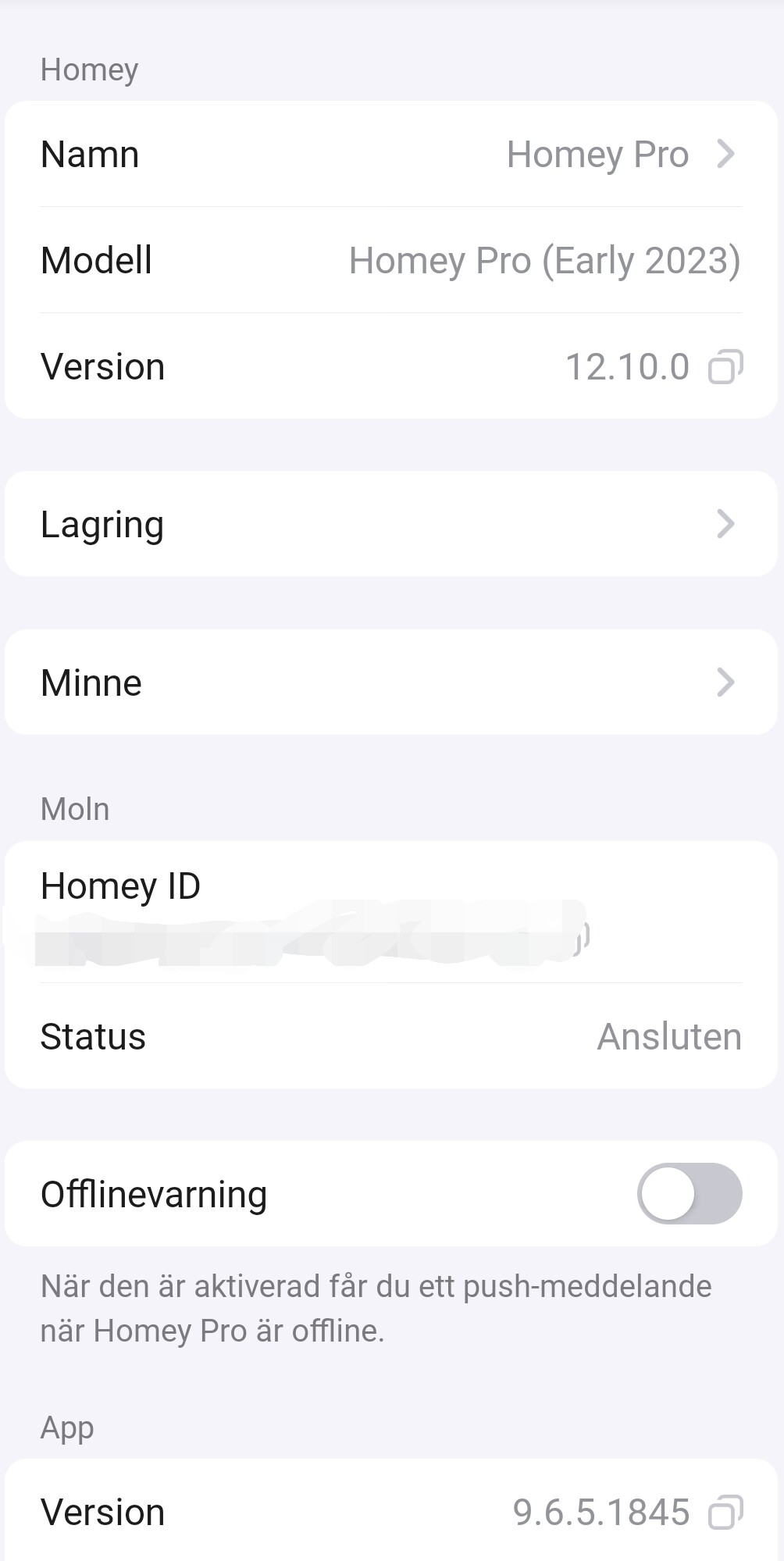
On which version of the app are you?
Could you make me a diagnostics report right after you got this error?
Do you have some technical knowledge? I.e. if I would provide you with a nodejs script file would you know how to run it? In that case I might be able to debug some parts more easily.
I’ve just pushed v3.1.0 towards test, you can install it from this page: Roborock Cloud | Homey
This release includes two changes related to the authentication logic:
If you own multiple devices, I suspect that the fact of adding a second device sometimes causes the “not authorized” error. Therefore I now reuse your existing authentication, this also implies if you want to add a new device to your account you don’t have to provide the authentication anymore.
The support for the old code-based login was added again, in hope to solve issues as reported by @Mark520.
I still have to figure out how to best tackle the repair functionality if you own multiple devices, as I think that scenario can also lead to the “unauthorized” error. For now, if you need to repair a device, repair the device and immediately after it restart the app in Homey.
I was wondering about the washer speed and washer temperature. On the actual machine, these are numbers. (Max is 1400rpm, High is 60°C). Is there a way to display it like that instead or is this default from roborock?