Thank you Kenny for the active response/follow up.
So, it seems to be fairly inconsistent but I’ve tried to create a report with the following in mind;
2AM on the 11th, no correct status updates after cleaning start through a flow (it seems to have updated some parameters but no start-finished cleaning)
7:54AM on the 11th, successful updates after quickly tapping start-stop cleaning manually.
Thanks for developing this app! I just received my Saros 10R and your app immediately detected it. Unfortunately, I am experiencing the same issues as @MortenW; the app (stable 2.2.1 release) did not detect any rooms or routines, nor did the basic start/stop commands work.
As I wanted to debug the issue myself first, I went ahead and forked the source code. I’ve submitted a pull-request to add cross-platform compatbility to the the npm scripts so I could get this working on Windows as well. Hope you appreciate it.
I’ve discovered that the app does connect to the Roborock MQTT server and pulls some info to find the local IP of my Roborock. It then switches to the LocalClient.
Port 58867 on the local device is open (checked with nmap), Homey and the Roborock are on the same vlan, the network firewall is not blocking anything, and messages from the app seem to be sending just fine (they are flushed and the callback on the socket does not imply an error), but no data events are ever received back (not even for the basic hello_request). I think we can safely assume that the connection is established, but there’s just no data coming back from the Roborock.
[2025-07-13T12:52:50.134] [ERROR] LocalClient - failed to send message request 100000 to [xxx], socket is not online
[2025-07-13T12:52:50.134] [INFO] RrDeviceAvailabilityListener - client for [xxx]/[xxx]has been connected, marking device as available

[2025-07-13T13:00:35.608] [DEBUG] LocalClient - sending message 4/get_room_mapping/false to [xxx] with id 22964
[2025-07-13T13:00:45.608] [ERROR] RrDeviceWorker - failed to retrieve the room information: no response received for 22964 within 10000 ms

[2025-07-13T13:00:45.608] [DEBUG] LocalClient - sending message 4/get_multi_maps_list/false to [xxx] with id 13275
[2025-07-13T13:00:55.608] [ERROR] RrDeviceWorker - failed to initialize the capabilities: no response received for 13275 within 10000 ms
Disabling the local client via the app settings will fix the issue, but I would love to get this working locally eventually.
Is there anything I could help you with to get this issue fixed? I’m not very familiar with the Roborock protocols but I can find my way in your code. I’ve already got your app code set up locally so I would be able to quickly test some changes from git. Additionally, I’ll keep trying things myself as well.
I’ll check the merge request the coming days 1nd merge it .
I am in the impression that something has changed for the saros10 in the local communication. Question is obviously what…
Currently I can only think of two options, either doing a tcpdump between the official android app and the robot, and/or look into the python roborock module to see if they did add specifics for it.
It is good to have someone with the device and some knowledge of debugging apps, I am confident that we can solve this in this way.
@Hannes85
I received the reports, will check on them in the 'ext days.
You’re welcome! The change is indeed needed there as well, but I assume only for your publishing pipeline as I can compile it with npx tsc and link the module directly using homey app run --link modules.
I’ll see if I can grab a tcpdump, but that will probably require a bit more time from my end. I’ll have to check if I have a rooted device laying around somewhere or some vm I could use.
Happy to help! If it’s easier, you can reach me on https://slack.athom.com/ or just send me a private message.
Its great that there’s a roborock app for homey!, but when i logged in with my id and password for cloud, the app doesn’t see my roborock; no new devices found. I use v2.2.1
I have an Roborock Q10PF, and its registered in the roborock app for android.
@R.S_Kok
I suspect that this a newer device which uses a newer protocol. I’ve read some stuff about this on the Python library. I’ve added extremely experimental support for this new protocol. I cannot test this, so it might work, it might not work.
I’ve pushed v2.3.0 towards test to see if this can get it working for you. You can install it from this link: Roborock Cloud | Homey
@Hannes85
I’ve added more logging, since I saw that messages were still coming in. Did you had another integration running at the same time (e.g. Home Assistant), or did you have the Roborock app on your mobile open during the diagnostics report?
Anyhow, please try with v2.3.0 gives, it will probably not fix it, but at least it might give me more insight with the logging.
Installed the Test version. Directly after I can see the updates as before when restarting the app. Let’s see how the night progresses and will return with the results after.
I received your diagnostics report. It seems I made some mistakes in the B01 protocol, my bad, but it is extremely hard to test it without having a device which works with it
I’ve pushed v2.3.2 towards test, this should bring improvements and hopely get it to work.
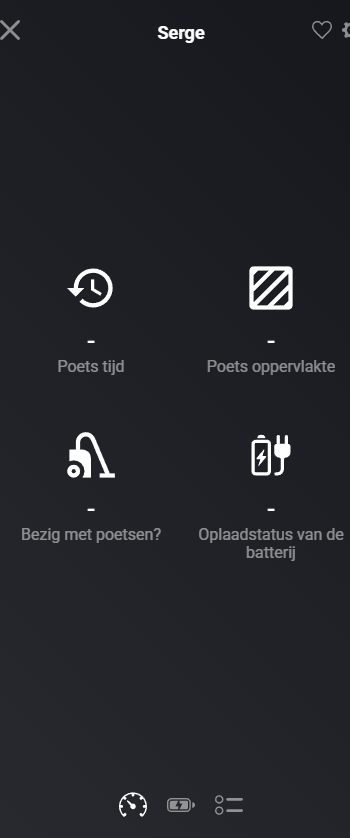
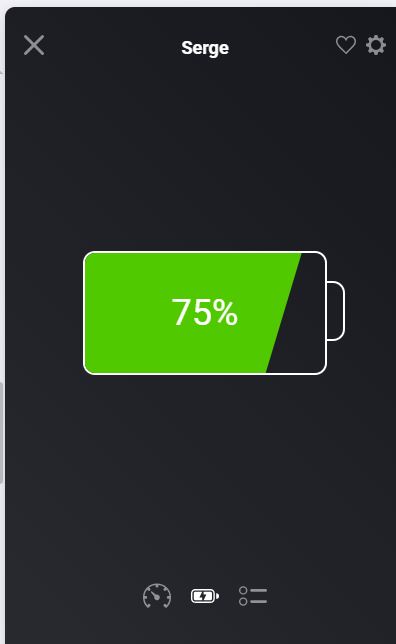
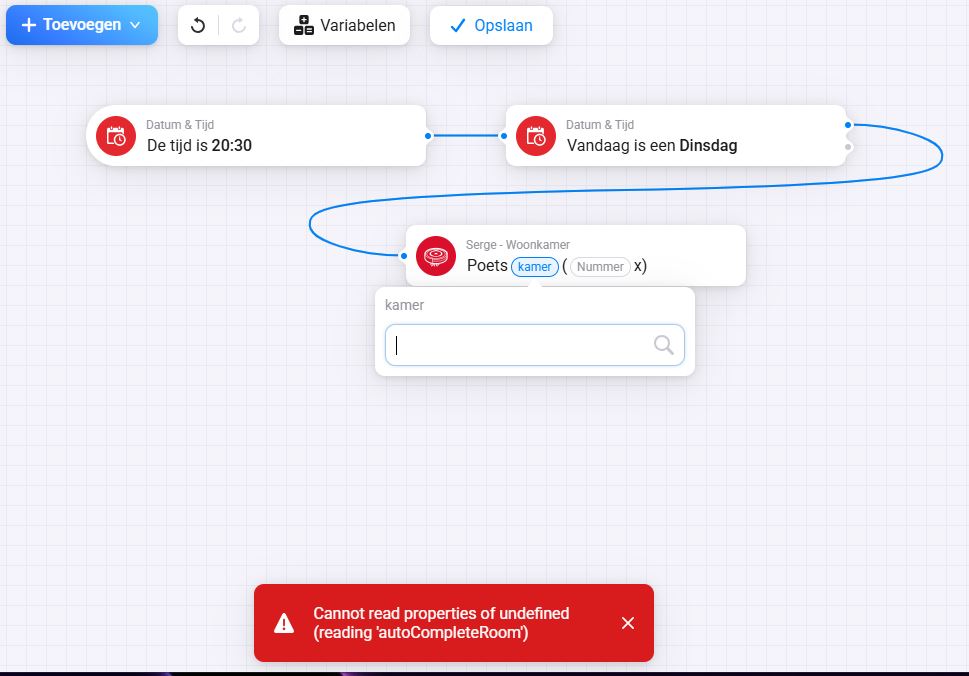
Thanks for the quick response. The roborock is now cleaning and i can see the battery status, but the other status is not visible in the Homey app. The Flow cards are giving me an error. The language in the Roborock app is set to English, and in Homey it’s Dutch. Could this cause a conflict?
@R.S_Kok
I see that responses are coming back, but appearantly not in the format that I’m expecting (like with older devices).
Could you try with v2.3.3 (a new test version), this version should log the responses I get back from the Roborock API, maybe that way I can determine the differences between the protocols.
Once installed, please let it run about 5 minutes, try some flows, and submit a diagnostics report afterwards.
@Hannes85
I see that we send out messages towards the MQTT API in your case, but we don’t get any data back. So I’m guessing the connection is somehow broken, but that we didn’t detect it properly. I’ll check I can build in some extra safeguards.
Some updates on what I figured out, and the next steps.
The Saros 10 appearantly uses a new protocol for the local communication, this might explain why we need to enforce them to cloud connectivity right now. Basically these devices make use of the L01 protocol, which is not documented somewhere, nor does any of the other integrations (Home Assistant, ioBroker) implement this completely. Luckily @Erikvl87 provided me a trace of the raw level packets. It will take me some analysis and time, but I might be able to figure out what is happening and reverse engineer the protocol.
It can also be that this is the case for the Q10PF devices. We have to confirm this later on.
The cloud protocol of these devices is B01, which is also not really fully implemented by the other integrations. We have the decryption already, but appearantly the data which is send over the wire is differently structured.
On the other side, I’m going to implement - as said - some improvements to ensure that the connectivity remains.
@R.S_Kok
Related to the B01 protocol of your device. I would like you to run a few tests to see what happens.
Can you proceed as follows:
Ensure that the Homey app is started and up-and-running with the device configured.
Start your Roborock app on your mobile phone.
Once the app is open, and you see the map, submit a diagnostics report.
Start a cleaning sequence on your mobile phone.
Once the cleaning is done, submit a diagnostics report again.
Try to change some settings in the Roborock app (e.g. change mop mode, water flow,…)
Once again, submit a diagnostics report
I hope to learn some stuff about how the protocol works, and which messages are received. Because - due to the nature of the protocol - if you do an action in the Roborock app, it will show up in the Homey app logs too. It is just that I’m not parsing it completely.
Hello, I just purchased the (Roborock Q7 M5+ Robot Vacuum and Mop, Upgraded from Q5 Max+) and have tried to add it to my Homey Pro, but I haven’t been able to.
Is this version supported?
Or, am I doing something wrong?
I get a “No new devices have been found” message when I try to add it. I downloaded and installed the Roborock official app and added the vaccum through there (not a third-party app). My Homey Pro is connected via ethernet and when I connected the vaccum it was with 2.4Ghz.
Hi KM,
I have a Curevo Curve which worked fine with local connection until I did a firmware update on the device two weeks ago.
Since then local connection is no longer working.
Via cloud connection I can still send commands like start, stop, etc. but do not get status information/events any more, unless I restart the app (v. 2.2.1) every 15 minutes.
Maybe this can give you further clues to resolve the “newer device / B01 Protocol” issue.
@gioglifx
Your device probably uses the B01 protocol which is not fully known yet how it works. You can try with the test version, it should show your robot but that’s probably it for now… We are trying to figure out how to get it working.
@4x4_Pete
Probably the local protocol was upgraded with the firmware update then… Not something I would suspect though. I have useful info on the new L01 protocol which is used for local connections, just the decryption is not clear yet.
Loosing updates every 15 minutes is faster then I saw with others, could you provide a diagnostics report?
 .
.