What should happen if your contract starts in the middle of May? E.g. 15 May. What should ‘this month’ total do? Should every month reset to 0 on the 15th? Or on the first of each month?
Difficult, is it possible to leave this free so that a user can fill it in themselves? It is a fact that it has to be reset every month. But on what day?? For me this is around the 20th that data is read.
Ok, I created a test version for you. If after the next month starts it all turns out fine I will release it as stable:
v2.6.0
- Added support to set start date of year.
Thank you, I’m going to test right away but indeed, have to be patient for a month 
Many thx for your kind donation @XeNoN62 
Hi Robin @Gruijter ,
Is it possible to add a ‘Status Indicator’ to the app? This could make it possible to see the summerized data for a certain periode right from the tile.
I know you have a version of the app in beta but hope you can add this to it.
Hi Ralf,
Probably not. The status indicator only works for Homey standard capabilities like power. But for the totals I created a custom capability because otherwise they would show in Homey energy (and you don’t want that for the pbth totals).
Maybe I can find a trick how to do it, but don’t get your hopes up on this…
If it is today the 11 you and your month is starting on the 12 then tonight it will reset the counter. For testing you have not to wait a full month. You can fill in 12 as starting date.
Exactly! I already tested this a few day ago and it works for both the monthly reset and the yearly reset. So I will release it as stable.
I was also thinking if you couldn’t use a “dummy” meter capability, jus for the sake of showing on the tiles. But if this messes with homey energy it might not be the best idea indeed. Too bad 
Hi Ralf and others,
I found out it is possible to create custom capabilities that can be displayed on the device tile. I could add that to the app. Problem is that it would only work for new PBTH devices. So existing devices (that probably already have a lot of insights history that you do not want to delete) will not be able to benefit from this.
What do you think. Shall I change the PBTH device capabilities in the next release, and keep the existing capabilities as legacy for PBTH devices that you don’t want to delete?
Hi,
Sounds as a good idea to me. Good work
I’m not using the insights history for these devices yet. Only changing the meter values isn’t an issue.
When you’re looking for a beta tester…
Are there other users of PBTH were the counters of the month did not reset to 0 at the first of the month? .
My fridge has now used in 2 day 32 kW. 
Soware 2.6.0
Homey fw 7.1.4
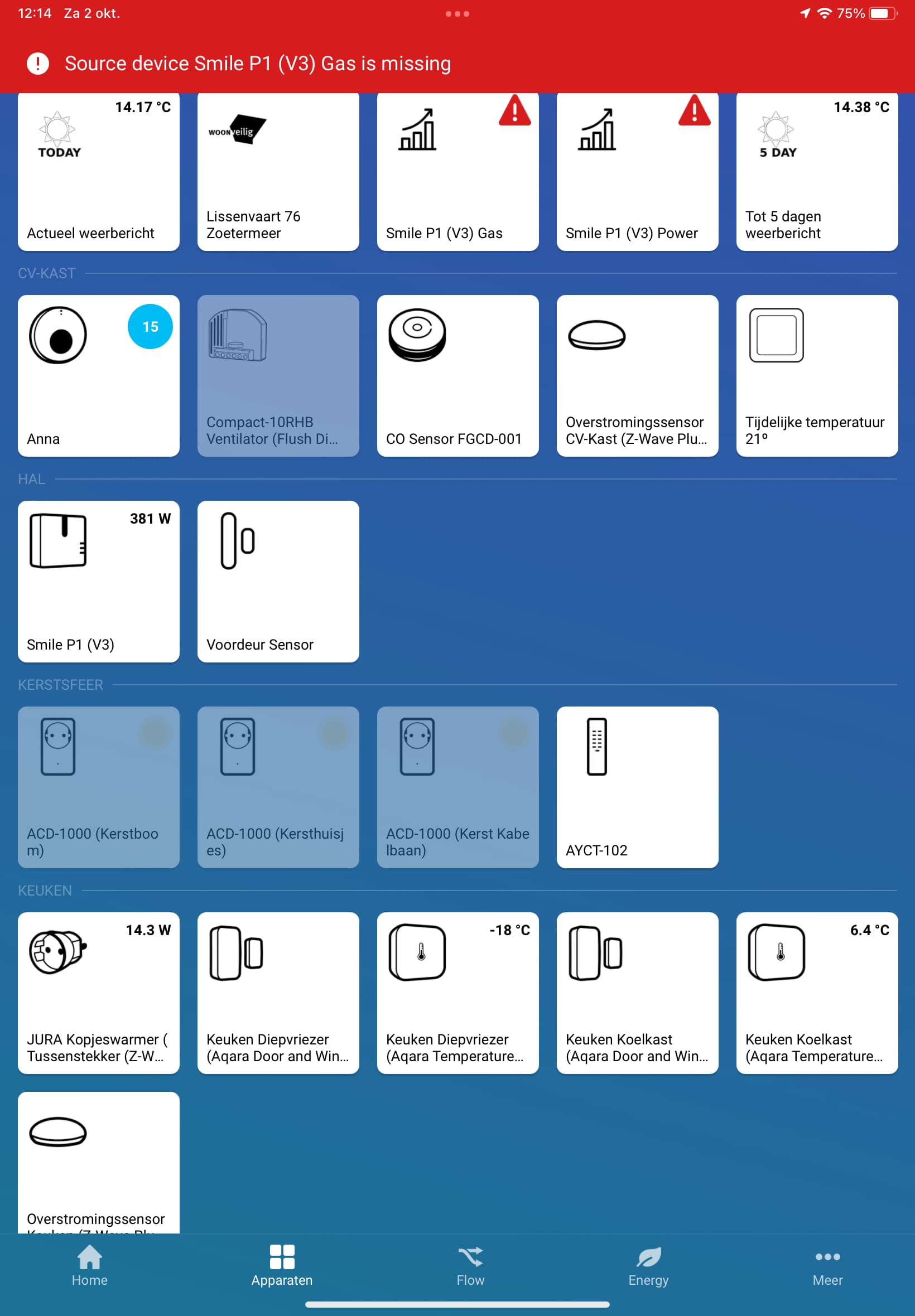
PBTH should be able to recover from a reboot within an hour. If after an hour you still do not have the device available you can restart the PBTH app. But this should not happen…
I have already found that out and helped myself very simply:
If: Homey was restarted
Then: PBTH restart after 10 minutes
I think this is a bug 
Will have to investigate 
Thank you.
sorry, indeed after 20 min. everything works again. . . .
Same here.
