Can’t login, creditionals are OK?
f2b32d1a-f0e0-4544-92da-0bf0520d8455
Can’t login, creditionals are OK?
f2b32d1a-f0e0-4544-92da-0bf0520d8455
I use exactly the same credentials as on the website of Polestar. I use my email address as username. Can that be a problem?
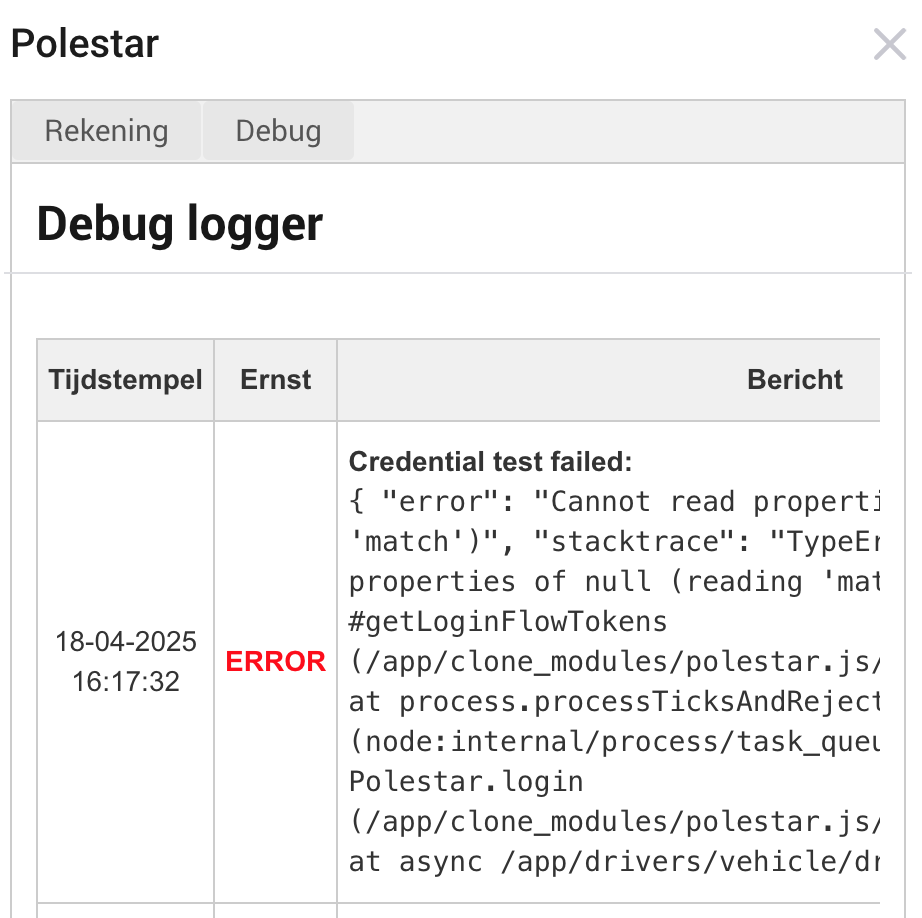
Same here. It stopped working yesterday. App debug screens tells me ‘credentials test failed’.
Indeed, the error is getting more wide spread. Unfortunatly this part is in the community library I am using. I registered a issue there. Lets hope the issue is an easy fix again.
Late night update, I have working code for that community library and shared it with the original author. If they implement this quickly we should be up and running soon.
Else Ill create a clone of it and use that in the project.
So a fix is underway
I published a new version, pending validation now, so grab it from the test channel if you cant wait.
It should fix the authentication issue we are experiencing again.
Added two new capabilities, days till service, distance till service.
These are linked to the generic alarm that activates when service is due.
I also changed the current charge Amps to not constantly change but only when it truly has a new value. Lets see how that interacts with the power dashboard of Homey.
I am still trying to make the car show up and have the homey option to exclude it from the power dashboard.
I have installed the test version and I can confirm that it works again.
Thank you very much! Great work.
@Kaoh I can confirm that all working ok for me also. Thanks again.
Hi @Kaoh, the connection has stopped again for me. Looks like a login / credential issue again.
send me a diagnostic report, so I can confirm what it is this time 
Done. Id is dca079cb-5d7d-40d4-a5e2-f880f8e8e51b
Your report is actually showing it is retrieving data fine after a weird first error.
So I dont think it is an authentication issue, I see new updates coming in on the log.
Can you restart the app, let it run 5 minutes without doing the password check or change and look at the debug view. See if it is showing car data.
I restarted the app and Debug does show car data. It’s just 3 days out of date.
Maybe I remove the car and re-add 
As an update to the data issue I highlighted above. I restarted the app and also removed and re-added the car - both had no success (ie. no update to car data). I have since expanded my diagnosis and noticed the Dashboard on the Polestar website also displays / uses the same out of date data. I assume the API retrieves its data from the same location as this site. The Polestar app is correct / matches the car so it seems like something strange is preventing the data feed from the car to the Polestar website. Even stranger is the Polestar App has the correct data, and I would have thought the app and the website used the same data source. May explain the “weird first error” @Kaoh referred to in the diagnostic file. I will continue to explore with Polestar but thought I would share in case others have the same problem.
Thanks for the update. Indeed this app uses the same spin as the website. The mobile app uses the mqtt high secure messages, which is good but sad we can not.
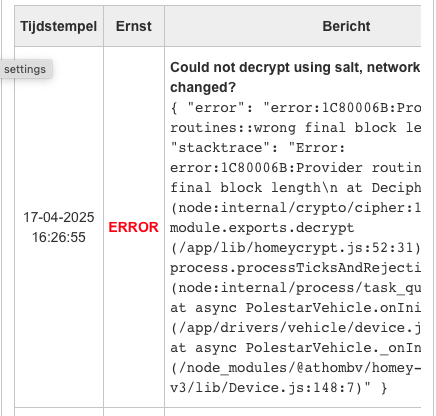
Use the repair function to re-enter the password, the failing decrypt is a salt issue based on your Homeys hardware.
Same here. Had the other login issues before, but this is different. Not having much luck in authenticating with this app  Thanks for the efforts time and time again, Kaoh!
I probably have some time this weekend, I’ll see if I can get myself in the same state.