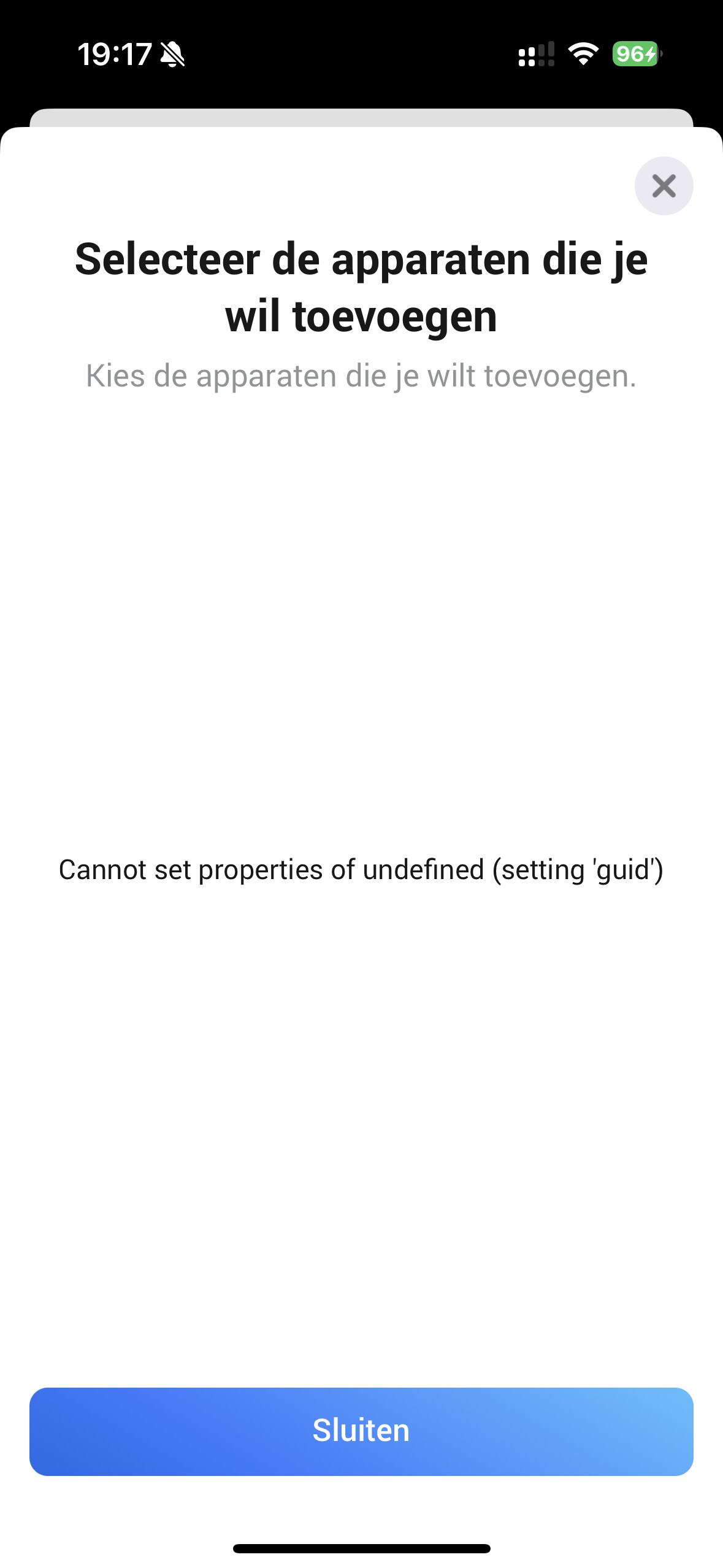
Hi and SUPER thanks to everyone here who is willing to take time out of there day to help an unknown person… I just love it. Imagen if everyone around us in dailly life would do the same - now that would make the planet great again…
Special thanks to Robert_Schmidt and Jarl.
Is there a reason to upgrade. kinda thinking (if it works don’t mess with it
I just have one heatpump, the only issue i have is no ambient indoor temprature, reads 126 degrees but thats a minor issue, seems to be the case with the Panasonic app as well.
So if thats not in the upgrade then i think i’m done for the time being
If you want, i can do it for testing purposes, as there is a return.
Thanks for a great app! We just installed a second panasonic heat pump now, and the both show up effortlessly in this app.
Is there any chance you could make the power reading available as a variable for logic operations? Ideally with a trigger card for changed value in addition. This would be fantastic to able to estimate power consumption.
As a work-around, I am using the Device Capabilities app to grab average power last hour. It works, but the update frequency/timing is a bit strange. I guess it can also be used to grab outdoor temp i you need to use it for some logic.
There are cards that will trigger when the average power consumption is above/below a defined number in the latest version (1.1.14) on GitHub, but I guess you just want the plain number so that you can define the logic your self? Should be possible to add. Please raise an issue at GitHub · Where software is built
I’ve not seen this error in a long time. HTTP status 429 means “too many requests” - which typically means your communication with Panasonic’s service is throttled (periodically ignored). Do you have many units, or are you letting more app instances control your unit(s)?
Does it work after disabling the app for an hour or so?
My log is currently reporting periodic 500 errors, with the rather cryptic “DB system error due to db system”. The app seems to work OK, so the errors seem intermittent on the server side.
Do we have a list of error codes somewhere with suggested cause and fix? If not, can we add one to the project or link to one if there is one eg for the API client modue? Thus users may be able to resolve issues on tgeir own.
I’m getting a few 502 “Request failed…” a day, but else the app is working 100%
I am currently running a pathced version of the app with configurable poll intervall. I have 4 devices, and poll interval set to 10min to avoid overloading the API for my account. Might be interresting/helpful for others too. I don’t need minute resolution on temp nor other changes on my devises, so it’s waisted to poll every 60sec 24/7 (current app behavior).
Not yet ready for merge, but soon.
HTTP status codes are all over the web, for example Wikipedia. Which of these are used (and whether they are used correctly) by the Panasonic services is undocumented and unknown. A status code is usually accompanied by a message which might be more useful to most people.
Hi everyone,
I don’t know since when, but at the moment I do get the following error message on the flow card to set the temperature:
Invalid capability (homey:app:net.schmidt-cisternas.pcc-alt:air_swing_ud) value type. Expected: string. Got: undefined
So far I understand the card is expecting a string for the temperature. Is this correct? I currently use a number variable to insert the temperature in the card, a text string isn’t possible. The error stays as well if I use the integrated slide on the flow card to set the temperature.
The funny thing is that the temperature still changes on the air con, so there seems to be a problem in the card logic or something like this?
Does anybody have an idea how to fix it? Currently it’s not possible for me to use the card in flows to continue with other cards.
The error refers to “air_swing_ud”, which changes the fan direction - not the target temperature.
The target temperature card is a standard Homey card, expecting a number.
Have you tried removing and re-adding the temperature flow card?
Have you used the “Change Air Swing Up/Down” card anywhere?
Does your heat pump support motorized fan direction? (Mine doesn’t support Left/Right.)
Thanks for your answer. That was confusing me as well. But the error was definitely on a temperature card. I don’t use the Change Air Swing card in my flow.
However, I just rebuilt the flow and meanwhile the error has gone. No clue what it was.
I’ve had this same issue (bug) for a while. Just raised Exception on invald LR swing value · Issue #34 · ugumba/homey-panasonic-comfort-cloud-alt · GitHub with details on how to reproduce and with exception log.
The temp card (or manual change target temp on the device) just triggers a device sync that reads back the LR swing position. The real issue is an invalid/unhandled LR swing value.
@Jarl’s issue is with the LR direction, yours with the UD direction. I’m wondering if Panasonic has changed the range of values returned - maybe for some models only. I’ve just tried all 5 UD directions supported by the official PCC Android app, and my Homey app updated correctly for all of them.
The code here can be used to monitor the current UD and LR values every 15 seconds.