I believe this fixed it for me. Thank you for the hint. However, I also discovered that the plug was a bit too far from my Homey and other devices. Anyway, its working now. Please keep up the good work.
Hi SergeP
Can you please add light bulb GU10 P8?
Hi Floyd,
Nous P8 is a Matter Wifi device.
Nous App only support Nous Zigbee devices.
Regards,
SoPhos
Hey - Did you found way to get power reading out of those A8M devices?
I did just got few of those and have same problem - they are not showing any usage in Homey…
Hi Magic_Sunday,
Nous A8M are Matter devices.
Nous App only support Nous Zigbee devices.
Regards,
SoPhos
Hello,
I use several Nous modules:
- B3Z Switch
- A1Z Smart Socket
which work perfectly and give complete satisfaction.
I also purchased a module: NOUS D4Z Zigbee Energy Meter
New graphs have just appeared… Thank you very much…
On the last graph, a negative current seems strange… I don’t have any solar production…
One wish: To be able to rename the X, Y, and Z clamps with a more representative label: Socket, Water Heater, Heating…
Thank you very much…

Hi Serge62,
Thank you for your feedback on Nous modules in Homey App, much apreciated !
I think you installed clamp on the wrong way in your electrical installation, try to reverse it, Homey should then display positive value.
I’de like too for my own usage but unfortunately, dynamic renaming of Capabilities is impossible in Homey, capabilities keep always the name they’ve been affected in code.
Regards,
SoPhos
Hi,
Strange but it’s not the case on my own installation.
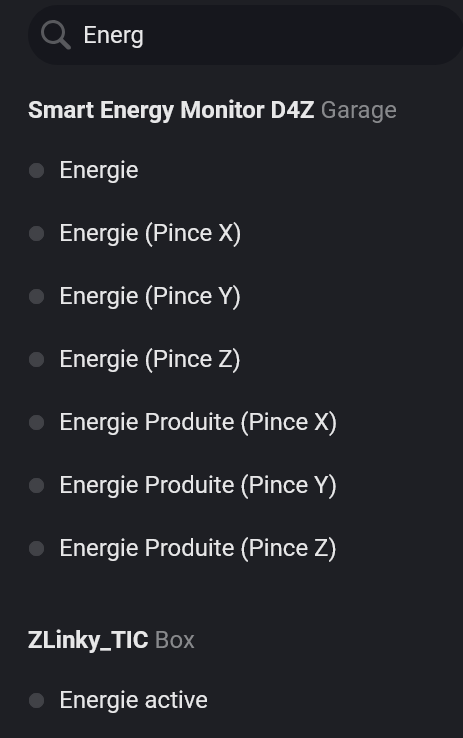
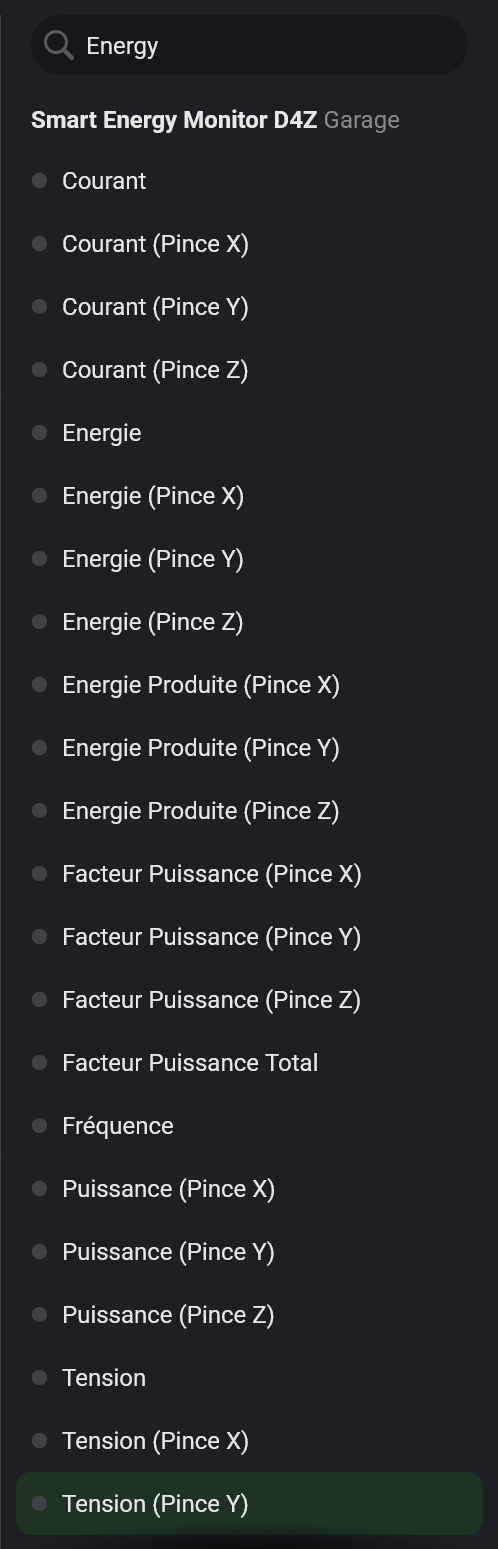
When I type ‘Energy’, nothing displays because I don’t have any device named ‘Energy’ but ‘Energie’, just like you.
Regards,
SoPhos
Hello SergeP,
Thanks for informations ..
I’m going to check the traffic side of the electrical installation …
Regards,
I’m planning to buy multiple A1Z sockets and let them run directly via Homey Pro.
Short Question:
Any chance to add OTA FW Update support for Nous Zigbee Devices via the Nous App in Homey Pro without the need of a Nous zigbee hub?
That would be pretty awesome because I hate to build up a Hub zoo just only for FW Updates… Reminds me alot of this Updating bullsh.. situation with Fibaro Z-Wave Sockets and their other devices (which are nonetheless pretty ok, usually) 
Hi Poehler,
Unfortunately, OTA update is not supported by Homey.
Nous App will of course integrate OTA update if possible just after Homey will make it available for devs.
Regards,
SoPhos
I will request this feature aswell and push it more at the direction of Homey Devs.
At the end it would be a win-win situation for everyone and adding even more value to the Homey Pro as the preferred Smart Home Base.
Hi all,
A new version of Homey Nous App has just been released.
This version adds a limit on 2 decimals for all displayed values on NOUS Smart Energy Monitor (D4Z).
Regards,
SoPhos
I have a valve LZ3 but unfortunately it installs as a generic peripheral and not in the app Nous.
Hi Jeremy_Cocozza,
Maybe device id must only be added to Nous App driver.
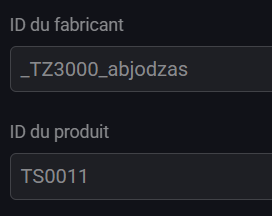
Can you go into the settings of the generic generated device and tell me the Manufacturer and Device Id found in settings ?
I will add it to App.
Thank you,
SoPhos
Hi Jeremy_Cocozza,
I added your device ID in a new version :
Can you test it with your device and tell me ?
Regards,
SoPhos
Thank you, it works properly, congratulations
