It is what it is. Thanks for the fast reply:+1:
@martijnpoppen
Thanks for your app, I already use it for a long time but only for the ‘on&off’ function.
Now i wanted to try something more with the colours but this part isn’t working for my connector’s.
If got a RGBWW strip and connector which works perfect with the magis home app.
I think I have trouble to find the correct type in your app.
The best I get is with ‘others’, with that option I can select the colours and use the dimmer slider to adjust brightness. but with the white part it cannot switch between Warm White and Cold White and uses that to dim my White LEDs.
Cold white is full brightness and Warm whit is less.
Can you tell me what i can try to get to the correct type or how to fix this?
Kr Jeroen
Hi Martijn,
I have a LED-strip that is connected with the Magic-Lantern App on my iPhone via BlueTooth. In the device list the strip is called ‘OA10’. In my local network the device is named ‘yeelink-light-color2_miap23ce’.
I have installed the ‘Magic Home LED’ in the Homey Pro2023. Once I try add the LED-strip device the message is ‘connection by IP-address’. So I put the IP-address in the device settings. However Homey is not able to make the connection.
Do you have any advice?
@Rob_Claassens magic lantern is not the same as magic home
So probably not supported
Yeelink doesn’t sound familiar to me
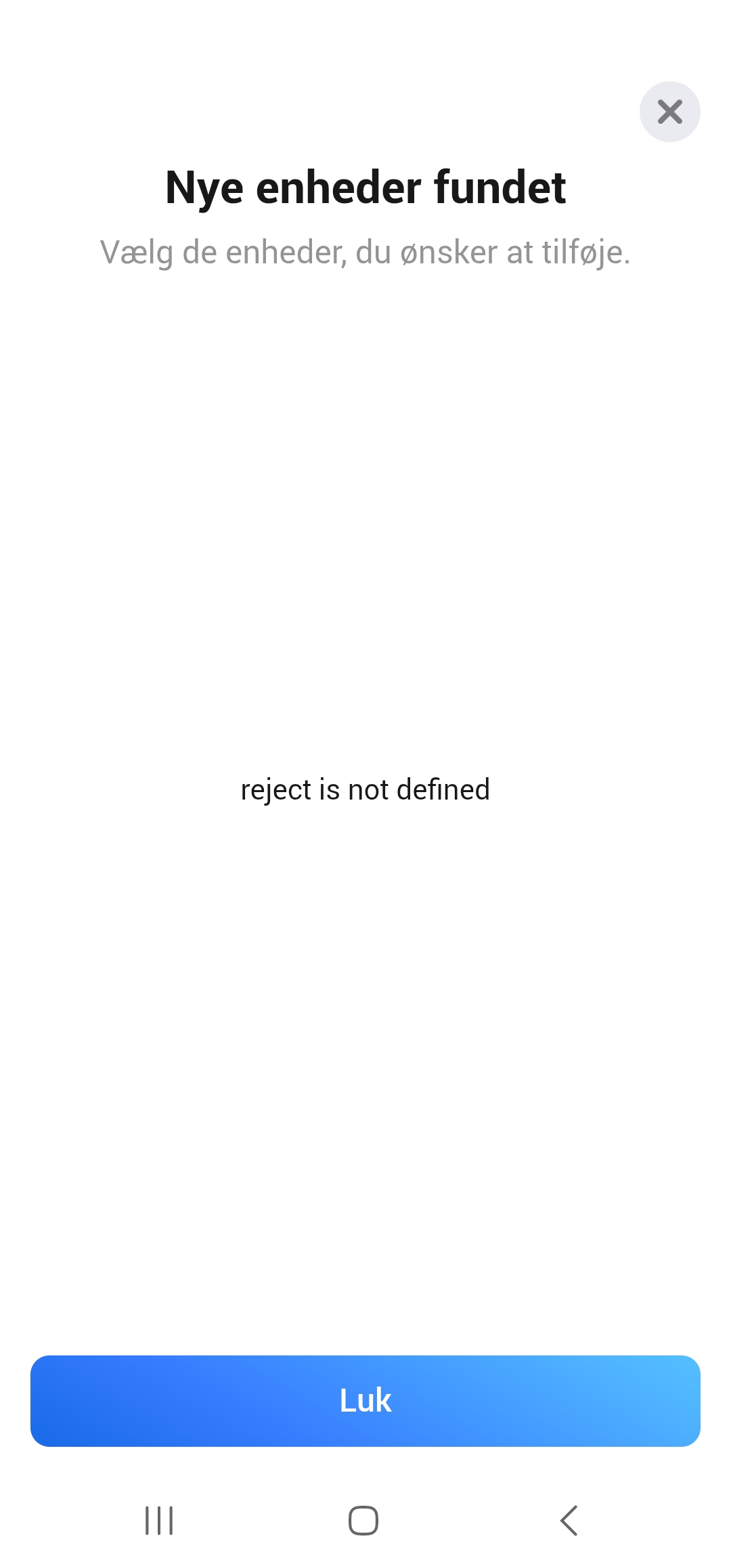
@Niels_Kudsk No idea what you are trying to do. Without that info i can’t tell you if you’re are doing something wrong 
I have 2 wifi controllers in the magic home app - trying to search for them in this homey app, but get this answer (top of picture in danish it means found controllers).
Should the controllers be in search mode or how do i reach them?
@Niels_Kudsk they should be in the same network as your Homey and Homey will try to find them in your local network
Yep - same network
But i get the message reject is not defined
@Niels_Kudsk i can see that.
please send a diagnostic report. (after reproducing the issue)
cef5143b-6cac-4720-8dd6-af1f6a083c4c
@Niels_Kudsk the issue is that Homey can’t open a UDP connection on port 48899.
anything else/other apps running on that port?
Maybe try a Homey restart.
This port is needed to discover magic home devices. Only this specific port can be used
Restart didnt help.
How do I check if the 48899 port?
@Niels_Kudsk I don’t know of any ways how to check that. But might be good to check what kind of apps you have installed and maybe disable them one by one to find the culprit
Erased all the apps i didn use and it worked 
But I cant adjust the dimmer - how can resolve that?
@Niels_Kudsk depends on the device you have. What type of controller is it? RGB, RGBWW, Addressable?
I think its just an ordinary LED controller - i have linked it in one of my comments above.
@Niels_Kudsk It’s kinda hard to see from a picture what the capabilities are. Thats why I ask
Can you change the device type to AK001-ZJ2101 in the device settings. like this:

@Niels_Kudsk if it’s just a ordinary dim/rgb controller use AK001-ZJ100
Youre the man
Thanks for the help Martijn 
