@Yannik_Costa what might be a thing is that the modem use IPV6. I had the same thing with my modem (from Ziggo (dutch UPC)) maybe changing it to IPV4 might fix it. I requested that at Ziggo
But is already deactivated as i had some problem with other products on that so looks like i will need to fast change the wifi and hope it works then again will inform you anyway about the outcome
Ik heb een probleem gemeld onder nummer: da06c8ab-a95c-49bd-b212-5536d0b29b3c
Ineens werkt de app niet meer is is hij onbereikbaar. Is dit en storing of kan dit in de ontvanger zitten? Led was aan en word uitgeschakeld. (Door mij) daarna gaat hij weer gelijk aan en blijft heen en weer springen op kleuren. Via de app niet meer bereikbaar.
Hey @Marcello1
Zojuist via het rapport al terug gemaild.
Dit was het bericht:
Het lijkt erop dat de ledstrip geen verbinding kan maken met Homey.
Zorg ervoor dat de ledstrip een vast IP adres heeft in je netwerk om problemen te voorkomen
Misschien dat het IP adres veranderd is? Dat zou voor problemen kunnen zorgen.
Je kan ook altijd even een herstart van de app proberen
NEW: add custom buffer for AK001-ZJ200 and AK001-ZJ2146
FIX: change product page image
FIX: edit custom buffer for AK001-ZJ200 and AK001-ZJ2146
@PV2134@KRiZ So new update. Hopefully this works
I’m a bit out of options. The library is not updated for quite some time. So I’m trying to make changes my self. But when I look at flux_led the library i’m using is really behind on flux_led.
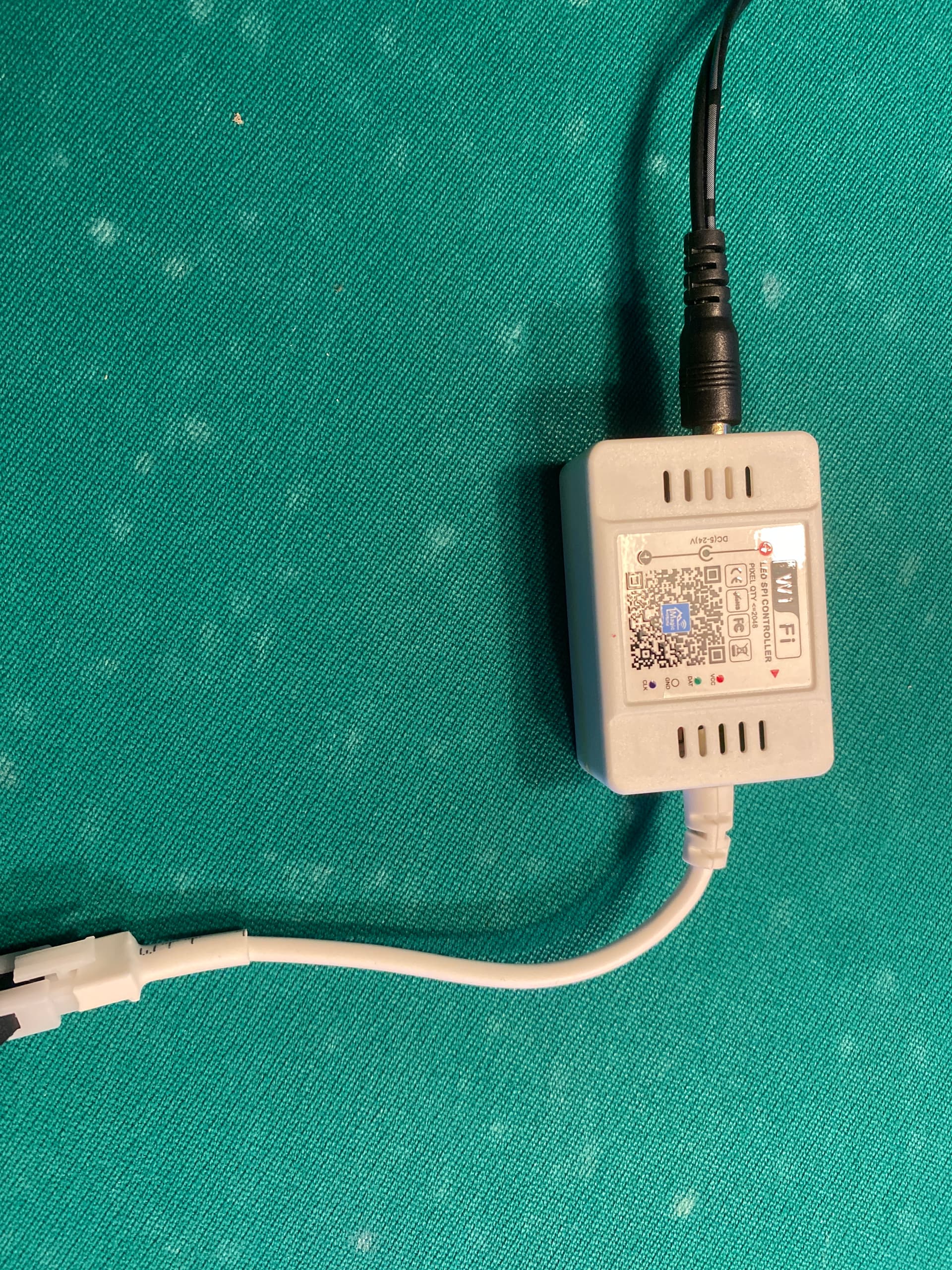
@KRiZ you can add the device as a AK001-ZJ2146 @PV2134 make sure to select AK001-ZJ200-2 this is a custom variant of your controller
Installed test version of the app
Removed device
Restarted app
Tried to add the device, but no new device found
Disconnected and connected device from power, same result
Installed stable version of the app and restarted app
Still no new devices found
Reinstalled test version
Restarted Homey
Device was found and added
Changed device type to AK001-ZJ200-2
Restarted app
Device now responds to on/off
Device does not respond to other control changes
Hi @martijnpoppen, sorry to say it is not working.
I have tried readding the light and restarting the app, but I get no reaction on dimming and color selection.
@KRiZ yeah was expecting that. I’ll get in touch with the creator of the library and maybe he knows how to fix this. For me this is not possible to fix
Tried that. I removed the device, installed amd restarted the app and tried to add the device again
Didn’t work, but device was found after reatarting homey. Changed the type but now device is not accessible anymore and not listed as app devices. Restarted the app, device was back again, checked the type and performed some tests. Same result, only on/off.

 so looks like i will need to fast change the wifi and hope it works then again