Hi @martijnpoppen, too bad, only the on/off switch works, but that works with all the selections. The dimmer and the colors don’t work.
@kriz ah 
Can you send a diagnostic report?
Then I’ll check
In case it’s helpful. All the known models are documented here
@bdraco Thanks,
I’m aware of that. I’m using the JS variant of flux_led to control magic-home.
During my search last months I found a lot of libraries, but not a single one did work for the ZJ2148.
So I decided to adapt the library myself. And that’s the point we’re at now.
Because the support is in not in the libraries I have to figure out the commands.
There’s a way with ADB logcat to retrieve the commands and based on that I’m adapting the library.
@bdraco I see that you made a lot of changes lately to flux_led 
I’ll check if my ZJ2148 works with it.
I’m using this lib: GitHub - jangxx/node-magichome: A mostly complete implementation of the functionality of the "Magic Home" app. Port of https://github.com/beville/flux_led to Node.js.
But I think it’s quite behind on flux_led
Hi Martijn, Tested the AK001-ZJ200-2, but the results are bad. At first I noticed that after changing colors the color was actually updates, so that’s good. Further testing resulted in a lot of timeouts, host unreachable, etc. The controller worked in the MH App, thus it was available. Just to be sure, I have also a ZJ2147 for another LED strip next to this one and that one works fine and responds quickly to changes in Homey (but faster in MH App). Until this moment I did not reinstalled tyhe device, so I tried that option. removed the device, restarted app, power off and on the device and tried to reinstall. The app now displays that no devices are found. Again power off/on cycle the device, checked if it is was working properly in the MH App and tried to reinstall again. Same result. Then reinstalled previous version of the MH App in Homey, device added, reinstalled the test version again and continued testing. Changed the device type (which took more than one minute) Power off/on worked, changed the color and strangely enough the device switched off. Homey was no longer able to control the device but the status remained available. Restarted the app and the device was offline, a few minutes later online but the color could not be changed. Tried RGB+W mixed in on/off status, results remained. I made sure that the MH was not running at the same time, but that does not seem to bother the ZJ2147. Summarizing, this type results in an unresponsive device, colors cannot be changed. When the device is online in Homey on/off seems to work as the standard ZJ200. Most error messages were "Command timed out and “Only received short reply”.
Peter
@PV2134 That’s a shame. But I expected that already when @KRiZ reported it wasn’t working for him.
I saw the message above about flux_led and I’ll try if I can check how these controllers work. As far as I see there’s a difference in software type which makes the difference for the same type of controller.
I’ll go back to the drawing board and try again. 
Let you know when there’s a new test version.
For the time being you can go back to the live (stable) version: Magic Home WiFi LED App voor Homey | Homey
Just FYI, I just configured the ZJ200 in my HA server and this works flawless. Indeed the source of this app is the flux_led core/homeassistant/components/flux_led at dev · home-assistant/core · GitHub.
Thanks for checking.
Will try to port some functions from flux_led
@martijnpoppen using this app since 2 years without any problem, starting this week homey showed me no connection to all 5 controllers possible. If i use Android Magic Home app all devices are there and can be controlled. Restarted app, restarted homey and wifi. I deleted then the devices in Homey to re-add them but it does not find new devices. also totally reset one controller and added again to the magic home and retried to add same situation, no device found to add.

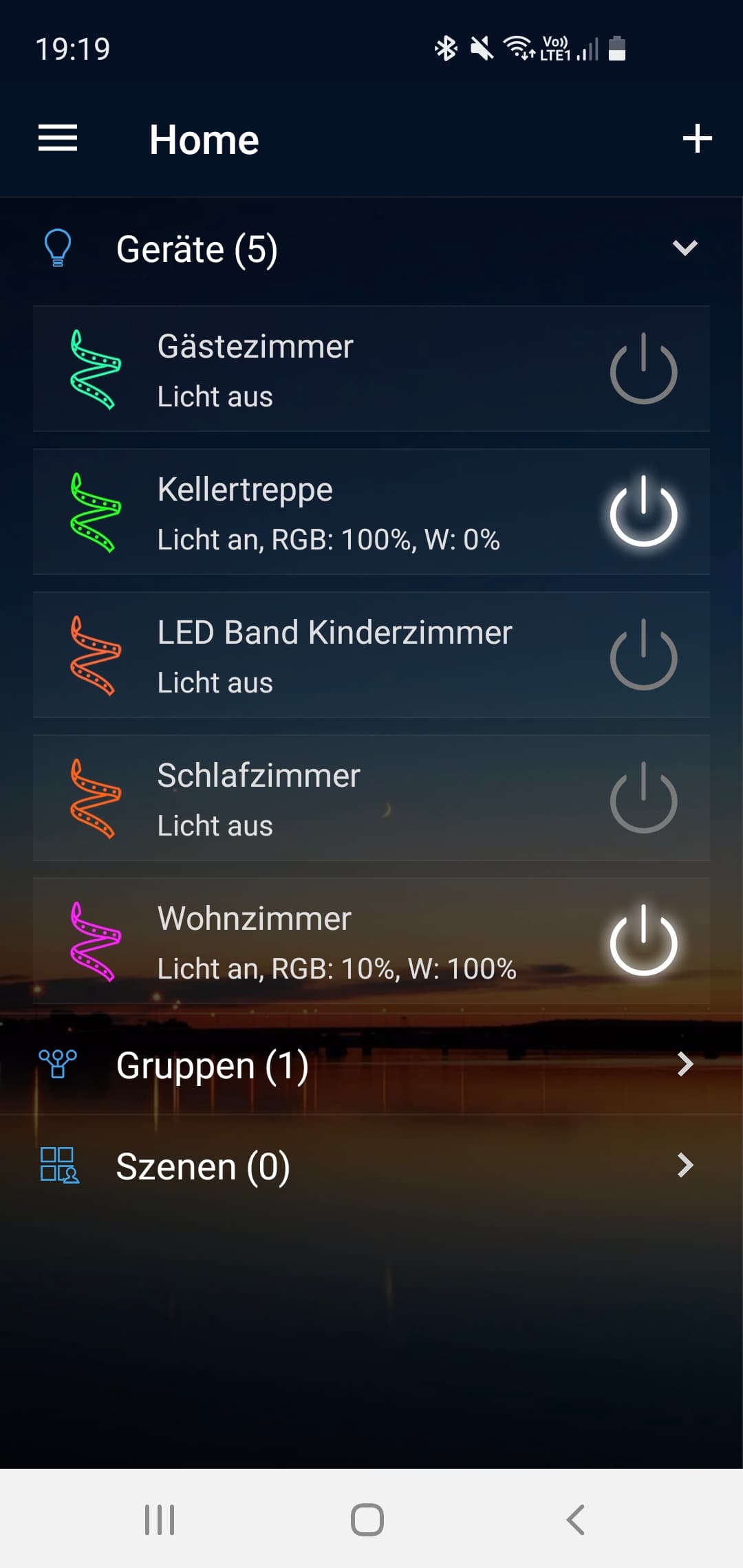
Devices having fixed IP
do you have any idea how to solve, so far i really loved the expirience had no problems
thanks for your input and help
Hey @Yannik_Costa
Can you send a diagnostic report?
You can do that via
More - apps - magic home - settings wheel right top - send diagnostic report
After that i suggest to restart the app and try the pairing again

@Yannik_Costa Thanks,
The logs don’t contain any info.
Can you try to pair a device and send a new report after that?
Maybe that gives some insight
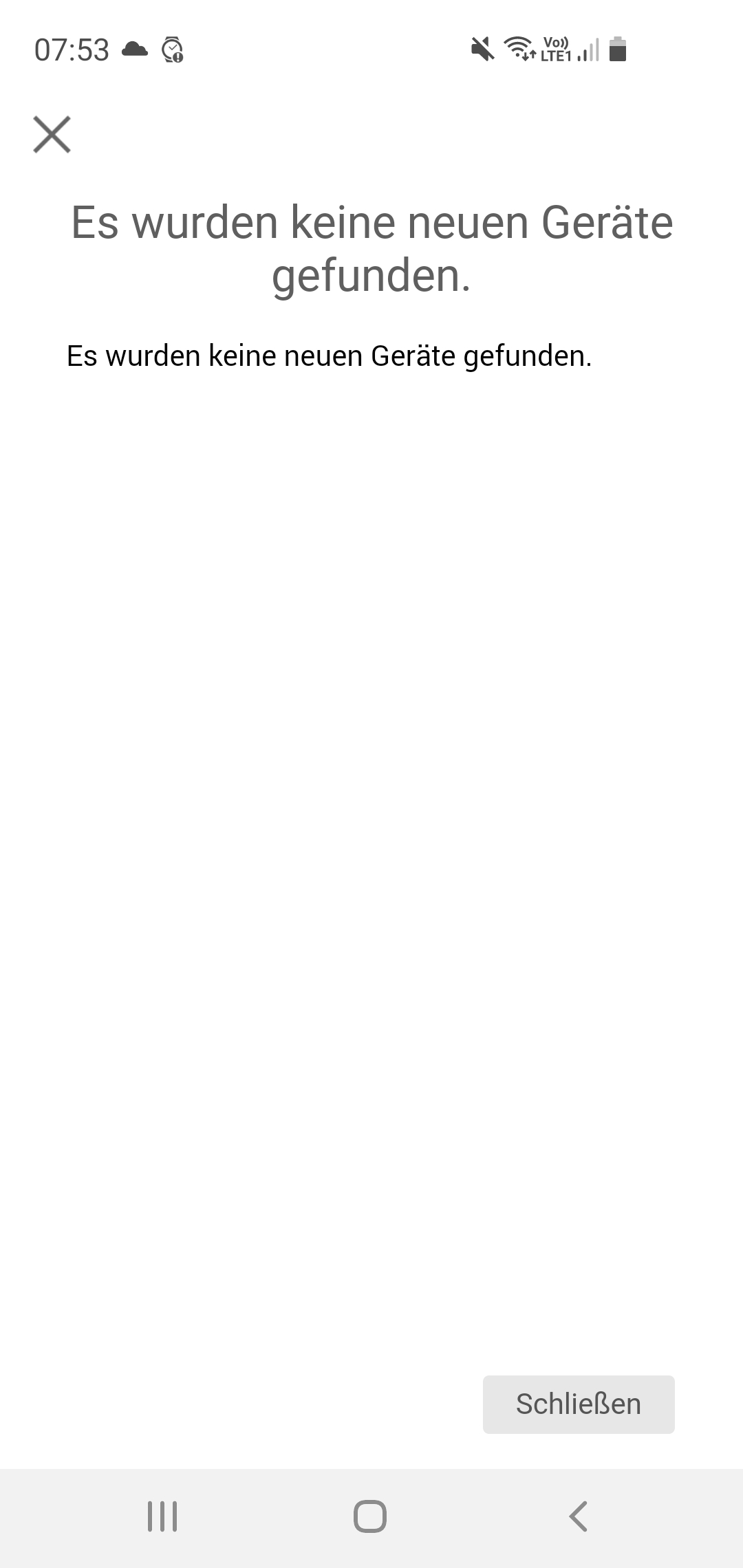
hmm okay, so i resetet again one device, it blinked with colors as nromal after reset, then searched first for it direct in home:
after that searched in magichome:
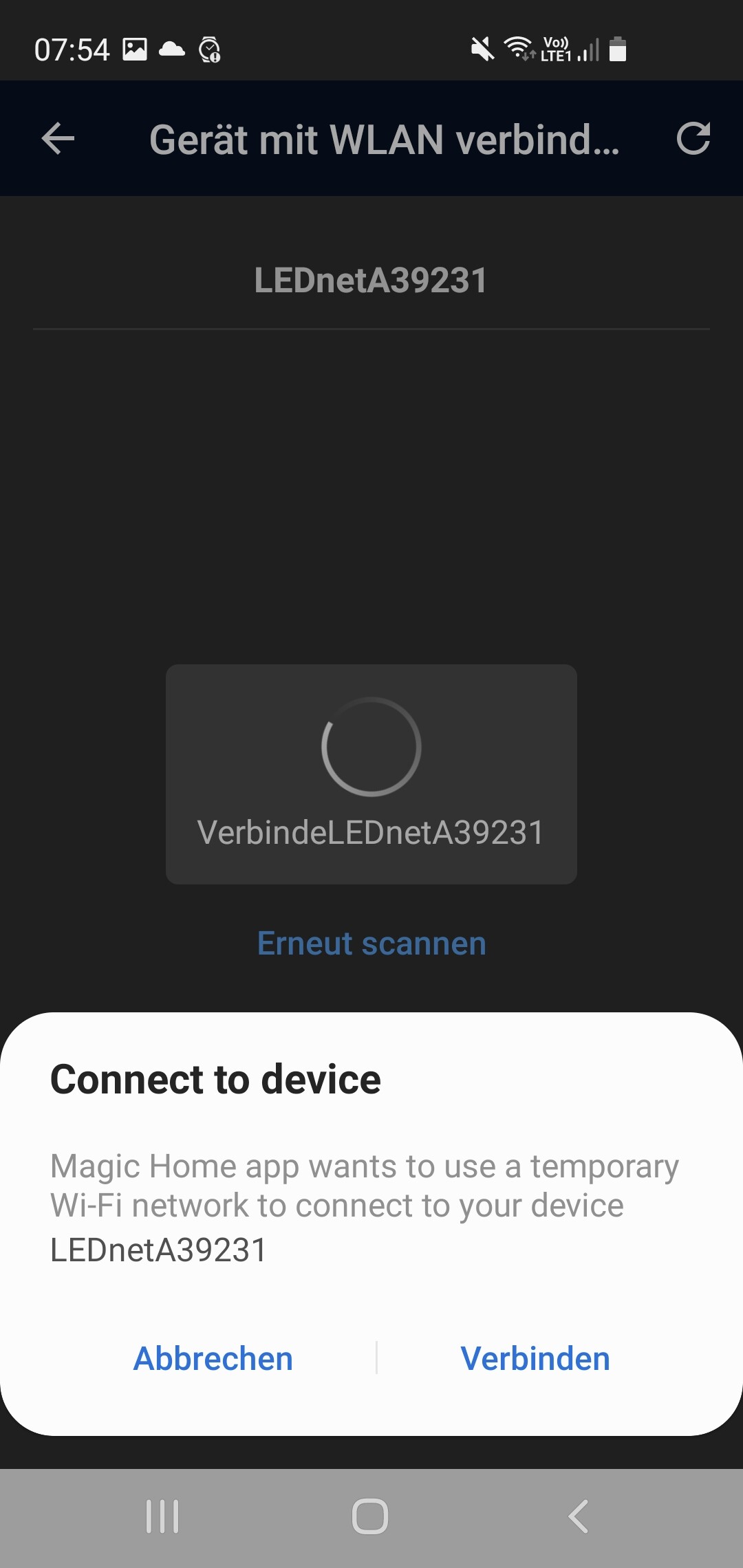

and added it,
searched again in homey:
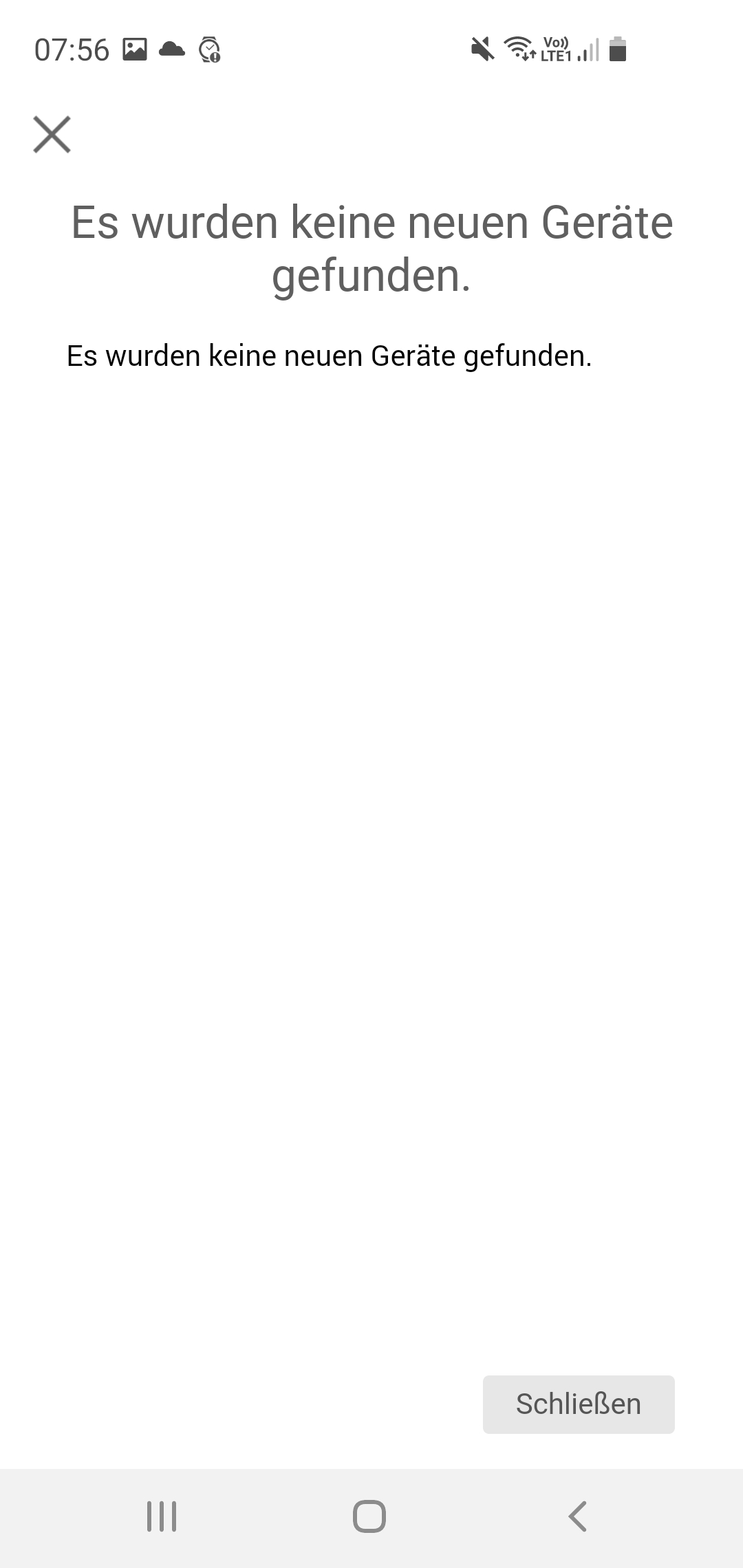
same result, then created log:
ef256e99-39e6-48fb-83ce-164aec4f23d4
thanks for your help
br
Yannik
@Yannik_Costa
Strange I don’t get any data
Did anything change in your wifi network?
Are Homey and de Magic-home controllers in the same network?
Are in the same Wifi, no changes in wifi all for exmaple hue, aqara and so on devices work well.
really strange
@Yannik_Costa There’s a desktop app available for magic home.
Can you check if that works?
It uses the same library as I use for Homey.
Because it seems like Homey cannot find the devices.
@martijnpoppen installed it on my laptop does not find any device, quit interesting.
Most strange to me is that it worked out for 2 years :S
Has magic changed thei’re library maybe
@Yannik_Costa
No changes in the library. I would assume it’s related to your devices/network and not the library.
So maybe there’s something in your network blocking it.
What kind of wifi network do you have?
@martijnpoppen
okay thanks for info, i use a UPC Standard wifi device for the moment, will change next week to ASUS Zen Wifi CD6 Mesh system to extend Range.
But strange is hat with magichome mobile app it works and i can remove add devices and also controll them. As you can see they are also in same network fien registered and have fixed IP Set.

hmm really strange, so if you do not have further ideas i will then check when i replace wifi if it works when i move all from actual to new wifi.
thanks for your support anyway great
