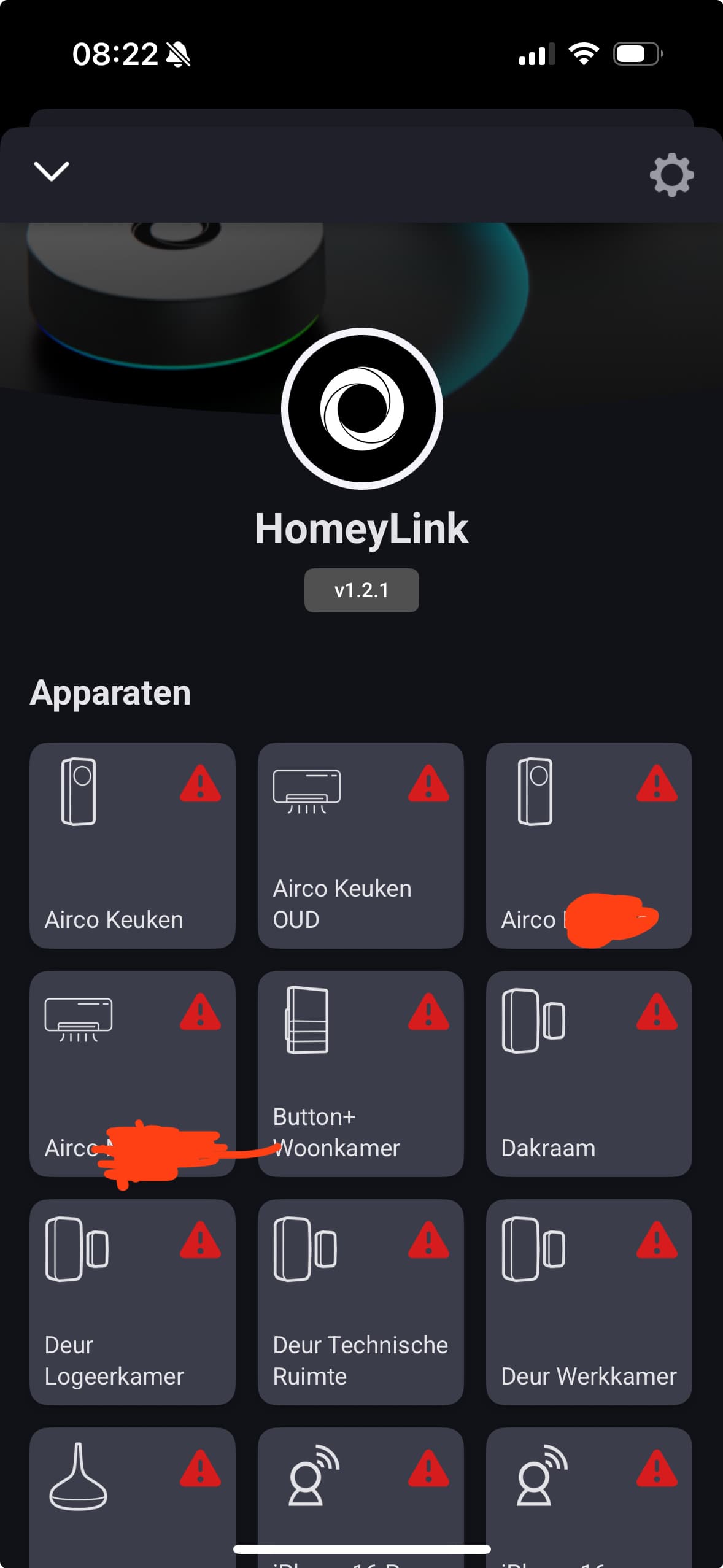
Hmmm, so you can rule out issues with your wifi network.
What if you just install the HL app on H1 again, without removing it in advance?
 , it worked!
 (I have removed HL app on H2).
I have an old homey 2016. Can you please add the possibility to also start advanced flows
Hey!,
need your help one more time 
once HL installed and working with the devices already installed on H2, I can’t find the way to add a new device from my H2 to my H1 using HL🧐…
I’ve added my device to H2, but it doesn’t appear in H1 I have Tried to repair and restarted the Hl and H1 but still nothing☹️… do you have any idea to solve this?
Thank you!
Can’t find where I’m wrong.
Same issue @KvM different hardware. I have Aqara Wireless Mini Switch 2018 and when connected to Homey 2019 through HomeyLink to Homey Pro 2023 I only see battery flows, no buttons. I use 2019 as closer to this Zigbee device. Any ideas if this button press flow “When” action is supposed to be missing? It is present on 2019.
Turn it around: With Homeylink, you can start a flow on the Pro23 with the switch on the Pro19
Thanks @Peter_Kawa , I’ll give that a try. So expected behaviour then? Ie reduced flow options through HomeyLink?
YW.
The only restriction I can think of is the flow trigger should be “This flow is started”, or some other things (time triggers I think).
The flow itself should be created on the Pro23 and has no restrictions.
On the Pro 19, you can trigger that flow via Homeylink:

My example: A button @ Homey2 starts a flow residing @ Homey1:
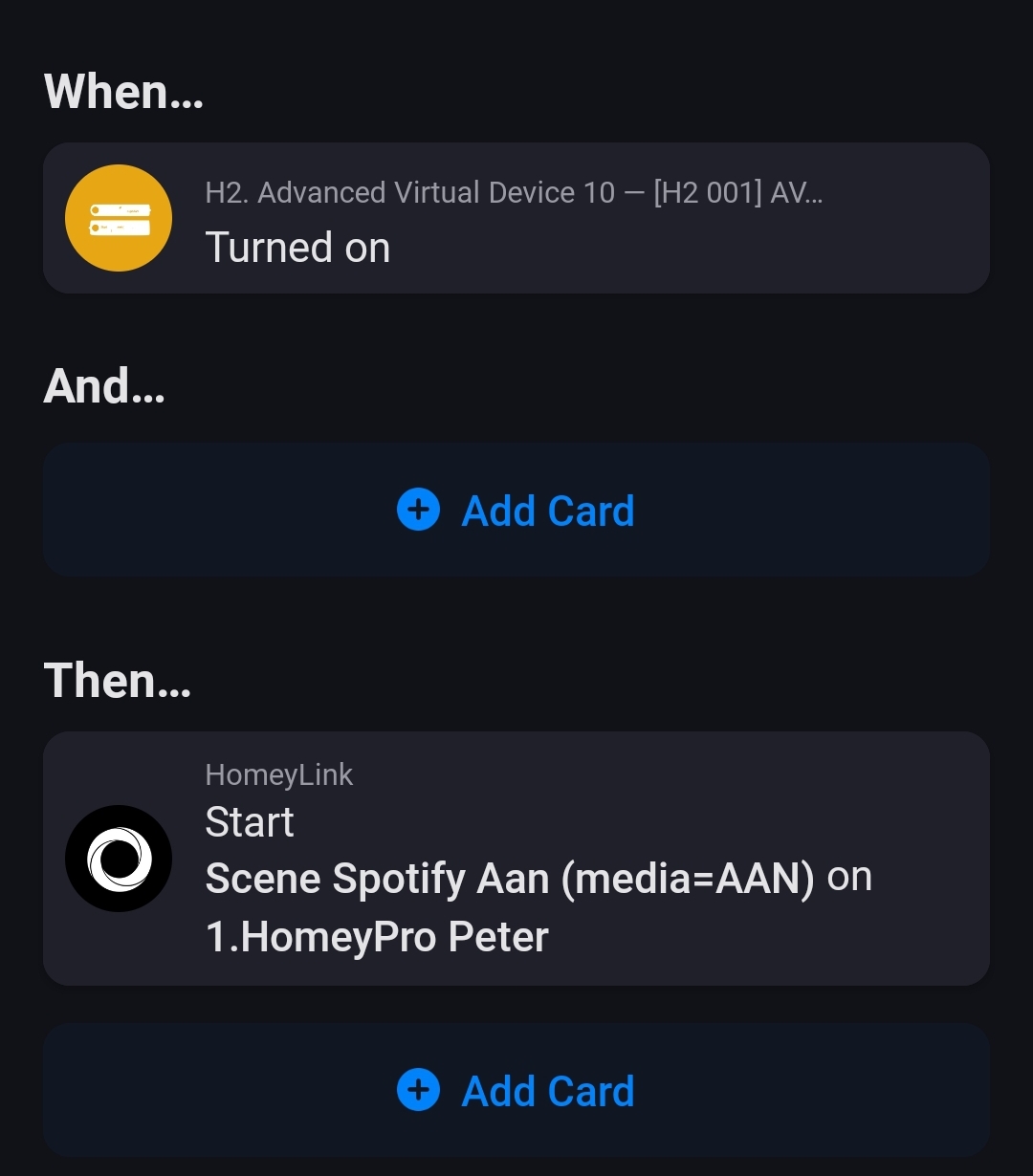

how do you start a flow with homey link, when I try to add then card to start a flow, the homey I want to control is there but no flows to chose from.
The flow on the other Homey has to start with “this flow is started” trigger, maybe it also works for a time triggered flow, or, for adv. flow: a connected start button.
I have dozens of when this flow is started as triggers in flows.
Installed the Homeylink app today on my HP23 and want to connect my HP19.
I want to try it, not because i need it.
After installing the app on the HP23 i am asked to fill in my account name and password.
In my case, this wil not work when you use a password manager like Bitwarden.
If you select in Bitwarden your account it is starting directly to search for a Homey.
If you fill in the credentials by hand, the next step is which Homey are you looking for.
That step is missing if you use Bitwarden.
Don’t know if this is for everyone, but in my case it was.
This is just info.
Is it also possible to link homey 2023 with a homey 2016? I need the infrared in my sleeping room
Yes:
HomeyLink enables seamless device sharing between your Homey Pro systems by connecting a secondary Homey Pro to your primary one.
Is homey 2016 also a pro? Otherwise better to write for every homey in the app description
All the white spheres are pro nowadays.
I’m having the same timeout (10 secs) from Homey 2019 to Homey 2023. Did you ever solve this? I can’t seem to find a solution in this thread.