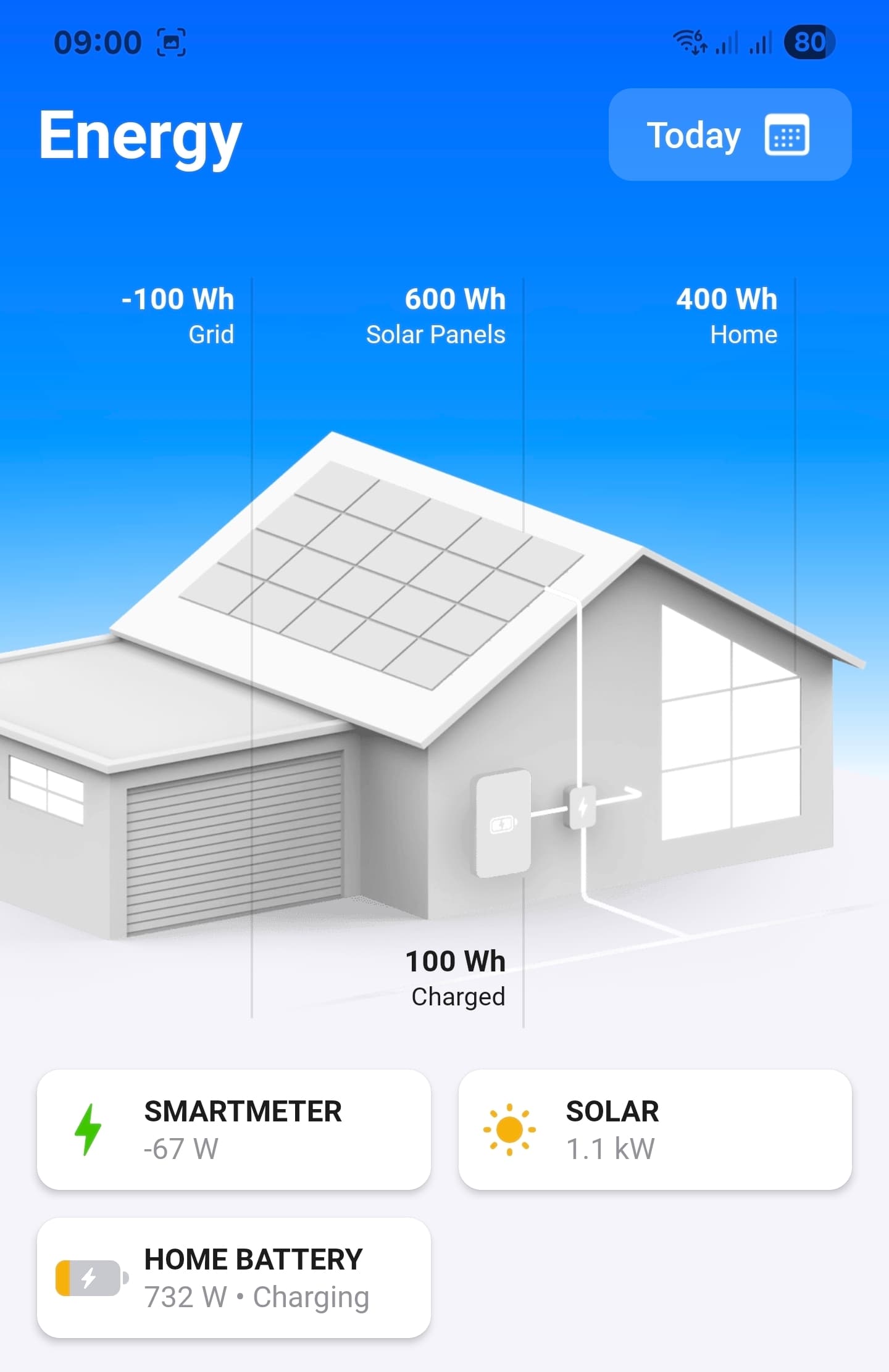
No. You shouldn’t use generated solar power data for smart meter data.
Which (P1) smart meter do you use? Homewizard, Homey dongle, etc
You’ll need the power / imported energy/ exported energy data from that unit
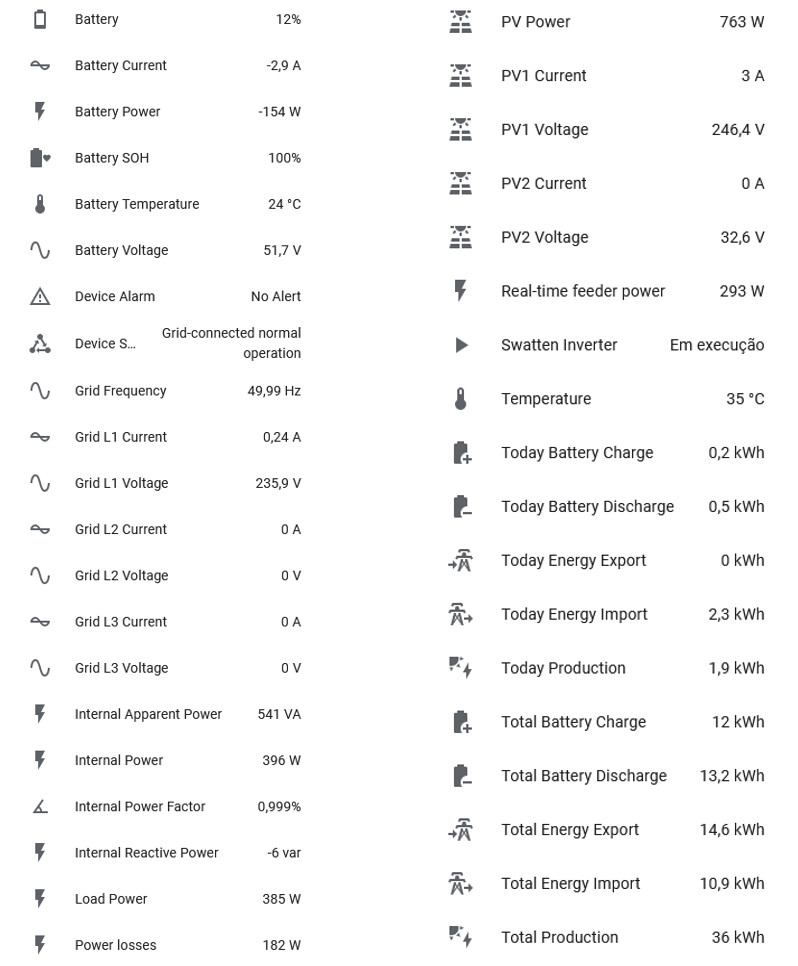
grid energy (current grid usage/export). I can’t see an entity for grid power. It should be a value around 0W based on your last screenshot.
If not existing, you could create helper sensor calculating the energy (W) based in Grid L1 Current and Grid L1 Voltage and import this entity.
grid imported energy: I think you managed this like shown in the Blog (set it as imported/exported energy in add entity view)
total charged/discharged energy:
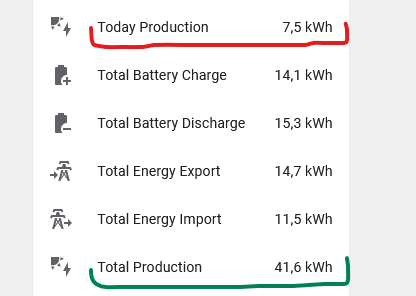
Use your “Total battery charged” and “Total battery discharged”. The coming app version will provide an option similar to smartmeter capabilities to define the entity as charged or discharged.
Please wait for the new app version and then add these entities again.
measure_power: The current power (positive/negative). If you HA entity reports inverted to Homey capability, you can use a converter like this:
You should have a small smart meter after your energy meter (the “big” one from your energy provider). It’s often a small box on the DIN rail with a LCD display. Your app shows grid energy, so it has such a meter.
But I only found the Grid voltage/current entities in your screenshot. You need a Watt entity reporting the positive/negative energy in W dependent if it’s imported or exported.
Is it correct, that you have a single phase installation?
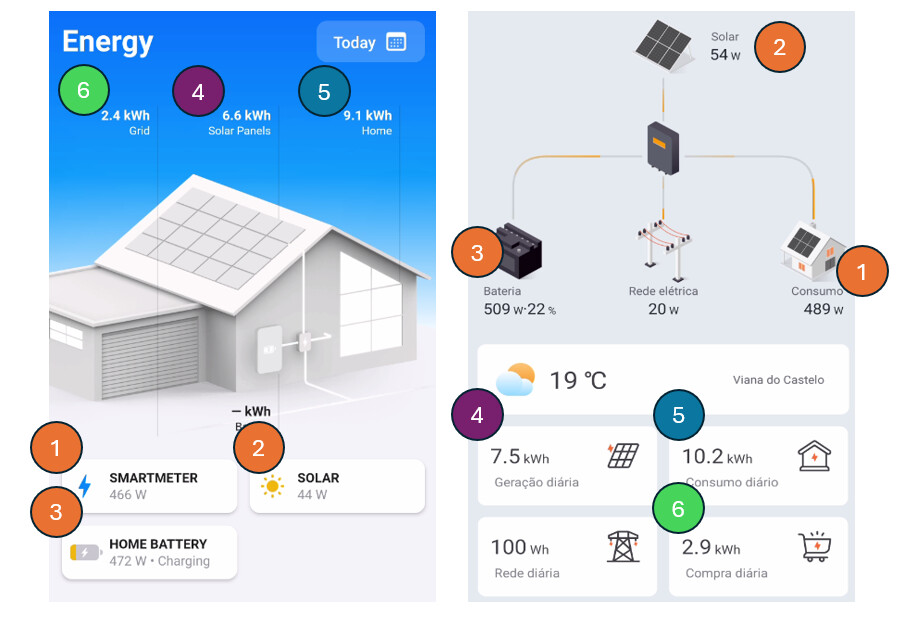
That seems your smartmeter device should show the 20W, not the internal usage of 489W.
Homey calculates the internal usage from solar production and imported/exported energy. Your inverter (or the app) is doing the same - because the system only knows the smartmeter data (grid in/out) and solar production.
Is your Shelly in line with the smartmeter? Yes, then it should show the same value. But it’s changing dependent on your usage/solar power. The Shelly could update in realtime and your inverter only after some minutes what’s causing different values. So the first helper should be ok if the update interval is ok for you.
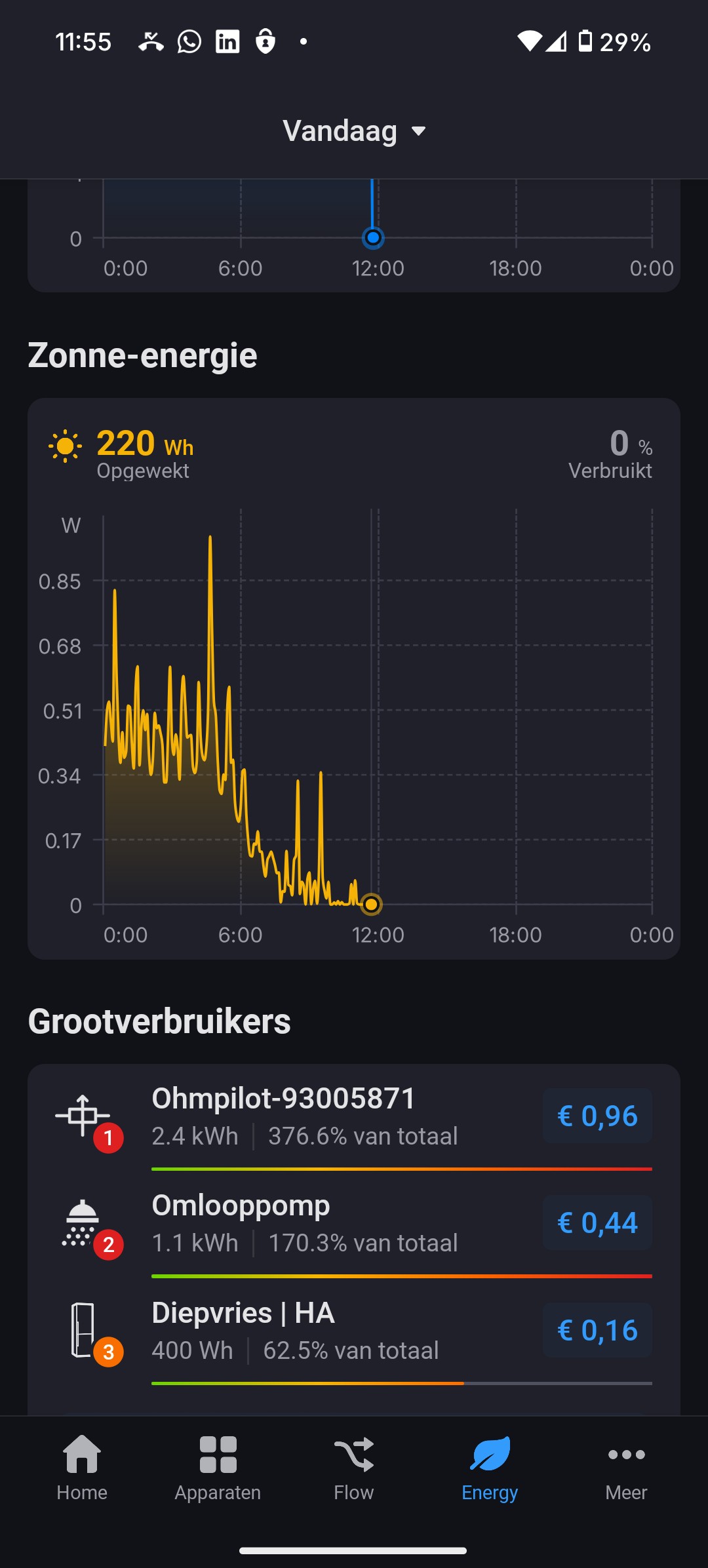
I some examples, I see a percentage of energy consumed. See images below: 97% and 43%.
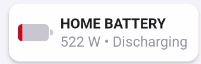
In my configuration however, this percentage is showing a steady 0% (see third image).
I do not find a reference to this variable in your amazing tutorial (link below).
Can you explain the config of this parameter please? Thank you !
There is no assignment for device energy data to present Homey a capability for a percentage. I think, Homey calculates the value based on solar and main meter data
Do you have a smart meter added to Homey? You will need imported/exported energy data from a smartmeter to get the used/exported part for solar.