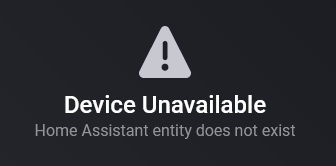
unavailable and HA app crash
Ok, then the devices got unavailable because the app crashed? There was no text inside?
Is your SmartThings app somwhow connected to HA (directly or updating device in Homey that are pushed to HA via MQTT)? I still want to find the reason of CPU usage. and only reason I can imaging is a lot of HA traffic spamming Homey.
Will install the app again ,

Thanks for the screenshot. I hopes HA provides the unit. But perhaps it uses the central settings. I’ll tale a look at the API data if I can read the units somewhere 
New test version 1.4.18:
- Added app statistics view repair view

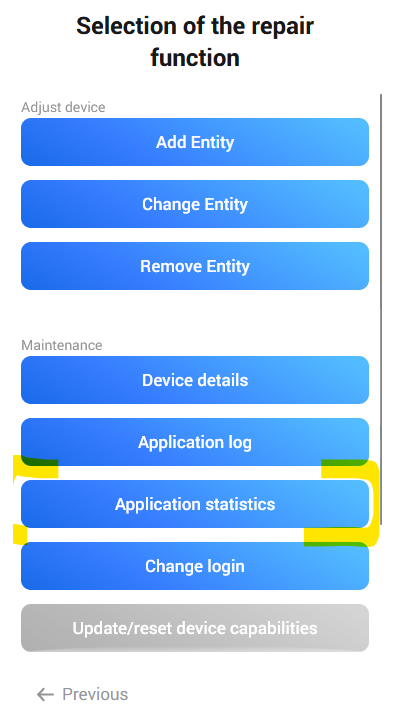
It shows the amount of incoming messages:
- Entity list updates: number of entity list updates
- Entity list entries: number of entities included in list updates
- Entity state changes: number changed entity states (value updates of entities/attributes)
- Events: number of efents (timer, script, automation, other events)
@djesko You can use this view to check the amount of messages with or without the other app. Perhaps ist a kind of feedback loop and HA is spamming your Homey with updates.
New test version 1.4.19:
- Added app flow trigger for CPU warnings.
- Added temperature conversion for HA systems using °F
@Art_R Can you please install the test version and check if the thermostat is now converted?
The app uses the HA config. If °F is used, the temperature is converted to °C (internally used). The GUI should show the temperature in °F is this is set by your region settings.
This works:

In HA this also works:

Can you please post the error you get when testing the flow with your second example? Just hover over the red bottom line of the flow card. Thanks.
I’m not getting any error, Google Assistant is just saying the code, without actually parsing the code.
Then it seems to be an issue on HA side. The service call is processed correctly. I can check if there are limitations for external service calls. I guess it’s just pardes as string and from YAML it’s parsed in another way.
The Service Call in HA works just fine, but not when the service call is coming from Homey. Yes maybe there are some limitations when Service Calls are called externaly.
I haven’t found a detailled documentation…
It seems, the JSON parameter is only interpreted as plain text.
But you can import this sensor as device (or add to an existing device). Then put the global token into your flow card.
Okay, that’s fine with me. After all it’s not the worst limitation! 
Thanks for the clarification!
Fantastic work! I removed, the app, rebooted and then re-add it and now I have some sensors that were not available before like my water sensors. I did re-add the thermostat and unfortunately this has not changed. I also attempted to repair and checked maintenance and nothing stands out. In fact is showing as F:
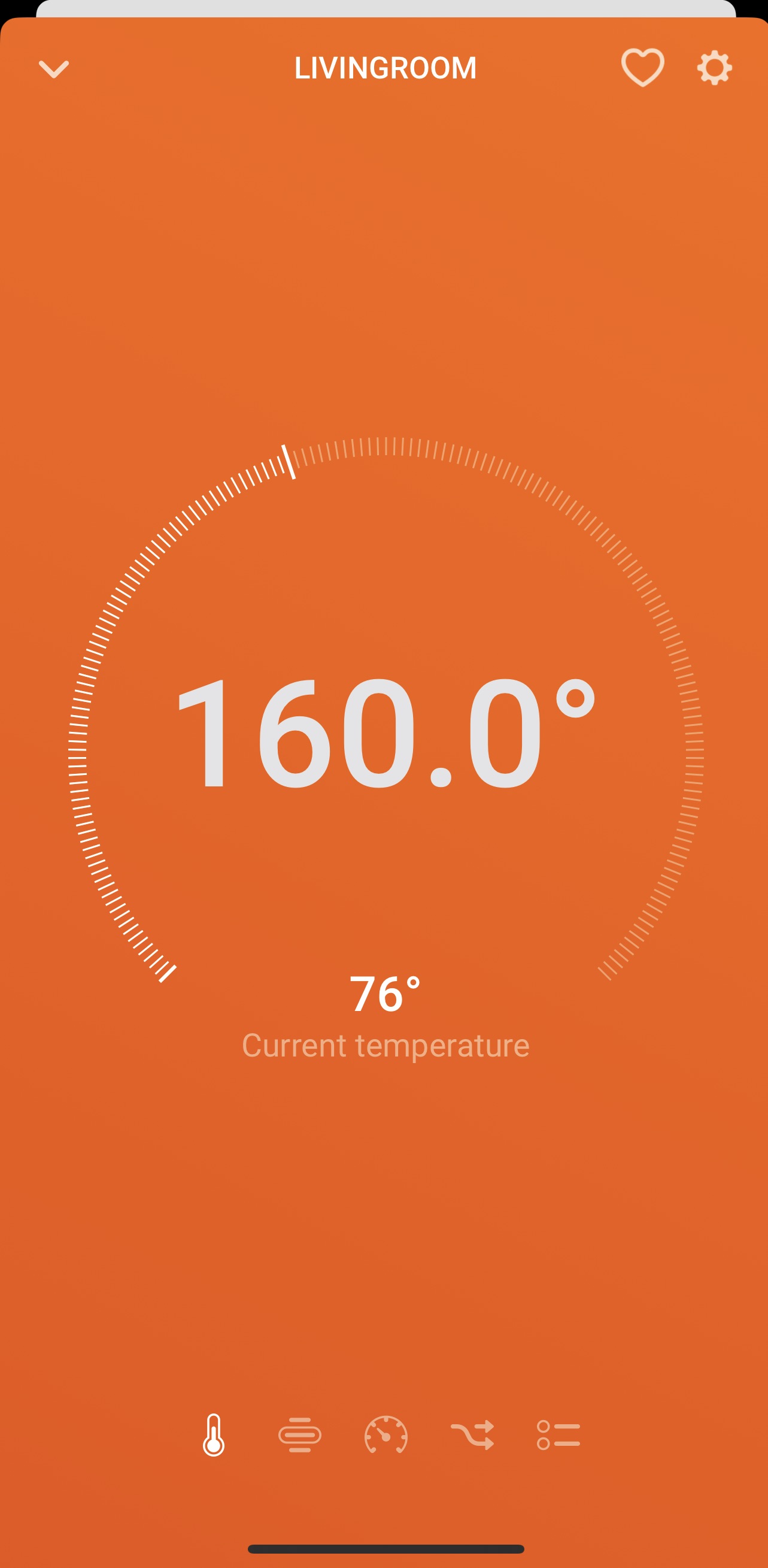
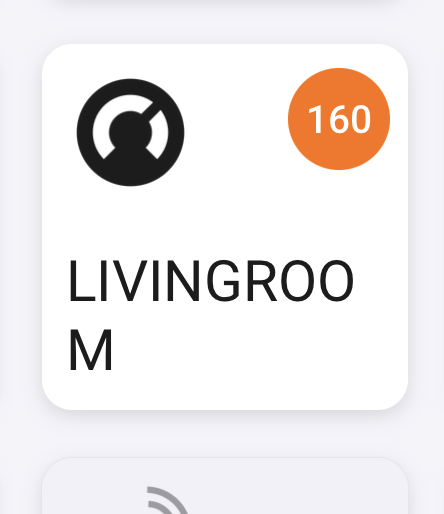
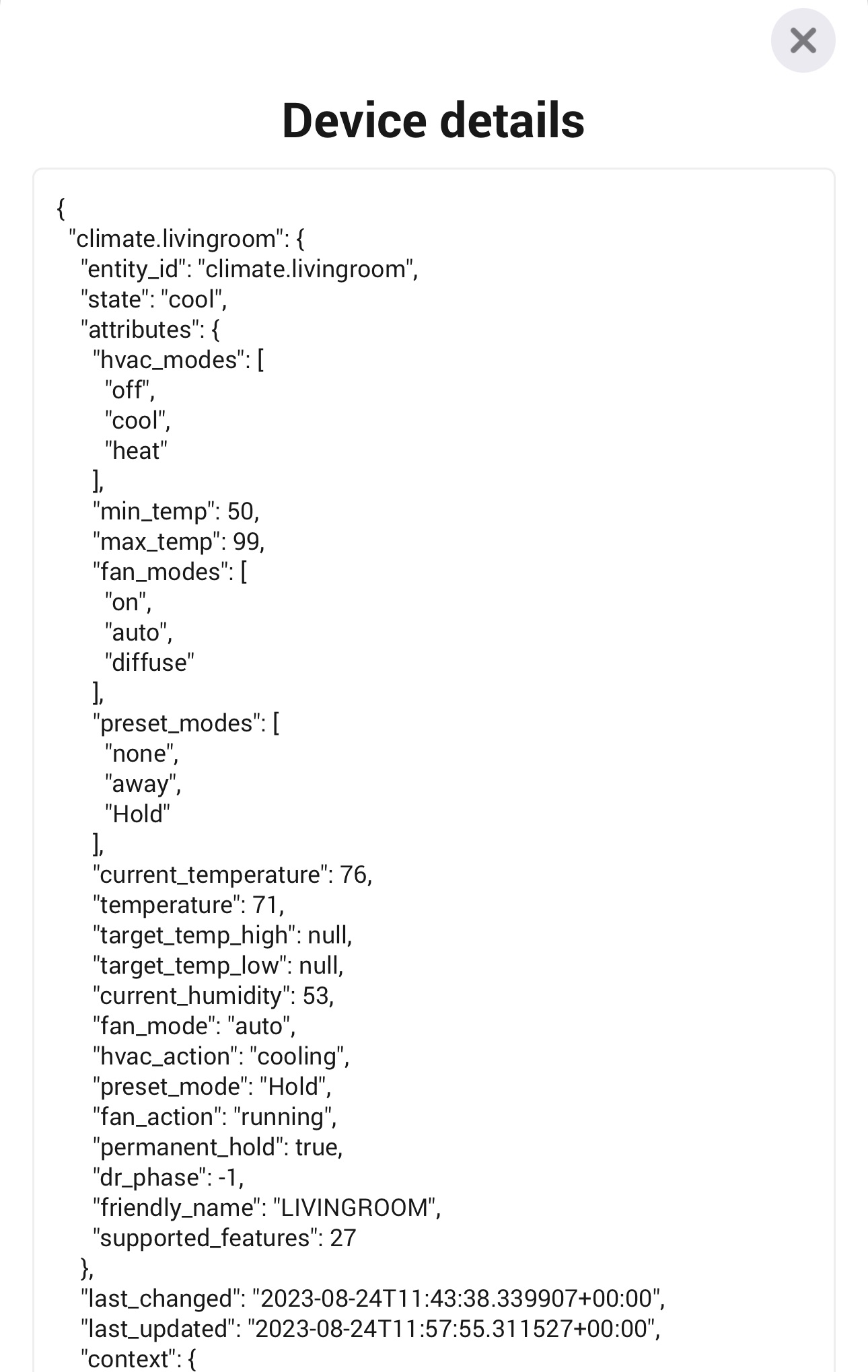
just to add context/comparison, here is the card and device info from HA:
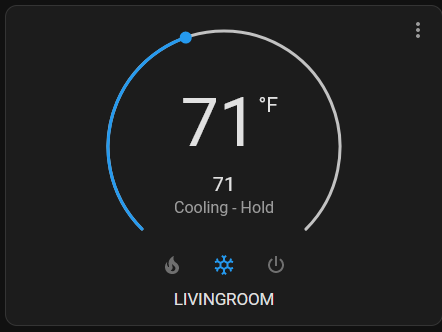

I absolutely love your work sir. Even my Wyze bulbs and cameras are available and actionable.
Thank you
The current temperature is ok now, only target temperature is still wrong?
I’ll check it later. Thanks for the hint.
Edit: Found the issue. I forgot a ° in °F check 
This will be fixed in next version - and you don’t need to do anything. The thermostat will show the correct value then.
New test vesion 1.4.20
- Optimized performance updating compound/custom devices on HA state changes.
- Added conversion °F=>°C for thermostats target temperature.
- Added flow action for ‘select’ Entities.
@Art_R : the thermostat should show the correct target temperature in °F
@JB2K : There is a new flow action to select an option for a select entity.
New test version 1.4.21:
- Add light entity as onoff button via repair view.
- Fixed descriptions in statistics view
Hi.
I have 2 climate devices (Melissa M-Climate) in HA. They both always shows as turned off in Homey.


This behavior may very well be due to my own request for the changes introduced in v.1.3.7.
Maybee it is a good idea to treat the state unavailable as offline, Off as Off and any other state as On for the climate devices?
Can you please have a look at this when you find the time?
New test version 1.2.22:
- changed on/off behavior of climate devices.
The Homey device will be shown as “off” for HA states “unavailable” and “off”
The Homey device will be shown as “on” for all other states (heating, cooling…).
@JOR1 I hope it’s better with this version. It would be nice if you could test it. Thanks.
