When you do this on an hourly rate, you catch values with a 5s interval.
When you do this on an 6-hourly rate, you catch values with a 1 minute interval.
Actually, this should work, you can write text into a text file.
What happends if you write text in it (and not a number tag)?
It should work, but i am curious.
Hi.
Oki I didn’t know that. I have tried that and its not for me in the way I will use it on.
I wan’t the last reading in plain text to put on a special website automatically.
To implement an unzipper i JavaScript on that site to get a value…
I am looking for a way to store images from Homey to my web hosting server.
I have a small webhost with Strato. It has SFTP which works fine from my PC with filezilla.
When I try to reach it from a flow it waits a while and eventually gives an error.
Not sure, just a thought, but perhaps it is a similar issue that prevents me from using SFTP to connect to my NAS as posted here in this topic earlier.
In my case the FTP client does not accept/cannot validate the certificate of my NAS, as it is linked to an external domain (with a valid external certificate) and I am access it internally. The FTP Client app does not have an option to trust know or self-signed certificates. So I have to fall back to regular/unsecure FTP.
Perhaps in your case the app cannot validate the certificate either.
But I think @Arie_J_Godschalk will probably have more insight into what may be the issue .
@Arie_J_Godschalk
I didn’t have rapidly responsed errors, but I got timeouts when trying to repair the device.
@SunBeech
Thanks for pointing me in the right direction, it works now!
I had a setting in Strato to accept FTP (next to SFTP).
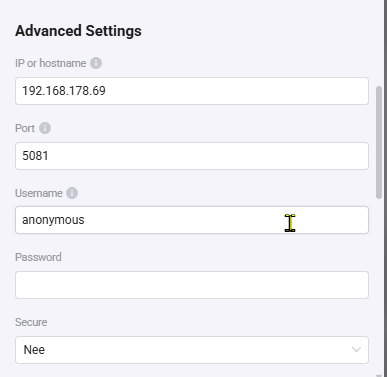
I changed the port to 21 and safe connection to “no”.
Now I can upload anything from Homey to Strato.
Hi @Arie_J_Godschalk, no I did not. Just one error message after some time, indicating that all available connection strategies have been tried. My assumption (may be wrong ) is that the error it is linked to the certificate. As I am able to connect via other methods (like FileZilla) with the same settings. In FileZilla I need to trust the certificate once (it asks me on the first connection attempt) after which Incan connect securely.
@Cuprani and @SunBeech ,
I have added a device setting to allow for incorrect certificates.
This way you can still connect through FTPS even if the hostname doesnt match the certificate.
Ofc this is still hackable through dns-records etc, but at least the username and password are not send as clear text through the internet.
Hi @Arie_J_Godschalk, I couldn’t get it to work initially, because I was trying to connect to my NAS via SFTP (so the SSH variant). However when using FTPS (so the SSL/TLS variant, instead of SFTP), connecting securely with the ‘invalid certificate’ option enabled works!


 Did you read the howto in the Archive Insights topic?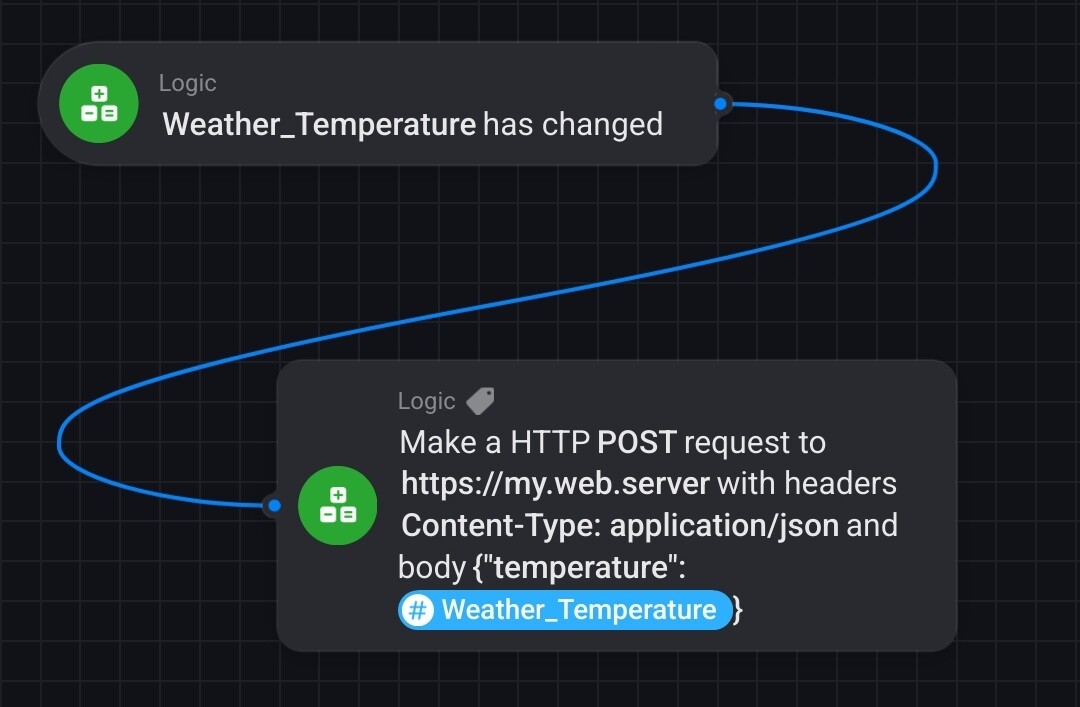

 !
!