Homey keeps the state of a device. Even when you install a new version. But i made a reset function on boot.
In that case it works great 
Hi, does the app work with the eufy Smart door lock ?
Hey @mattrix
Currently not.
Still checking the possibillities
The wireless 2k is on sale, €149, still not the best price, but a lot lower then normal
Or direct order on the Spanish Amazon page: eufy Security Timbre con vídeo inalámbrico alimentado por batería, 2K HD, sin tarifas mensuales, IA detección de personas inteligente, audio bidireccional, muy fácil de instalar, Homebase incluido : Amazon.es: Bricolaje y herramientas
New app update (live: 2.7.1 ):
Changes:
- NEW: add 360 turn flowcard for indoor Cam Pan&Tilt
- FIX: floodlight on/off
- FIX: reset homebase alarm on start of app
Same problem here with 4 pan&tilt cam’s. only 1 is showing cam picture rest is on Eufy image.
(using 2nd login email)
Hey @HanZ ,
The problem is not related to the issue you mentioned.
Pan&Tilt images are working.
Make sure you did the following:
- restart app. Images will not work properly if you just added a new camera (Bug is being worked on)
- make sure you have notifications enabled in the offical eufy app
- make sure you have notifications enabled in your current security mode (every pan&tilt has it’s own mode)
- Check the FAQ [APP] Eufy Security - #4 by martijnpoppen
Hi @martijnpoppen,
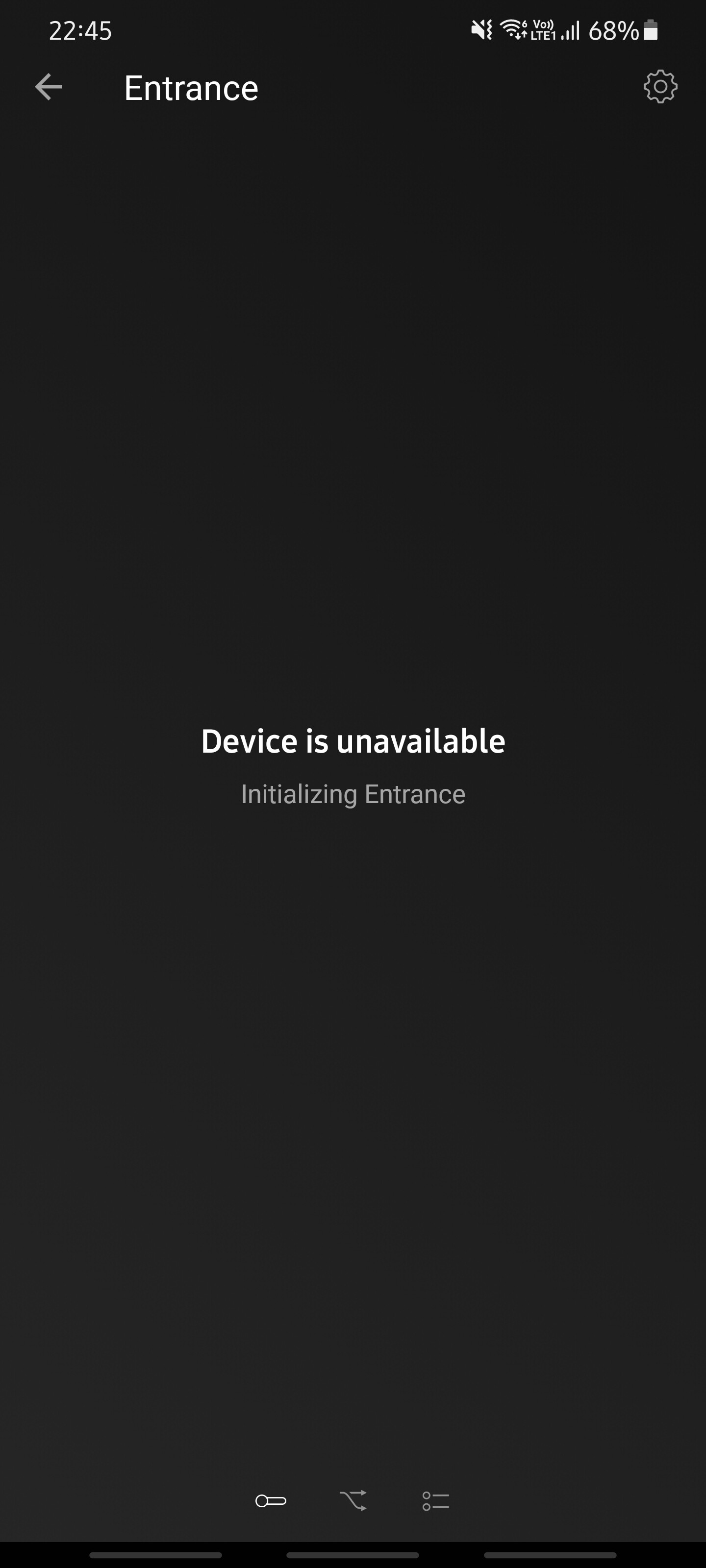
I’m currently facing a device unavailable message for my 2k wireless video doorbell.
Background context, didn’t do anything special except, update homey to 7.10, doorbell battery low warning and motion disabled on eufy security official app.
Have generated and send you an error report
8d071e83-1c8f-4bbf-bc1b-04a4c5c9460c
Attached screenshot of what I’m seeing now as well
Hey @lukelinsj ,
In your logs I see an HTTPError (502).
Seems like Eufy cannot make a call to the internet.
Do you have a blocker on your network like a pi-hole or something else?
It’s used for getting the quickResponses for the doorbell
Edit: Did you already try to restart the app?
Thanks for the quick response @martijnpoppen.
There’s no blocker on my network and I’ve restarted the app, my phone, homey, homebase.
Hahaha I can’t think of anything else
It’s weird because I can view everything fine from the official eufy security app and homebase seems to be connected in homey
Edit* it works now for some weird reason.hahahha sent you a report just in case you’re interested to compare the logs
b93060af-aa0b-49b5-bc1b-deb0ef3ef255
@lukelinsj Weird 
Don’t see anything odd in the logs.
Only the HTTPError…
Did you restart between the 2 logs?
I tried to restart the app again.
One other variable, would be the battery percentage as it is being charged now. When the issued occurred, it was 14%, now it is at 19%
Quick question, how often is the homey polling the doorbell battery percentages?..cause now it’s not synchronised
@lukelinsj
Homey polls every half hour. But the Eufy server updates once every 3 (or a random number of ) days 
So not really an accurate value 
So the question is… Is Homey correct or the official Eufy app 
I see thanks for the information! Good to know the buffer to set expectations on the user experience 
I guess so long as I have a rough gauge, I’ll take it hahaha
Hi guys,
do you know if you can store the recordings of the pan and tilt 2k cams also on the eufy base?
Hey @Marcel_Visser ,
No thats not possible.
The indoor cams and the new outdoor cameras are stand-alone devices.
You can however put you recordings (from the indoor cam) on a NAS via RTSP.
Aaah too bad. But thanks!
Are the outdoor ones also not capable to connect to homebase?I think i saw a packagedeal on amazon yesterday with a homebase and outdoor cams (or are those an old model?)
